The caller’s number matches my bank. Can I trust it?
Your phone shows your bank's number and the caller says your savings are in danger. The display can be faked: this is caller-ID spoofing. An urgent story, a familiar number or knowledge of your name does not verify the caller. A fake fraud-team caller may ask for a one-time code or tell you to approve a payment to stop fraud. That can help them take money instead. End the conversation and contact the bank through a route you choose before sharing information or approving anything.
ishowcrime desk
Sources checked 25 October 2026
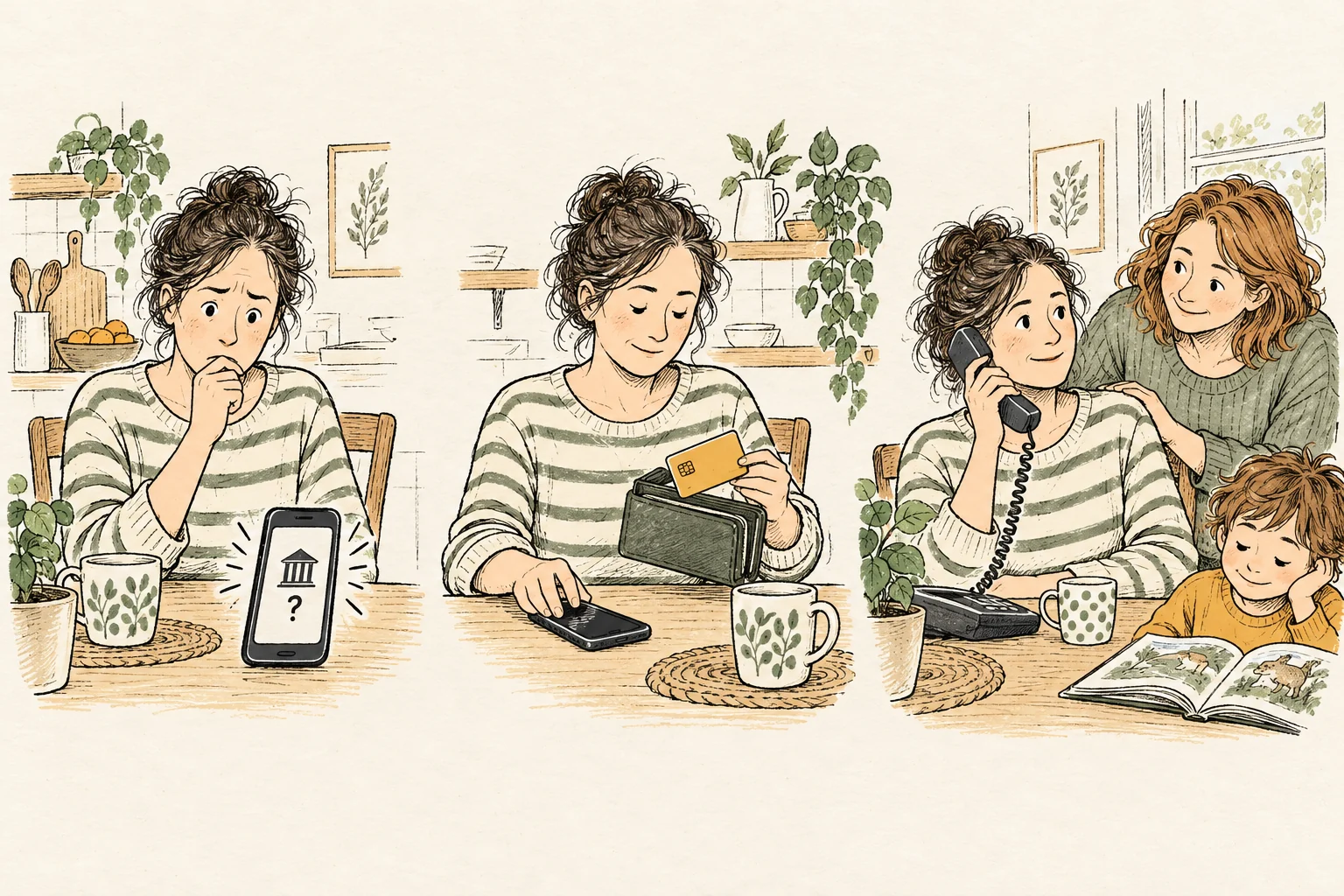
Here’s what you can do.
End the unexpected call
Do not share your PIN, password, one-time passcode or activation code. Do not move money to a so-called safe account, approve a payment on the caller's instructions or install software for them. Lloyds warns that criminals may describe a code or approval as a way to cancel fraud, obtain a refund or secure your account. A familiar number, urgent warning or personal details are not proof of identity. Ofcom also cautions that spam warnings are not always right: neither a warning nor its absence settles whether a call is genuine.
Contact the bank through a route you choose
Use the number on your card or statement, or your usual official banking app. Do not redial the incoming number or use details supplied by the caller. After hanging up, you can dial 159 yourself if your bank and telephone provider support it. After a landline call, use a different phone line where possible: the original line may still be connected. If you cannot use a voice call, open your bank's official accessibility page independently. For example, Lloyds accepts Relay UK calls for people who are Deaf, hard of hearing or have a speech difficulty: use its published number with the 18001 prefix, or the Relay UK app. Specialist departments' opening hours still apply. Choosing the bank's real contact route lets you check the caller's claim without relying on their instructions.
Protect the account and report the approach
Tell your bank immediately if you sent money, shared banking details or codes, or approved something at the caller's request. Explain which action you took, even if you thought you were cancelling a payment. The bank needs to know what happened so it can assess the account and possible protective action; do not wait for a visible loss before seeking help. If you clicked a link or installed something on your phone, contact your mobile provider and avoid banking on that device until it is safe. Report fraud through Report Fraud in England, Wales or Northern Ireland, or Police Scotland on 101 if you live in Scotland or it happened there.
Your quick checklist.
Tick what you’ve done. This stays on this page.
0 of 3 markedDownload a short text copy to read without internet. It cannot call or alert anyone.
A few things explained.
Can I use 159, or get help without a voice call?
159 connects to participating banks through supported phone providers; charges depend on your provider. Use the official app or number on your card if your bank is not available. You call 159; it does not call you. For accessible contact, check your own bank's official options. Lloyds, for example, offers SignVideo with a qualified British Sign Language interpreter for banking help, including fraud concerns. Its linked accessibility page provides the connection route and current hours. Signly on that page translates written information into BSL; it is not a conversation with a bank adviser. These are Lloyds examples, not a promise that every bank offers identical services.
Does a request inside my real banking app prove the caller is genuine?
No. A genuine app can ask you to approve a payment that you did not intend to make. NatWest says to approve only payments you know you made yourself; it will not phone asking you to approve one. Lloyds likewise warns about callers claiming an approval will stop fraud or provide a refund. Do not approve an unexpected payment because the caller tells you to. End the call and contact the bank independently. For a purchase you actually started, check the item, price and genuine seller before confirming. A payment approval is not a way to verify the caller's identity.
Can I report the call without losing money?
Yes. Report Fraud advises texting the word Call followed by the suspicious caller's number to 7726. Its website also accepts suspicious-contact reports where you have not lost money or responded. These reports do not replace contacting the bank about an exposed account.