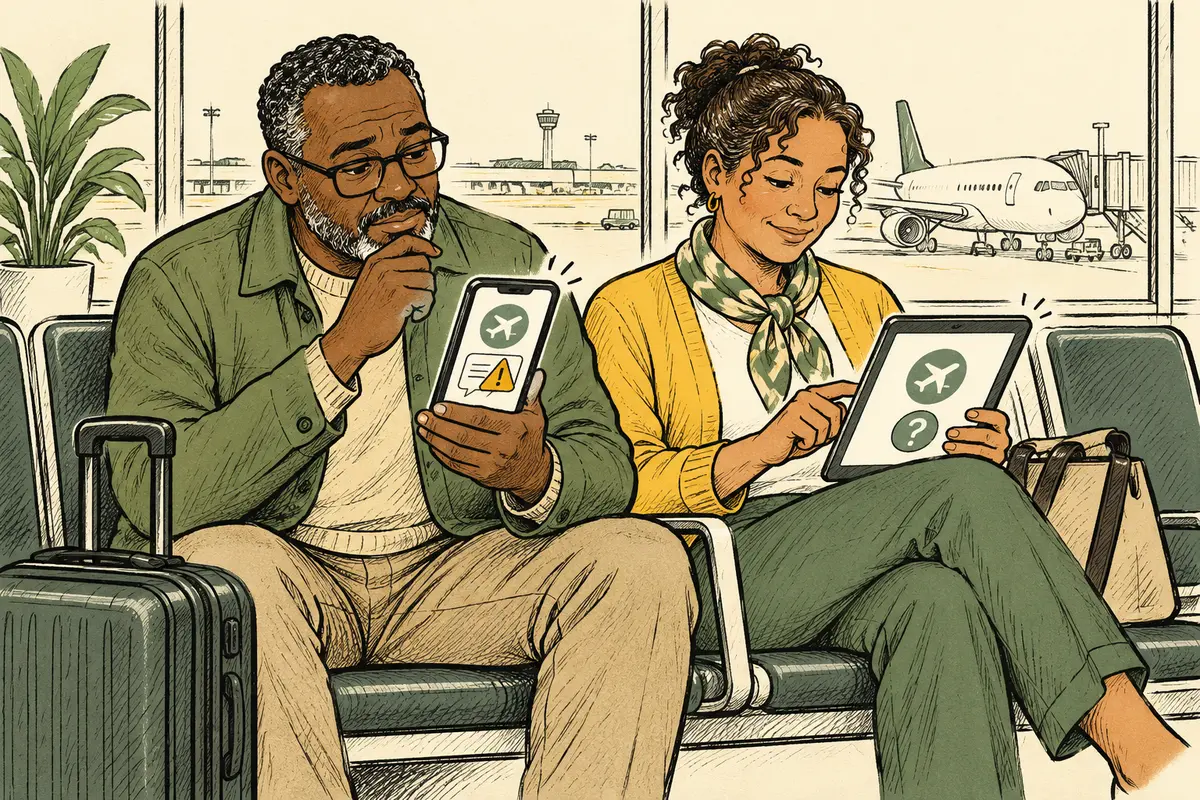
A message says my flight is cancelled and asks me to rebook. How do I check?
A text says your flight has been cancelled and you must use its link to rebook now. The flight may genuinely have changed, but the message could also be an attempt to collect your payment or sign-in details. Do not decide from the message alone. Check the booking in the airline’s official app or website that you open yourself, or ask its staff at the airport. If the cancellation is real, use the airline’s own route to discuss your options rather than paying someone who contacted you unexpectedly.
ishowcrime desk
Sources checked 10 November 2026
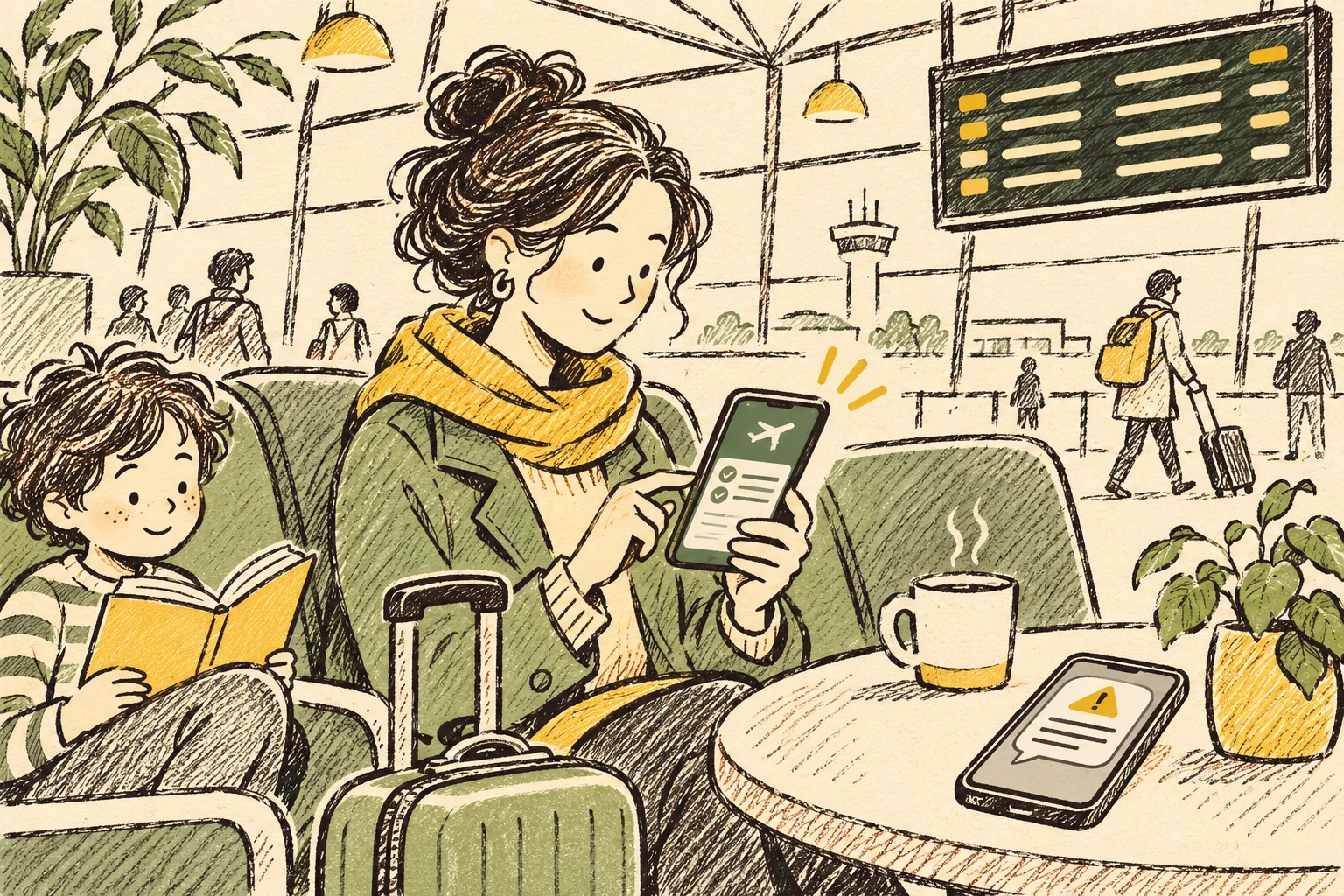
Here’s what you can do.
Check the flight outside the message
Open the airline’s app or type its website address yourself, then look up your booking and live flight status. If you booked through a travel agent, check with them using contact details from your original booking. At the airport, ask the airline’s desk or staff. A convincing logo, booking detail or urgent deadline in a message does not establish that the link is genuine. Avoid opening the link or calling a number supplied only in the message.
Use the genuine rebooking or refund route
If the airline confirms a cancellation, ask it what choices apply to your journey before buying another ticket. The Civil Aviation Authority says that, for flights covered by UK law, passengers can choose a refund for unused travel or an alternative flight; coverage depends on the route and airline. Care and compensation have separate conditions. Use the airline’s official booking channel and keep confirmation emails and receipts.
Protect your details if you already responded
If you entered card details or paid through the message’s link, contact your bank immediately through its official app or the number on your card. If you entered a password, change it on the real airline site and anywhere else you reused it. The NCSC advises forwarding suspicious emails to report@phishing.gov.uk; suspicious texts can be forwarded to 7726. If money was lost, report fraud to Report Fraud in England, Wales or Northern Ireland, or Police Scotland on 101.
Your quick checklist.
Tick what you’ve done. This stays on this page.
0 of 3 markedDownload a short text copy to read without internet. It cannot call or alert anyone.
A few things explained.
Does a real cancellation mean the message’s rebooking link is safe?
No. A scam message can refer to a genuine disruption. Check your booking through the airline’s own app, website or staff and use the rebooking route you find there. Do not rely on the sender name or a link in the text or email.
Am I entitled to a refund or another flight?
For flights covered by UK law, the Civil Aviation Authority says the airline must offer a choice between a refund for unused ticket parts and an alternative flight. The UK rules cover flights departing the UK, flights arriving in the UK on UK or EU airlines, and flights arriving in the EU on UK airlines. Other journeys may follow different rules; check with your airline and the relevant authority.
I clicked but did not enter anything. What should I do?
Close the page and check the real booking separately. If you opened a link on a computer, the NCSC advises running a full scan with your antivirus software. If you entered a password, change it on the genuine site and on any account where you reused it. If you shared bank details, contact your bank.