A product recall message offers a replacement. How can I check it?
A message says a household product you own has been recalled, then offers a replacement through its link. Genuine recalls can ask owners to take action, but the message itself does not show that your exact model is affected or that the seller is genuine. A false recall offer may lead to a payment page or an unsuitable replacement. Check the product and official notice first, then contact the maker or retailer through details you find independently. If you have already paid or shared information, act on that separately.
ishowcrime desk
Sources checked 18 November 2026
Here’s what you can do.
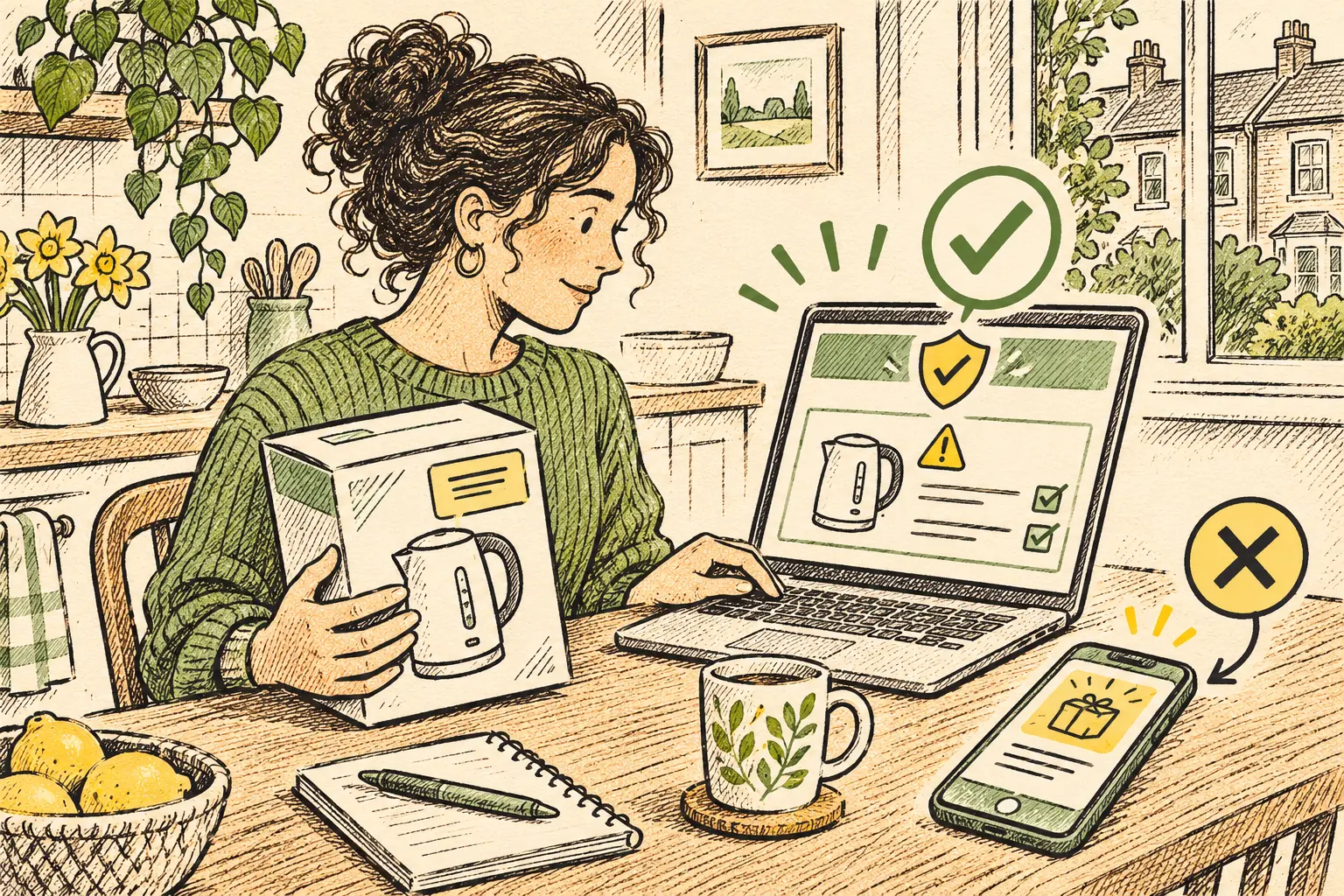
Match the product to an official notice
Leave the message link and phone number alone while you check. Find the model, serial or batch details on the product or its packaging. Search the Office for Product Safety and Standards (OPSS) Product Safety Alerts, Reports and Recalls list on GOV.UK, then compare the details and instructions with your own item. A recall may cover only specified products. The OPSS list is for consumer goods; food, vehicles, medicines and medical devices have separate official recall systems. If a matching notice tells you to stop using the product, follow that direction while you arrange the stated remedy.
Check the replacement route before acting
Use the manufacturer's or retailer's website or contact details found independently to ask how the genuine recall is being handled. OPSS says a recall may involve a free replacement, repair or refund; the exact remedy depends on the notice. An urgent message that sends you to an unfamiliar shop or asks you to pay before you can check the notice is a reason to pause, not proof of fraud. Do not assume a new item advertised through that message is genuine or suitable. Keep the original product, packaging and purchase details until the genuine business explains what it needs.
Get help if you clicked, paid or received a doubtful item
If you entered bank details or paid through a suspect page, contact your bank at once through its official app or number. Change any password you entered via the genuine service. Forward a suspicious email to report@phishing.gov.uk or a suspicious text to 7726. If a replacement has arrived and seems unsafe, stop using it and contact the seller or marketplace. Report a consumer-product safety concern through Citizens Advice in England and Wales, Advice Direct Scotland in Scotland, or your district council in Northern Ireland. Pursue any refund separately; reporting alone does not arrange one.
Your quick checklist.
Tick what you’ve done. This stays on this page.
0 of 3 markedDownload a short text copy to read without internet. It cannot call or alert anyone.
A few things explained.
Does a genuine recall mean I must buy a new product?
Not necessarily. The official notice sets out the action for the affected product. OPSS says a recall may require an owner to seek a free replacement, repair or refund from the manufacturer or retailer. Do not pay a seller reached only through an unverified message; check the notice and the genuine business first.
What if I cannot find my product on the OPSS list?
Check the model and any serial or batch detail carefully, then ask the maker or retailer through a contact route you found independently. The OPSS consumer-product list does not cover food, vehicles, medicines or medical devices; those have separate official systems. No search result alone proves that an item is safe.
I paid for a replacement through the message. What now?
Contact your bank immediately using its official app or number and explain the payment. If you entered a password, change it on the genuine account. Keep the message, order and payment record. You can forward the suspect email to report@phishing.gov.uk or text to 7726; if you lost money through fraud, report it to Report Fraud in England, Wales or Northern Ireland, or Police Scotland on 101 in Scotland. Ask the genuine seller about your product and any legitimate remedy.