A software licence audit email demands urgent payment. How do we check it?
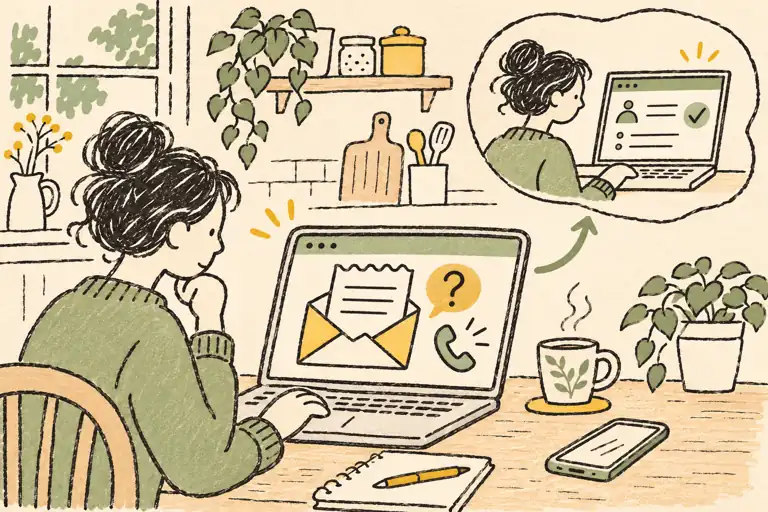
An email says your business has failed a software-licence audit and must pay today. It may name software you really use, attach an invoice or ask for an inventory of installed programmes. That detail does not prove who sent it. A genuine licence question is possible, but an unexpected demand can also be a phishing route to payment details, passwords or business records. Pause the deadline, verify the request through the supplier or reseller you already use, and involve the person responsible for IT and payments before anything is shared.
ishowcrime desk
Sources checked 15 November 2026
Here’s what you can do.
Pause the demand and keep access private
Do not use the email's payment link, phone number or attachment to settle the claim. Do not send a software inventory, licence keys, passwords or remote-access permission because a message says an audit is urgent. The NCSC warns that phishing can impersonate trusted organisations, use pressure and seek payment, account access or sensitive business information. Save the message for your internal IT or finance contact and tell them what, if anything, you opened.
Check the real supplier and your own records
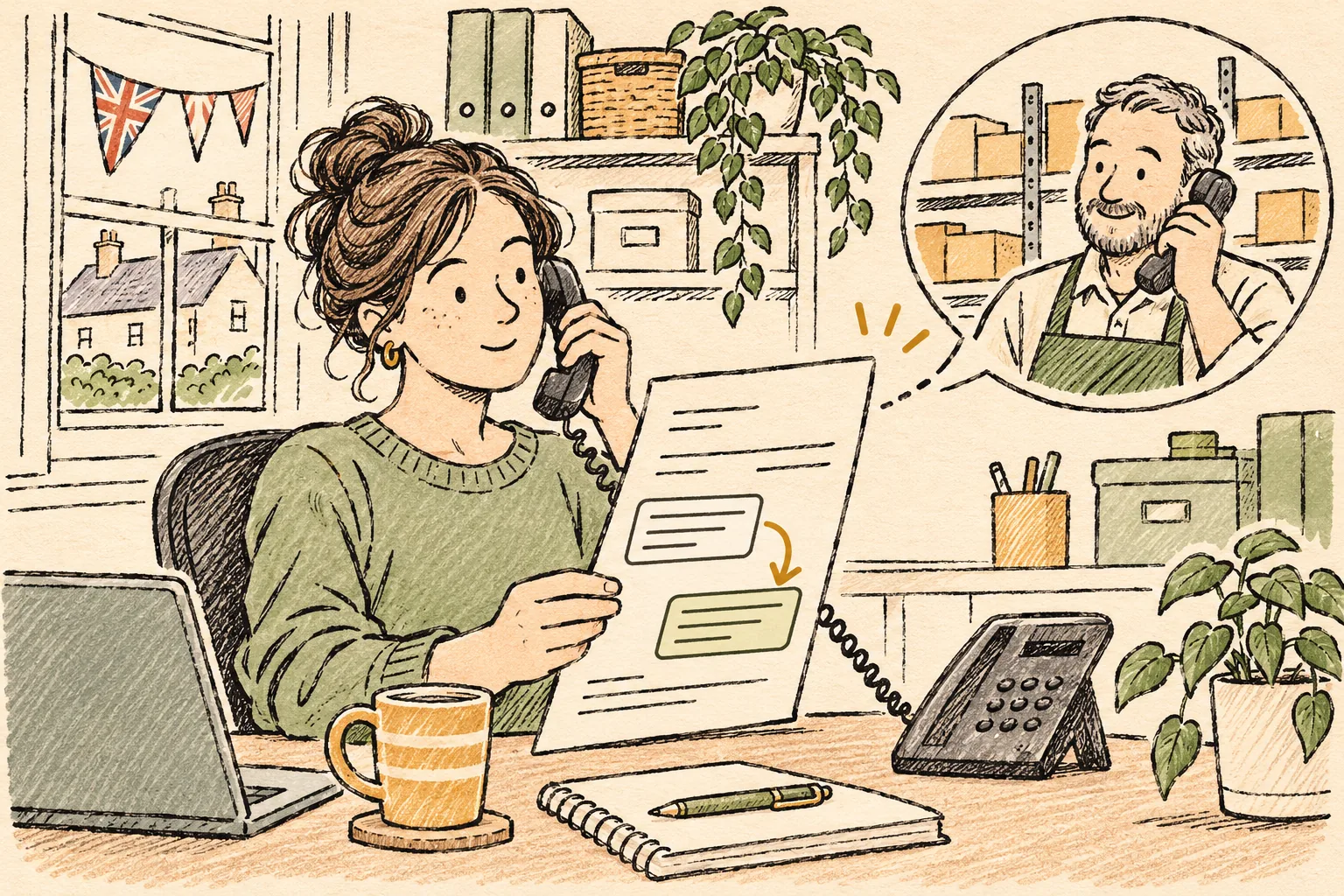
Ask the staff member who manages software licences to compare the claim with your contracts, account portal and past supplier contact. Reach the publisher or authorised reseller through details already held by the business or found on its official website, not details inside the email. Ask whether that exact request, amount and deadline are genuine. NCSC recommends verifying important email requests through a second communication route. A real licensing issue still deserves a proper response; verification is how you avoid paying or disclosing records to an impersonator.
Act quickly if someone responded
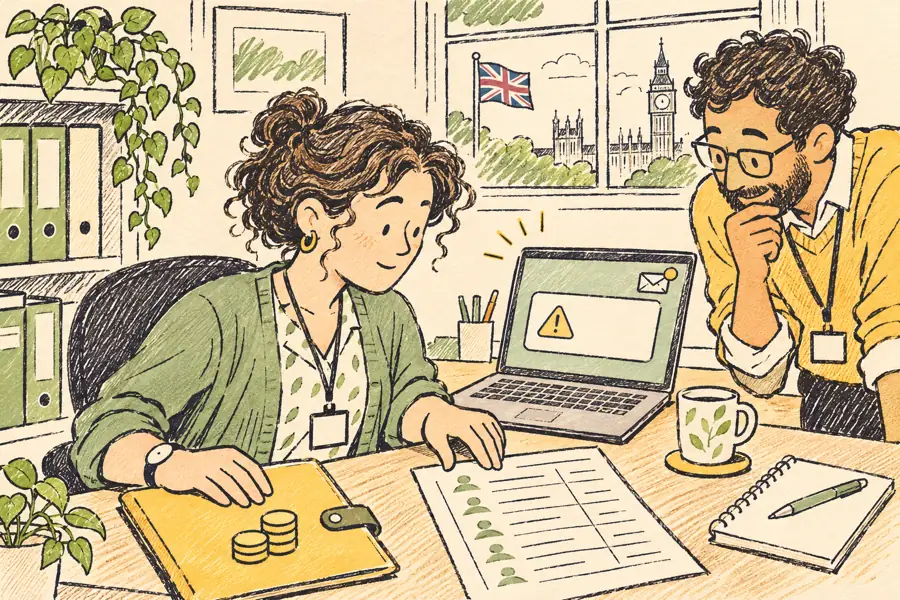
Tell your IT lead promptly if anyone clicked a link, opened a suspect attachment, installed software or shared work credentials. NCSC advises a full antivirus scan after following a suspicious computer link or installation, and changing any exposed password wherever it was reused. If money or bank details were sent, contact the bank directly using its official details. Report a suspicious email to the NCSC through its official reporting page. If the business lost money, report the crime to Report Fraud in England, Wales or Northern Ireland, or Police Scotland in Scotland. Reporting the email alone does not recover a payment or secure an account.
Your quick checklist.
Tick what you’ve done. This stays on this page.
0 of 3 markedDownload a short text copy to read without internet. It cannot call or alert anyone.
A few things explained.
Does a familiar software name or convincing invoice prove the audit is genuine?
No. NCSC warns that tailored messages and realistic invoices can imitate ordinary business correspondence. Check the specific request through your existing supplier account or an independently sourced contact. Do not rely on the sender's logo, reply address or deadline alone.
Should we send the auditor a list of devices or licence keys?
Only after your organisation has verified who is asking, why the information is needed and the approved way to share it. NCSC advises verifying important email requests by another communication route and using controlled file-sharing rather than casually sending sensitive attachments. Ask your IT or licensing lead to manage any legitimate review.
What if a colleague already paid or installed something?
Tell IT and the bank immediately using official contact routes. NCSC advises a full antivirus scan after a suspicious link or installation, changing exposed passwords and reporting lost money to the appropriate UK fraud or police route. An email report by itself does not secure a device, account or payment.