Could my old printer still hold personal documents?
You may be ready to give away a printer after taking out the paper. Yet some printers and copiers retain documents or settings in electronic storage. How much they keep depends on the model, so an empty tray is not proof that your information has gone. Before the printer leaves your home, find its exact model, check the maker’s guidance and clear it in the way that guidance describes. If you cannot confirm the result, pause the handover and ask the manufacturer or a reputable recycling service what to do.
ishowcrime desk
Sources checked 11 November 2026
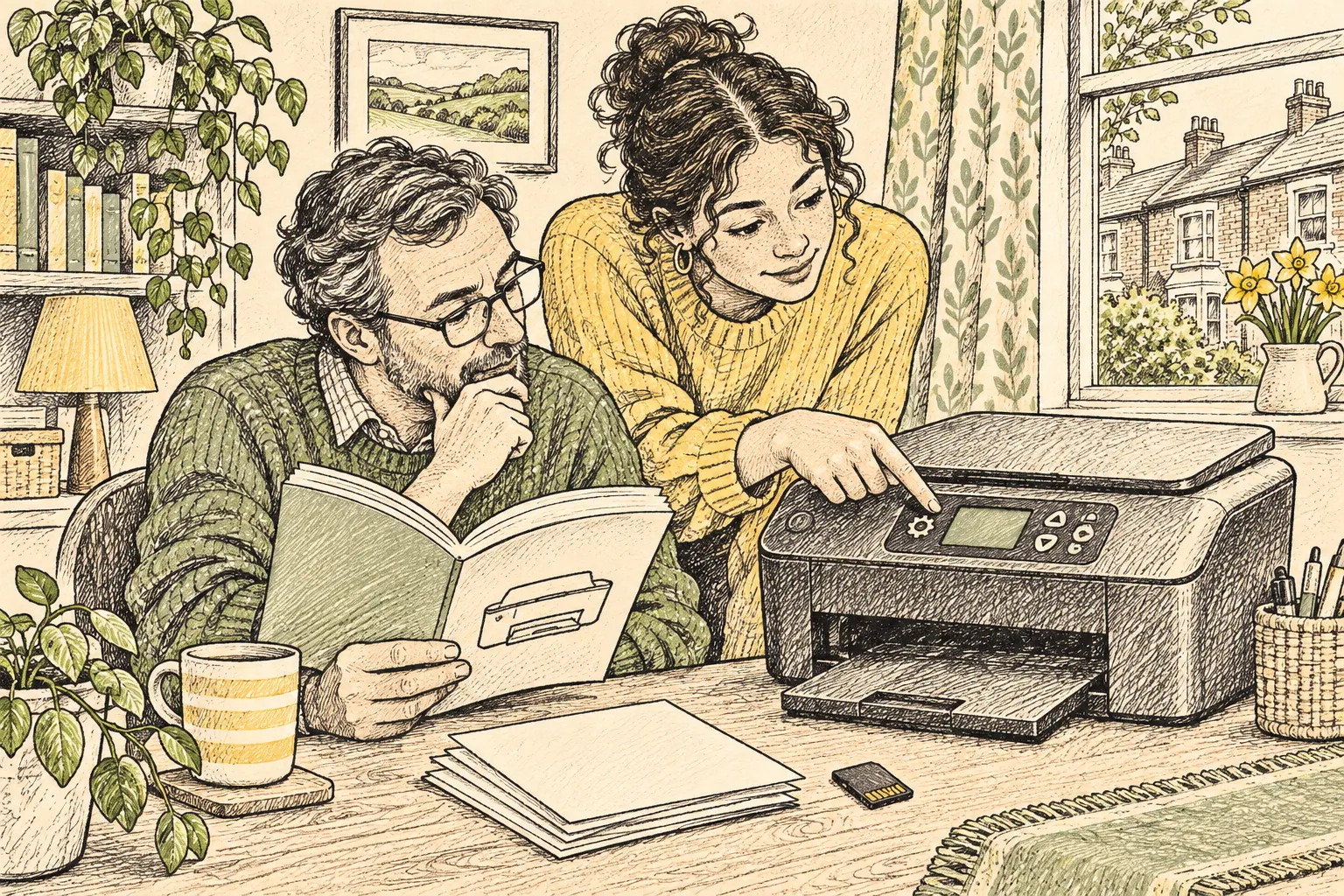
Here’s what you can do.
Find out what this printer can keep
Write down the model number and read its official manual or support page. Look for stored print or scan jobs, removable cards or USB drives, and any accounts connected to the printer. This tells you what needs attention; printer memory varies by model.
Use the maker’s clearing instructions
Follow the manufacturer’s instructions for clearing stored jobs or data and performing a factory reset before sale or donation. A reset may also remove Wi-Fi and other settings. The NCSC says resets are useful for most devices but cannot guarantee every device’s data is unreadable, so do not guess at an unfamiliar menu.
Check before the handover
Take out any paper, USB drive or memory card, and check the printer’s menus and connected service for anything still linked to you. If the maker’s instructions do not explain how to clear a printer that handled sensitive documents, hold on to it while you ask the manufacturer or a reputable recycler for advice. If it has already gone, contact the recipient promptly and ask them to pause use while you check the model’s clearing steps.
Your quick checklist.
Tick what you’ve done. This stays on this page.
0 of 3 markedDownload a short text copy to read without internet. It cannot call or alert anyone.
A few things explained.
Do all home printers keep copies of everything they print?
No. Storage and retention differ between models. The NCSC says electronic devices may contain several kinds of memory, and documents have been recovered from some retired printers and copiers. Check your own model rather than assuming it keeps everything or nothing.
Is a factory reset enough?
For many devices a manufacturer’s reset gives a useful level of assurance, but the NCSC says it cannot guarantee all user data is unreadable on every device. Use the exact model’s official procedure; seek the maker’s advice if its storage or clearing method is unclear.
What if I have already donated the printer?
Contact the recipient or recycler promptly. Ask them to pause using or passing it on while you check the manufacturer’s model-specific clearing advice. If you know it held sensitive information and cannot establish whether it was cleared, ask the manufacturer or a trusted data-disposal service about the remaining risk.