My card is missing or a wallet payment looks wrong. What should I do?
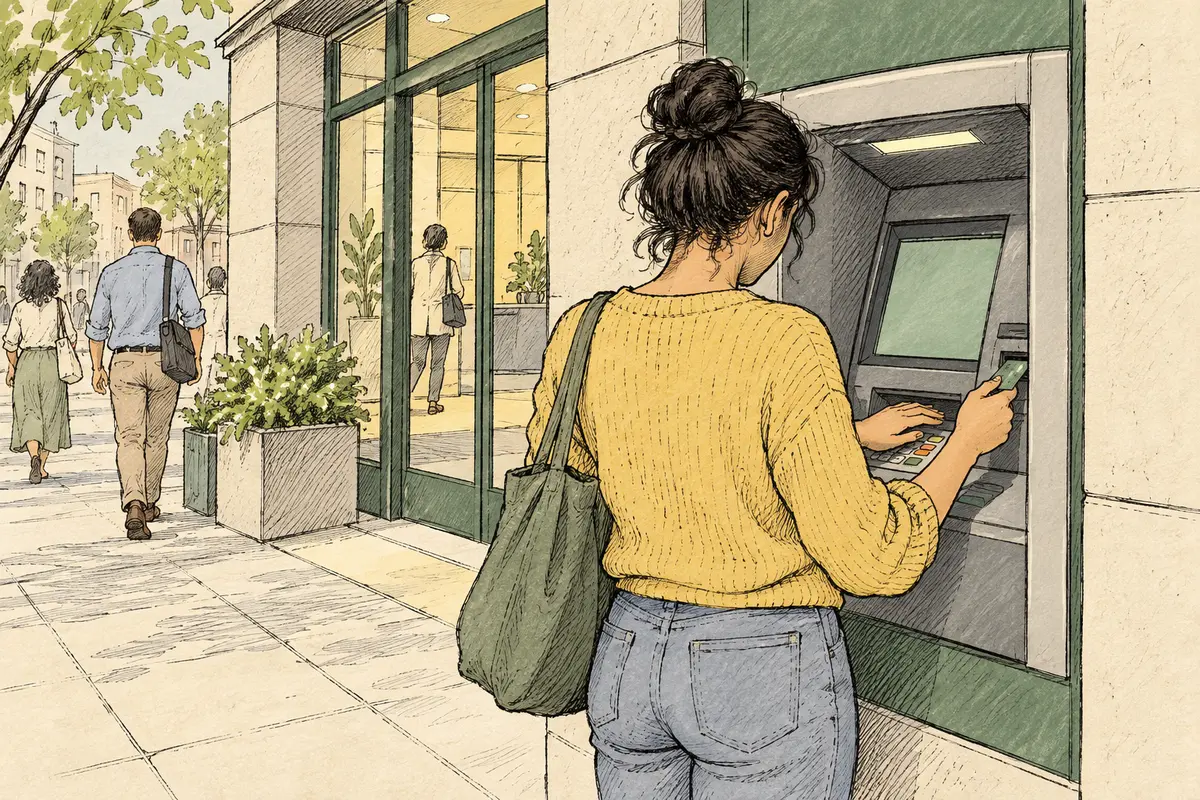
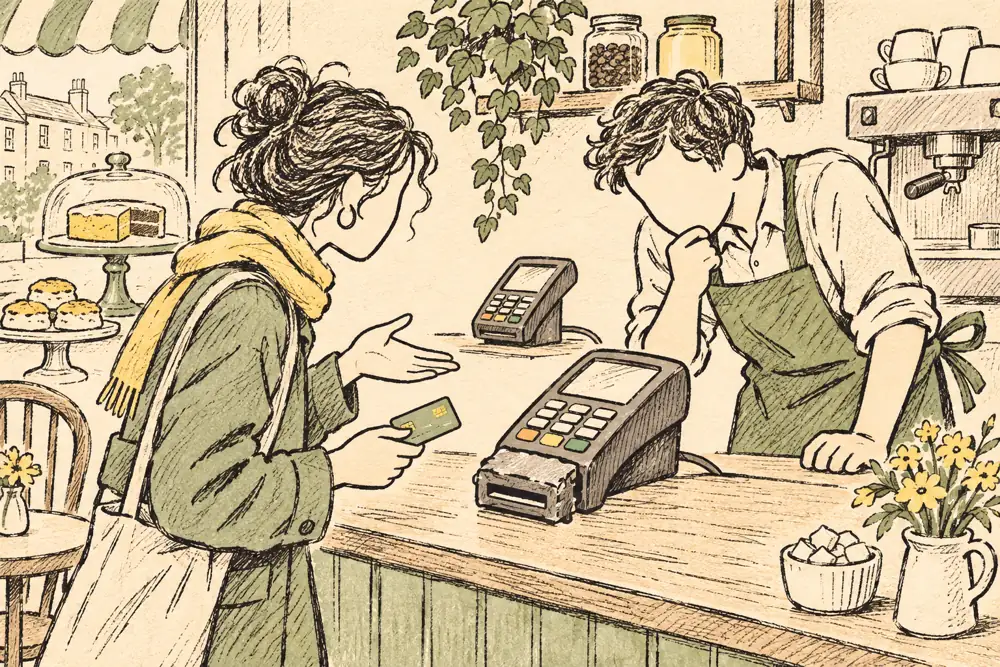
Your contactless card is missing and a payment appears in your banking app. Perhaps it was made with the physical card; perhaps it appears as a digital-wallet transaction. The label alone does not show who made it, so use your own banking app to check the details, then contact the card provider promptly through its official app or a number you trust. Tell it the card is missing and which payment you did not authorise. If the phone that holds the card has also gone missing, secure the device and its wallet as well. A replacement physical card does not necessarily remove a card from every digital wallet.
ishowcrime desk
Sources checked 13 November 2026
Here’s what you can do.
Tell the card provider straight away
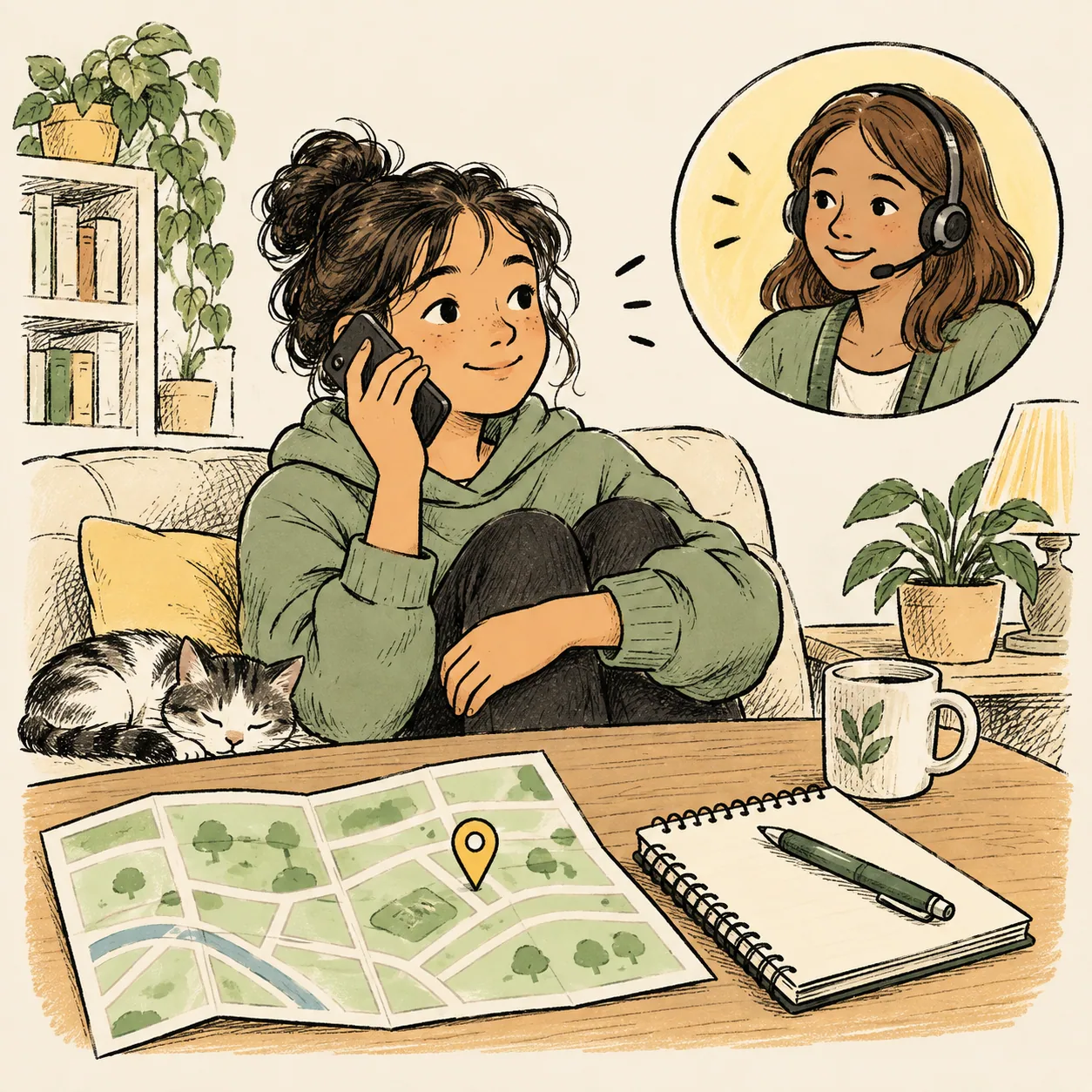
Use the bank or card issuer's official app or a trusted number to report the missing card and any payment you did not authorise. If the app offers a temporary lock, use it while you speak to the provider, then follow its advice on cancelling or replacing the card. Mention if a digital wallet or the phone carrying it may also be affected. Prompt contact lets the provider secure the account and start checking the payment; do not use a callback number from an unexpected message.
Check and challenge the unfamiliar payment
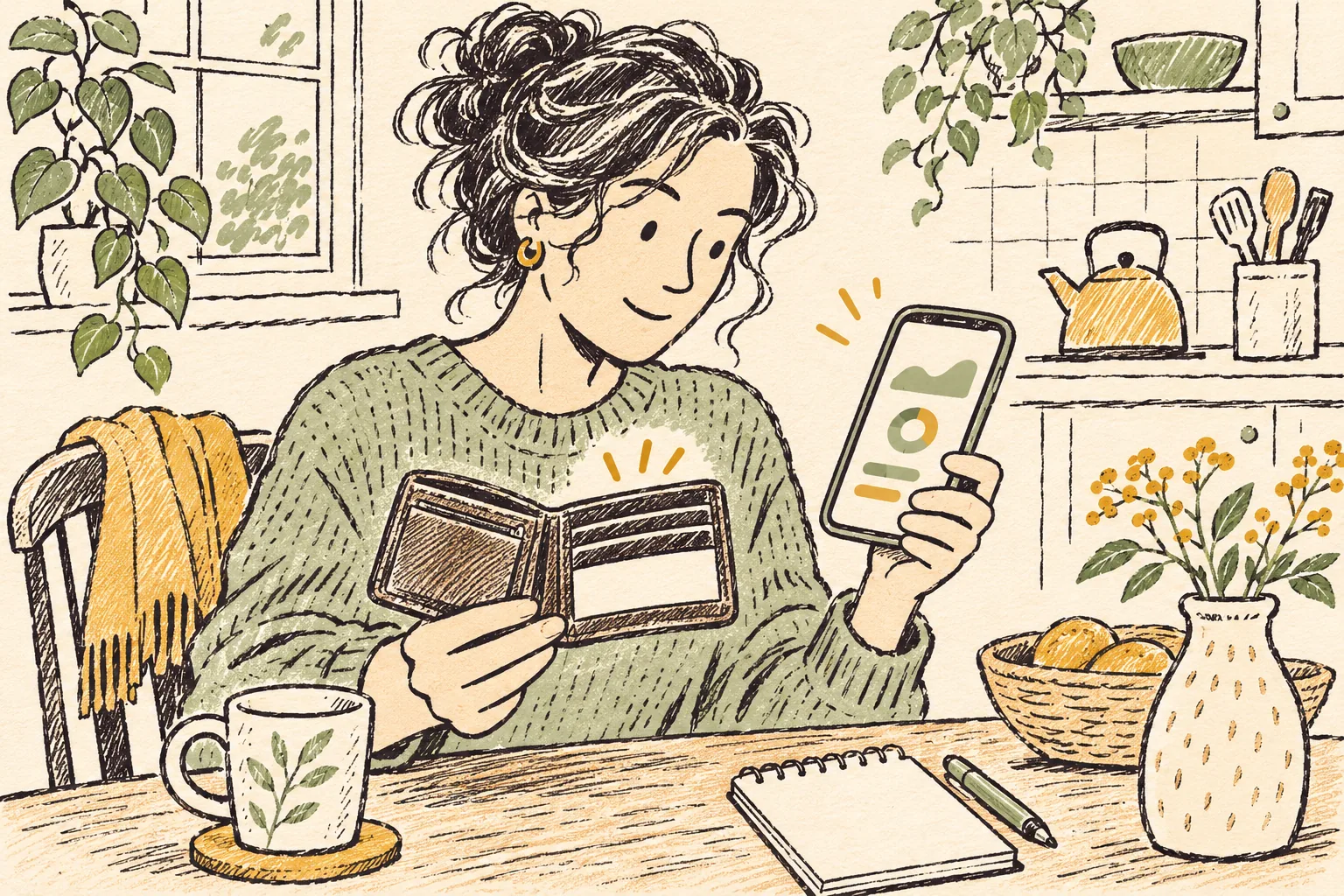
In your own account, note the amount, date and merchant. A merchant name can be unfamiliar, so ask the provider to check the transaction rather than guessing how it happened. Identify every payment you did not authorise and ask for a refund. The FCA says to contact the provider immediately about an unauthorised payment. Keep the case reference and check for more activity.
Secure a missing phone or wallet card
If your phone is lost, follow its maker's official lost-device instructions. Apple says you can remove payment cards from a lost iPhone through another Apple device, your Apple Account on the web, or the card issuer; removing a card on one iPhone does not remove it from other Apple devices. Google says you can find, lock or erase a lost Android device; erasing removes its payment cards. Ask the card issuer what to do about the card in any digital wallets, even after a replacement is issued. Keep watching your account and report further unfamiliar payments.
Your quick checklist.
Tick what you’ve done. This stays on this page.
0 of 3 markedDownload a short text copy to read without internet. It cannot call or alert anyone.
A few things explained.
Should I wait to see whether the card turns up?
No. Report a missing card promptly, especially if a payment looks unfamiliar. The FCA says to contact the provider immediately about a payment you did not authorise. The provider can advise whether to lock, cancel or replace the card.
Does a replacement card remove the old card from my digital wallet?
Do not assume it does. Google says a bank may automatically update a replacement card in Google Wallet. Apple says removing a payment card on one iPhone does not remove it from other Apple devices. Ask your card issuer how it will secure the card across your wallets and devices.
What if my phone is missing as well as my card?
Contact the card issuer about the card and any unfamiliar payments. Use official lost-device help: Apple explains how to remove Apple Pay cards from a lost iPhone, while Google advises finding, locking or erasing a lost Android device. If you disagree with a provider's refusal to refund an unauthorised payment, use its complaints process.