A courier refund form wants my bank login. What should I do?
A message says your parcel claim has been approved, but the refund form asks you to sign in to online banking. That is a serious warning sign: the form could collect credentials rather than arrange a refund. A real courier may contact you about an ongoing claim, so the message alone does not prove the company or claim is false. Stop at the banking-login request and check the claim through the courier's website or app opened independently. If you already entered details, contact your bank straight away. There is still time to protect the account and report the message.
ishowcrime desk
Sources checked 18 November 2026
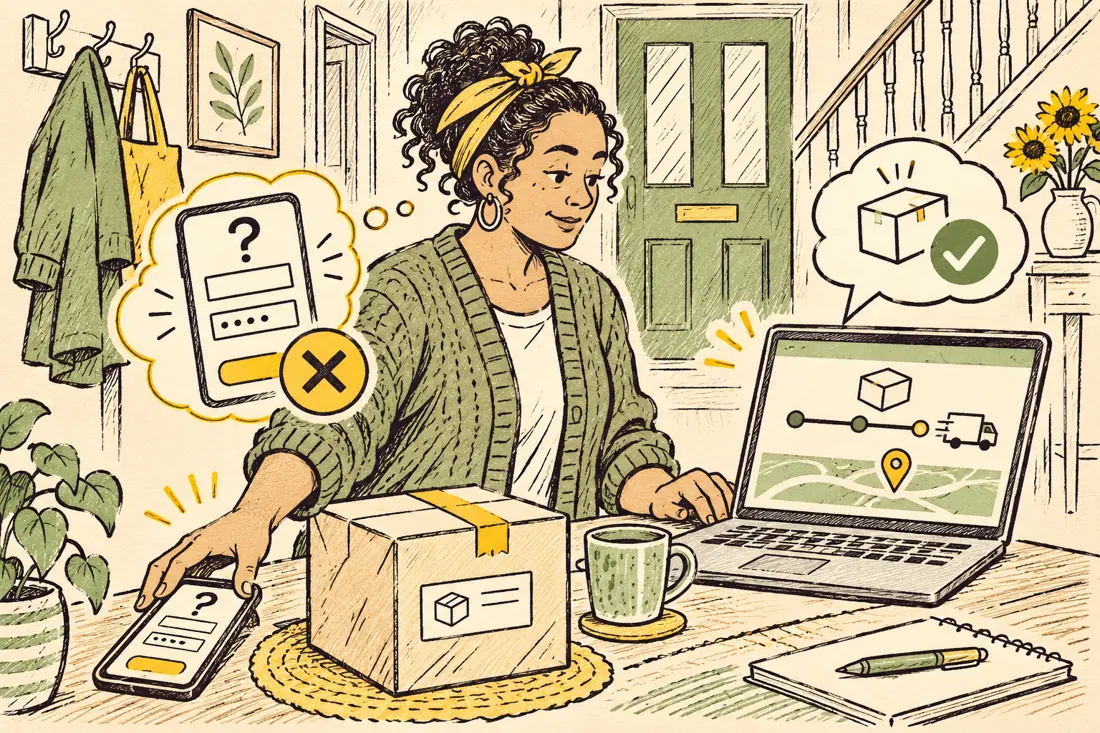
Here’s what you can do.
Stop at the bank-login request
Do not enter an online banking password, one-time code or card details in a form reached from an unexpected courier message. A refund promise and familiar branding do not verify the page. Evri says it may send messages about an ongoing claim, but also warns that scam links can collect bank details. Royal Mail warns against messages asking for passwords or bank details. Treat the request as unverified and leave the form, even if you really are waiting for a parcel or refund.
Check the claim with the real courier
Open the courier's official website or app yourself and use its tracking or claim-help route. If you bought from a retailer, check the order in your retailer account too. Do not use the suspicious message's link, phone number or reply address as your verification route. This lets you check whether a refund or delivery issue actually exists without giving the message control over where you sign in. Different couriers handle claims differently, so follow the instructions shown in the genuine account rather than assuming every refund request is fake.
Protect your account and report the form
If you entered a banking login, code, card details or sent money, contact your bank immediately through its app, website or a number on your card. Tell it exactly what you entered so it can advise on securing the account and transactions; change any reused passwords through the real service. NCSC says to run a full scan with existing antivirus if you opened a suspicious link on a computer. Forward suspicious emails to report@phishing.gov.uk and SMS texts to 7726; if the message names a courier, use its official scam-reporting route as well. Report a financial loss or hacked account to Report Fraud in England, Wales or Northern Ireland, or Police Scotland in Scotland.
Your quick checklist.
Tick what you’ve done. This stays on this page.
0 of 3 markedDownload a short text copy to read without internet. It cannot call or alert anyone.
A few things explained.
Could a genuine courier contact me about a claim?
Yes. Evri says it sometimes contacts customers by email or text about an ongoing claim. That does not make every claim message genuine. Open the courier's own site or app and use its claim-help route to verify the specific request. A form asking for online banking credentials is a reason to stop and check, regardless of the logo or sender name.
I opened the form but entered nothing. What now?
Close it and check the claim through an independently opened official route. NCSC says that if you entered no personal information, downloaded no files and installed no software, further action is unlikely to be needed, though you should stay alert to unusual account activity. If you opened the link on a computer, NCSC also advises a full scan using existing antivirus. Report the suspicious email or text through the official reporting routes.
I entered my banking password or a security code. What should I do first?
Contact your bank immediately using its own app, website or the number on your card. Explain whether you entered a password, one-time code, card information or made a payment. Follow its advice on securing the account and checking transactions, and change reused passwords through the real service. If money was lost, report it to Report Fraud in England, Wales or Northern Ireland, or Police Scotland in Scotland. Do not return to the suspicious form.