A livestream giveaway asks me to sign in through its link. Is that safe?
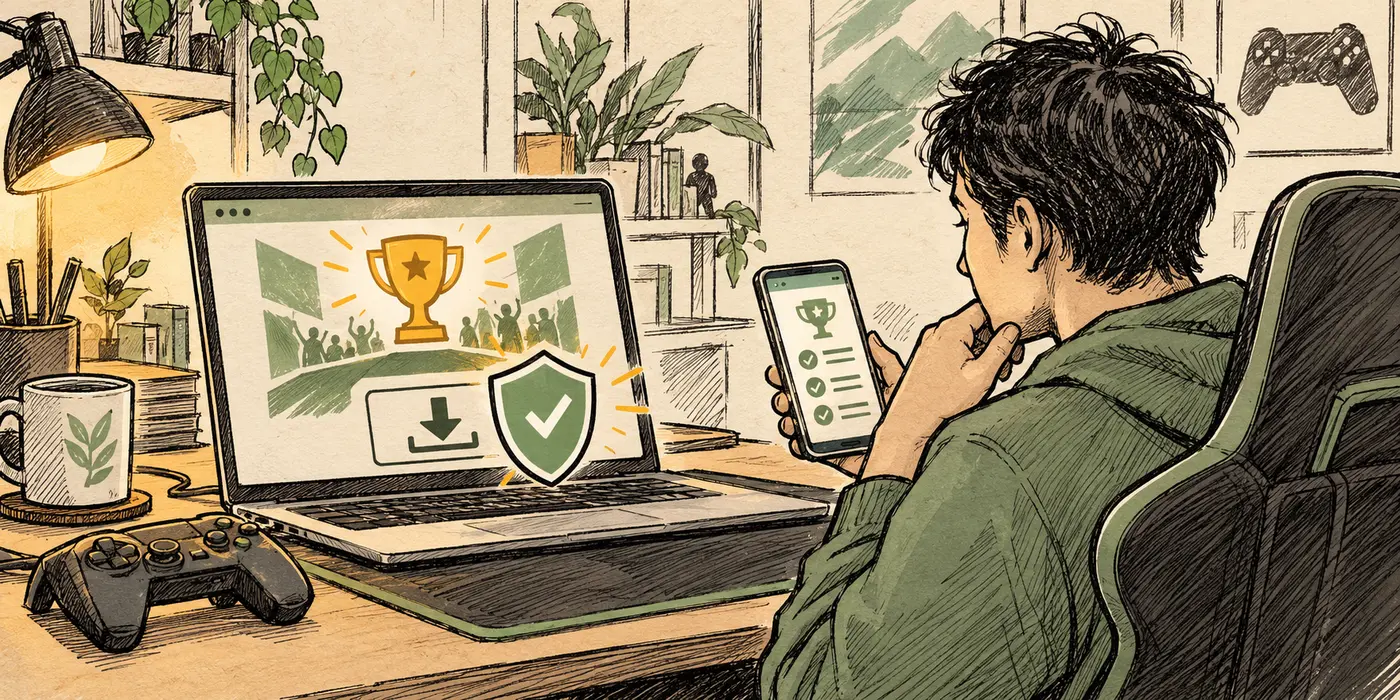
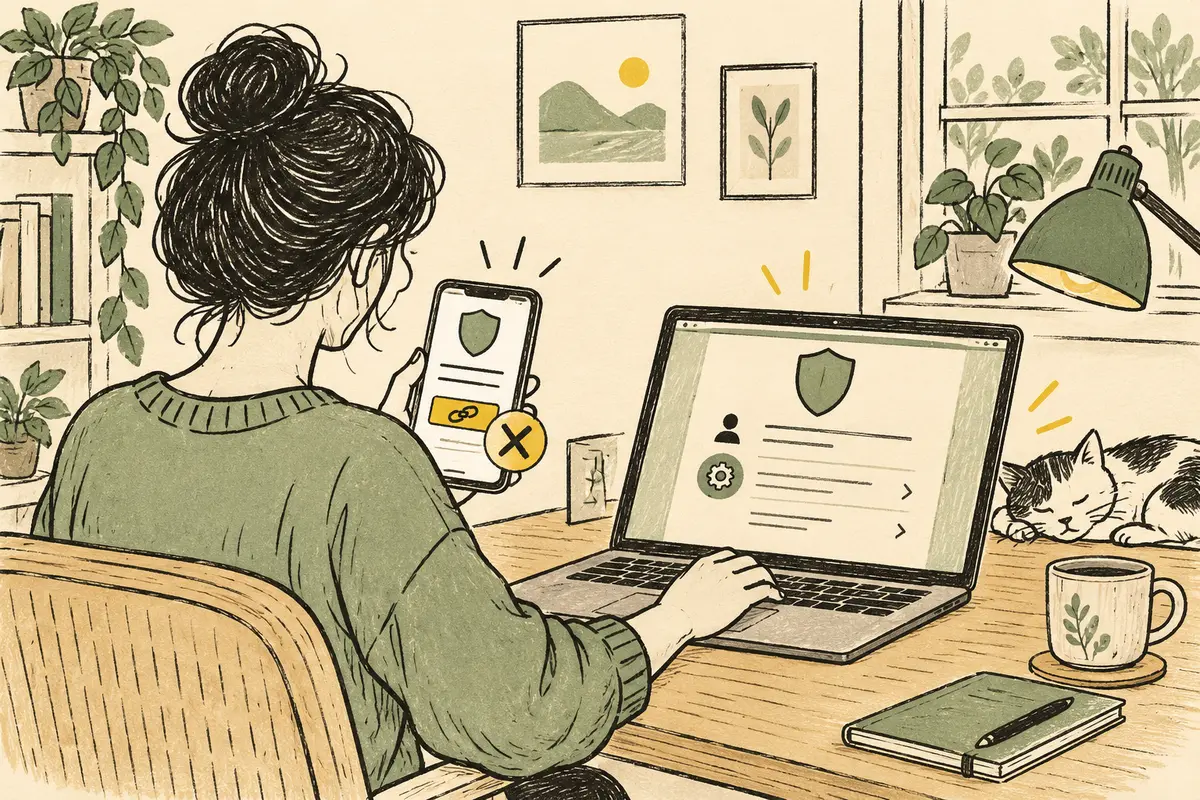
A livestream promises a prize, then the host or a chat message says you must sign in through a separate page to claim it. A real creator can run a giveaway, but a familiar video, channel name or busy chat does not prove that an outside login page is genuine. A copied sign-in page can collect your password or other private details. Pause before opening the link, check through the platform's own app or the creator's independently found channel, and report a deceptive stream or message. If you already entered details, act on the account immediately.
ishowcrime desk
Sources checked 7 November 2026
Here’s what you can do.
Pause at the outside sign-in page
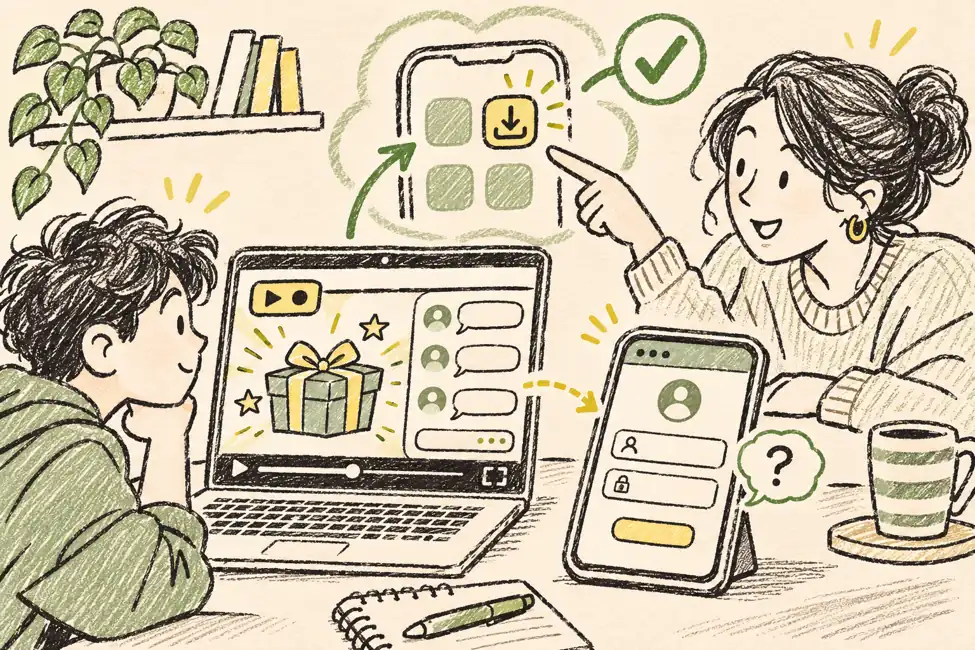
Do not enter your password, one-time code or payment details into a page opened from a livestream chat, description or pinned comment. The page may copy a familiar service to make a giveaway seem official; the video alone cannot verify the destination. For example, imagine a live chat says a prize is waiting and supplies a login link. That is a hypothetical warning sign, not evidence about any particular creator. Open the service's known app or type its address yourself if you need to check your account. A genuine giveaway does not make an unfamiliar login page safe.
Check and report the content
Look at the creator's independently found channel or official website for the giveaway terms rather than relying on the link you were sent. If the stream or chat appears to be phishing, use the platform's built-in report control. On YouTube, you can report a video or a specific live-chat message; its policy covers deceptive links and content designed to steal passwords. Reporting helps the platform review it, but does not guarantee immediate removal. Do not forward the suspect link to friends to ask whether it works.
Protect your account if you entered details
If you typed a password, go to the real account service directly and change it; change it anywhere else you reused it. Review recent sign-ins and devices, and use the provider's recovery route if you cannot get in. For a Google or YouTube account, Google provides a security-events and devices review. If you entered card details, contact your bank promptly. If you only opened a page without entering information or installing anything, NCSC says further action is unlikely to be needed, but stay alert for unusual account activity. Report financial loss through Report Fraud in England, Wales or Northern Ireland, or Police Scotland in Scotland.
Your quick checklist.
Tick what you’ve done. This stays on this page.
0 of 3 markedDownload a short text copy to read without internet. It cannot call or alert anyone.
A few things explained.
Can a live chat link lead to a copied sign-in page?
Yes. Phishing can use a page that looks like a real service to collect details. YouTube's spam rules include deceptive content that sends viewers to outside sites and examples of pages stealing passwords. Check the destination through the service's official app or address instead of trusting the stream.
How do I report a suspicious YouTube livestream or message?
YouTube Help explains how to report a video and how to report an individual live-chat message. Use the Report control on the content and select the reason that best fits. The platform reviews reports; reporting does not prove the account owner intended fraud or guarantee a quick removal.
What if I clicked but did not type anything?
NCSC says that if you did not enter personal information, download a file or install software, further action is unlikely to be needed. Stay alert for unusual account activity. If you entered a password, change it through the genuine service and on any account where it was reused; if you entered card details, contact your bank.