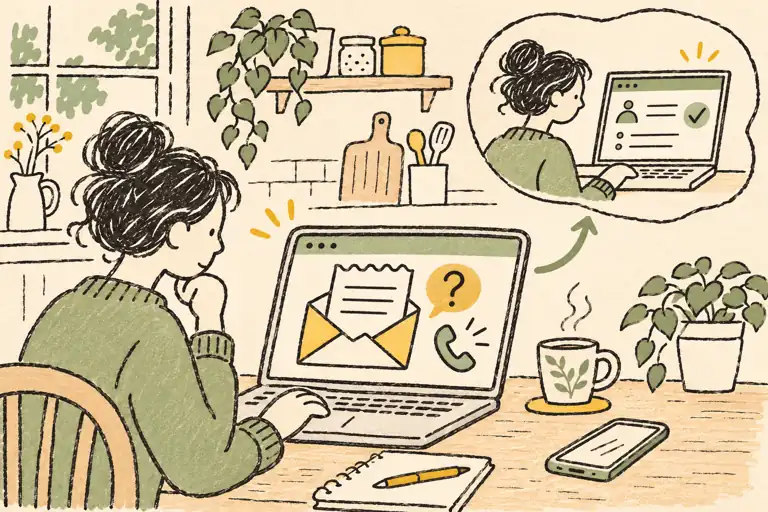
Someone in a message wants to see my screen. What should I do?
A contact in a messaging app asks you to start a video call and share your screen so they can 'help' with a problem. Sharing a screen can show private windows, messages or account details that happen to be visible. The request may come from someone you know, but a familiar account is not proof it is still in their hands. Pause before starting the share and check with the person through a number or channel you already trust. Screen sharing lets someone see the shared view; giving them control of your device is a separate feature in some services.
ishowcrime desk
Sources checked 10 November 2026
Here’s what you can do.
Pause and check who is asking
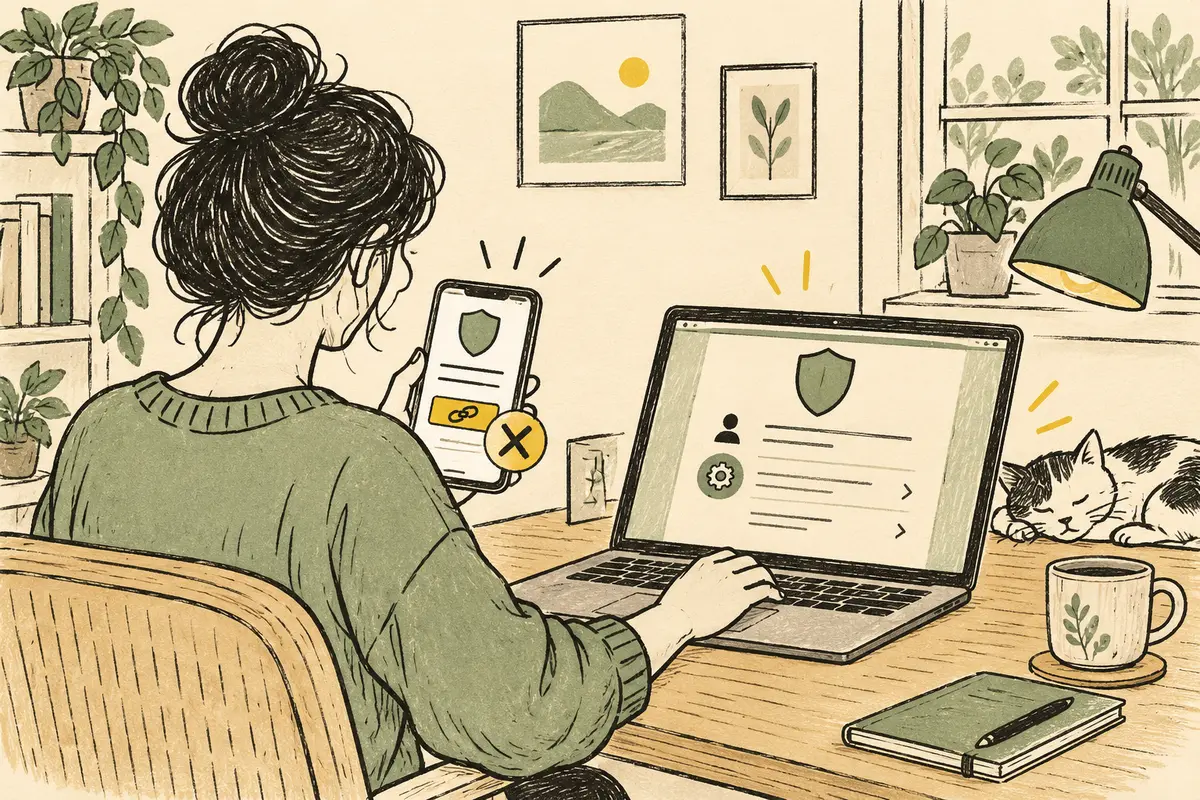
Do not start a screen share because a message says it is urgent or claims to be from a friend or support worker. A genuine-looking messaging profile may be compromised. Contact the person or organisation using a phone number or route you already had, not the one in the message. This independent check gives you a chance to spot an impersonator before they can see anything.
Keep private information out of view
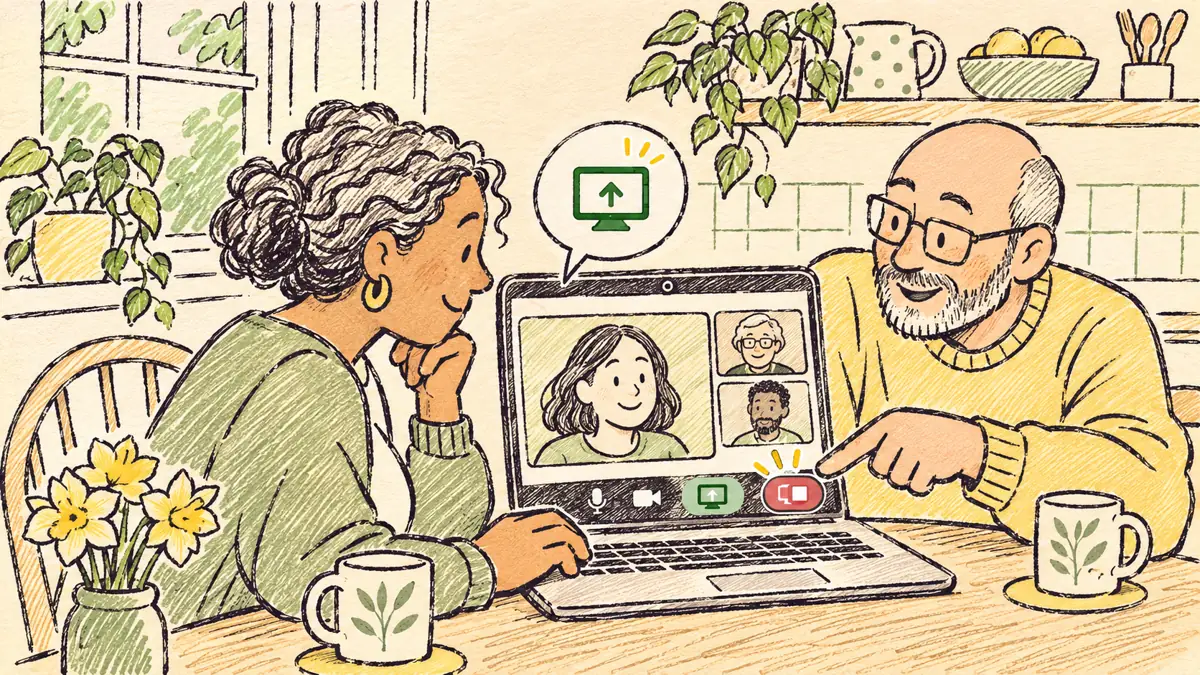
If you choose to share a screen in a call you have verified, look at what the service will share and close private documents, account pages and notifications first. The NCSC warns that other open windows or documents may be visible during a share. Do not read out passwords or one-time codes. A screen-share button is not the same as a remote-control permission; refuse any unexpected request to control or install software on your device.
End the share and protect what was exposed
If a request feels wrong, stop sharing and leave the call. If you already shared, think about which windows, messages or details were actually visible. Change a password if it was exposed, and use the account provider's recovery route if someone may have accessed the account. Contact your bank promptly if financial information was exposed or you notice a payment you did not make. Tell your workplace IT team if it was a work device. Block and report a suspicious contact in the messaging app; if fraud occurred, use Report Fraud in England, Wales or Northern Ireland, or Police Scotland in Scotland.
Your quick checklist.
Tick what you’ve done. This stays on this page.
0 of 3 markedDownload a short text copy to read without internet. It cannot call or alert anyone.
A few things explained.
Can someone control my device just because I share my screen?
Screen sharing and remote control are different features. The NCSC describes them separately in its video-conferencing guidance. Check what permission an app is requesting and decline unexpected control or software-installation requests. If you did grant control, stop the session and follow the related remote-access guide.
What if the request came from a friend's account?
A familiar name or picture is not enough to verify the sender. Police guidance says an account belonging to someone you know may have been compromised. Call the friend on a number you already use or speak to them another trusted way before sharing.
I already shared my screen. Do I need to change every password?
First end the share and work out what was visible. If a password was shown, change it through the real service; if an account may have been taken over, use its recovery process. Contact your bank if banking details were exposed or a payment is suspicious. If you also installed a program or granted remote control, follow NCSC's advice for a potentially compromised device. You can report the suspicious contact within the messaging app.