My online shop account may be hacked. What should I check?
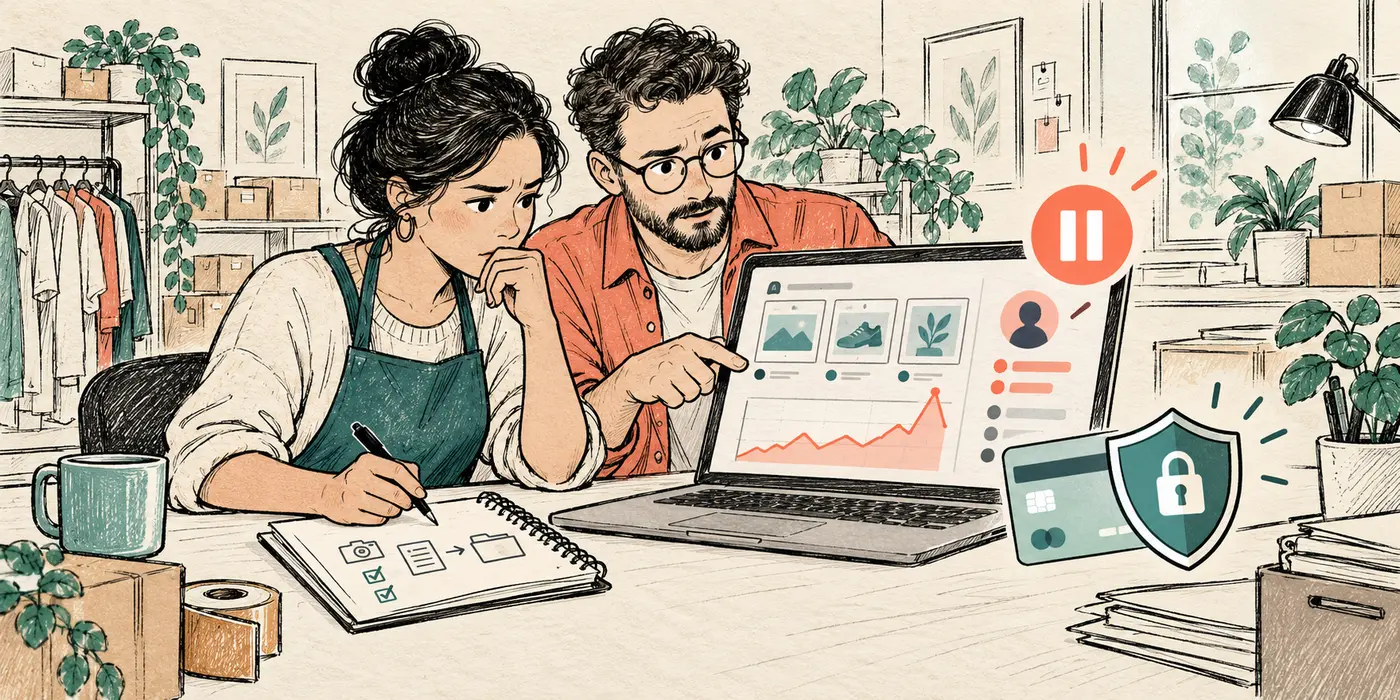
Your shop's payout details have changed, refunds appear that nobody approved, or an unfamiliar person has administrator access. An online shop account takeover can affect both sales income and customer information. A login problem alone does not prove hacking, but unauthorised changes need prompt attention. This guide uses Shopify as a practical example for UK shop owners. Other platforms have their own recovery procedures. Getting back into the dashboard is only the start: check what changed while you were locked out.
ishowcrime desk
Sources checked 25 October 2026

Here’s what you can do.
Contact official support and secure access
For suspected Shopify compromise, contact Shopify Support immediately through the Help Centre linked below. Staff with login problems should involve the store or organisation owner; Shopify says it can assist only that owner with login issues. If you can, change the password for the connected email and then your Shopify account. Review sign-ins and two-step authentication with support, including any method tied to a stolen device. In the email account, remove unwanted forwarding rules and filters, and sign out other sessions using the provider's instructions. This helps stop password-reset messages reaching someone else.
Check where money and orders are going
Review Shopify Payments bank details, payout schedules and holds. Check connected payment providers, such as PayPal, separately. Compare recent orders, draft orders and refunds with what the business actually authorised. Review fraud-prevention settings too: a changed password does not correct altered payment settings. Tell your bank promptly if money was lost or you find unfamiliar transactions, using its real website or a trusted contact route. For fraudulent orders or chargebacks, follow Shopify's linked instructions and the deadline shown in your admin. Do not promise a refund or recovery before the provider has assessed it.
Review the shop and protect customer information
Check staff and collaborator permissions, installed apps and the activity log. Remove access you establish is unauthorised using the service's controls. Review checkout, shipping, contact and notification settings for unauthorised changes. Follow Shopify's full security checklist rather than assuming that a working login means the shop is repaired. Start a dated incident record and ask the person responsible for data protection to assess whether customer information was accessed, altered or made unavailable. Record the facts, actions and risk decisions. A reportable personal-data breach must reach the ICO without undue delay and within 72 hours of awareness; provide missing details later without undue delay.
Your quick checklist.
Tick what you’ve done. This stays on this page.
0 of 3 markedDownload a short text copy to read without internet. It cannot call or alert anyone.
A few things explained.
What if I cannot log in to contact Shopify?
Use Shopify's official contact page and its “I can't access my account” route or linked Can't log in form. Say that you suspect compromise, whether you are the owner and whether you can access the account email. Shopify distinguishes suspected hacking from its ordinary recovery flow for a lost email or authentication method. Do not treat signs of intrusion as just a forgotten-password problem. Shopify says it does not make outbound phone or video support calls.
Does a shop-account takeover mean every customer must be told?
Assess the actual risk promptly. If a personal-data breach is likely to put people's rights and freedoms at high risk, tell affected people without undue delay and give useful protective advice. Not every breach meets that threshold, but every breach and the reporting decision must be recorded. Contacting Shopify does not replace the shop's own ICO assessment. If unsure, use the ICO self-assessment and advice routes linked below.
Where should a UK shop report the crime?
Use Report Fraud for cyber crime or fraud in England, Wales or Northern Ireland. It tells businesses under an active cyberattack to call 0300 123 2040 immediately. If you live in Scotland or the crime happened there, contact Police Scotland on 101. The police report, provider recovery, bank contact and any required ICO notification are separate tasks; one does not complete the others.