Someone threatened me online and mentioned a weapon. What should I do?
A message says someone will hurt you and mentions a weapon. You may not know whether the sender has one or intends to act. You do not have to investigate that yourself. Police.uk says threatening messages can be reported even when the sender or their intention is unclear. Move to a safer place if needed, use 999 for immediate danger, and tell police exactly what was said rather than treating the claim as a confirmed sighting.
ishowcrime desk
Sources checked 16 November 2026
Here’s what you can do.
Check for immediate danger and get somewhere safe
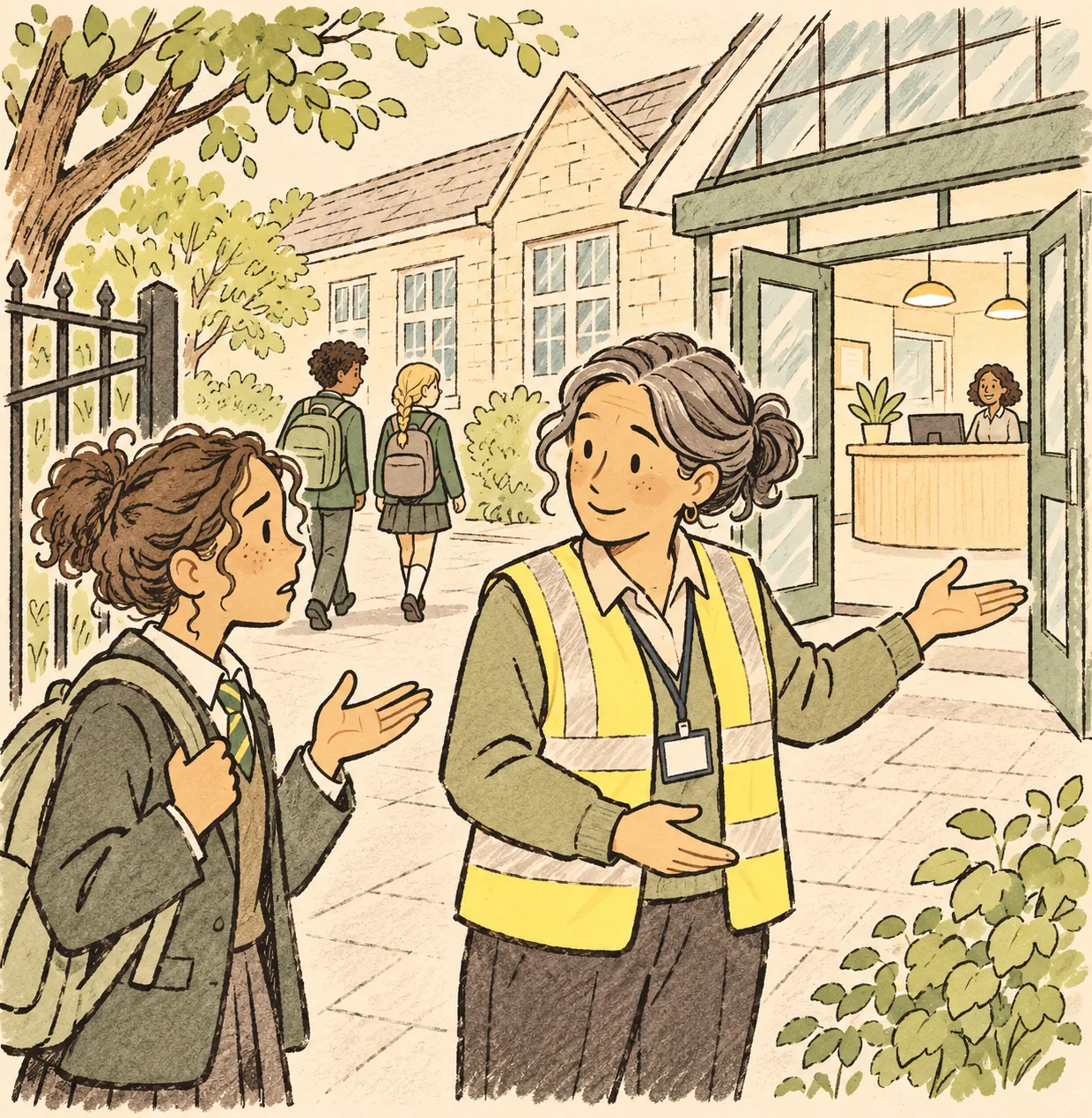
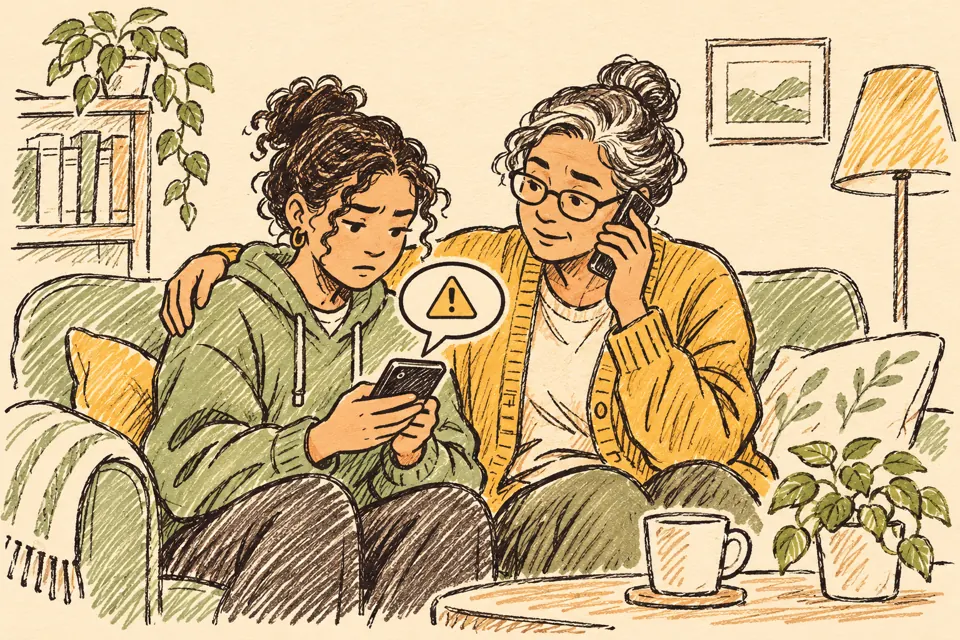
If the message describes violence happening now, the sender is nearby, or you have another reason to think someone is in immediate danger, call 999. Tell the operator where help is needed, what the message said and what you know about the sender. Say clearly if you have not seen a weapon. Police.uk says 999 is for immediate danger to life or someone using or threatening violence. Do not go to a suggested meeting place, look for the sender or confront them to test whether the threat is real. If you are a young person, tell a trusted adult or staff member who can help you make the call; do not wait for them if danger is immediate.
Keep the message without delaying help
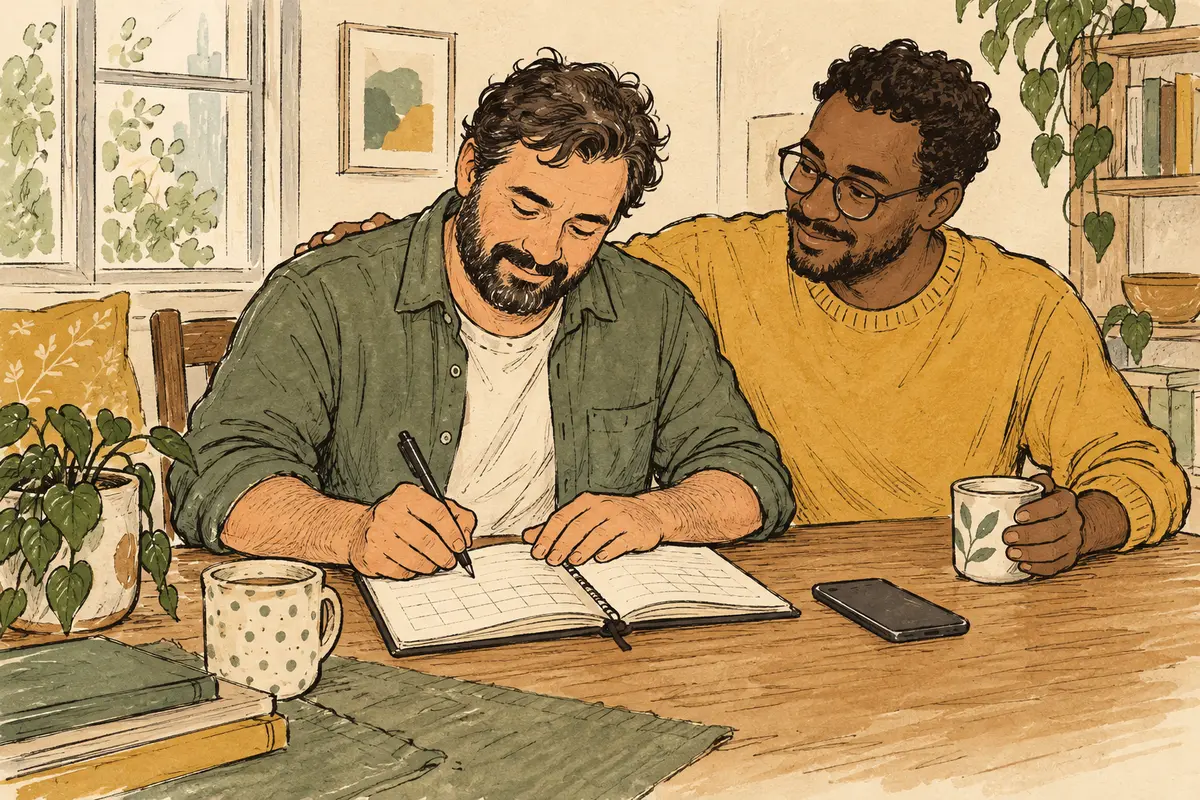
Do not feel you must prove the threat before reporting it. Police.uk says screenshots and other evidence can help, but are not required before you contact police. If it is safe, keep the original message or note the account name, platform, time and exact wording. Avoid forwarding it widely or speculating publicly about who sent it; an online name may not identify a real person. If you have already deleted it, report what you remember. For example, if the message says the sender will come to a named place, tell police the place and time as written, while explaining that you have not verified the claim. This is a hypothetical example.
Report the threat and ask for support
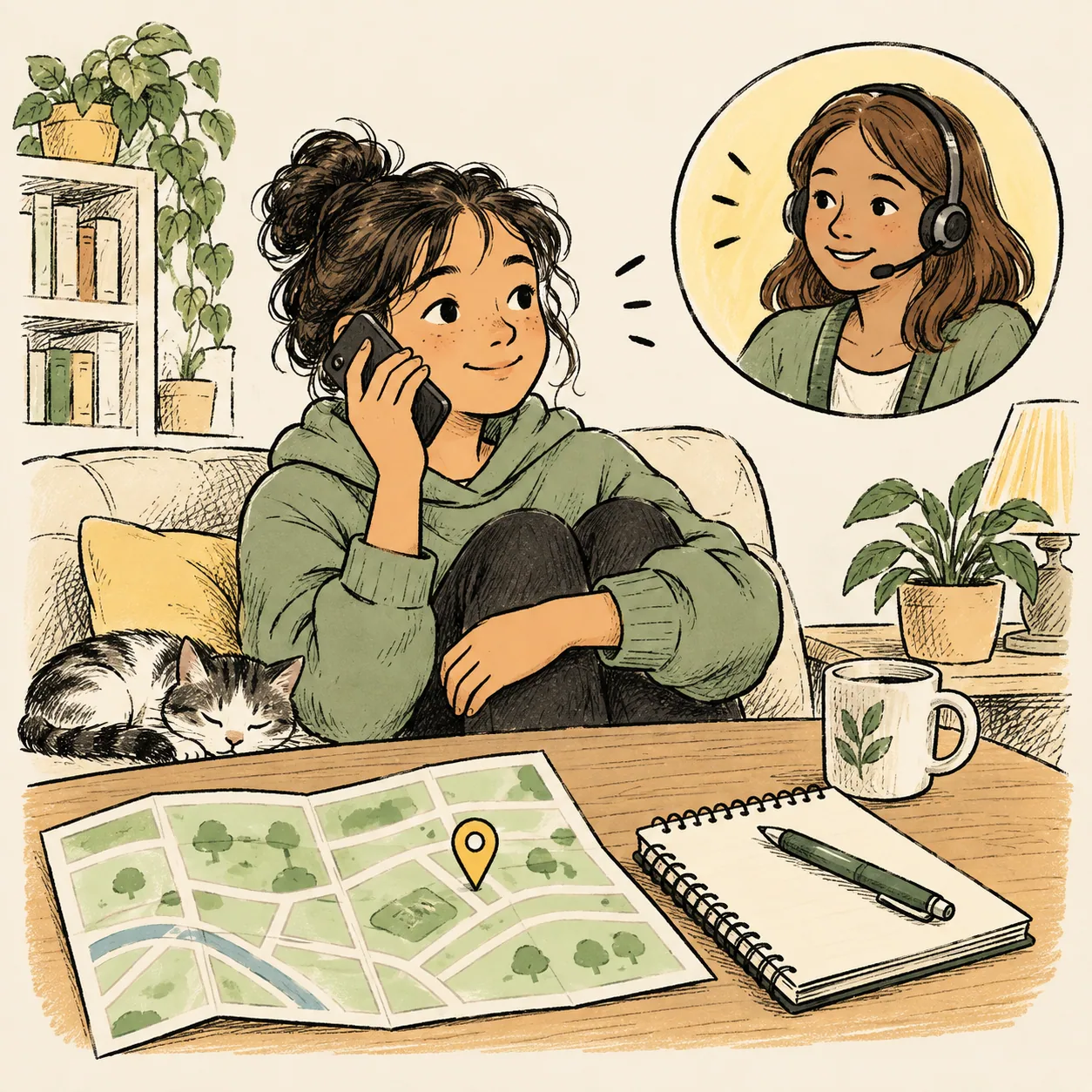
If there is no immediate danger, use 101 or the official police online reporting route for your UK nation. Police.uk says an online threat can also be reported to the platform. Tell police about repeated messages or any change that makes the risk more immediate; ask what to do if the sender contacts you again. Blocking or reporting a profile in an app does not replace contacting police about a serious threat. If the situation becomes urgent, call 999. The police will assess the report; mentioning a weapon in a message alone does not prove one is present or that an offence has been established.
Your quick checklist.
Tick what you’ve done. This stays on this page.
0 of 3 markedDownload a short text copy to read without internet. It cannot call or alert anyone.
A few things explained.
Do I need to know who sent the message before reporting?
No. Police.uk says you can report a threatening message when you do not know the sender or what they intended. Give the username, platform, time and wording if you have them, without guessing an identity.
Should I wait to get a screenshot?
No. Police.uk says you do not need screenshots or other evidence before reporting. Keep the original message or a record if it is safe, but call 999 immediately for urgent danger.
Is every unpleasant online message a crime?
No. Avon and Somerset Police notes that some upsetting posts are not necessarily criminal. A threat to life or safety is different and should be reported for police assessment. Do not decide a weapon is real just because a post says so; explain what you know and what remains uncertain.