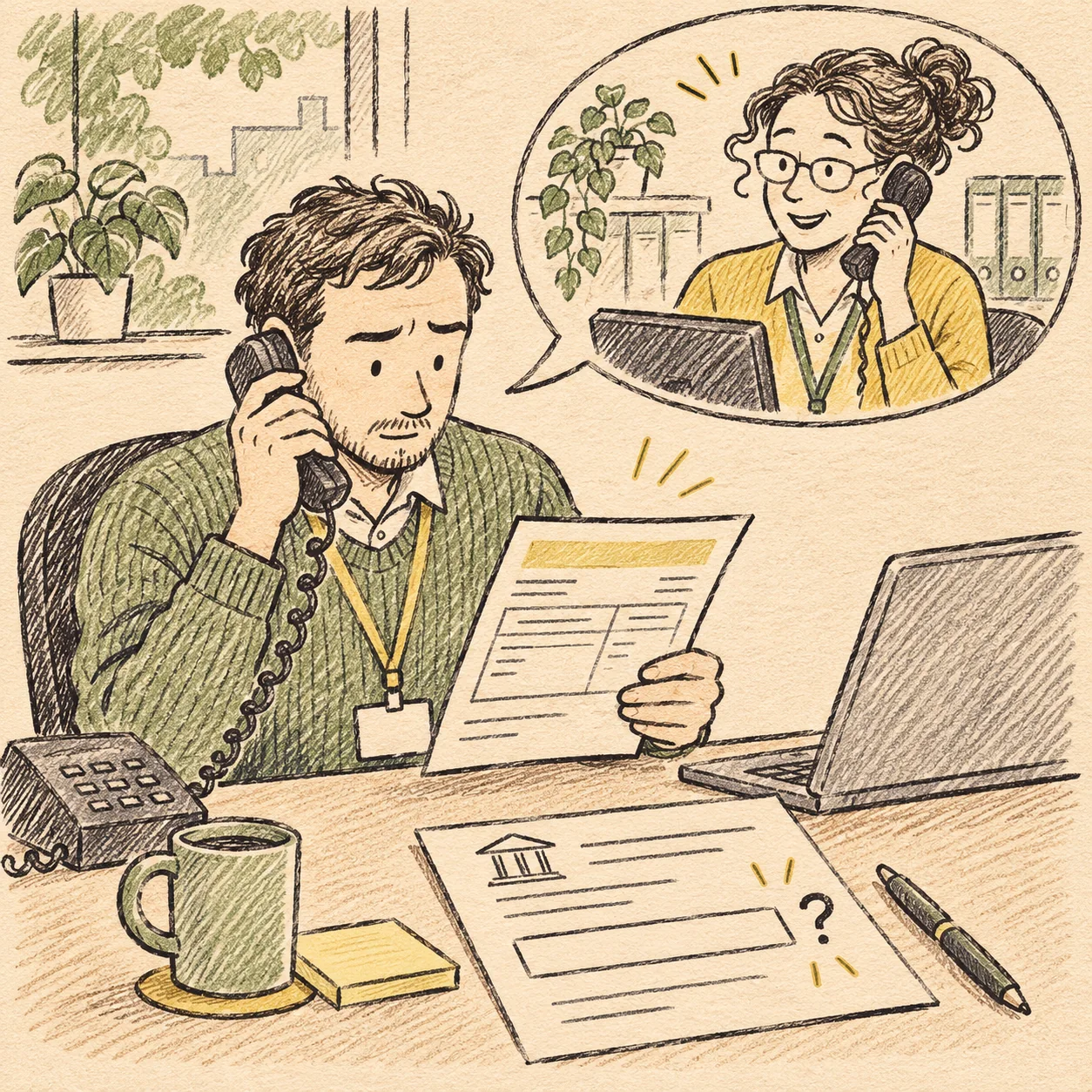
A payroll email asks for changes before payday. How do we check it?
During a pay run, an email appears to come from a manager or colleague and asks you to change an employee's bank details, open a document or send a staff file before the deadline. It might concern a real correction, but a familiar name and urgent timing do not establish who sent it. Phishing can imitate normal business work to obtain passwords, sensitive records or money. Pause that request, check it outside the email through your organisation's approved contact route, and record what has already happened so the right people can protect staff and payments.
ishowcrime desk
Sources checked 19 November 2026
Here’s what you can do.
Pause the email's request
Do not use the email's link, attachment, reply address or phone number to approve a pay change. Keep payroll records and login details within the normal authorised system. A message that names a real colleague, refers to payday or demands secrecy may still be impersonation; NCSC says targeted phishing can use workplace details and pressure to seek sensitive information or money. Flag the message to your payroll lead or IT contact without forwarding a staff file to the sender.
Verify through a separate trusted route
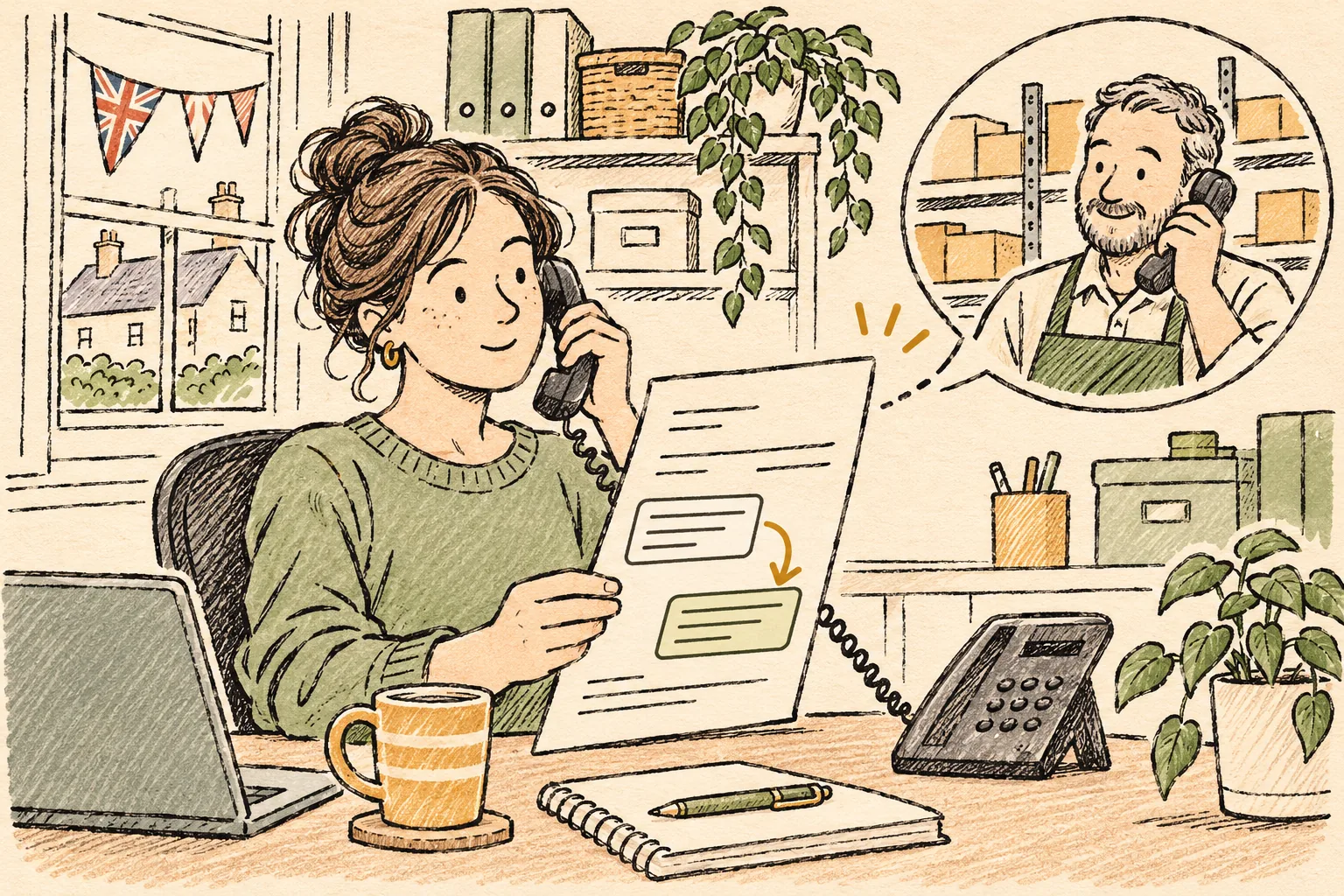
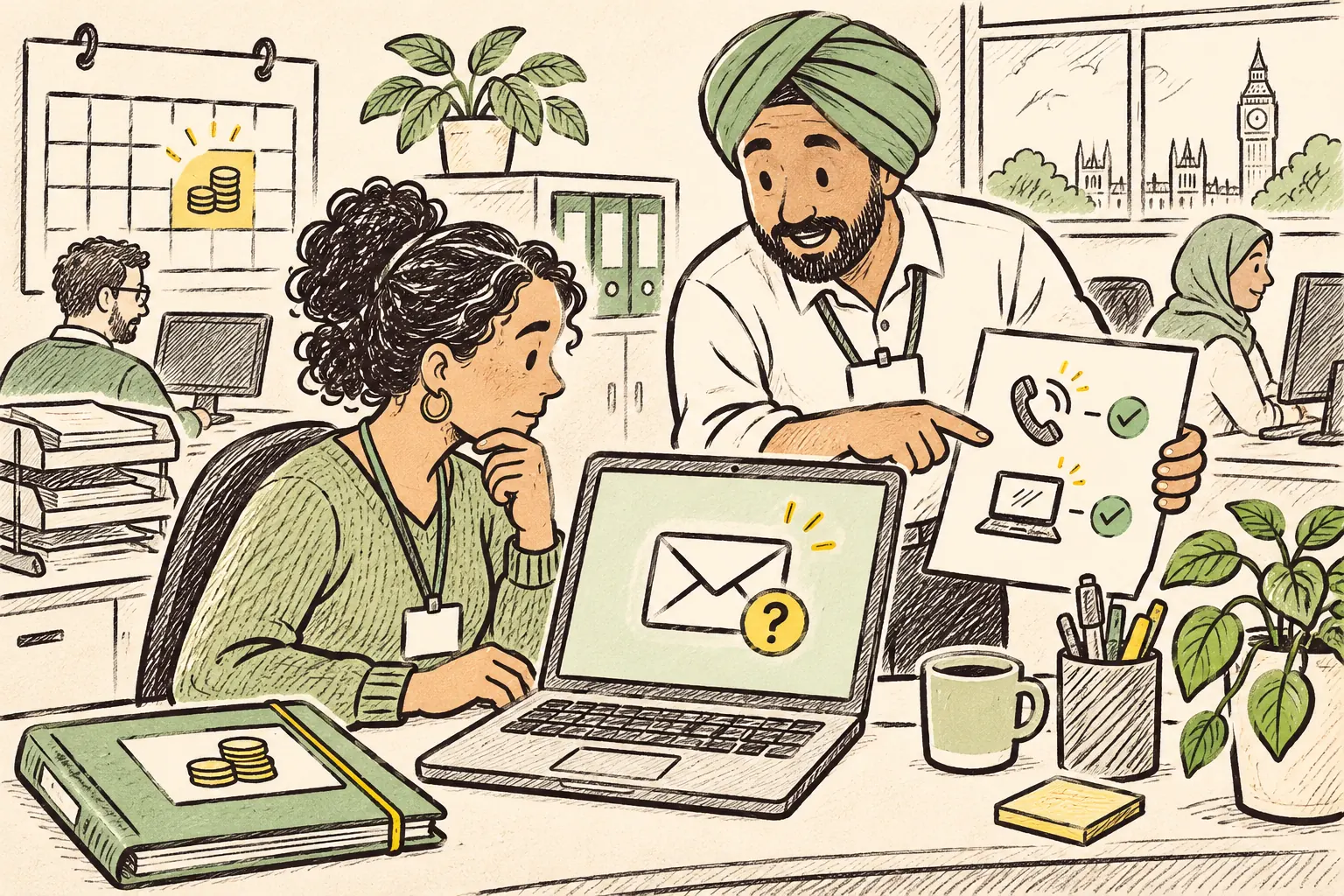
Use your organisation's established payroll approval process and contact the named person through a number, account or in-person route you already trust, not a detail supplied by this message. Check the exact employee, requested change and authority to make it before the pay run proceeds. NCSC advises verifying important email requests using a second type of communication. If the change is genuine, the normal approval route still lets it go ahead without treating the email itself as proof.
Respond promptly if anything was shared or changed
Tell your IT and payroll leads what was opened, shared or altered, including any bank-detail change, so they can check accounts, records and pending payments. If a password was entered, follow the organisation's account-recovery process; NCSC advises changing exposed passwords wherever reused. If money was sent, contact the bank directly through its official number or website. A suspicious email can be forwarded to report@phishing.gov.uk; if fraud or cyber crime occurred, use Report Fraud in England, Wales or Northern Ireland, or Police Scotland in Scotland. An email report alone does not reverse a payroll change.
Your quick checklist.
Tick what you’ve done. This stays on this page.
0 of 3 markedDownload a short text copy to read without internet. It cannot call or alert anyone.
A few things explained.
The email is in an existing thread. Is that enough proof?
No. A familiar conversation or name can be convincing, but NCSC warns that tailored phishing can imitate ordinary business correspondence. Check the change through your normal payroll process and another trusted contact route before acting.
What if the change is real and payday is close?
Use the established approval route promptly. A genuine request can be confirmed by the authorised person through a second communication method. The deadline does not require you to open an unexpected attachment or send a staff file to an unverified address.
What if someone already changed the bank details or clicked the link?
Tell payroll and IT immediately, including what changed and when. Ask them to review pending payments and account access. If money went to the wrong account, contact the bank directly. If a password was entered, follow account recovery and change reused passwords. Report suspected fraud to the appropriate UK fraud or police service.