How to share or stop your location safely
Live location sharing can keep showing where you move after circumstances change. Stopping one person in one app may not end access through other apps, a shared account, a family group or another signed-in device. Separately, an app may have permission to use your phone's location in the background even if you are not sharing a live map with anyone. Review both settings and whether the app needs precise or continuous access. A permission alone does not prove someone is watching you. If location is being used to frighten or control you, seek a safety plan from a safer device before changing access.
ishowcrime desk
Sources checked 15 November 2026
Here’s what you can do.
Choose the person, purpose and end time
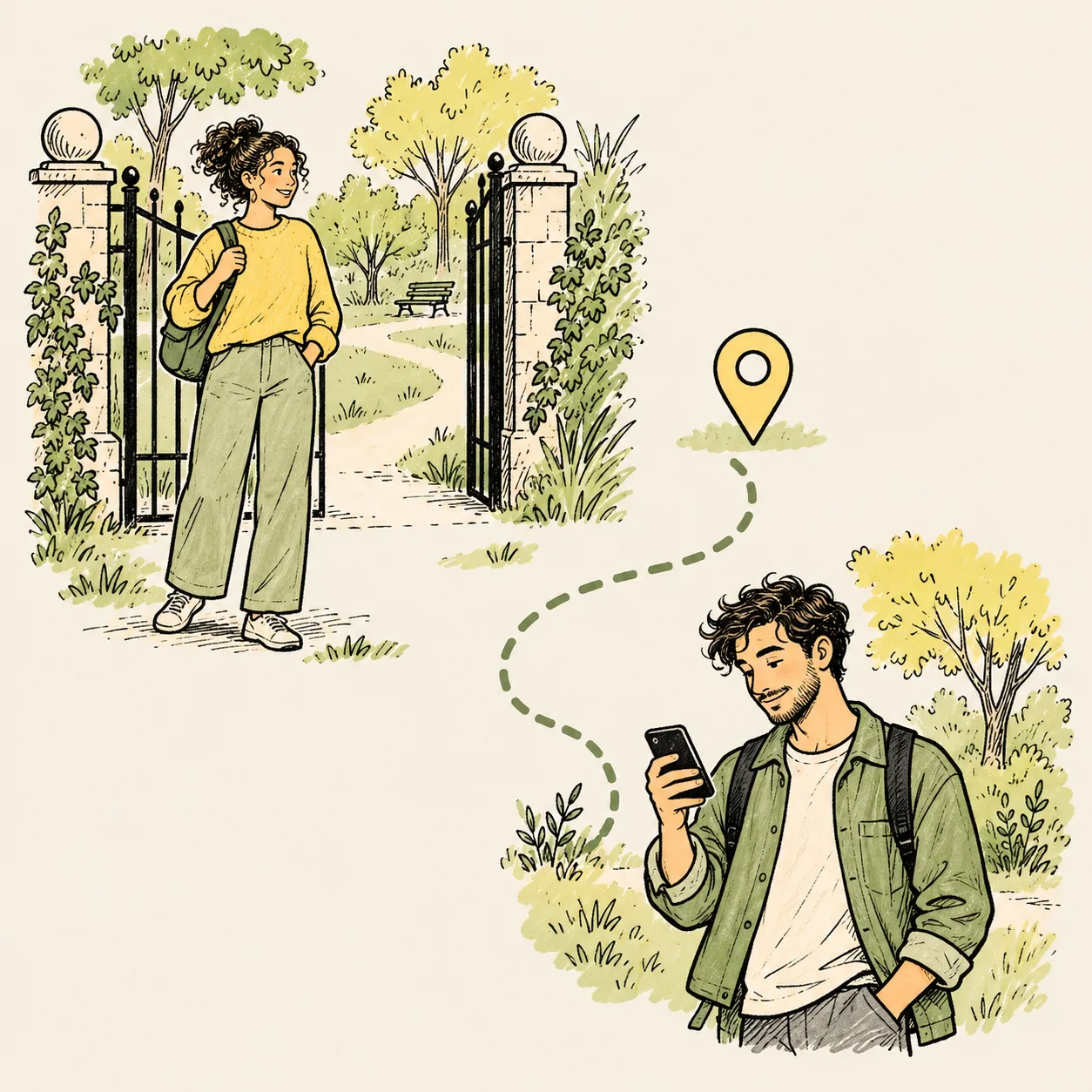
Share with a trusted person, not a public group. Decide whether a fixed pin is enough or whether they need to see you move. An iPhone pin sent once is a snapshot: it will not follow you when you leave. For live sharing, choose the shortest useful time and check who will receive it. Google says recipients may see your location, battery status and, in some cases, recent movement or how you are travelling. If the displayed place looks wrong, check with the person rather than relying on the label alone.
Review every route that can still share
Check more than the app you remember using. On iPhone with iOS 16 or later, Safety Check reviews sharing with people and apps. Google Location Sharing can differ by account and device; review signed-in devices and family arrangements too. Check arrival and departure alerts, which can reveal routines. Separately, review each app's location permission. On iPhone, Settings → Privacy & Security → Location Services offers Never, While Using and Always; Always permits background access. Turn off Precise Location where an approximate area is enough. On Android, Settings → Location → App location permissions groups apps by access level; tap one to change it. Menus can vary by device. Permission to use location is different from a live-sharing link, so check both. Review emergency contacts as well: an iPhone can send them your location after an SOS call.
Plan first, then stop access safely
If it is safe, stop the named person in Find My or Google Location Sharing. In Apple Safety Check, Manage Sharing & Access guides you through individual people and apps; Emergency Reset quickly stops Apple-related sharing. Neither replaces checking other services. Review signed-in devices and sign out unfamiliar sessions; change account passwords only when doing so will not put you at greater risk. Refuge warns that privacy changes can alert an abuser and removing access may destroy evidence, so use a safer device and seek a safety plan first if you are worried. Call 999 if there is immediate danger.
Your quick checklist.
Tick what you’ve done. This stays on this page.
0 of 3 markedDownload a short text copy to read without internet. It cannot call or alert anyone.
Apps that help someone find you.
Choose a person you trust and check they can open the share. Children: ask a safe adult to help with accounts, permissions and sharing.
Apple Find My
Sharing with an Apple contact
Open Find My → People → start sharing your location. Choose the person and duration.
Remember: Check the timestamp and location. Availability and accuracy vary; manage sharing in Find My.
Official setup stepsApple Check In
Letting someone know you arrived
In Messages, open your contact → the plus/apps button → Check In. Choose a destination or timer.
Remember: Both people need iOS 17 or later. It informs your contact, not the police. Signal or battery loss can affect notifications.
Official setup stepsGoogle Maps
Sharing across iPhone and Android
Tap your profile picture → Location sharing → New share. Choose a safe contact and duration.
Remember: Requires an active internet connection and location enabled. Anyone with a shared link may view it; keep the link private.
Official setup steps Requirements & limitsA timed share in a trusted chat
Open the intended chat → plus or paperclip → Location → Share live location. Choose a duration.
Remember: A current-location pin does not update. When live sharing ends, the last location can remain visible in the chat.
Official setup stepswhat3words
Describing a place without a street address
Check the app’s position, then read the three words carefully if a call handler asks for them.
Remember: It does not summon help. GPS can work offline, but you still need a connection to send or speak the words; accuracy varies.
Official setup steps Requirements & limitsHelp describe where you are.
This gets one location reading, not live tracking. Your browser asks permission. ishowcrime does not send these coordinates to its server or to the police.
Your device’s location service may use GPS, Wi-Fi or network information. Accuracy varies. In an emergency, call 999 first; don’t wait for this tool.
A few things explained.
What should I check after a relationship ends?
If you fear a reaction, use a safer device and make a safety plan before changing anything. Review people and apps with access, Apple or Google location sharing, family groups and signed-in devices. Check emergency contacts too. After an SOS call, an iPhone can send them your location and updates as you move. Someone you no longer trust may still be listed. When it is safe, open Health, tap your profile picture, then Medical ID. Beside Emergency Contacts, tap Edit, use the delete button next to that person, confirm Delete and tap Done. This reviews a different setting from ordinary location sharing; keep trusted contacts who can help. If someone still knows where you are, other apps, unwanted trackers, spyware, photos or another person may be involved. Use the related tracker and stalking guides.
Why might a shared location look wrong, and how can I check it?
First check what was shared: an iPhone pin sent once stays at that place rather than following the sender. Google also warns that Location Sharing can name the wrong nearby business in a busy area. A venue label alone is not proof that someone entered it. For someone already sharing with you in Google Maps on Android, tap your profile picture, Location Sharing and their profile. Tap their icon, then More and Refresh to request an updated position. Refreshing does not guarantee an exact fix. Google Location Sharing needs an active internet connection and the device's location setting switched on. If you are trying to meet, contact your trusted person to confirm where they are. Do not pressure someone to share more, and do not treat a map as proof that they are safe. Call 999 if someone is in immediate danger; do not wait for the map to update.
Do Timeline or notification controls stop Google Location Sharing?
No. Timeline has separate controls. To stop sharing your location, open Google Location Sharing, select the person and choose Stop. Review each Google account and device. If you only want to stop arrival and departure alerts about you, open myaccount.google.com/locationsharing yourself and turn off Allow Location Sharing notifications. This stops existing alerts but can leave your location visible to that person. Google says they are not notified of this change; do not treat that as a guarantee they will not notice. Stopping location sharing also stops its alerts. Consider a safety plan first if someone might react abusively. An app's own location permission is another control. On iPhone or Android, check whether it is allowed in the background or only while in use, and whether precise location is needed. Changing that permission may stop an app feature; it does not by itself end a separate live-sharing link or access through another signed-in device.