A threatening email quotes my old password. What should I do?
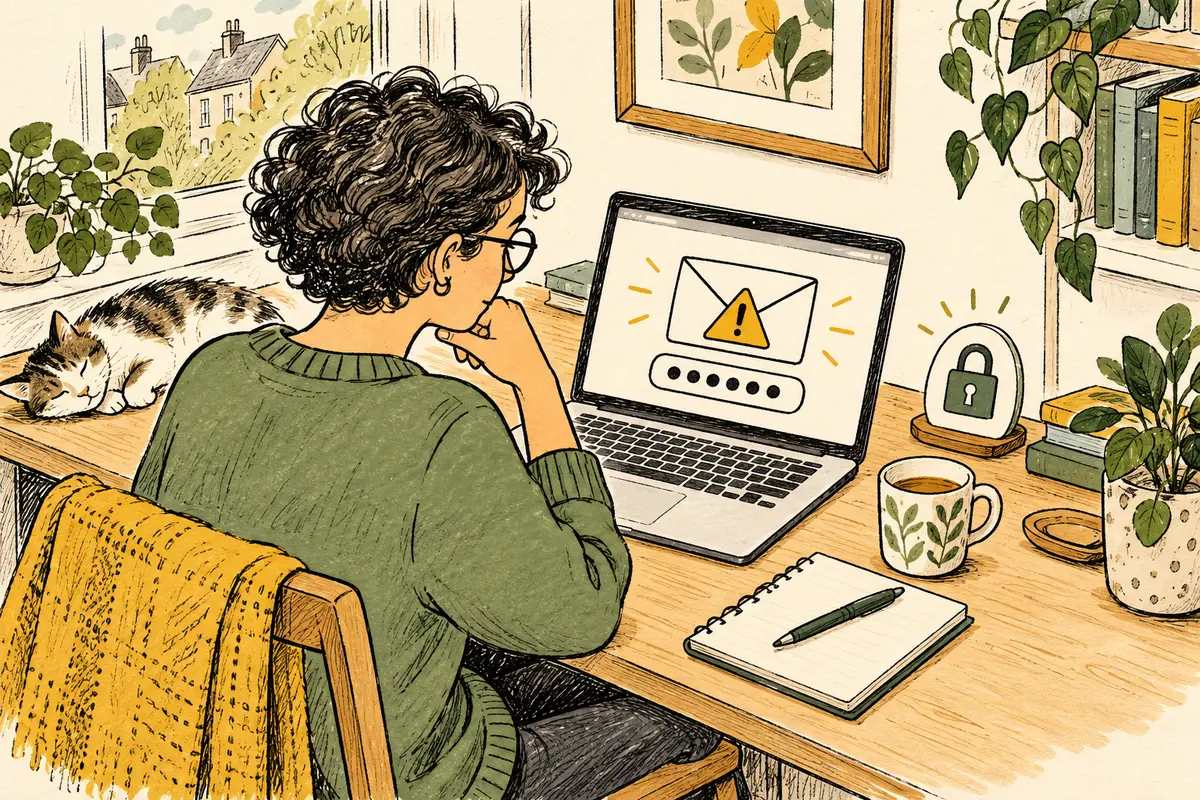
An email quotes a password you recognise and claims someone recorded you through your webcam. It demands Bitcoin to stop a private video being shared. This is a known sextortion-email tactic: stolen details can make a mass-mailed threat feel personal. The password alone does not prove the sender has a recording or access to your device. Take exposed passwords seriously without accepting the sender's story as fact.
ishowcrime desk
Sources checked 19 October 2026
Here’s what you can do.
Do not reply or pay
Do not negotiate, send money, open attachments or follow the email's links. Technical-sounding claims and pressure to act quickly are intended to make you panic. Paying can encourage further demands. You do not have to prove the threat false before asking someone you trust for help.
Check passwords and account activity
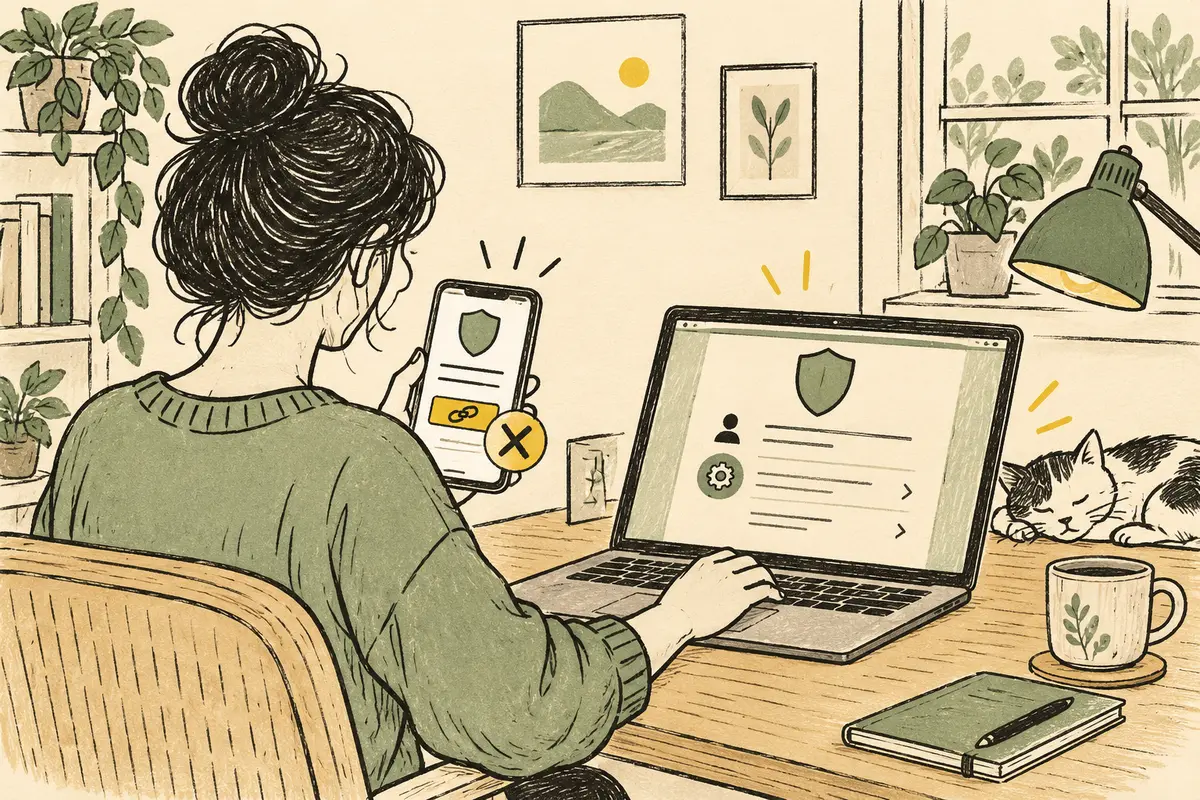
Open the account provider's real app or website yourself. If you still use the quoted password, change it promptly on every account where it is reused. Check for unfamiliar messages, security-setting changes or access problems. If you find signs of account compromise, follow the provider's recovery guidance; simply deleting the email will not secure the account.
Report the email and get the right help
For an unsolicited scam email, forward it to report@phishing.gov.uk, then delete it. You do not need to forward messages already in your junk folder. If you paid, contact your bank and report the sextortion to local police on 101. If you are making a police report, ask what evidence to retain before deleting relevant material. Reporting a phishing email to the NCSC is not itself a crime report.
Your quick checklist.
Tick what you’ve done. This stays on this page.
0 of 3 markedDownload a short text copy to read without internet. It cannot call or alert anyone.
A few things explained.
How did the sender get my old password?
It may come from an earlier data breach rather than a recent break-in to your device. NCSC says criminals use leaked information to make scam messages seem individually targeted. Do not treat a familiar password as proof of a webcam recording, but replace it anywhere it is still used.
What if I clicked a link or entered information?
If you opened a link on a computer or installed software, NCSC advises running a full scan with your antivirus and allowing it to deal with problems found. Tell work IT if a work device is involved. Change any password you disclosed wherever reused, and contact your bank if you shared banking details. Use official recovery help if you have lost account access.
What if the sender actually has an image or I cannot access my account?
Treat those as separate problems needing help, not proof that every claim in the email is true. For image threats, police can take a report without screenshots or a complete evidence file. For account compromise, use the provider's recovery process, check email forwarding rules, change affected passwords, sign out other sessions and enable two-step verification. The linked guides explain age-appropriate image support and account checks.