Someone sent me an unwanted sexual image online. What can I do?
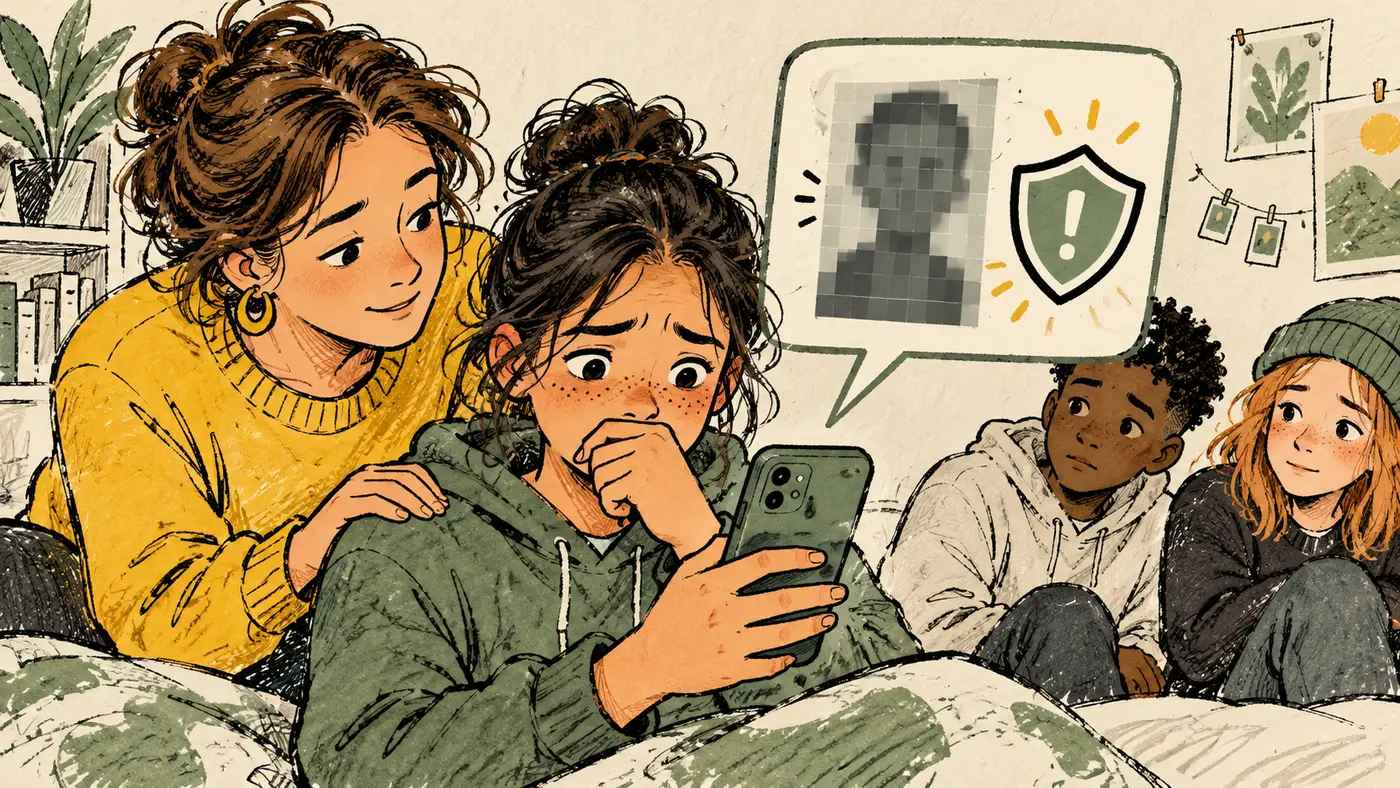
An unexpected image appears in a chat or a file-sharing preview. You did not ask to see it, and you do not have to reply or explain why it is unwelcome. Police call the unsolicited sending or showing of a genital image cyberflashing; other unwanted sexual content may also breach a platform's rules. You can report the account in the app and tell police what happened without collecting a copy first. If the image might show someone under 18, do not screenshot, forward or save it. Ask a trusted person for support if you want it; receiving the image is not your fault.
ishowcrime desk
Sources checked 13 November 2026
Here’s what you can do.
Pause and do not pass it on
You do not need to reply, send an image back or keep looking at what arrived. Note the account name, app and time if you can do so without copying the image. Police.uk says you can report cyberflashing without gathering screenshots; even if the image disappears, police may still be able to recover it. If you are not sure that everyone pictured is over 18, do not screenshot, record or share the image, including with police. Tell an officer what happened in words instead.
Report the account and block contact
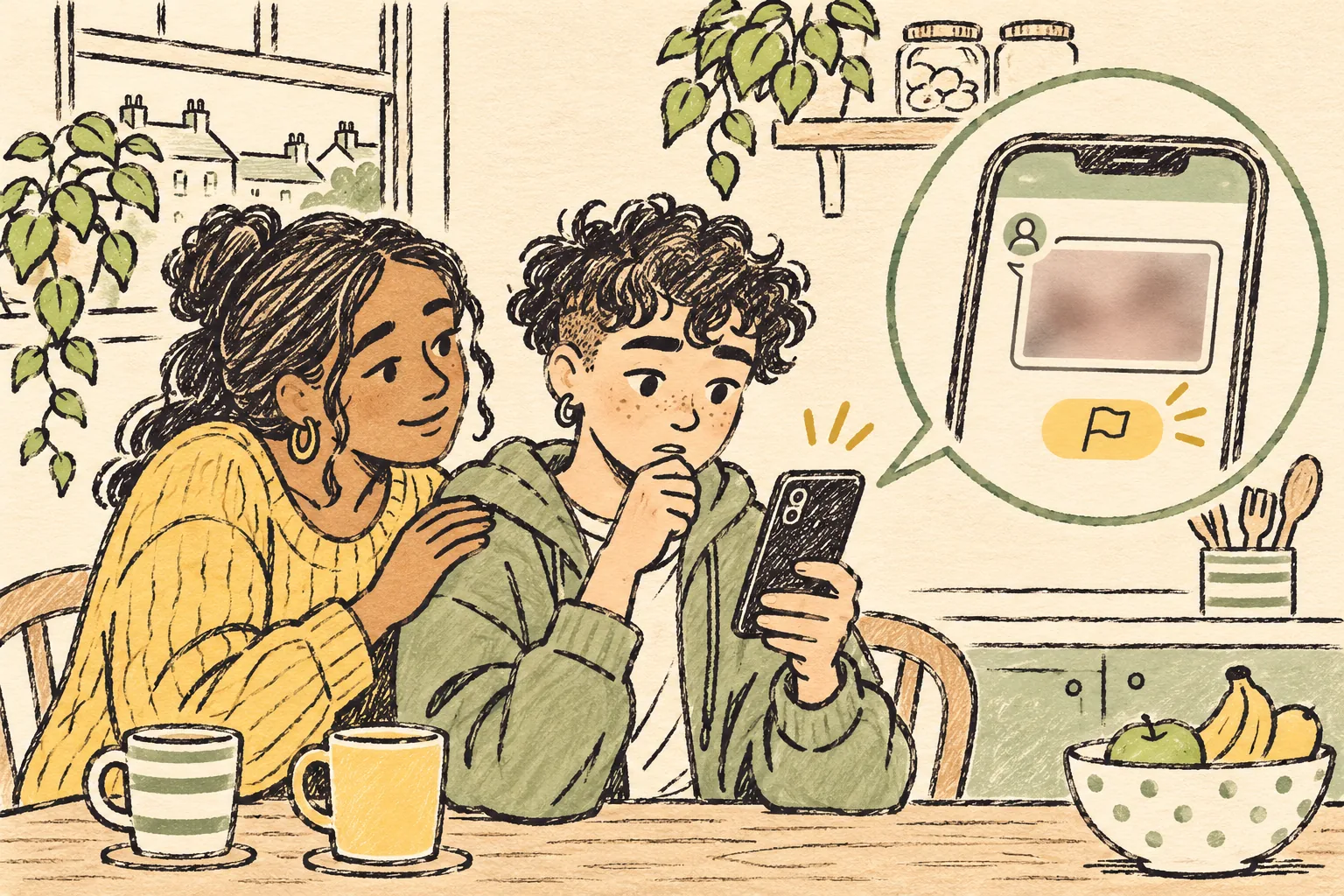
Use the app or website's report control to flag the image or account, then block the sender if you want to stop further contact. Police.uk says most social sites have rules against intimate content shared without consent, and Report Harmful Content can help when material stays online. If the sender threatens you or asks for images or money, do not send more; ask for help promptly. Reporting to a platform and reporting to police are separate choices.
Tell police or someone who can support you
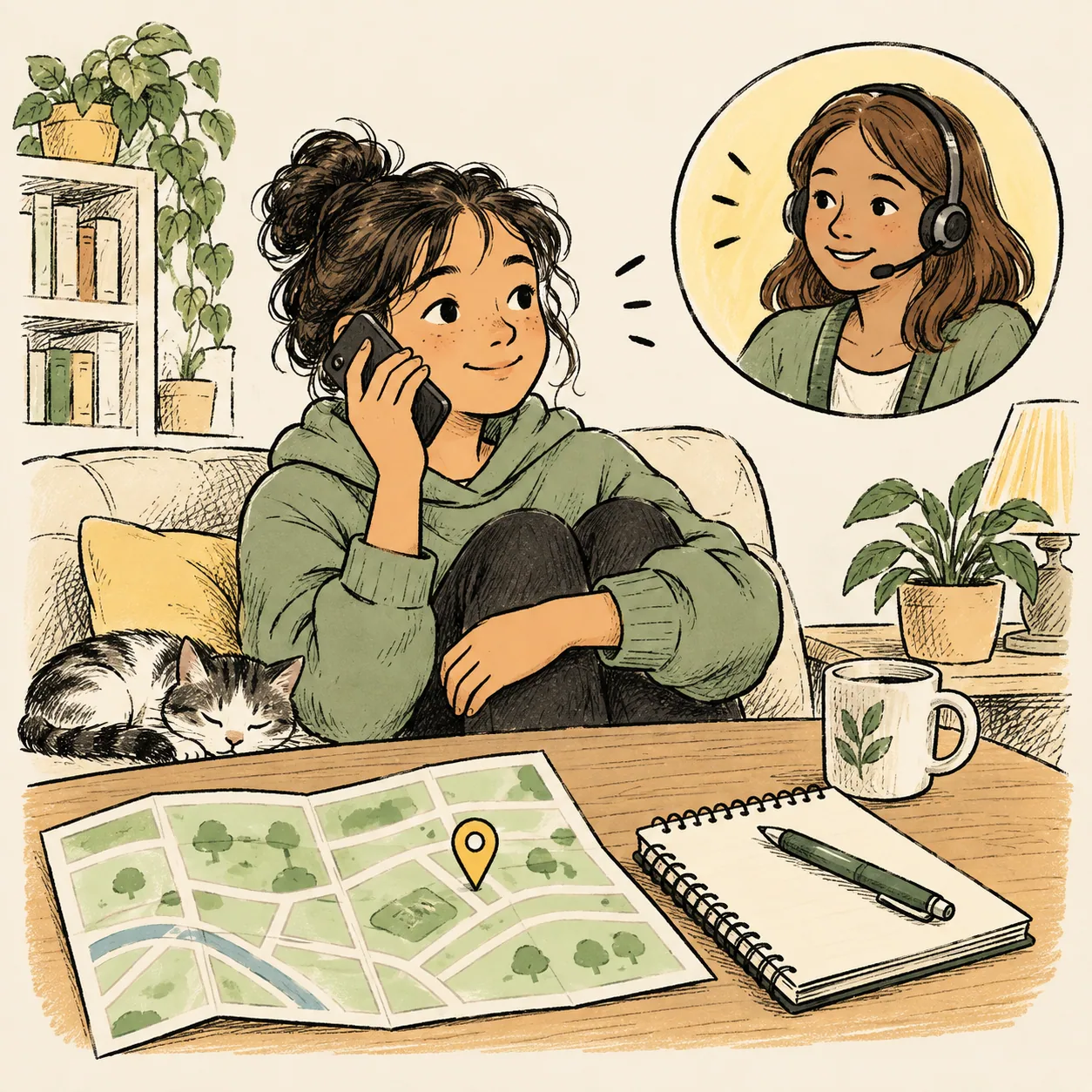
You can report cyberflashing through your local police force without having to prove it first. Police.uk offers an online route in England and Wales; Police Scotland accepts reports online, by phone or in person; and in Northern Ireland you can contact the PSNI. Give the username, platform and time if known. If you are in immediate danger, call 999. A trusted person can stay with you while you report. Young people can speak to Childline; adults can seek support through services listed by Police.uk even if they choose not to make a police report.
Your quick checklist.
Tick what you’ve done. This stays on this page.
0 of 3 markedDownload a short text copy to read without internet. It cannot call or alert anyone.
A few things explained.
Do I need a screenshot before telling police?
No. Police.uk says you can report cyberflashing without collecting evidence, and can report even if the image has disappeared. Tell them the account name, app and time if you know them. If you are unsure whether someone pictured is over 18, do not screenshot, save or share the image.
Can I report the sender without knowing whether a crime occurred?
Yes. Tell police what was sent and how it reached you; they can assess it. The law and reporting route differ across the UK. In England and Wales, a specific cyberflashing offence concerns intentionally sending or showing a genital image under conditions set by law. Police Scotland and the PSNI also provide cyberflashing reporting guidance. A platform can consider its own rules separately.
What if I am under 18 or the sender keeps contacting me?
Tell a trusted adult. Childline offers support to young people, and you can report the account in the app. Do not send an image back. If the sender threatens or blackmails you, use the relevant police reporting route; call 999 if you are in immediate danger. You can ask for support without having to deal with the sender yourself.