A used Echo Show shows someone else’s account. What should I do?
You switch on a second-hand Echo Show and see settings or an account you do not recognise. That does not prove the device was stolen, but it is not ready for your household either. Amazon says a pre-owned Echo screen should be factory reset to remove the previous owner’s settings before you sign in. If registration still fails, the person whose account owns it may need to deregister it; you cannot do that from your own account. Check this before adding your Wi-Fi, address or smart-home devices, and use Amazon’s own support route if the problem persists.
ishowcrime desk
Sources checked 14 November 2026
Here’s what you can do.
Stop using the old account
If the display still shows someone else’s settings or account, do not explore their content or connect your own smart-home equipment. An old profile may be ordinary handover error; it is not evidence of theft. Keep the order or seller details so you can explain the problem. Amazon’s guide for a pre-owned Echo device with a screen says to start with a factory reset because earlier settings and preferences may still be on it.
Reset and set up through Amazon
Follow Amazon’s model-specific factory-reset instructions, then use the setup prompts to join your Wi-Fi and register the device to your own Amazon account. A full reset erases settings and any smart-home connections on that device, so do not do it to a shared household device without checking first. Amazon says a pre-owned Echo with a screen can then be set up afresh. Use the official Alexa app and Amazon help pages rather than a setup link or support number supplied in an unexpected message.
Ask the seller to deregister if needed
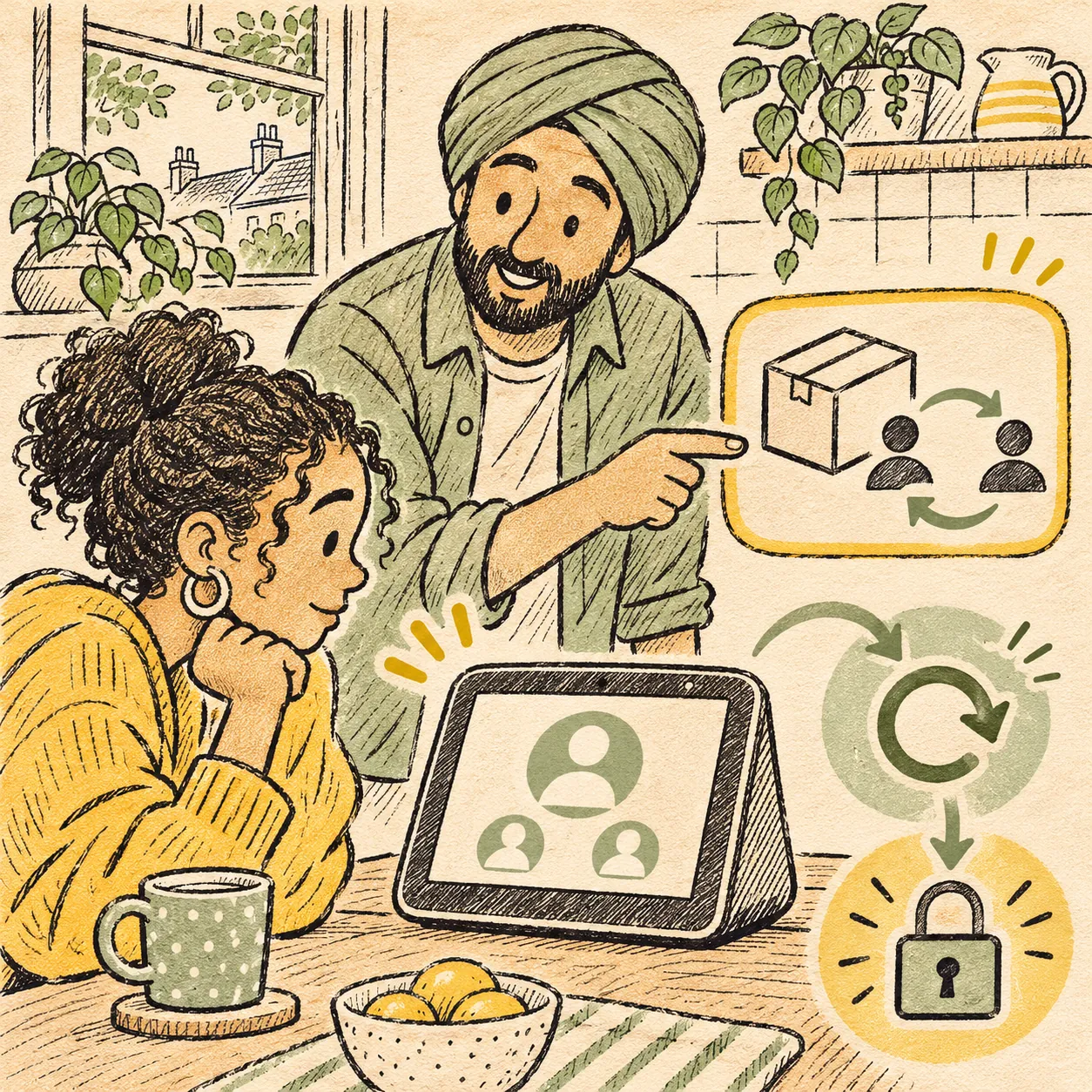
If you still cannot register it, ask the seller to remove the device from their Amazon account. Amazon says only the account that registered a device can deregister it; a different household member cannot. The seller can use their own Devices page to select Deregister, and Amazon recommends both deregistering and resetting before handing a device on. If the seller cannot resolve the problem, use Amazon’s official setup help and the purchase platform’s normal support or return route. Do not give the seller your password or one-time sign-in code.
Your quick checklist.
Tick what you’ve done. This stays on this page.
0 of 3 markedDownload a short text copy to read without internet. It cannot call or alert anyone.
A few things explained.
Can I deregister a device from someone else’s Amazon account?
No. Amazon says only the registered account can do that. Ask the seller or previous owner to use their own Devices page. If you cannot reach them, contact Amazon through its official support route and consider the seller platform’s support or return process.
Is a factory reset the same as deregistering?
Amazon recommends both when passing a device to a new owner. Deregistering disconnects the account and its digital content; a factory reset clears personal settings on the device. For a pre-owned Echo with a screen, Amazon says to begin setup with a factory reset. If it remains tied to an account, the seller should check deregistration.
What if I already connected the used screen to my home?
Pause before linking more smart-home devices or entering more personal details. Follow Amazon’s full-reset instructions, then set it up under your account. Check your own Amazon Devices list for its registration. If you used an unfamiliar website or gave anyone a sign-in code, use Amazon’s official account-security help; do not send a code to a seller.