An AI answer gave me a support number. Should I call it?
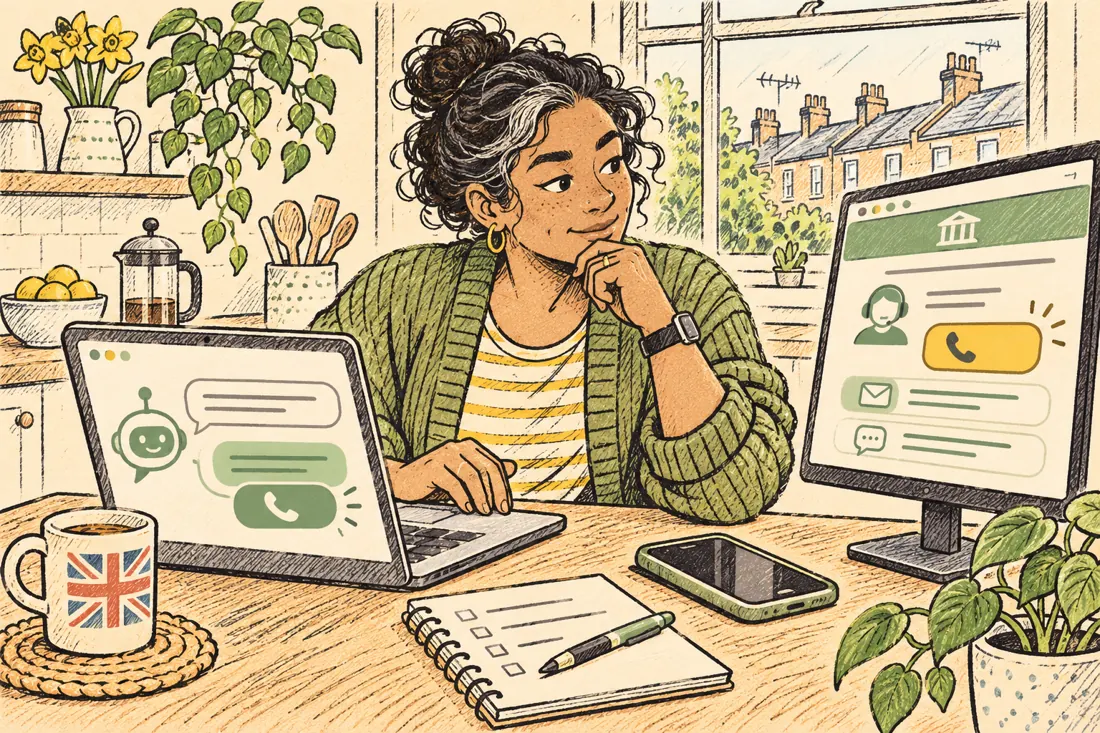
An AI assistant can give a confident-looking support number that is out of date, mistaken or unsafe to use. A citation beside the answer is a lead to check, not proof that the number reaches the real organisation. For example, if you ask how to fix a laptop and the answer gives you a number to call, pause before dialling. Open the organisation's official website yourself or use trusted paperwork or its own app to find its current contact page. If you have already called, you can still stop, protect any details you shared and get help through verified routes.
ishowcrime desk
Sources checked 18 November 2026
Here’s what you can do.
Find the number independently
Do not dial only because an AI answer displayed a number or a citation. Open the organisation's website yourself, through a known address or its official app, and use its contact page to check the number and the type of help offered. A polished answer can be inaccurate; following its own link back to the same claim is not an independent check. If you cannot confirm the details, leave the number alone and use the organisation's verified support route.
Stop a call that asks for access or money
If you have already called, you do not have to continue. End the call if someone pressures you to pay, reveal a password or security code, or give them control of your device. A person answering a number cannot prove it is genuine just by saying so. If you shared card or banking details, contact your bank promptly using a number you found independently. If you gave remote access, disconnect that device from the internet, use a trusted device to change passwords you revealed, run a security scan and seek help through the device maker's official support. These actions reduce further risk, but cannot guarantee what happened during the call.
Report a suspected scam
Keep the AI answer, the number and any call or payment details you still have, without contacting the suspicious number again. Report suspected fraud to Report Fraud if you are in England, Wales or Northern Ireland; in Scotland, contact Police Scotland on 101. Reporting gives the relevant service the details to assess. If no information was shared, you can still check the organisation's official contact page and avoid another call to an unverified number.
Your quick checklist.
Tick what you’ve done. This stays on this page.
0 of 3 markedDownload a short text copy to read without internet. It cannot call or alert anyone.
A few things explained.
Does a citation in an AI answer prove a support number is genuine?
No. Microsoft advises checking important facts, names and numbers in Copilot output independently, and GOV.UK warns that its AI chat responses can be inaccurate or incomplete. A citation may help you locate a source, but you still need to open and inspect the organisation's current official contact page yourself. Do not treat an answer's confident wording as verification.
I called but did not share anything. What should I do?
End the call if anything feels wrong, then find the organisation's real support details independently before calling again. Do not rely on the person you reached to authenticate the number. If you suspect an attempted scam, keep the number and other details for a report. Calling alone does not prove that your device was accessed, but remain alert to any follow-up request for passwords, codes or payment.
What if I gave card details or let the caller control my device?
Contact your bank promptly through a trusted number if you shared payment information. If you allowed remote device access, disconnect it from the internet, use a separate trusted device to change passwords you revealed, run a security scan and ask the device maker's official support for help. Report suspected fraud to Report Fraud in England, Wales or Northern Ireland, or to Police Scotland on 101 in Scotland. There is no shame in asking for help after a convincing call.