My external hard drive was stolen. What should I do?
An external drive missing from your bag may contain far more than its replacement cost suggests: private documents, account recovery information or the only copy of important files. A computer's login password does not establish that a separate drive was encrypted. Get safe, report the theft and work out what information was actually on the drive. Do not wait for proof that someone has opened it before telling work or school.
ishowcrime desk
Sources checked 1 November 2026
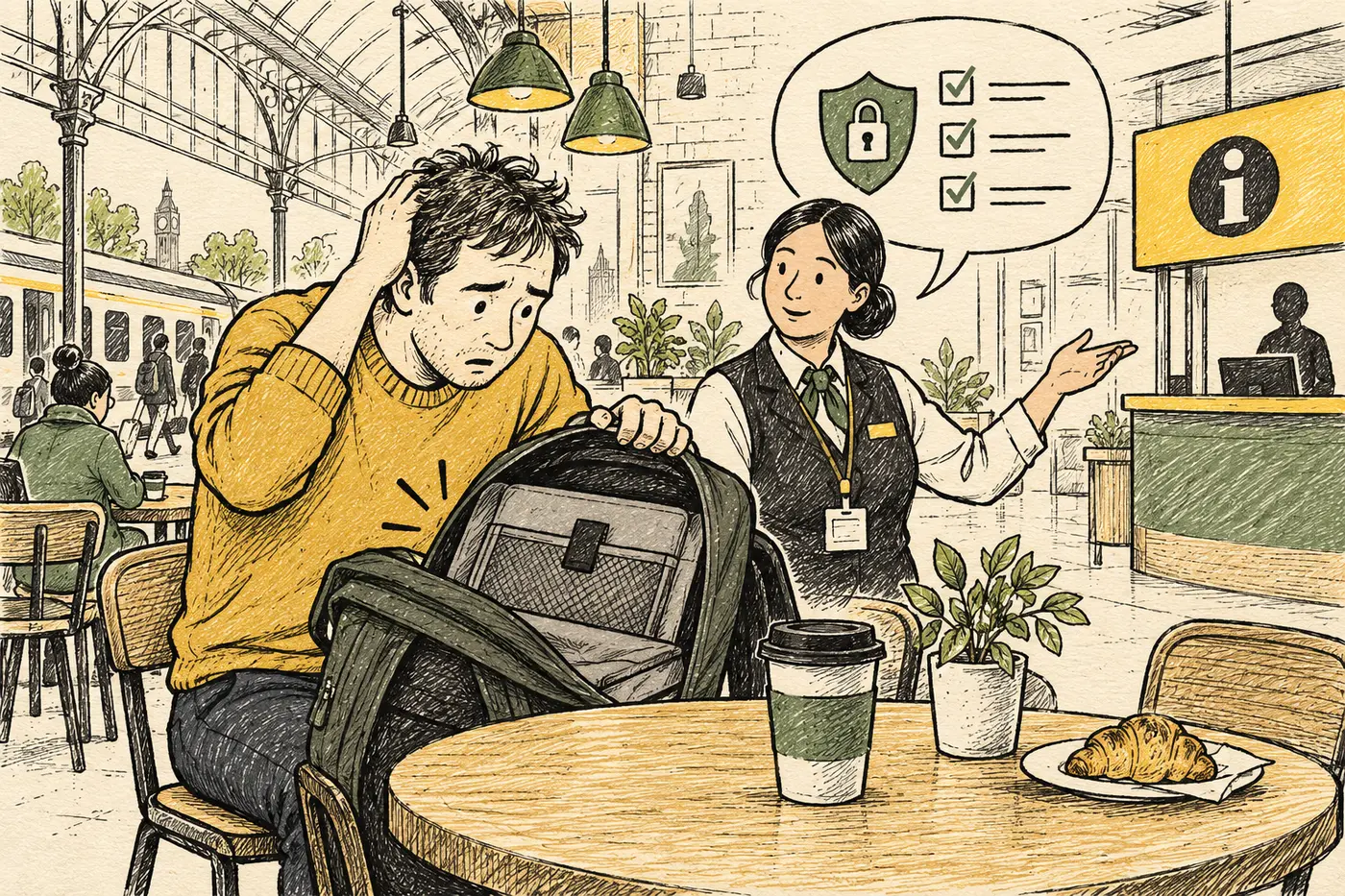
Here’s what you can do.
Get safe and report the theft
Do not chase or confront anyone. Write down where and when it happened, what the drive looks like, and its serial number if you have it. Call 999 if the crime is happening now or someone is in immediate danger; otherwise report it to police on 101 or through the appropriate police website.
Protect exposed accounts and check available copies
From a trusted device, change passwords that may have been exposed, including anywhere the same password was reused. Ask the account provider or work IT how to revoke exposed recovery codes or keys. If an account shows unfamiliar activity, follow its official recovery process and sign out other sessions. Check whether important files still exist in a separate backup; recovering a copy does not remove files from the stolen drive.
Tell the organisation what was on it
Tell work or school IT immediately if its information was involved. Describe the files, any encryption, whether its password or key was lost too, and whether another usable copy exists. Say when you discovered the loss, as well as when you last had the drive. Help the organisation start a dated log of the facts, people affected and protective action taken; update it as more becomes known. The organisation must assess and record a personal-data breach. If reportable, it must notify the ICO without undue delay and within 72 hours of awareness, using the facts available rather than waiting for a complete investigation. The ICO's first-72-hours guide below links to its reporting and self-assessment tools. If the responsible person is unsure, its personal data breach advice line is 0303 123 1113.
Your quick checklist.
Tick what you’ve done. This stays on this page.
0 of 3 markedDownload a short text copy to read without internet. It cannot call or alert anyone.
A few things explained.
Does changing my account password erase the drive?
No. Securing an online account is different from deleting files already stored on removable media. Ask IT what controls actually exist; do not assume a password change remotely protects those files.
What if the drive was encrypted?
Tell the organisation anyway. Check whether the files were genuinely encrypted, not merely password-labelled, and whether the key was lost with them. ICO guidance warns that a password kept beside encrypted data can make the protection ineffective.
Is it only a breach if somebody reads the files?
No. Losing access to personal data can also matter, particularly when it harms people and no usable copy is available. For example, a missing drive containing the only copy of information needed to support someone may create problems even if nobody else reads it. This is a hypothetical example, not a reported incident. The organisation assesses the risk and any ICO notification; a high risk to people also requires informing them without undue delay. Consider harm such as identity theft, safeguarding concerns or serious distress, rather than only the cost of the missing drive.