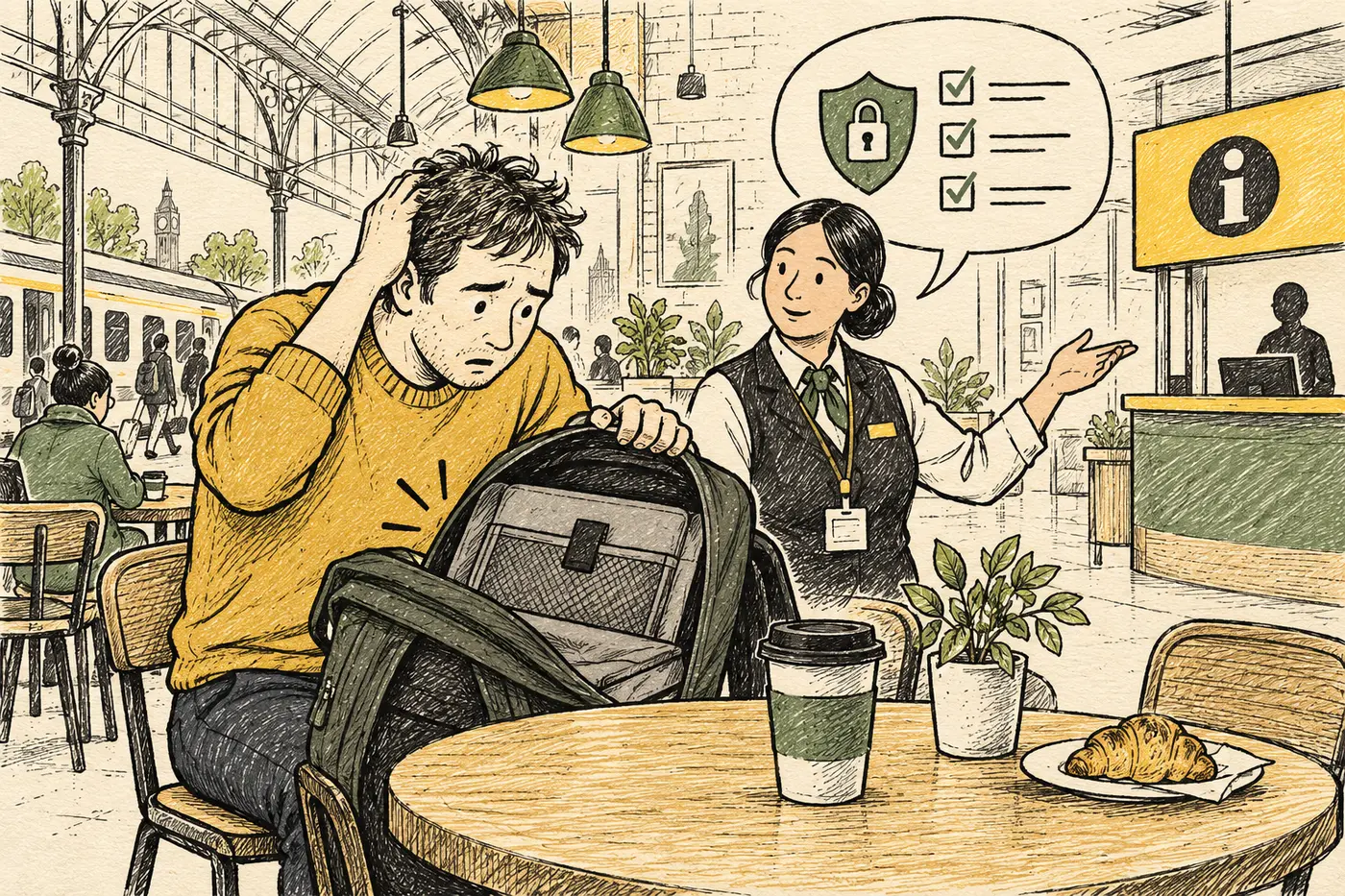
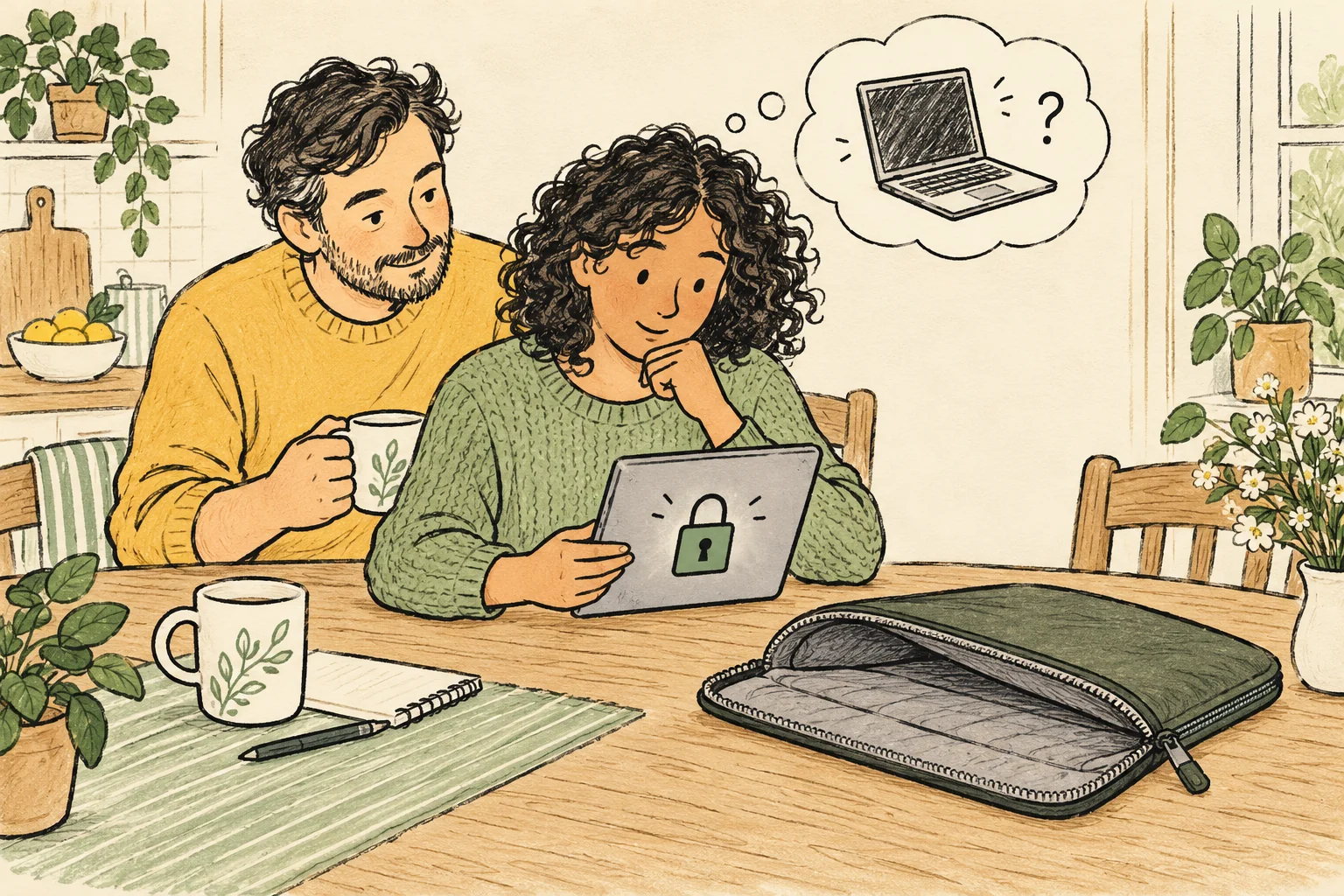
How can I protect important files before a device is stolen?
If a laptop disappears, a folder saved elsewhere on that same laptop disappears with it. A separate backup gives you another way to recover important documents and photographs. Protect the copy too: a stolen, unencrypted backup disk can expose private files. Before an emergency, check which recovery tools your service actually offers. Restoring a deleted file, recovering an earlier version and rolling back a whole account are different actions, with different limits.
ishowcrime desk
Sources checked 22 October 2026

Here’s what you can do.
Choose what matters and copy it separately
Copy irreplaceable files to suitable cloud storage or a separate external drive. Check recent files are included. A Time Machine local snapshot stays on the Mac's own disk; it cannot replace a separate copy if the Mac is stolen.
Protect the copy and its password
Use a strong password and two-step verification for cloud storage. Keep backup disks physically secure and disconnect them when not in use, so malware cannot reach an attached copy. On a Mac, follow Apple's instructions for your backup type. For a removable Windows backup drive, BitLocker To Go is available through manual BitLocker Drive Encryption on Pro, Enterprise and Education editions. Sign in as an administrator, search Start for Manage BitLocker, and choose Turn on BitLocker beside the correct removable drive. Follow the unlock and recovery-key instructions before starting encryption. Windows Home does not offer this manual feature. Device Encryption, available on some Home devices too, protects the operating-system and fixed drives; do not assume it has protected a removable backup.
Test recovery and choose the right tool
Try restoring a file and check that it opens. If a OneDrive file is deleted, check the website's Recycle bin; cloud-deleted and online-only files do not appear in the computer's Recycle Bin or Trash. If a file still exists but its contents were overwritten, right-click it on OneDrive and open Version history. Choose the earlier version's menu, then Restore. Work or school administrators may have disabled versioning, so ask IT if it is unavailable.
Your quick checklist.
Tick what you’ve done. This stays on this page.
0 of 3 markedDownload a short text copy to read without internet. It cannot call or alert anyone.
A few things explained.
How long does OneDrive keep deleted files?
Microsoft says personal accounts can recover files deleted within 30 days. Work or school accounts normally have 93 days unless an administrator changed retention. This applies to files in your own OneDrive, not files someone shared with you. Permanently deleted recycle-bin items cannot be restored this way.
How do I avoid losing access to an encrypted backup?
Apple requires the Time Machine backup password to restore encrypted files. With BitLocker, the 48-digit recovery key can unlock a drive if you forget its usual password. Check that your key has actually been saved and that you can retrieve it; do not assume it is in your Microsoft account. In Manage BitLocker, use Back up your recovery key for the correct drive. Keep a printout or separate USB key copy somewhere secure, away from the computer and backup drive. Do not keep the only copy on the drive it unlocks. Microsoft Support cannot recreate a lost key. For a work or school device, ask IT about its policy.
Should I restore my whole OneDrive to recover one file?
Check the individual file's recovery options first. Restore your OneDrive is a Microsoft 365 feature that can undo file and folder actions within the last 30 days. Review the activity list carefully: selecting an earlier action also selects later actions, including work you may want to keep. Items created after the restore point move to the OneDrive Recycle bin. This cannot recover items already permanently deleted from that bin. A full rollback is not simply another name for restoring one file.