Our business email sent payment requests we did not write. What now?
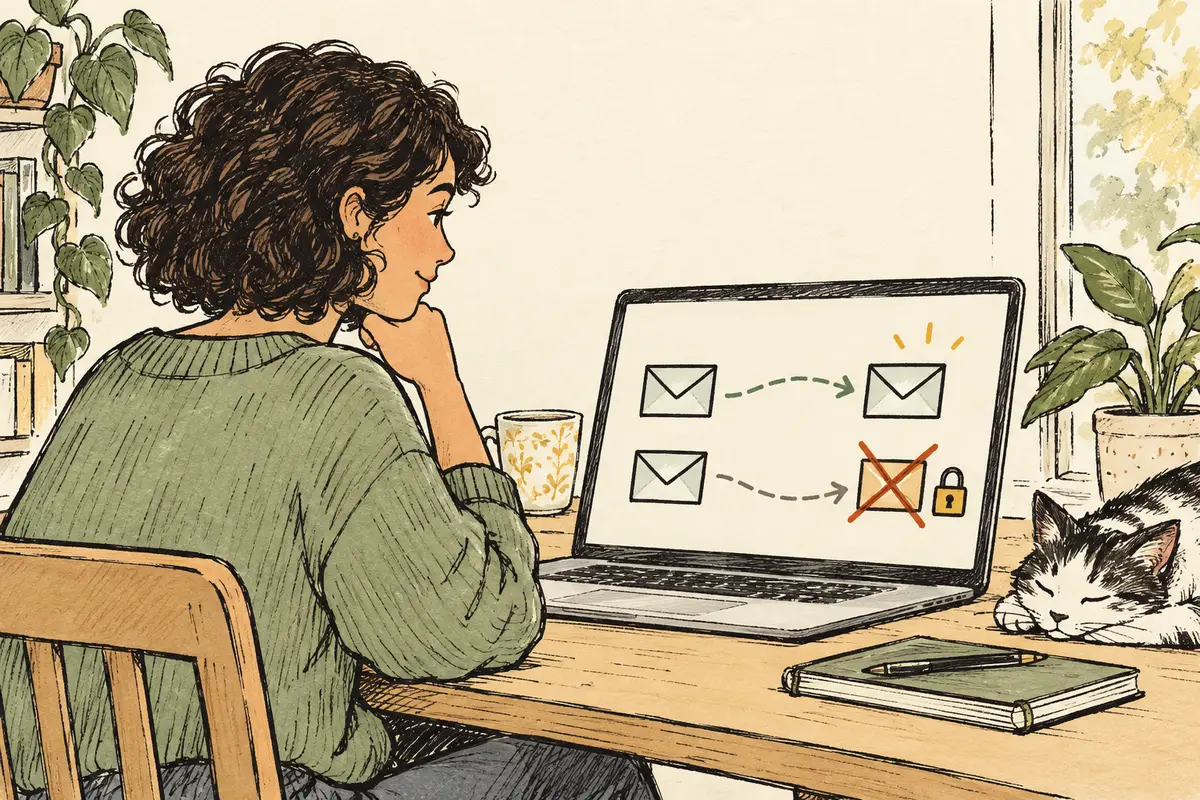
A customer says an email from your business asked them to pay a different bank account. It may be an altered message, a copied sender address or access to your real mailbox; the email alone does not settle which. The National Cyber Security Centre (NCSC) warns that criminals can use business email compromise to divert payments and impersonate a trusted contact. Act quickly to protect the account and tell affected contacts how to verify any payment request.
ishowcrime desk
Sources checked 16 November 2026
Here’s what you can do.
Contain the mailbox with your provider or IT lead
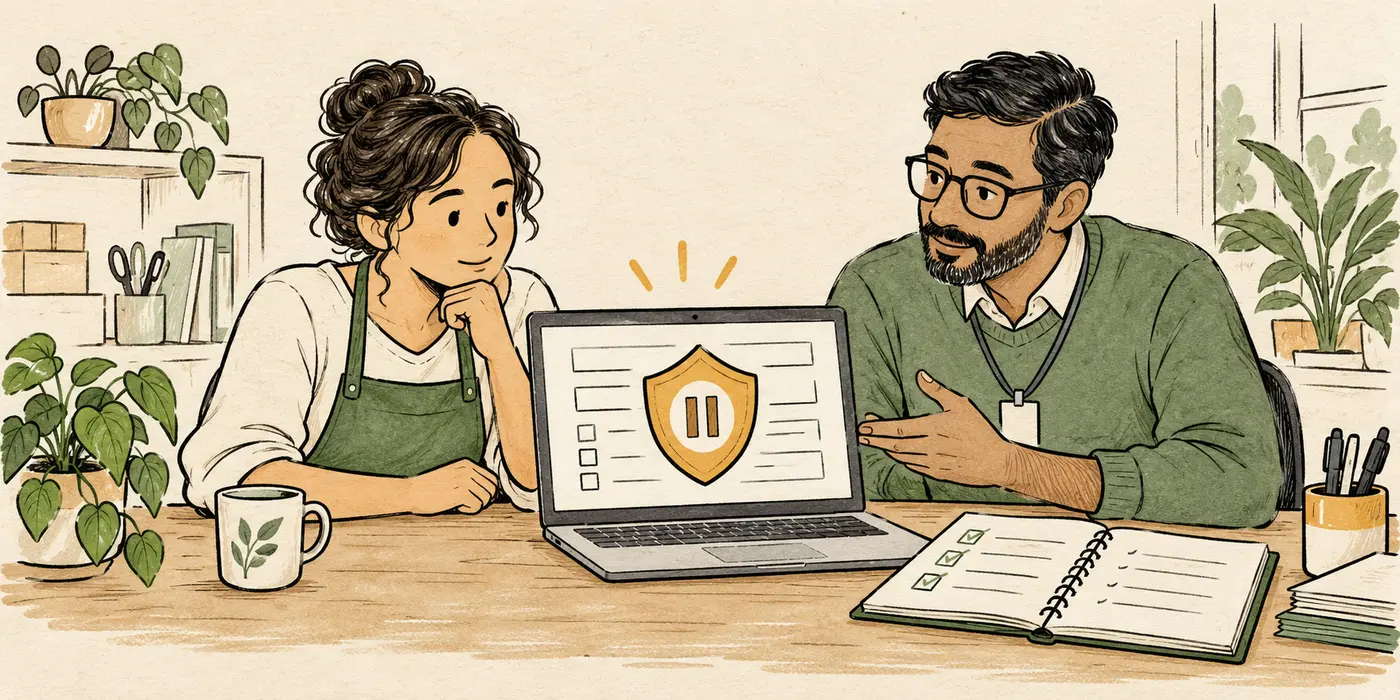
Tell the person responsible for your business IT immediately. Check the email provider's official account-recovery route, not a link in the suspect message. Look for unfamiliar sign-ins, sent messages, changed settings and unwanted forwarding rules; NCSC lists these as signs or ways an intruder can keep receiving mail. Remove unauthorised rules, change the mailbox password and any reused passwords, sign out other sessions and turn on two-step verification following your provider's instructions. Record what you find before it is lost, and ask for specialist help if access cannot be restored. These checks help stop further misuse; a password change alone may leave other sessions or forwarding in place.
Warn people and check payments independently
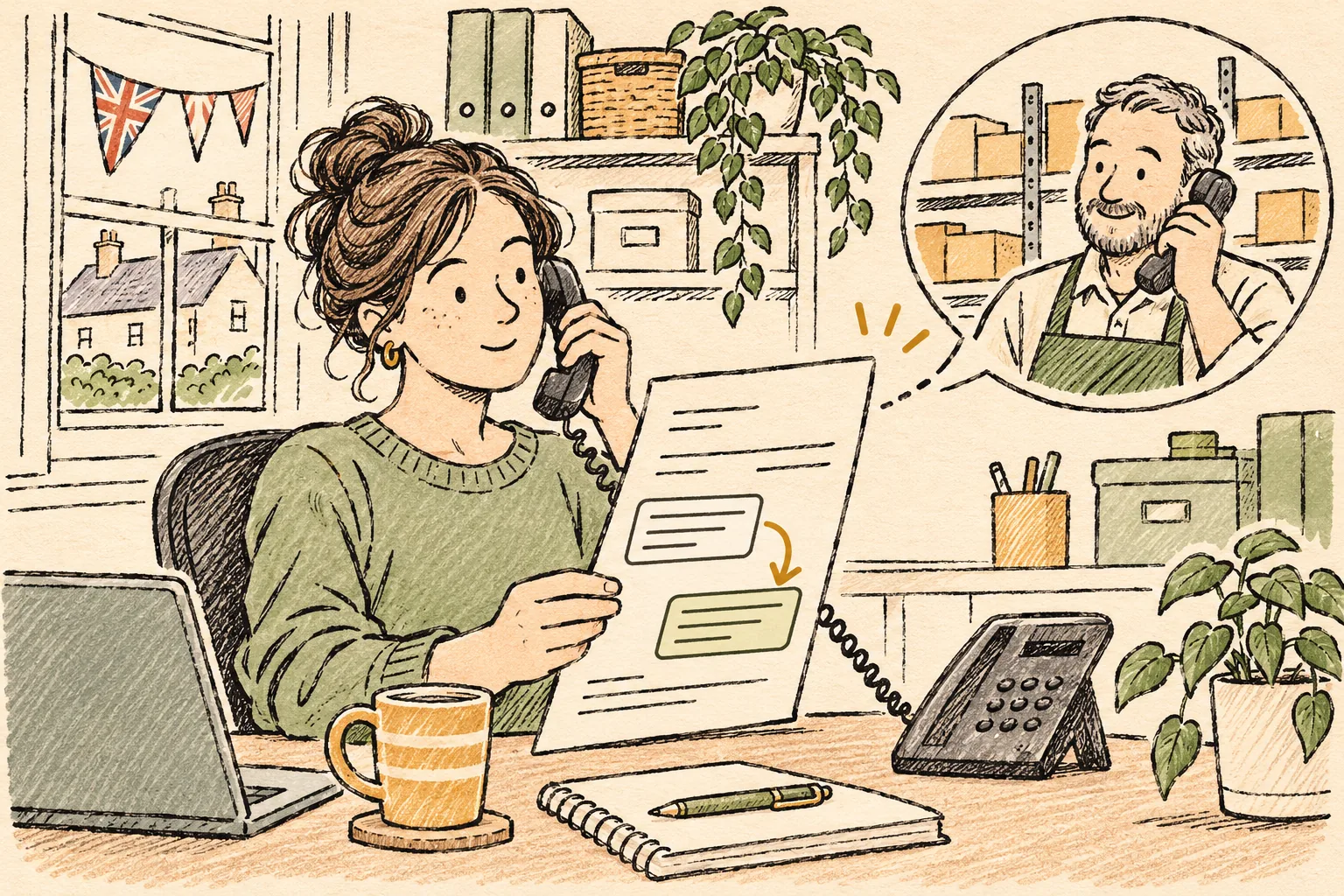
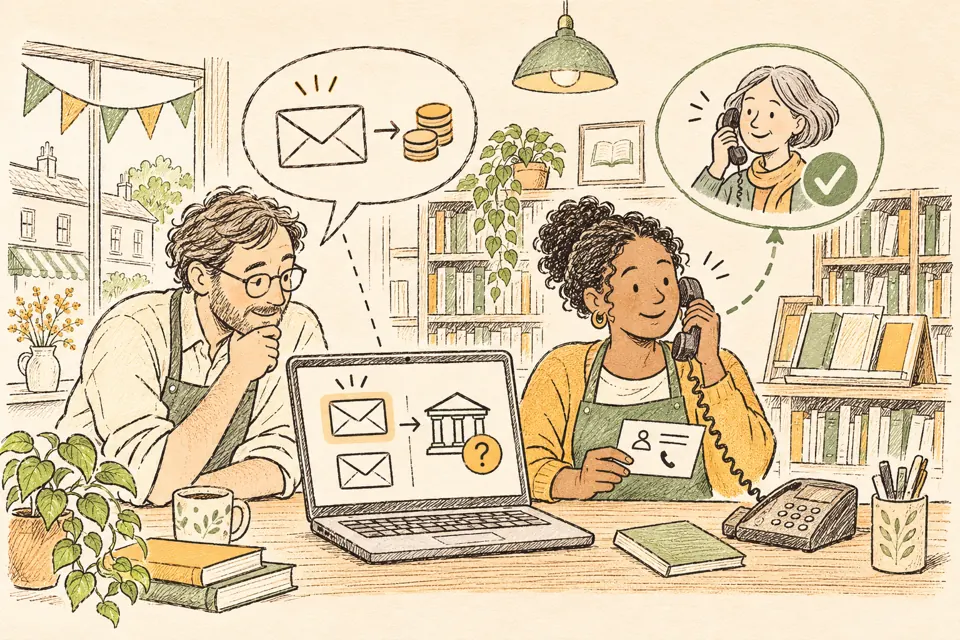
Contact people who may have received the suspect message using a trusted number or another established route. Ask them not to pay the new details until they have checked with your business separately. Be specific about the messages and period you know about, without claiming every customer was affected. For example, if a customer forwards a changed invoice, call them on the number already in your records to confirm the agreed account; this is a hypothetical example. NCSC advises warning contacts after a hacked account and contacting the bank directly if a fraudulent payment may have been made. If money has gone, the payer should contact their bank immediately too. Keep the suspect emails and payment evidence.
Assess data exposure and report the incident
Check what the mailbox contained and who might have seen it, including customer personal data, invoices and password-reset messages. Keep a dated incident log and assess the risk to individuals. The Information Commissioner's Office (ICO) says a personal-data breach must be reported without undue delay and within 72 hours of awareness when it meets the reporting threshold; high-risk affected people must also be told without undue delay. Not every suspicious email is a reportable data breach. Use the ICO's current assessment and reporting guidance, and seek advice if unsure. NCSC offers a UK cyber-incident reporting route. If money was lost, tell the bank and report suspected fraud through Report Fraud in England, Wales or Northern Ireland, or Police Scotland on 101 in Scotland. A report does not guarantee recovery.
Your quick checklist.
Tick what you’ve done. This stays on this page.
0 of 3 markedDownload a short text copy to read without internet. It cannot call or alert anyone.
A few things explained.
Does a false email prove someone logged into our mailbox?
No. A sender address can be copied, and a genuine mailbox can also be compromised. Check the provider's sign-in history, sent items, rules and security settings with your IT lead. NCSC lists unrecognised sent messages and changed settings as warning signs, not proof of one cause.
What if no customer has paid the false invoice?
Still contain the account or investigate sender spoofing and warn people who may have received it. NCSC recommends notifying contacts after a hacked account so they can treat recent messages with suspicion. Record what you know rather than assuming no other data was exposed.
Must every email incident be reported to the ICO?
No. Assess whether personal data was breached and the risk to people. The ICO says reportable breaches must be notified without undue delay and within 72 hours of awareness. A high risk to affected people also triggers a duty to tell them without undue delay. Its small-business guide and advice line can help with uncertainty.