What if Gmail is forwarding my emails to a stranger?
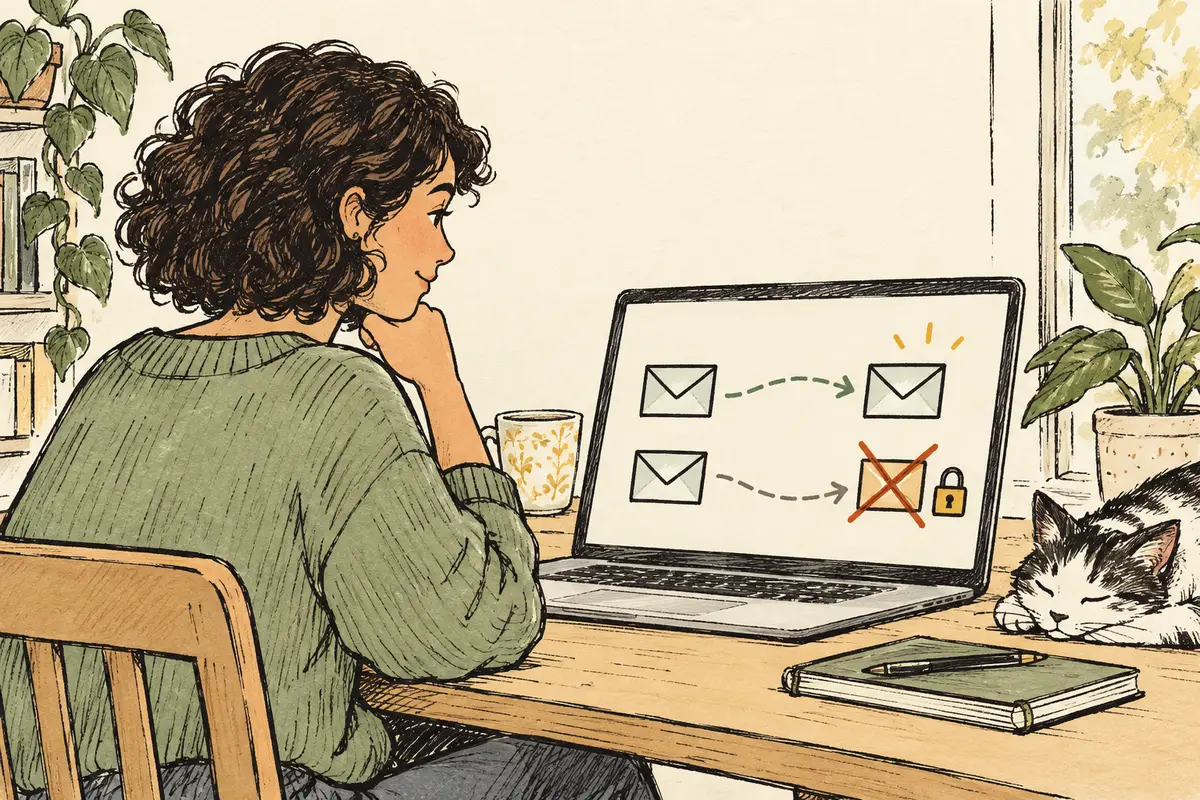
A forwarding address you do not recognise can send copies of your Gmail messages to someone else. A filter may affect only certain messages, so an otherwise normal-looking inbox does not settle the question. Treat an unexplained rule as a possible account compromise and check both your sign-in security and your mail settings. Gmail may leave the original message in your inbox while forwarding a copy, so normal mail delivery is not proof that forwarding is off.
ishowcrime desk
Sources checked 1 November 2026
Here’s what you can do.
Secure your Google Account
Open your Google Account yourself and change the password if you did not authorise the forwarding. Change it anywhere else you reused it. Review recent security events and devices, following Google's prompts for unfamiliar activity. If locked out, use the account-recovery link in Google's compromised-account guide below. For a closer look at mailbox access, open Gmail on a computer and click Details at the bottom right. The activity page lists access types, times, IP addresses and approximate locations. Compare these with the devices and mail apps you use. A distant location alone does not prove someone else signed in: a phone may show your mobile operator's location, and an authorised app may show its own address. Another session may be your own browser or device. Use these details alongside Google's security checks; they do not identify the person who accessed the account.
Check forwarding and filters separately
On a computer, open Gmail, then Settings and See all settings. Under Forwarding and POP/IMAP, or Forwarding, disable unwanted forwarding and save changes. In Filters and Blocked Addresses, remove forwarding or deletion rules you did not set up. Also check unfamiliar Skip Inbox rules, which can hide mail from the inbox without deleting it. Under Accounts and Import, check Grant access to your account and remove unfamiliar delegates. Review Send email as for addresses you did not add. Check the signature and automatic reply too: an intruder may have changed what recipients see.
Protect accounts linked to your email
Review recovery details and third-party access, remove unfamiliar access and enable two-step verification. After changing passwords, sign out other sessions using the account's security settings. Secure important linked accounts too: intercepted emails can expose password-reset links. Check bank statements and shopping accounts for unfamiliar transactions. Contact the bank through a trusted route if money or financial information is at risk. If contacts receive messages you did not send, warn them about those messages and complete the security checks. A copied sender address alone does not prove account access; the FAQ explains the difference. Use the missing-mail checks below if important emails have disappeared.
Your quick checklist.
Tick what you’ve done. This stays on this page.
0 of 3 markedDownload a short text copy to read without internet. It cannot call or alert anyone.
A few things explained.
A friend received spam showing my address. Does that prove my Gmail was hacked?
No. Google explains that a sender or reply-to address can be forged. This is called spoofing. Delivery-failure notices for mail you never sent can result from messages created outside Gmail; Google advises reporting those notices as spam. Changing your password cannot stop someone merely putting your address on an email sent elsewhere. Still complete Google's security checks if contacts receive suspicious mail. Review recent activity, settings and Sent mail: messages there that you did not write are a warning sign. Unwanted forwarding or unfamiliar access needs the recovery steps above. Do not dismiss those signs as spoofing. Warn contacts about the particular messages you did not send, without claiming you know how they were sent.
Why did Gmail show a forwarding notice?
Google says notices appear for the first week after forwarding or a forwarding filter is set up. If you did not arrange it, change your password and stop the unwanted forwarding. A notice disappearing is not a reason to skip the settings check.
Can I recover emails that disappeared during the takeover?
First search across the mailbox. On a computer, open Gmail's search options and choose Mail & Spam & Trash, then search using details you remember. Move important messages out of Trash; mail in Trash or Spam is permanently deleted after 30 days or when those folders are emptied manually. Check filters for Delete it and Skip Inbox. If someone accessed your account without permission and messages are still missing, use Google's Gmail Message Recovery Tool linked below. It offers a recovery request, not a guarantee that every message can be restored. Also check connected mail apps: their settings may archive or delete Gmail messages.