Can you call 999 with no phone signal?
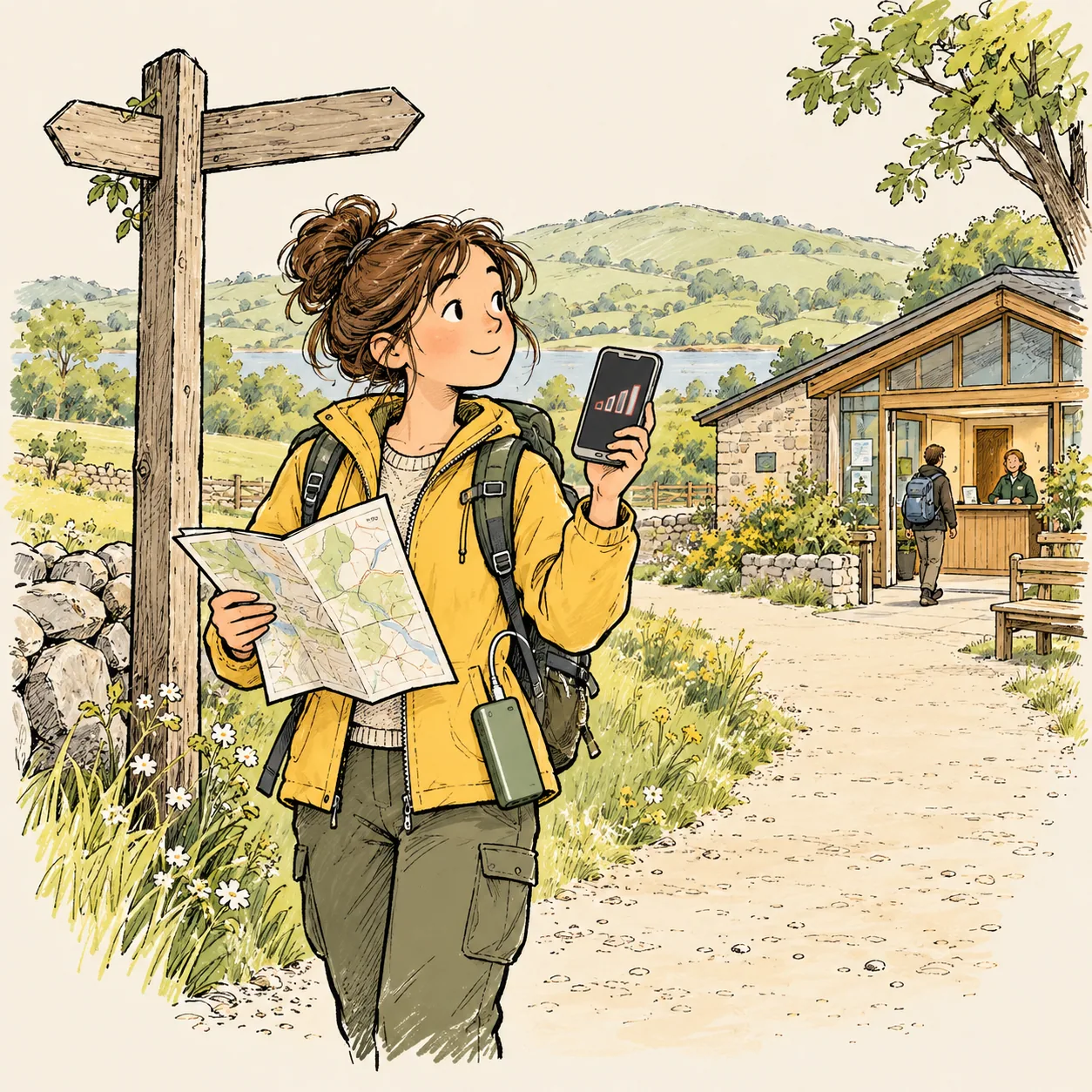
Your phone shows no service when you need help. Try 999: another available mobile network may carry the call even when your own provider has no coverage. If no mobile network is available, an ordinary mobile call cannot connect. Some supported phones offer a separate satellite emergency text service when mobile and Wi-Fi connections are unavailable. This needs an outdoor view of the sky and has device and location limits. It is not a solution for a Tube tunnel. GPS and offline maps can help describe your position, but do not themselves send for help.
ishowcrime desk
Sources checked 23 October 2026
Here’s what you can do.
Try 999 or 112
Both numbers reach UK emergency services. The phone can use another available network when yours is unavailable; you do not need to choose that network yourself. Calls are free, including on pay-as-you-go phones with no credit. A free call still needs a usable connection.
Use a safe alternative if it fails
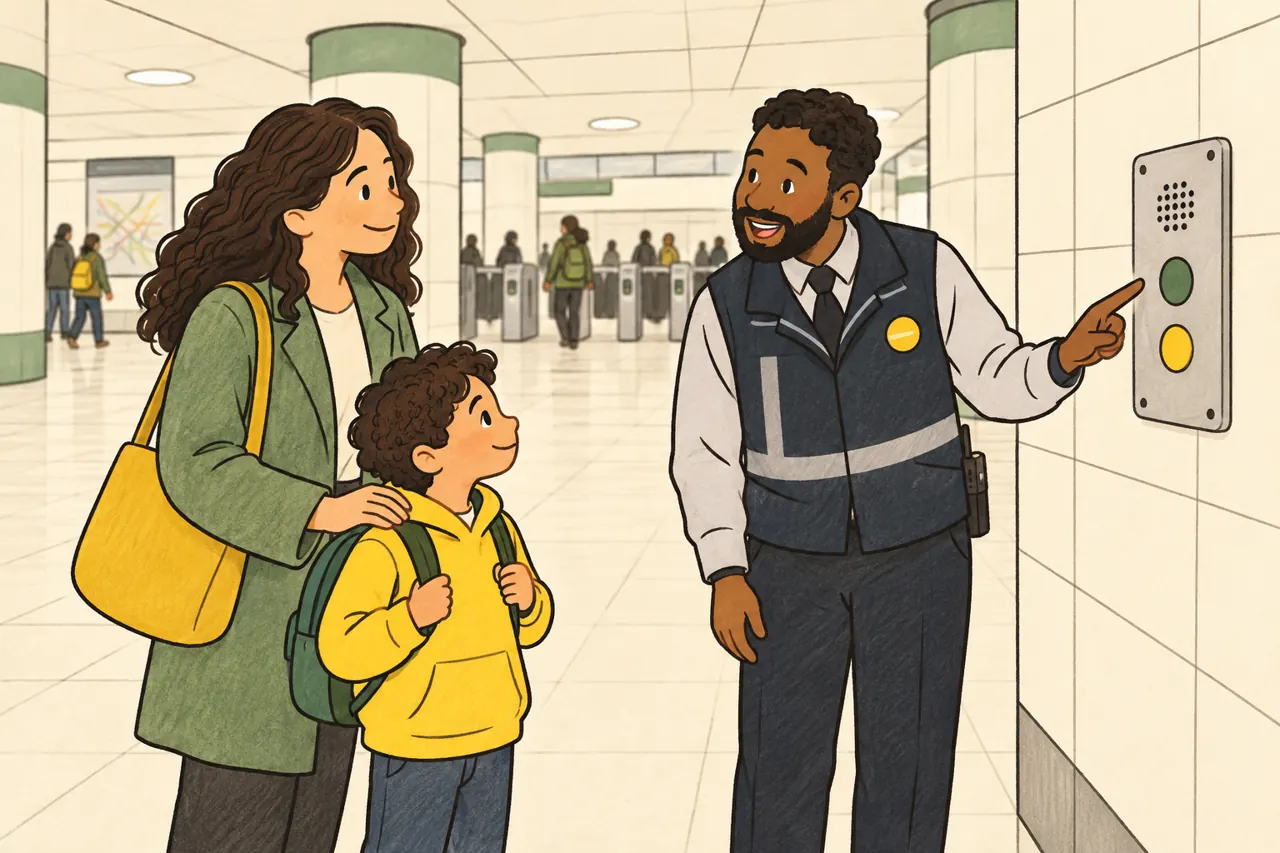
Try another working phone or ask nearby people or staff for help. Move only if it is safe. On the railway, use a station emergency Help Point or train emergency handle, or speak to staff. Do not rely on 61016 for urgent help. Outdoors, if your supported phone offers satellite SOS after the emergency call fails, follow that option. On iPhone, tap Emergency Text via Satellite, then Report Emergency. On Pixel, tap Satellite SOS, Use Satellite SOS, then Start. Answer the questions and follow the screen's directions to position the phone. Keep watching for replies. Trees, buildings and terrain can obstruct the connection; do not enter danger to find a clearer view.
Explain where help is needed
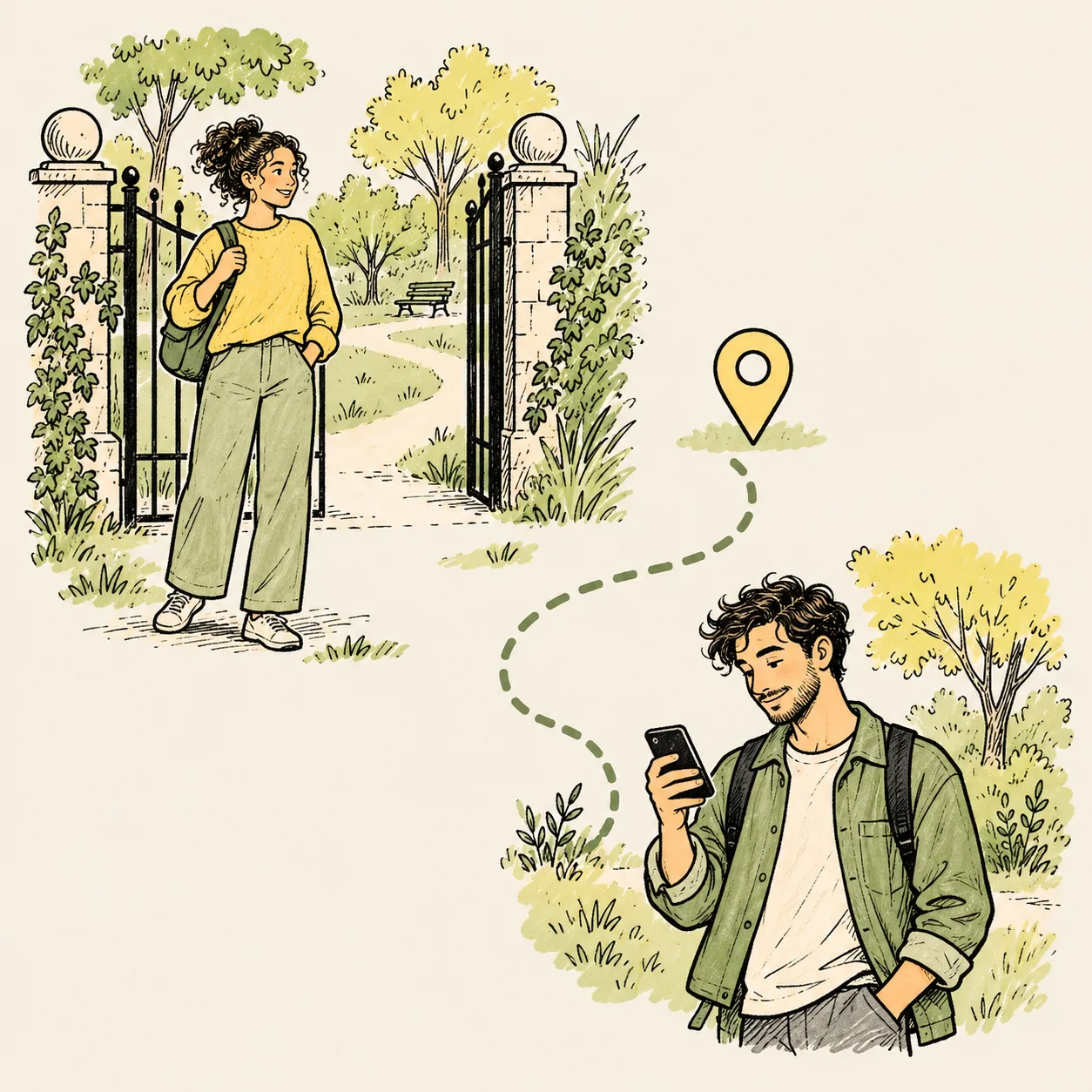
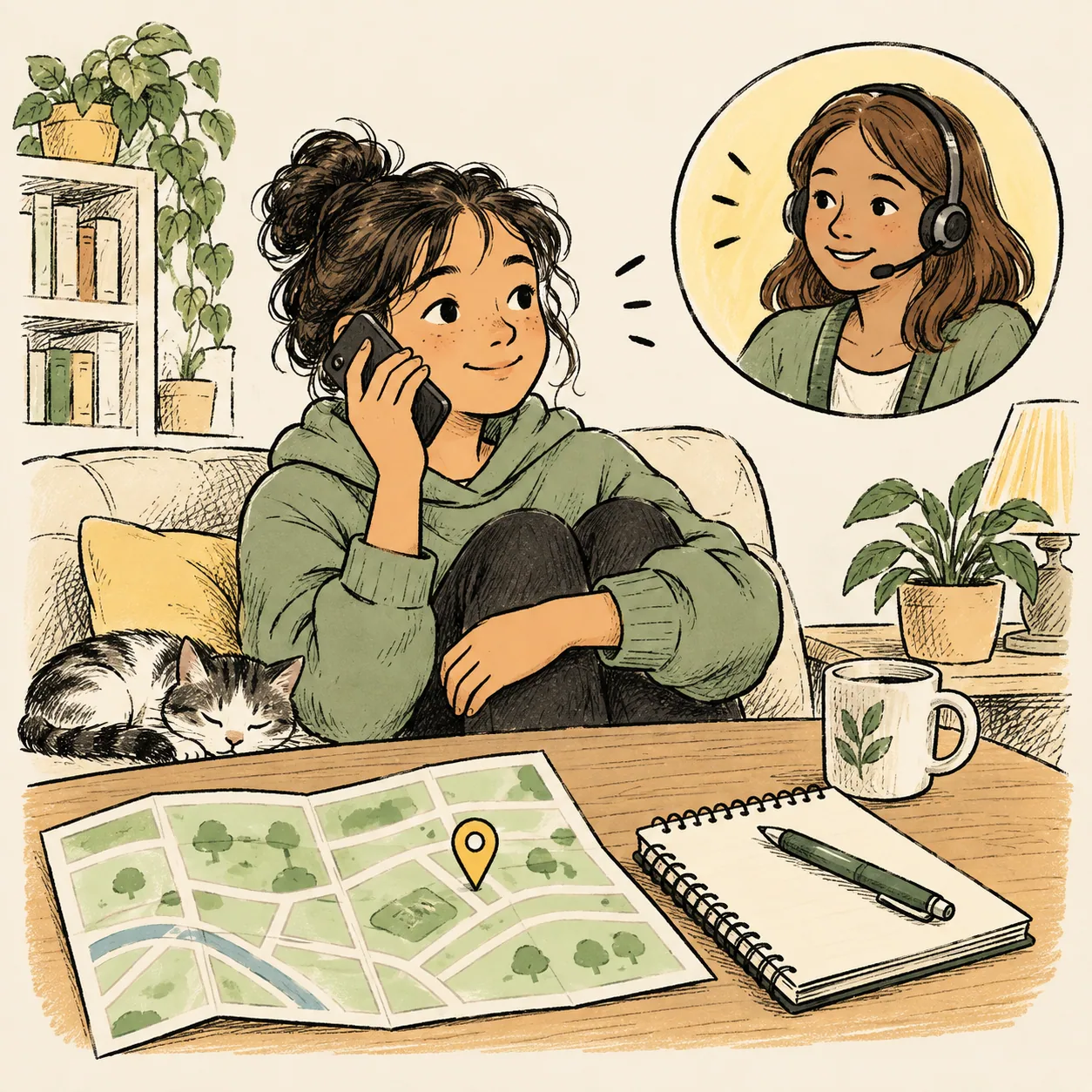
Give a place name and nearby road, entrance or landmark. Say if you do not know the address; you can still call without every detail. Follow the call handler's questions. The installed what3words app can find location words from GPS offline, but sending them still needs a connection. Loading its maps also needs data. If its words change while you are standing still, the GPS may be weak or still settling; tell the person helping you about that uncertainty. The app's provider says a short pause may let the position settle. Do not delay asking for urgent help while trying to obtain a perfect location. Saving a map before travelling can help you describe your position; it does not send an alert.
Your quick checklist.
Tick what you’ve done. This stays on this page.
0 of 3 markedDownload a short text copy to read without internet. It cannot call or alert anyone.
A few things explained.
How do I check whether my phone supports satellite SOS before a trip?
Apple lists iPhone 14 and later, with iOS 16.2 or later for the UK; some countries of purchase have restrictions. Use Apple's linked instructions and try its satellite demo before travelling. Google lists Pixel 9 and later except Pixel 9a, with the UK supported. On Pixel, check Settings → Safety & emergency → Satellite SOS: software updates and satellite-network registration must be complete, and Google Messages must be the default messaging app. Try the built-in demo rather than making a real emergency request. These services send emergency texts; support for a country does not guarantee a connection everywhere.
Will a digital landline work in a power cut?
A phone service through a broadband router needs power. Tell your provider if you rely on it and lack a working mobile or reliable mobile signal. Ask about the free backup solution for customers who depend on their landline; check it before an outage.
Can Wi-Fi calling help with poor indoor signal?
It may help if your handset, mobile plan and provider support it and broadband is working. Ask your provider about activation, emergency calling and text support in advance. Do not assume that any Wi-Fi connection or messaging app can place a 999 call.