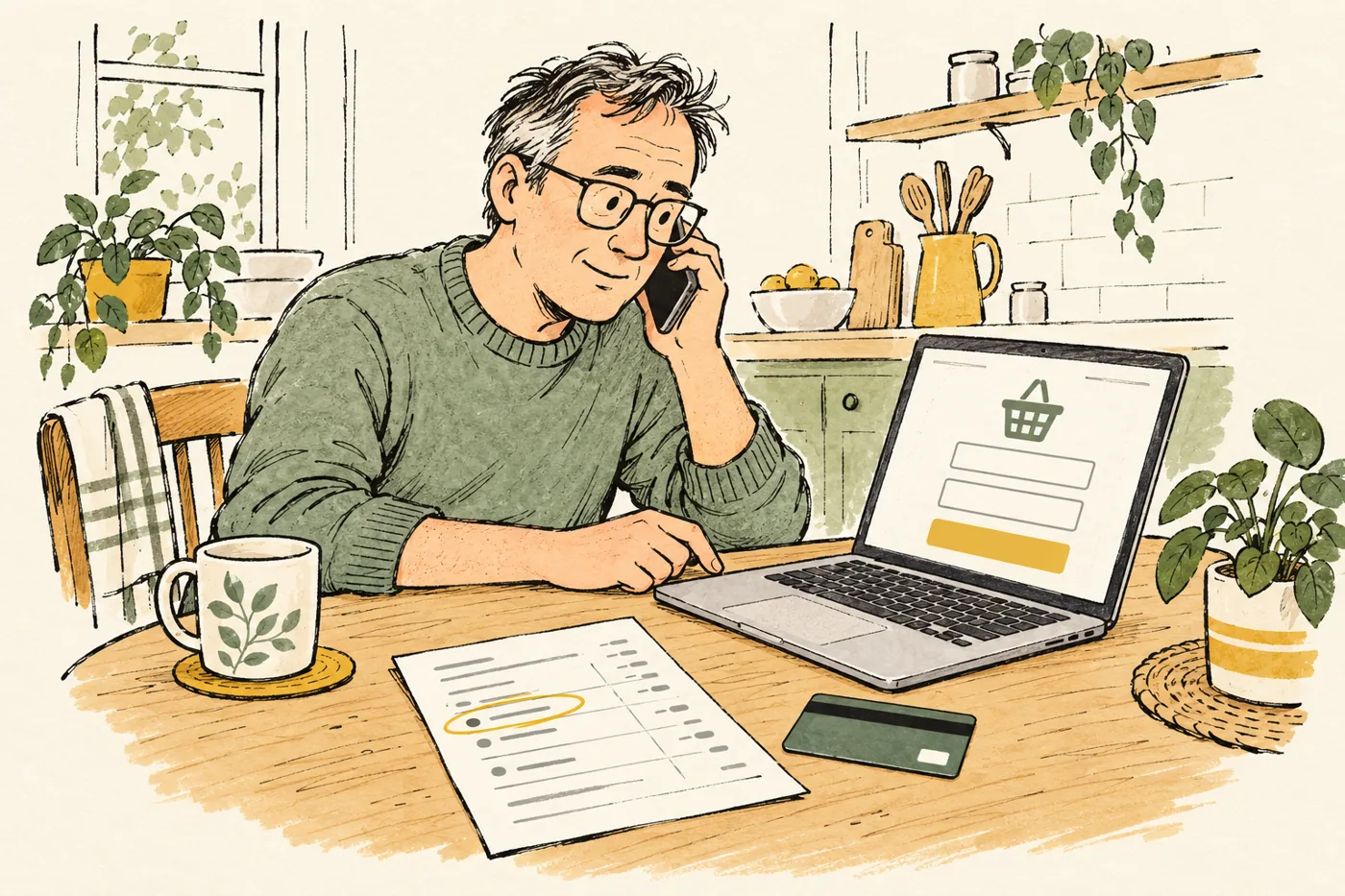
How can I check a Blue Badge application website before paying?
You are applying for a Blue Badge and a website asks for a large payment before it will handle the form. Pause before paying or uploading documents. Lancashire County Council warns that fake application sites charge extra without guaranteeing a badge, and that their forms are not accepted. A separate risk is a page designed to steal personal information. This guide focuses on England: check the official application route and your council's payment instructions before trusting a website.
ishowcrime desk
Sources checked 1 November 2026
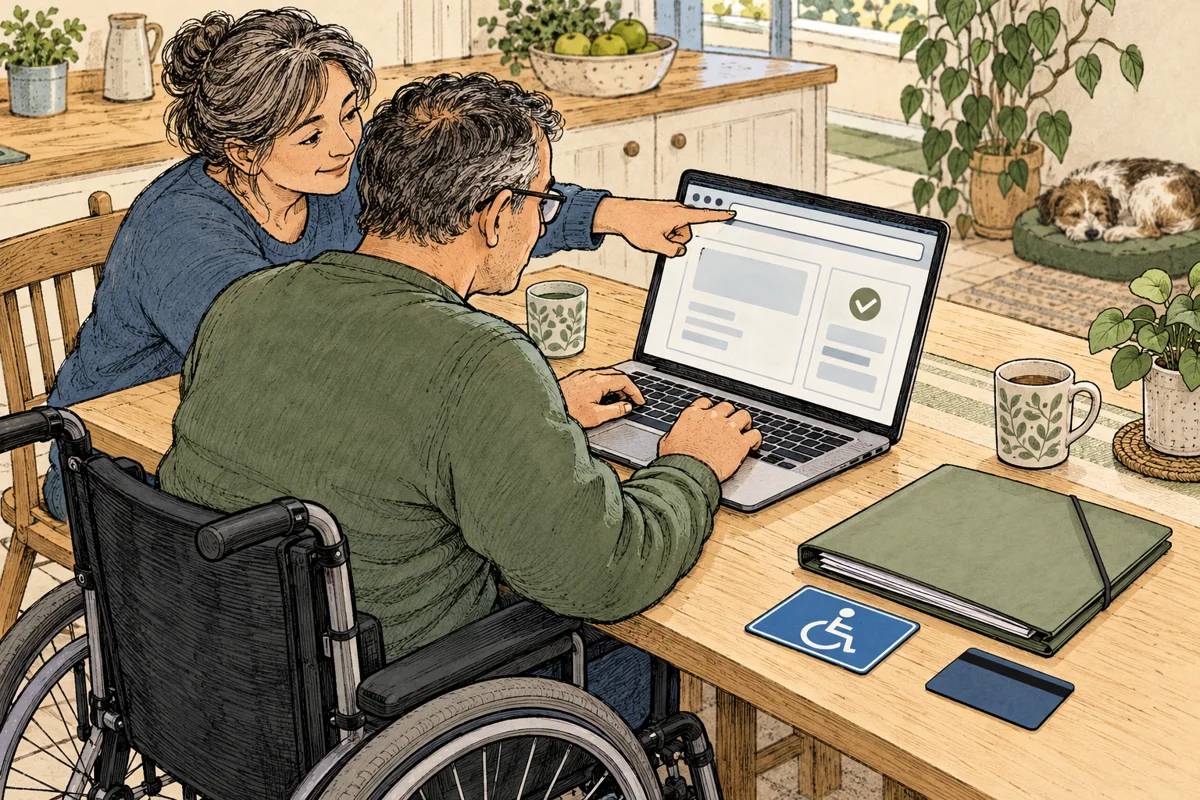
Here’s what you can do.
Start from the official application page
Open GOV.UK's 'Apply for or renew a Blue Badge' page using the source link below, then follow its Start now button. This gives you a known starting point instead of relying on the site asking for payment. For local questions in England, use the GOV.UK council finder linked below. If you submitted a form elsewhere, ask the council whether it received an application before sending more documents or starting again. Another website's receipt is not confirmation from the council. For a renewal, you must reapply before your current badge expires; use the same official application route.
Check the fee and who receives your documents
A Blue Badge costs up to £10 in England; how you pay depends on your council. A larger request presented as the badge fee needs checking. Lancashire's warning describes scam sites charging more without securing an accepted application. Do not treat an extra payment as a guarantee of approval. The real GOV.UK application does need a photo and identity and address evidence. Those requests alone do not prove a scam. Verify the route first, then provide documents through the genuine service. Stop entering information if the website seems suspicious.
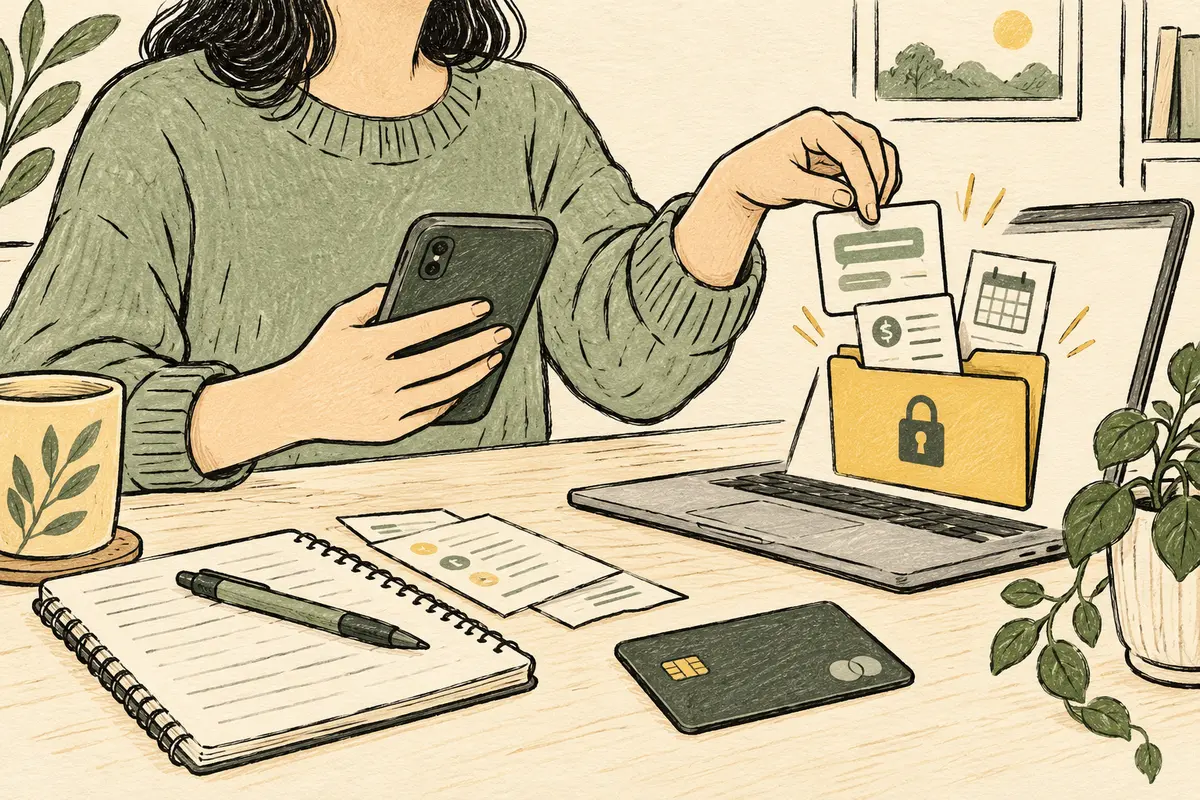
Protect your details and report the concern
If you paid a suspected scammer or shared bank or card details, contact your bank immediately through its trusted app or usual number—even if no money has gone missing. Explain what you entered and paid. Change any password you shared, including on other accounts where you reused it. Keep the website address, messages, receipts and payment details you already have, without reopening the suspicious page. Report the website using NCSC's source link below. For suspected fraud in England, use Report Fraud's police-report route. Reporting a website is separate from protecting your bank account and checking the real Blue Badge application.
Your quick checklist.
Tick what you’ve done. This stays on this page.
0 of 3 markedDownload a short text copy to read without internet. It cannot call or alert anyone.
A few things explained.
What if I am waiting for a decision or my application is refused?
GOV.UK says councils usually decide within 12 weeks. This is a usual timescale, not a guaranteed deadline. Ask your council about your application through its own contact details; an unfamiliar website's promise is not a council decision. If refused, the council should explain why. You can ask it to reconsider if you think it missed important information you supplied. GOV.UK also says you can reapply if your mobility problems become more serious. Paying another website does not guarantee approval. Someone you trust can apply on your behalf, and your council can answer questions about the scheme. Keep control of which documents are shared and where they go.
I uploaded identity documents. Does that mean someone has used my identity?
Not necessarily, but take the exposure seriously. Make a note of what you sent and stop supplying further information to the suspicious site. If you suspect someone is using your identity, check your credit reports for unfamiliar applications and contact the relevant lender and credit reference agency about anything you do not recognise. The government's identity-theft guidance below explains these steps. Be cautious about follow-up requests for confidential details.
What if I only clicked, or the council sends me a payment email?
Clicking does not by itself prove a loss. If you opened a link on a computer, NCSC advises running a full scan with your antivirus, if you have it, and following its findings. If you shared details, follow step three. A payment email is not automatically fake: Lancashire says it may contact successful applicants by email or phone. If uncertain, check with your council through independently found contact details before paying.