Travelling where mobile signal may fail? Agree a check-in plan
A route can lose mobile coverage even when a map predicts service. A missed message may mean a flat battery, a delayed journey or no connection; it is not proof of an emergency. Before setting off, agree with someone you trust where you are going, when you expect to return and what they should do if they cannot reach you. Keep the plan simple and private. Live location sharing can be useful when connected, but it cannot replace an agreed route and an offline backup.
ishowcrime desk
Sources checked 15 November 2026
Here’s what you can do.
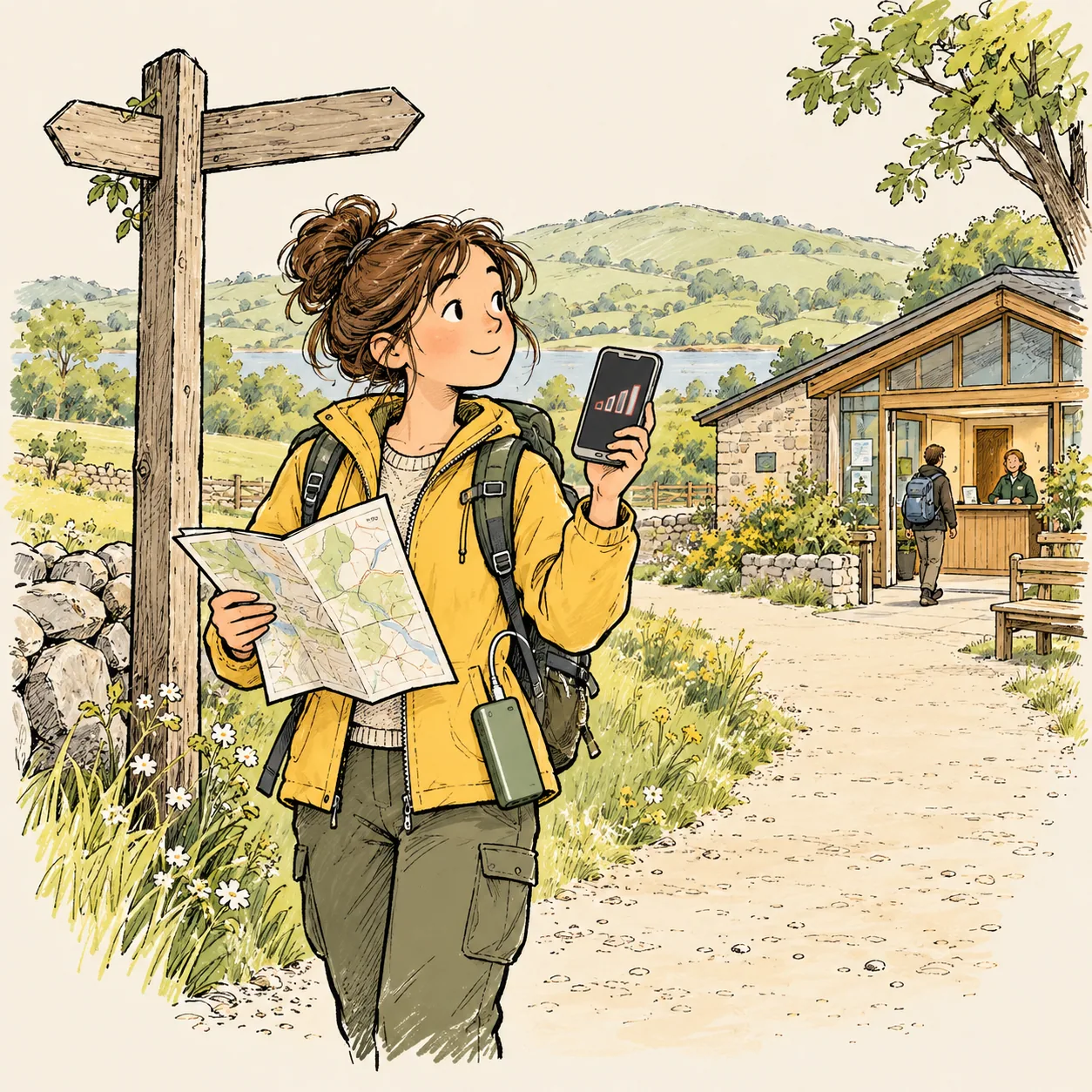
Check the route, but expect gaps
Look at Ofcom's Map Your Mobile for predicted coverage along the route and check your own provider if needed. Predictions can differ from the signal you actually get, especially among hills, trees, buildings or inside a vehicle. Charge your phone, carry a suitable power bank if you have one, and save the route offline or take a paper map. For a hill or remote walk, Mountain Rescue England and Wales recommends planning for the terrain and weather as well as carrying a map and compass.
Agree who will check and when
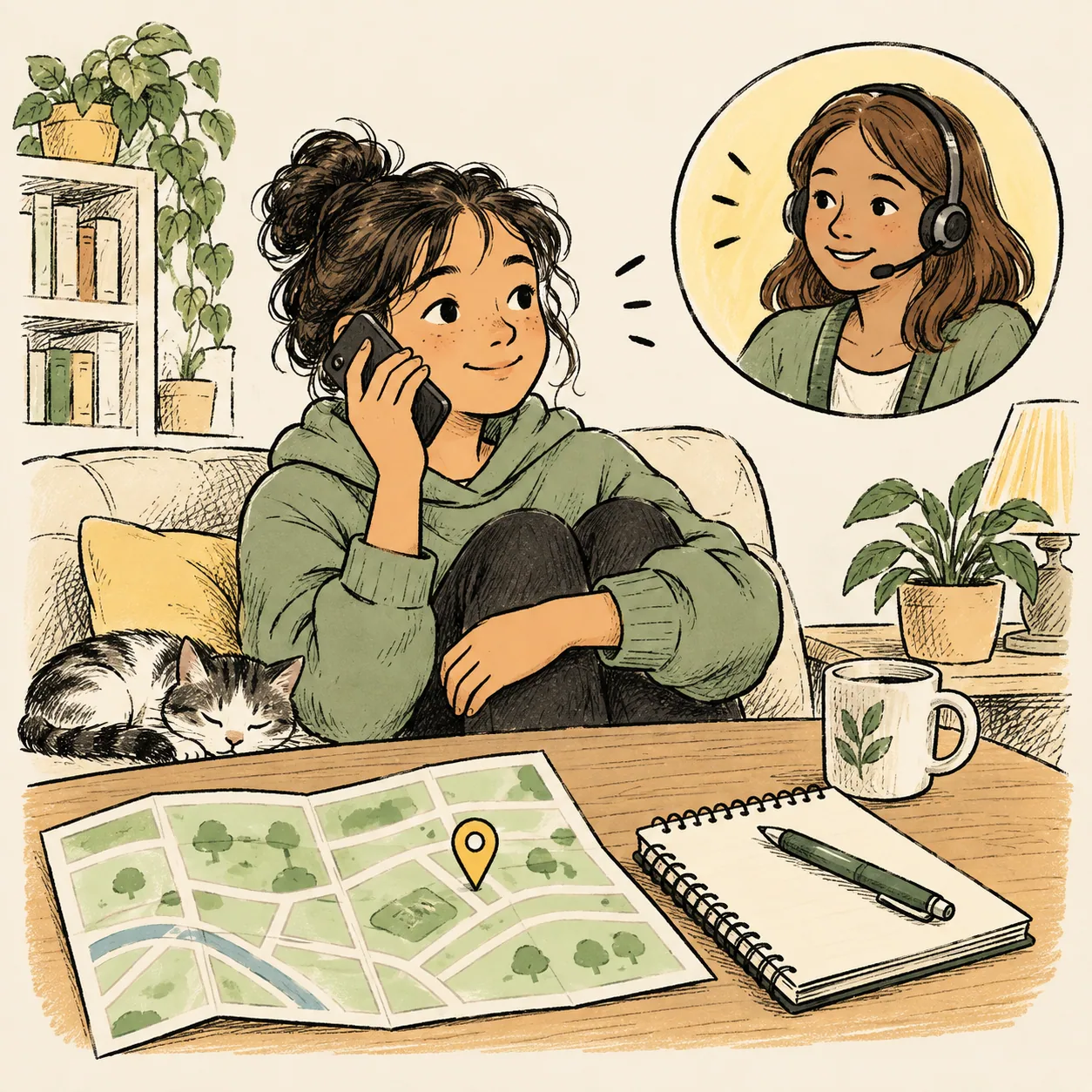
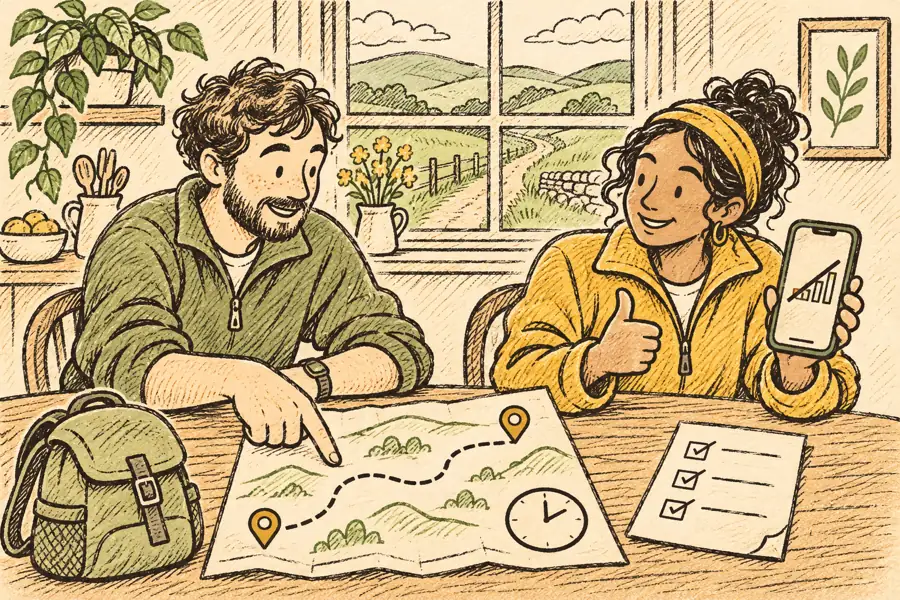
Choose a person you trust. Share your start and finish points, route, expected return time and a way to contact you. Agree a sensible time for them to try you if you are late and what they will do if there is a real reason to worry. Tell them if your plans change whenever you can connect. Mountain Rescue advises leaving these route details in a reliable place. Share only with the people who need the plan; do not post a live route or your home details publicly.
Keep an offline backup and know the limits
Write down useful route and contact details, and identify places where you could ask for help if your phone fails. Do not rely on a live location app as your only check-in. Google's Android guidance says real-time emergency sharing needs Wi-Fi or mobile internet, and Ofcom says no coverage prediction guarantees a connection. If you are in immediate danger, try 999; another available network may carry a call, but no network means a normal mobile call cannot connect. The linked guide explains that limit. A missed check-in should prompt the agreed follow-up, not an assumption that an app has contacted police.
Your quick checklist.
Tick what you’ve done. This stays on this page.
0 of 3 markedDownload a short text copy to read without internet. It cannot call or alert anyone.
A few things explained.
Does Ofcom's map guarantee signal on my route?
No. It predicts coverage and explains that trees, hills, buildings, congestion and being inside a vehicle can affect reception. Use it to spot likely gaps, then plan for the possibility that the phone will not connect.
Will live location sharing continue through a dead zone?
Do not assume so. Google's Android guidance says sharing real-time location with emergency contacts requires Wi-Fi or mobile internet. Other apps and devices differ, so check the official instructions for yours. A saved route and an agreed check-in remain useful even if the app cannot update.
What should my contact do if I miss the agreed time?
A late message alone does not establish danger. Agree in advance when the person should try calling or messaging, who else knows your route, and when a concrete concern would justify contacting the relevant emergency service. A route note with start, finish and expected return can help explain where to look. The contact should not put themselves at risk by searching alone.