A message offers a new Relay UK app. How can I check it?
A message says you need a new Relay UK app and gives you a download link. It might be an ordinary notice or someone misusing a familiar name; the message alone proves neither. Relay UK is a real text-relay service for people with hearing or speech difficulties, and its site lists app-store routes for supported devices. Do not let an urgent message choose the download for you. Open Relay UK’s site yourself, check the route for your device, and ask through its published contact page if the claim is unclear. If you used the link, the next step depends on whether you only opened it, entered details or installed software.
ishowcrime desk
Sources checked 19 November 2026
Here’s what you can do.
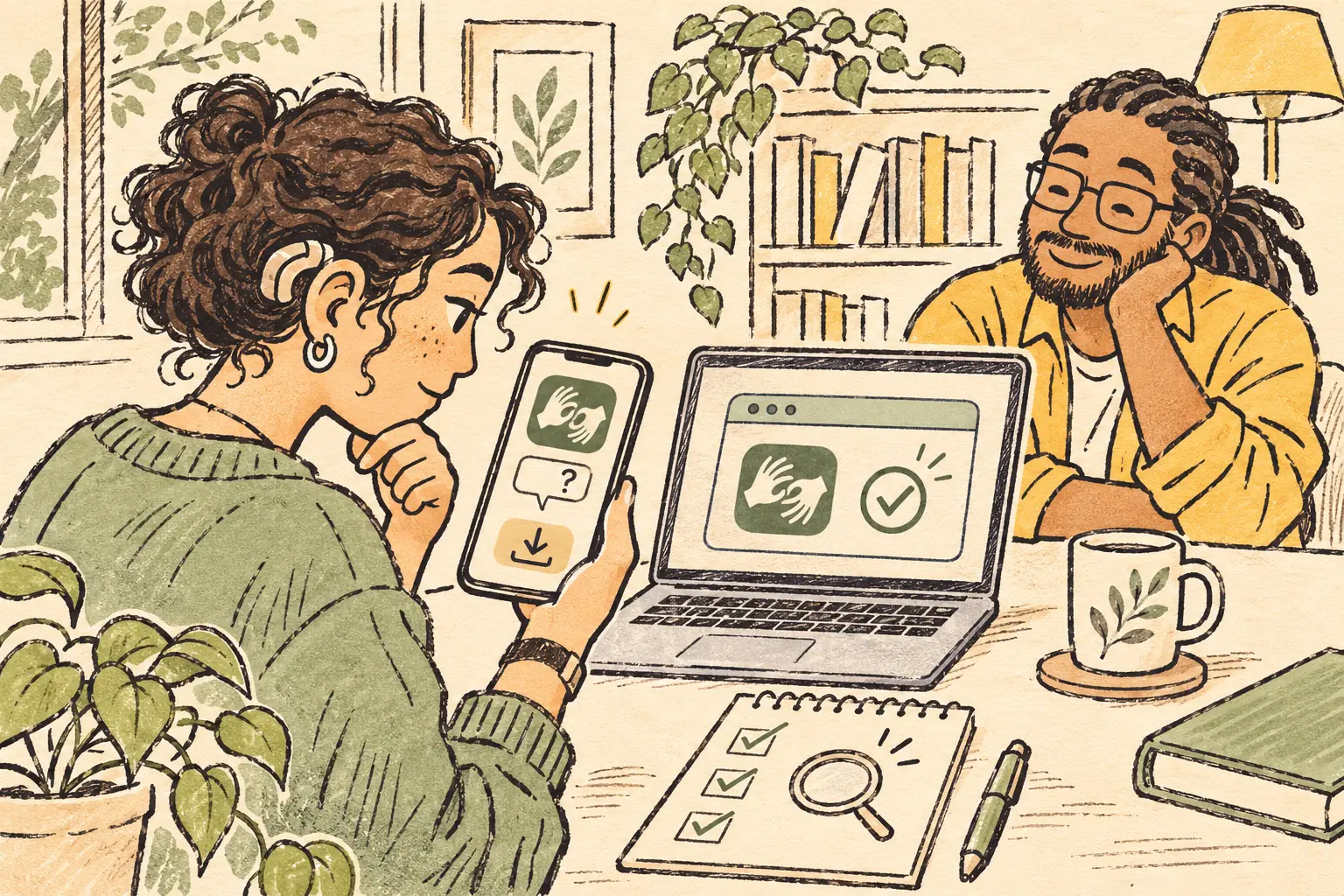
Pause and use the published app route
Do not tap the message’s download link or reply with personal details while you check. Relay UK’s own download page links to Apple’s App Store for iPhone, iPad and Mac, Google Play for Android, and the Microsoft Store for supported Windows PCs. Open its site by typing the address or using a trusted bookmark, then follow the route listed for your device. Ofcom says the Relay UK app is free; a demand for an unexpected fee is another reason to stop and verify.
Ask Relay UK about the claimed change
If the message says your service will stop or you must move to another app, check that claim with Relay UK through its published contact page. It offers phone, text-relay, BSL and web-form contact routes; use the method that works for you. Do not use the number or link supplied by the unexpected message. A familiar service name, sender display or accessible format does not prove who sent it. Keep the original message while you check, then forward a suspicious SMS to 7726 or use your phone’s reporting feature.
Respond according to what you did
If you only opened a link and entered nothing or installed nothing, NCSC says further action is unlikely to be needed; stay alert for unusual account activity. If you installed an app from the message or entered a password, follow NCSC’s phishing recovery advice: run a full scan with security software if you have it and change any affected or reused passwords. If you shared card or bank details, contact your bank immediately through its own app or published number. Report money lost to Report Fraud in England, Wales or Northern Ireland, or Police Scotland in Scotland. Relay UK can answer service questions, but it cannot secure your bank or device for you.
Your quick checklist.
Tick what you’ve done. This stays on this page.
0 of 3 markedDownload a short text copy to read without internet. It cannot call or alert anyone.
A few things explained.
Where does Relay UK say to get its app?
Its download page links to Apple’s App Store for iOS and Mac, Google Play for Android and the Microsoft Store for supported Windows PCs. Device compatibility can change, so check the current Relay UK page for your device before installing.
Does a text sent to my Relay UK TextNumber prove the sender is genuine?
No. Relay UK says SMS messages to an 07 TextNumber can be forwarded to the associated mobile number. That tells you how the message arrives, not who sent it. Check any unexpected request through Relay UK’s published contact routes or the organisation named in the message.
I installed an app from the link. What now?
Stop using it for sensitive tasks and follow NCSC’s advice for software installed after a suspicious message. Run a full scan with your security software if you have it, use its infected-device guidance if needed, and change passwords you entered or reused. Contact your bank immediately if you shared payment details. You can still use a trusted phone or another accessible route to seek help.