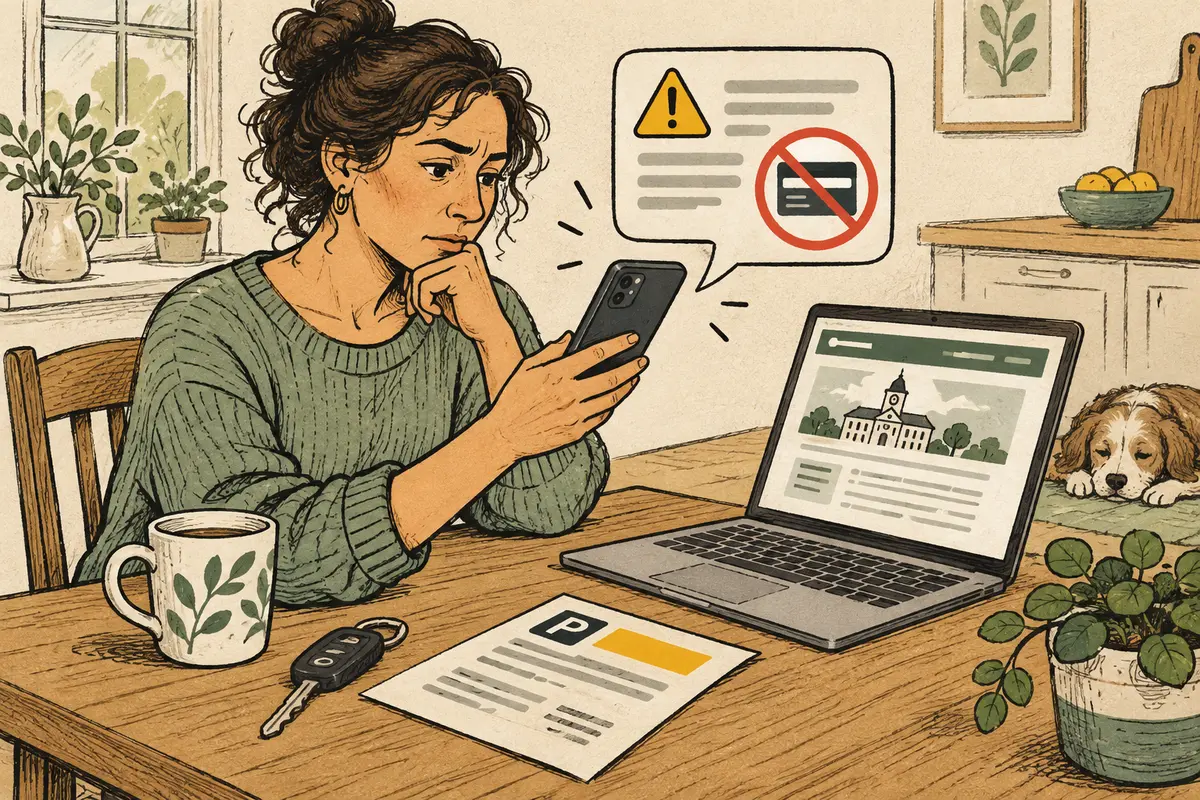
How can I avoid a fake parking-payment QR code?
You park, see a payment sticker and reach for your phone. A fake parking-payment QR code can lead to a convincing page that collects card details. The sign may be genuine while the sticker is not. Fraudsters can also replace payment-phone details, so switching from a suspicious code to a number on another sticker is not an independent check. Use the operator's official information to choose how to pay.
ishowcrime desk
Sources checked 28 October 2026
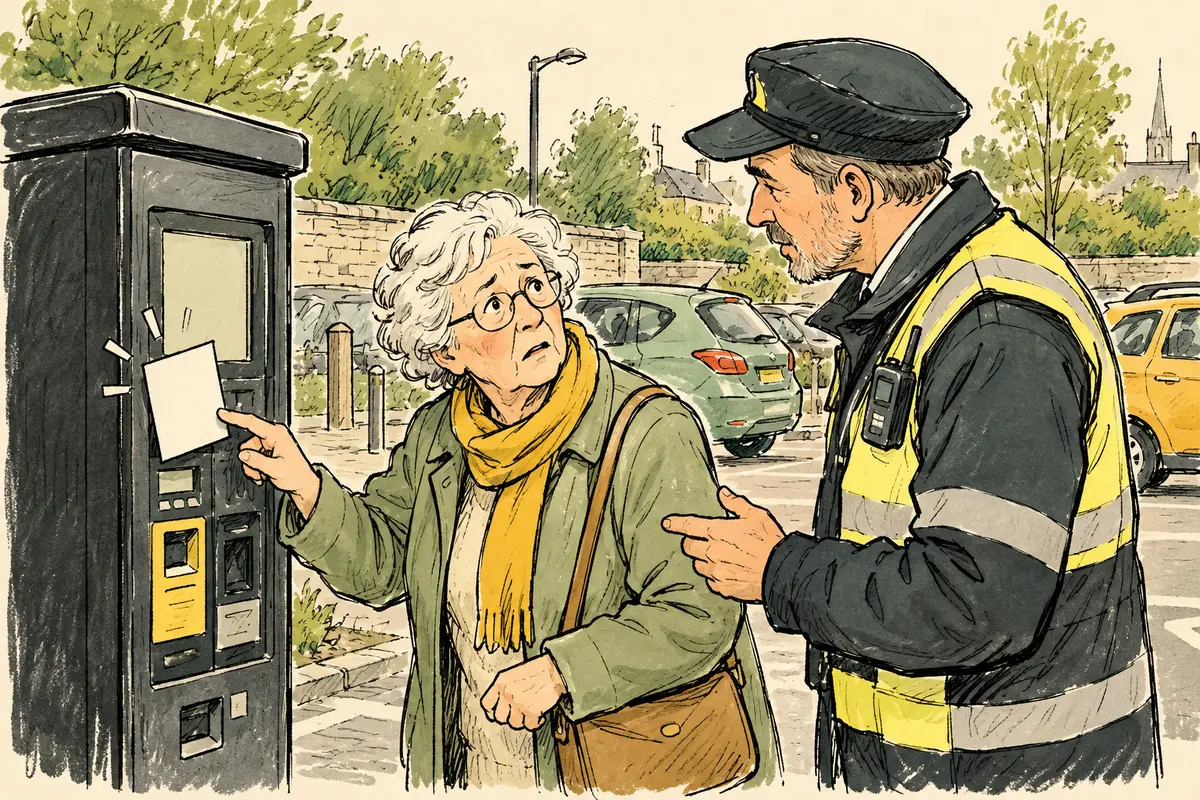
Here’s what you can do.
Inspect the sign
Look for stickers covering printed information or signs of tampering. If a code looks suspicious, do not scan it to test it. The British Parking Association warns that fake telephone-number stickers can appear on signs and payment machines too. Check the payment number against the operator's official website rather than trusting another sticker nearby. This avoids moving from one unverified payment route to another.
Use a verified route
Open the operator's verified app yourself or type its checked website address. If you need to install a parking app, download it directly from the official app store rather than through the suspicious code. Check which provider the operator uses first. In Westminster's council pay-to-park bays, the council says it does not use QR codes on its payment signs. Use its listed RingGo, PaybyPhone or JustPark apps, phone payment or Parking Cards. ParkRight is no longer operational. Private off-street car parks have their own arrangements.
Report concerns
Tell the parking provider about suspected tampering. If you entered card details or paid on a fake page, contact your bank immediately through the details on your card or statement. Keep relevant records and report fraud through Report Fraud in England, Wales or Northern Ireland; if you live in Scotland or the crime happened there, contact Police Scotland on 101.
Your quick checklist.
Tick what you’ve done. This stays on this page.
0 of 3 markedDownload a short text copy to read without internet. It cannot call or alert anyone.
A few things explained.
Is every parking QR code a scam?
No. Payment methods vary by operator, so check the provider's official information. Westminster's council pay-to-park signs do not use QR payments; that is not a rule for every UK car park.
How can I pay in Westminster without a smartphone?
The council's on-street payment machines have been removed. Its visitor-parking page lists telephone payment and Parking Cards as alternatives to an app. Parking Cards are scratchcards sold at Westminster libraries. Buy the card for the A–G zone where you will park; each covers one hour. At the start of the session, scratch off the date and time and display it on the dashboard. Check the council's current zone and price information before buying. This gives you a planned alternative to relying on an unfamiliar sticker at the bay.
What if I scanned the code but did not pay?
Do not enter information on the suspicious page. Use a verified payment route and tell the operator about the sticker. If you already shared card details, contact your bank without waiting for an unfamiliar charge.