Parking fine text scam: how can I check before paying?
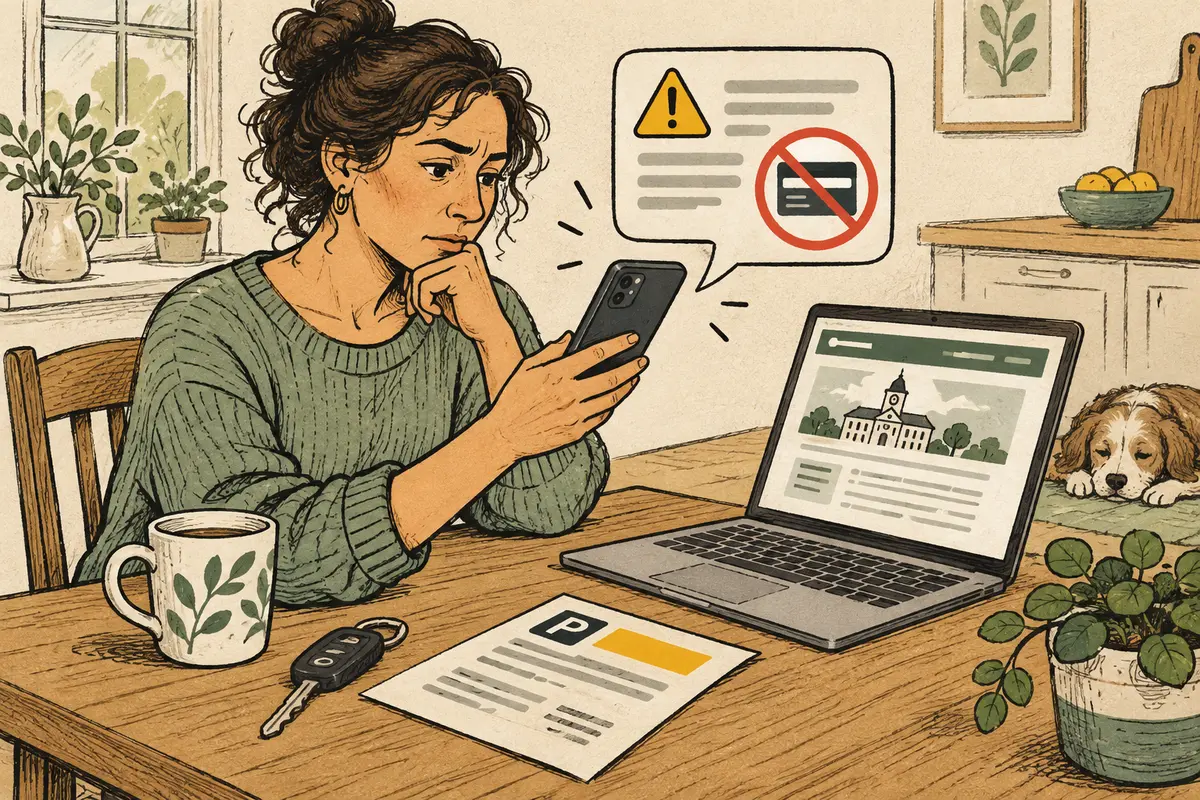
A text says you must pay a parking fine today or lose the right to drive. A parking fine text scam uses that threat to rush you onto a fake payment page. DVSA and the Department for Transport do not issue parking fines. A real-looking message is not proof of a debt, but genuine notices still need checking through the actual issuing organisation. A text arriving during a real appeal is not proof it relates to your case: the Traffic Penalty Tribunal warns that these scams are commonly sent to random numbers.
ishowcrime desk
Sources checked 29 October 2026
Here’s what you can do.
Pause the payment link
Do not tap the link or enter a registration number, card details or password. Threats of an immediate driving ban or court action are warning signs of pressure. GOV.UK says DVSA does not issue or deal with parking fines, and a DfT text demanding an unpaid parking fine is a scam. Westminster City Council warns about texts using the name 'London Borough of Westminster' and demanding payment before a Notice to Owner is issued. If unsure about a Westminster message, use the council's official parking-ticket page or call 020 7823 4567. The real council's name or parking terminology in a message does not authenticate its payment link.
Check the actual issuer
If you also have a real notice, check its reference through the council or parking operator's independently found website or contact details. GOV.UK's Pay a parking fine service finds council payment routes in England and Wales; use the council's postcode. For another issuer, establish who issued the actual notice and contact it independently. Do not use details from the suspicious text to verify it. If you have a live appeal, open your established case service yourself or contact the tribunal through its official website. A message arriving at a plausible time does not connect it to your case. For a London council PCN, the independent appeal service is London Tribunals. You must first make formal representations to the authority and receive its Notice of Rejection. A scam report does not start that appeal.
Report and protect yourself
Forward suspicious SMS to 7726; if it does not work, ask your phone provider how to report it. If you paid or shared card details, contact your bank immediately. Change any password you disclosed wherever reused. Report financial loss or hacking to Report Fraud in England, Wales or Northern Ireland, or Police Scotland on 101 if you live in Scotland or the crime happened there. Keep useful message and transaction details. Reporting a scam is separate from dealing with a genuine parking notice.
Your quick checklist.
Tick what you’ve done. This stays on this page.
0 of 3 markedDownload a short text copy to read without internet. It cannot call or alert anyone.
A few things explained.
Can a parking tribunal send a genuine message?
Yes. The Traffic Penalty Tribunal, which handles these appeals outside London in England and Wales, sends some hearing reminders, case-message alerts and missed-callback texts. It does not send SMS requests to pay a PCN after a decision, and warns that councils do not request PCN payments by SMS. London council PCN appeals use London Tribunals. Its online appeal portal needs the verification code supplied with the authority's Notice of Rejection. The usual deadline is 28 days beginning with service of that notice. If the appeal is refused, the decision includes payment details for any sum owed to the authority. Open your established case service independently to check; do not treat every genuine decision containing payment details as a scam.
What if I opened the parking-fine text link?
Close it and stop entering information. A click alone does not prove your device is infected. NCSC advises a full antivirus scan if you opened a suspicious link on a computer or followed instructions to install software; tell work IT if it is a work device. Contact your bank if payment details were entered and change exposed passwords.
What if I already paid?
Tell your bank immediately and explain the suspected scam. Keep useful message and transaction details for the report. Report the loss through the official fraud route. Recovery is not guaranteed, and neither reporting the message nor recovering a payment cancels a genuine unrelated parking charge.