How can I check a university tuition-fee payment request?
A message says your tuition payment must go to a new account, or someone offers to pay your university fees at a discount. A university payment scam can leave you out of pocket while the real fees remain unpaid. King's College London warns that a supposed helper may use stolen-card details: the payment can later be reversed. A receipt is not enough to make the arrangement safe.
ishowcrime desk
Sources checked 27 October 2026
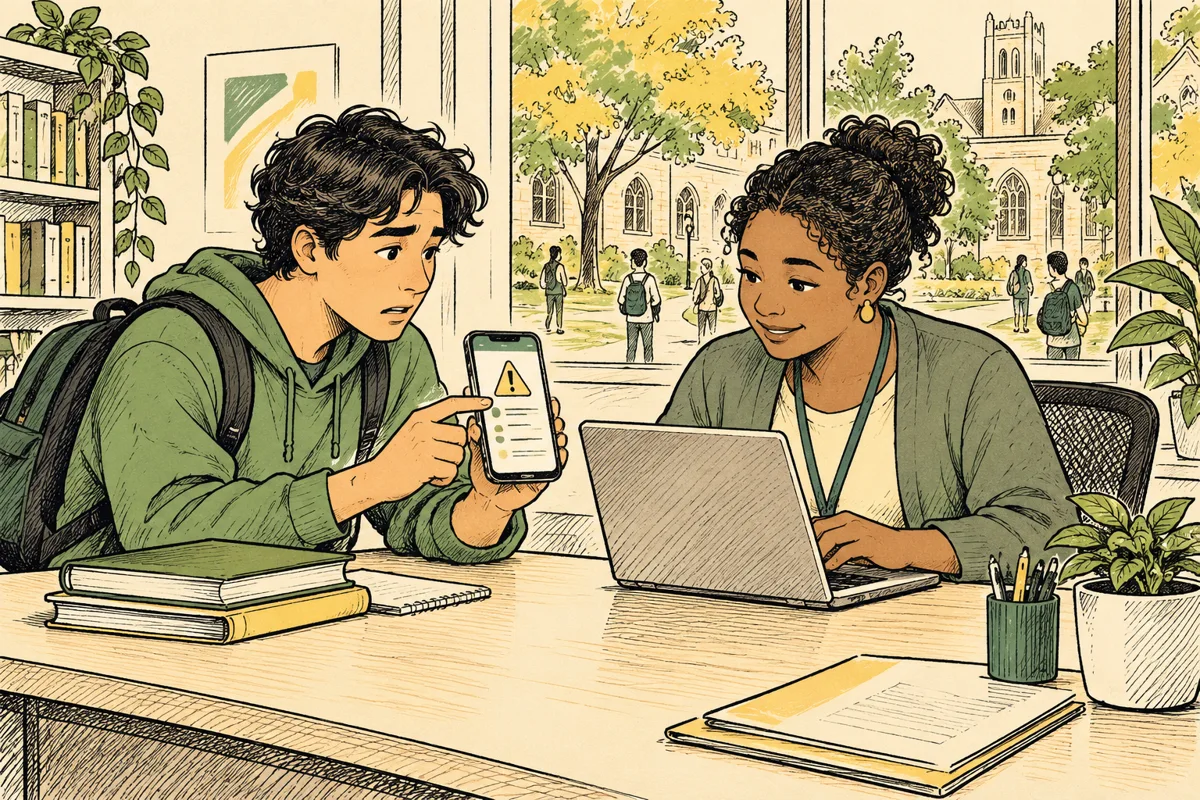
Here’s what you can do.
Pause and check the request separately
Do not use the contact details or payment links in the worrying message. Open your university's established website or student portal yourself and contact its fees team. Ask whether the amount, deadline and payment route are genuine. Newcastle University warns about repeated pressure, short-lived discounts, cash demands and students recruited to advertise a scheme. A recommendation from another student does not replace the university's confirmation.
Use your university's approved payment route
Follow the payment methods published by your own university, including any providers it explicitly approves. Do not assume that an unfamiliar provider is authorised because a message uses the university's logo. King's advises using only its recognised methods and avoiding unendorsed tuition-payment services. Rules vary by university, so a genuine option at one institution is not automatic approval at another. Keep your student password and sign-in codes private.
Act promptly if you paid or shared details
Contact your bank immediately using its app or the number on your card, explain the suspected fraud and ask whether the payment can be recalled. Tell the university's fees team and keep messages and receipts. Recovery is not guaranteed. If your student account may be affected, tell university IT and change the password through the genuine service. Report fraud through Report Fraud in England, Wales or Northern Ireland; if you live in Scotland or it happened there, contact Police Scotland on 101.
Your quick checklist.
Tick what you’ve done. This stays on this page.
0 of 3 markedDownload a short text copy to read without internet. It cannot call or alert anyone.
A few things explained.
The account shows a payment and I have a receipt. Is the discount safe?
Not necessarily. King's explains that a payment made with stolen-card details can be rejected or taken back later, leaving the fees unpaid. Roehampton also warns about forged receipts. Do not reimburse a supposed helper on that basis. Ask your university's fees team to review the arrangement and explain what is actually outstanding.
Are all third-party payment providers or discounts fraudulent?
No. Universities may publish approved payment providers and legitimate funding arrangements. The important check is your university's own current information, not a social-media offer. For example, Roehampton lists approved providers on its official fee-scam page and says it does not accept direct bank transfers to the university. That is Roehampton's policy, not a rule for every UK university. Reach any provider through your university's official payment page.
What if I clicked but did not pay?
Stop entering details. If you gave away a password, change it on the genuine service and on accounts where you reused it. Tell university IT about exposed student login details or unexpected sign-in activity. NCSC advises running a full scan with existing antivirus, if available, after opening a suspicious link on a computer or installing software. Contact your bank if banking details were shared, even without a known loss. The linked scam-message guide covers further recovery steps.