A café Wi-Fi name looks copied. Is it safe to join?
Two café Wi-Fi names look almost identical. A familiar name is not enough to decide which one belongs to the venue. Ask staff before joining, and use mobile data for private tasks when possible. If your phone or laptop remembers a network you no longer trust, remove it from the saved networks. Windows users can also check the network profile to limit discovery and sharing.
ishowcrime desk
Sources checked 26 October 2026
Here’s what you can do.
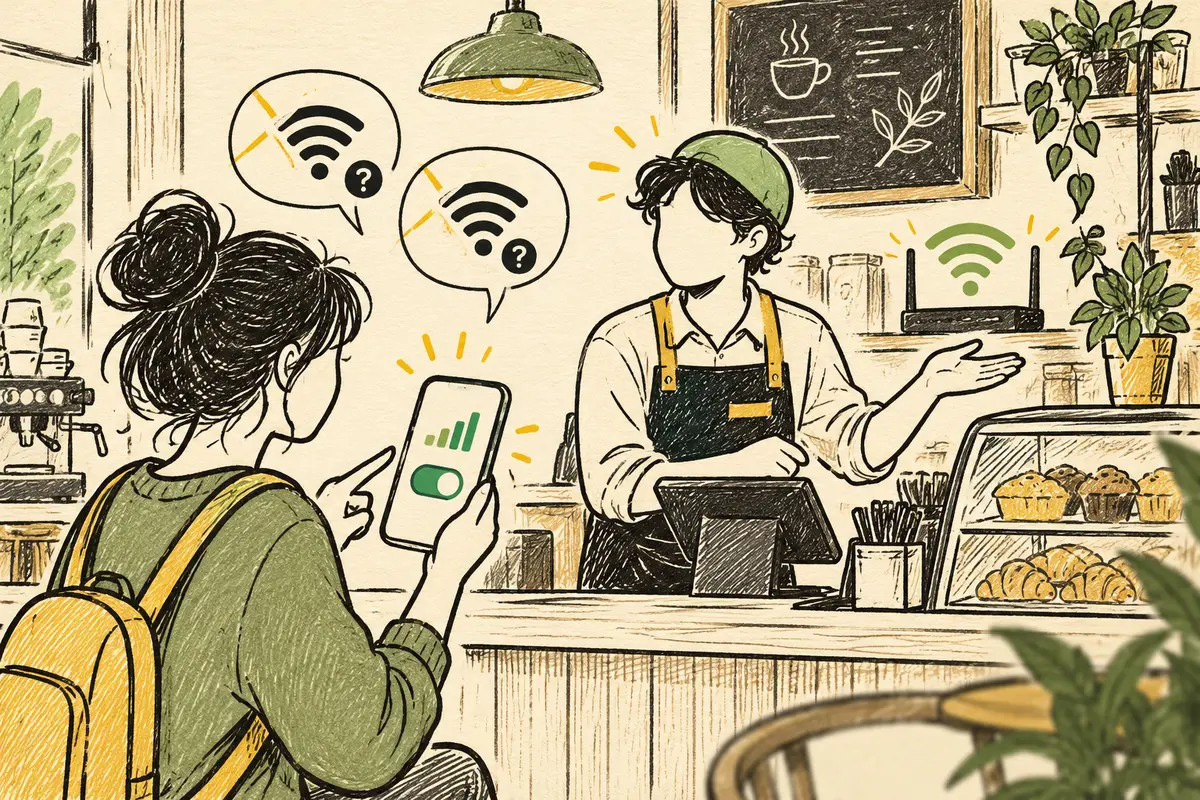
Check with staff before joining
Ask for the venue's exact network name rather than choosing the strongest signal or a familiar-looking name. For banking and other sensitive activity, prefer 4G or 5G, or tether your other device to your phone. Government guidance recommends mobile data instead of public Wi-Fi for these tasks where possible.
Stop unwanted reconnections
On iPhone, open Settings, Wi-Fi, then Edit. Tap the information button beside the saved network. Choose Forget This Network and confirm to remove its password. Or turn off Auto-Join to keep the password without joining automatically; disconnect as well. On Windows 11, open Settings, Network & internet, Wi-Fi, then Manage known networks. Select the unwanted network and choose Forget. Do not reconnect to it unless you have checked it with the venue. Other devices have different menus, so follow the manufacturer's guidance.
Act on any details you exposed
Disconnect if you suspect a network or page. From a trusted connection, change any password entered on a page you believe was fake, including wherever you reused it. Contact your bank promptly if you supplied banking details. If you opened a suspicious link on a computer, NCSC advises running a full scan with your antivirus software, if available.
Your quick checklist.
Tick what you’ve done. This stays on this page.
0 of 3 markedDownload a short text copy to read without internet. It cannot call or alert anyone.
A few things explained.
Does a browser padlock prove the website is genuine?
No. It shows that the connection is encrypted, not that the organisation behind the site is trustworthy. Check the address rather than relying on the symbol.
Why is the forgotten network still in the Wi-Fi list?
Apple says forgetting does not hide nearby networks. It can still appear as available. On devices using iCloud Keychain with the same Apple Account, forgetting a network also makes the other devices forget it. Some supervised Apple devices and managed networks restrict these settings; ask the device's manager for help. The NCSC source below links to guidance for other devices.
Should I choose Public or Private for café Wi-Fi on Windows 11?
Keep the Public network profile. Microsoft recommends it for most connections: your PC is not discoverable to other devices and cannot use file and printer sharing. Private makes your PC discoverable and is intended for people and devices you trust. To check, open Settings, Network & internet, Wi-Fi, select the connected network and look under Network profile type. Choose Public network (Recommended). These labels control discovery and sharing; they do not establish that a hotspot is genuine. Still check its name with staff and use mobile data for sensitive tasks when possible.