A screen wants access to my bank account. How do I check it?
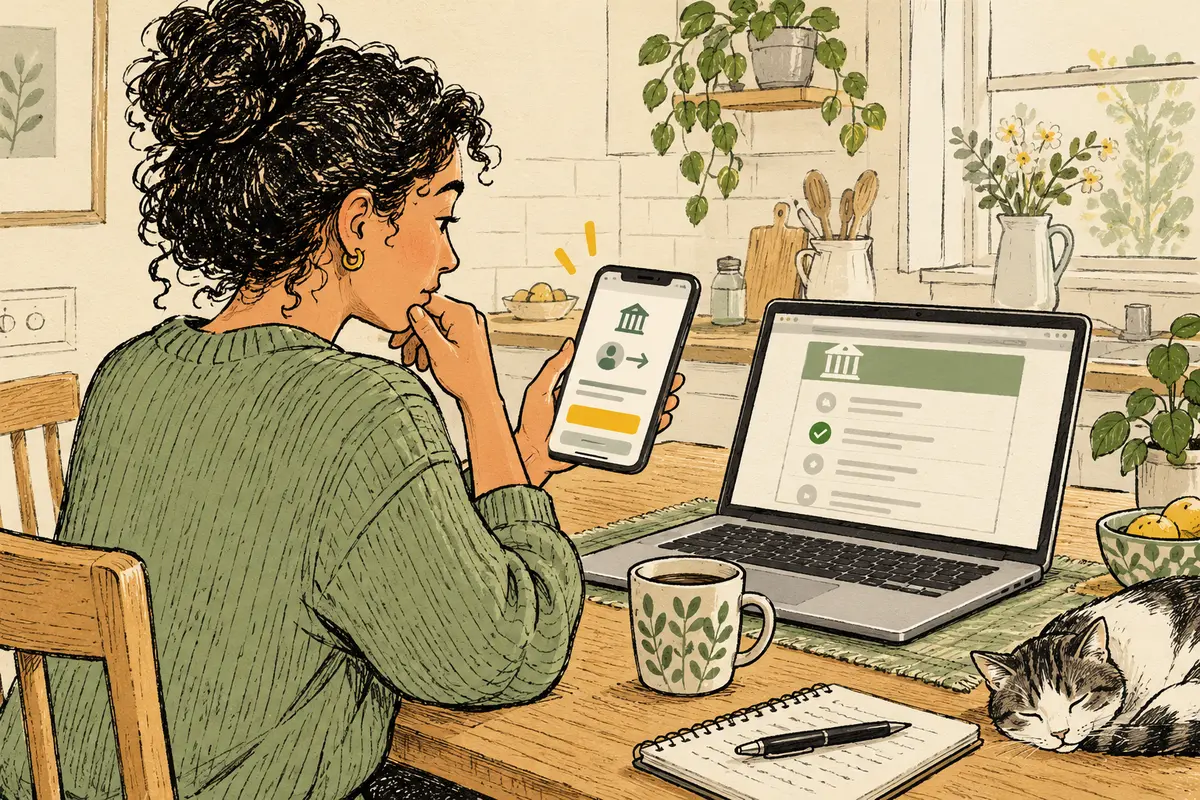
A budgeting app asks to connect your bank account. That can be a genuine open-banking service, but permission to read account information is different from permission to make payments. Understand which service you are choosing before approving access; a bank logo alone does not answer that question.
ishowcrime desk
Sources checked 25 October 2026
Here’s what you can do.
Pause and check who is asking
Leave an unexpected request and open the service independently. Check the provider on Open Banking's regulated-provider list or the FCA register. In genuine open banking, your bank login details, PIN and password are given only to your own bank or building society, not an unexpected caller.
Read the permission before approving
An account-information service can bring together selected accounts and analyse spending. A payment-initiation service lets you pay directly from your account. Check the firm's permission for the activity, then read what data it wants, how it will use it and whether it will share it. If the screen offers variable recurring payments (VRPs), you may be agreeing to future payments within set limits. Check the maximum amount, how often payments can happen and how long permission lasts. A genuine VRP can move money between your own accounts, for example; it is not automatically a scam. The important check is whether those limits match what you intend to allow.
Remove unwanted access and contact the bank
To stop data access, withdraw consent in the provider's app or website, or ask your bank or building society to stop it. If a payment looks wrong, contact your bank straight away, even if another service was involved. Ask it to investigate rather than assuming that changing access resolves the payment. If the provider or bank does not put things right, make a formal complaint to the organisation responsible and keep a record. The FCA's complaint guide below explains response deadlines and when the free Financial Ombudsman Service may help. A complaint about the app and one about a bank refusing a refund may need to go to different organisations.
Your quick checklist.
Tick what you’ve done. This stays on this page.
0 of 3 markedDownload a short text copy to read without internet. It cannot call or alert anyone.
A few things explained.
Does an open-banking request always mean a scam?
No. It can be part of a service you deliberately chose. The important distinction is what you are consenting to, not whether the screen looks familiar.
Does stopping access erase the information already shared?
Do not assume so. You can withdraw data access through the provider or your bank, but ask the provider what happens to information it already holds or has shared onwards. Open Banking's good-practice guidance says firms should explain what data they retain after you leave, why and for how long; some records may be kept for legal or audit reasons. Stopping future access and checking existing records are separate tasks.
What if I did not authorise a payment?
Contact your bank as soon as possible and ask about a refund. The FCA says to do this even when a payment-initiation service may have been used.