A game-currency site keeps charging my card. What should I do?
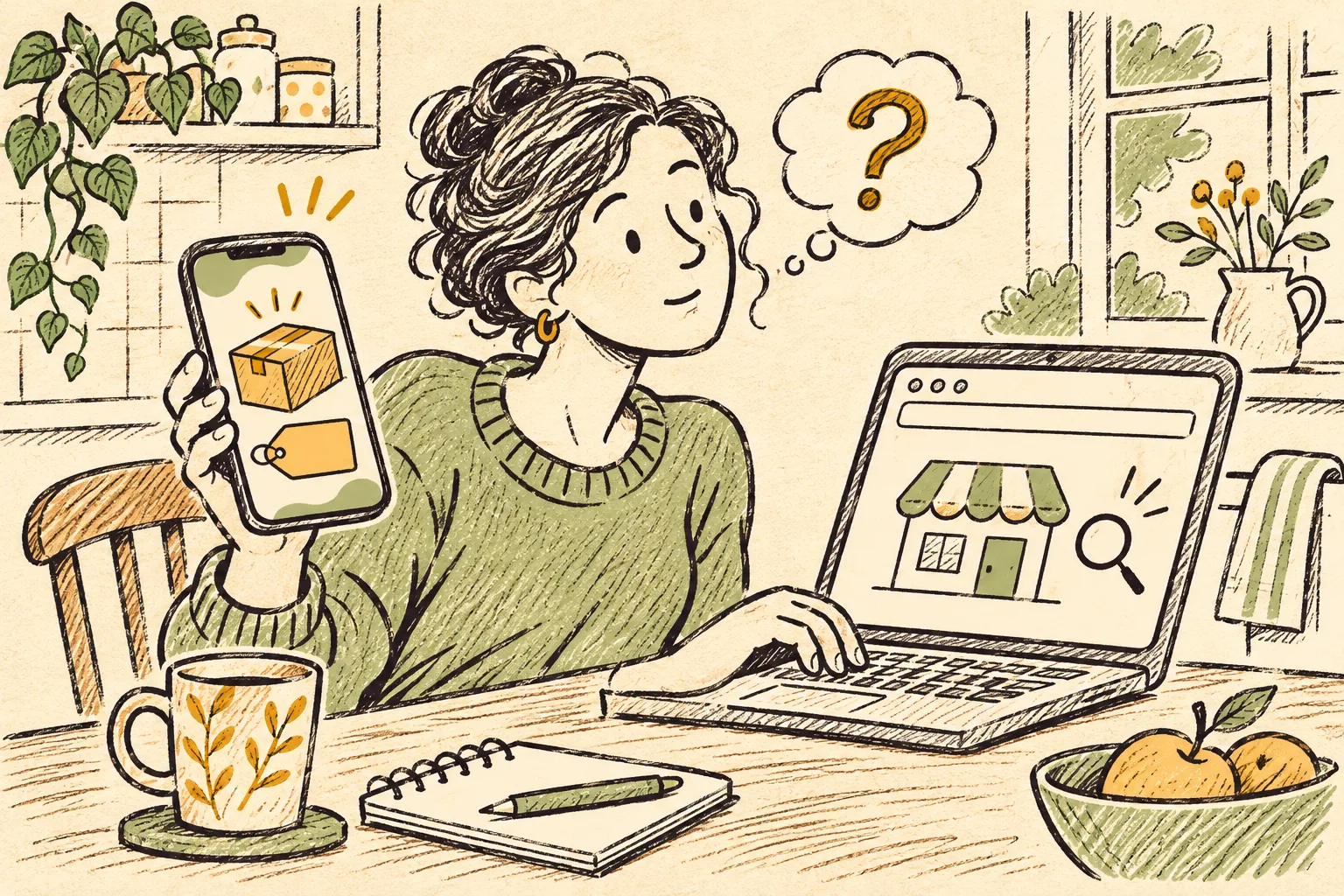
You bought game currency through a website linked from a chat or advert, then noticed another charge. The second payment might be a subscription you agreed to, an error or an unauthorised payment; it does not prove the game company took it. A site outside the game can also imitate a real shop to collect card or login details. Check the charges through your bank and the game's own account, then act quickly if the card or password may be exposed.
ishowcrime desk
Sources checked 19 November 2026
Here’s what you can do.
Check the payments without returning to the site
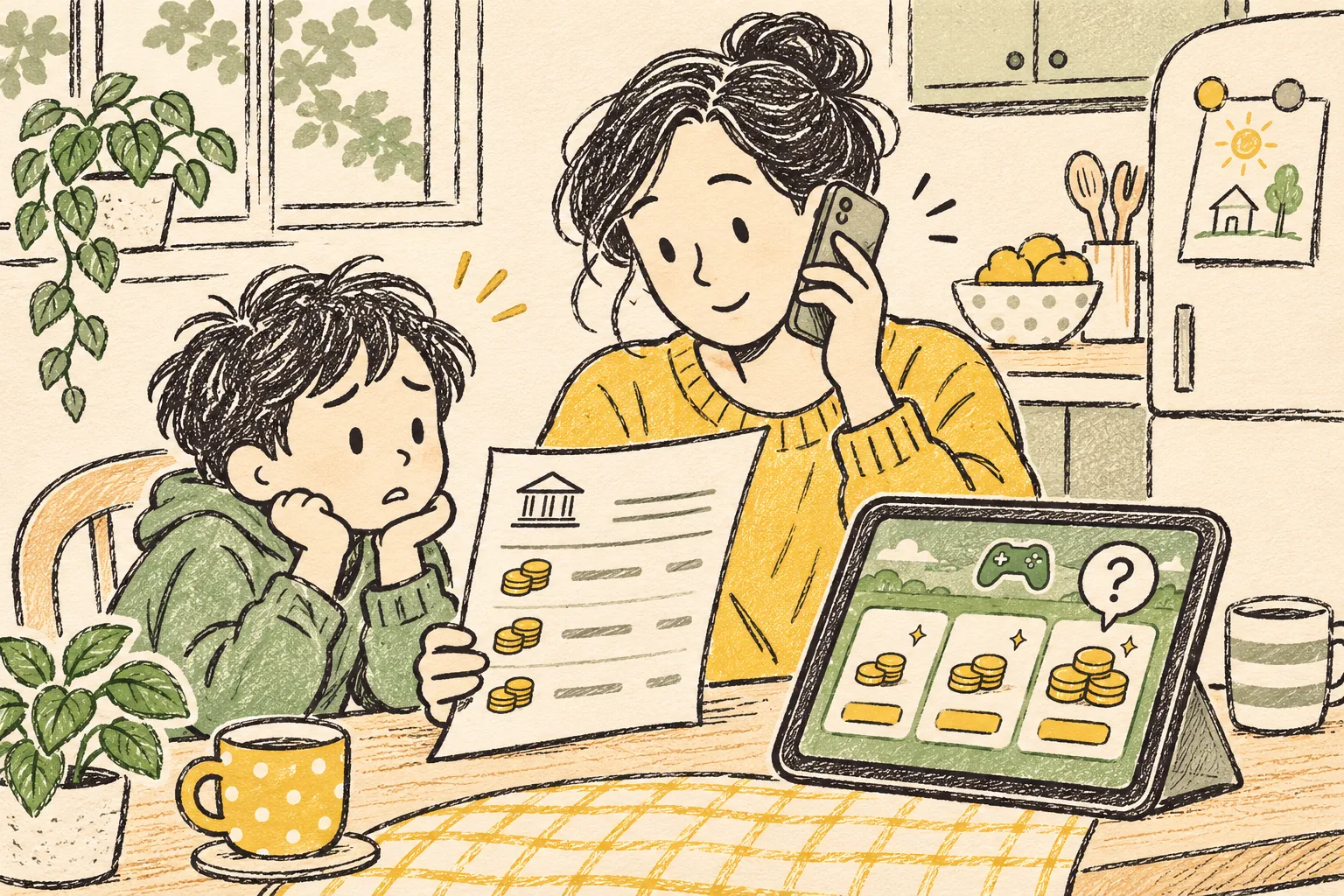
Ask the cardholder to look at the bank's official app or statement. Write down each date, amount and payment name, and keep the advert or link without opening it again. Check the game's purchase history through its real app or a site you open independently. A repeat charge could be an agreed subscription, a mistake or an unauthorised payment, so do not assume which until you have checked. Roblox, for example, warns that off-site promises of free Robux or subscriptions can be scams that seek passwords or personal details.
Tell the card issuer promptly
If card details were entered on a suspected fake site, or a charge was not authorised, contact the card issuer using its app or the number on the card or statement. Ask it to protect the card, review the disputed charges and explain the next step. If the charges are a recurring card payment, tell the issuer to stop future payments; the FCA says it must do so when asked, even if you have not contacted the business. A replacement card does not always stop recurring payments. Cancelling a payment also does not necessarily end a genuine contract, so ask the issuer what it has stopped and check any real subscription separately.
Secure the account and report the site
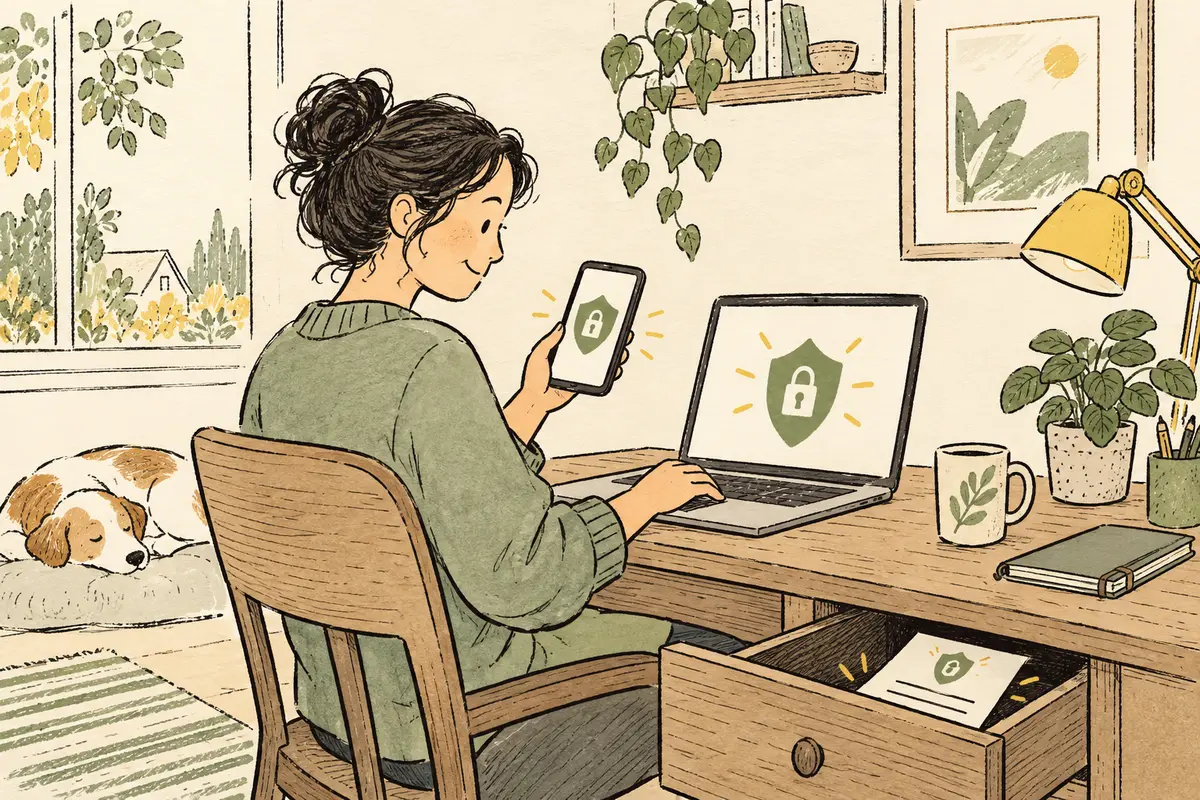
If anyone entered a game password on the site, change it through the real game account and anywhere the same password was reused. Review the account for activity you do not recognise. Report a suspicious website to the NCSC without revisiting it; if money was lost, report suspected fraud to Report Fraud in England, Wales or Northern Ireland, or Police Scotland on 101. Use the game's own report tools for a player or link shared inside it. Keep payment records for the bank and fraud report. Do not pay a stranger who promises to recover game currency or money.
Your quick checklist.
Tick what you’ve done. This stays on this page.
0 of 3 markedDownload a short text copy to read without internet. It cannot call or alert anyone.
A few things explained.
Does a second charge prove the game shop is fake?
No. The FCA explains that a recurring card payment can follow an agreement made during checkout. Check what was agreed and compare the bank record with the real game's purchase history. If the payment was not authorised or the site may be fraudulent, contact the card issuer promptly. A familiar game name on a page does not make an off-platform link genuine; Roblox warns against off-site offers of free currency or subscriptions.
Will replacing the card stop repeated payments?
Not always. The FCA says recurring card payments may continue on a replacement card. Tell the issuer explicitly if you want a recurring card payment cancelled, and ask it to investigate any charges you did not authorise. The issuer must stop future payments when asked, but cancelling the payment does not by itself end a legitimate contract.
Where can we report a suspected fake game shop?
Send the website address to the NCSC's scam-website reporting service without opening the site again. If money was lost, tell the bank and report suspected fraud to Report Fraud in England, Wales or Northern Ireland, or Police Scotland on 101. If a player shared the link inside a game, use that game's reporting controls too. Roblox provides Report Abuse for messages, links and experiences on its service.