Could my fitness routes reveal my home? How to check
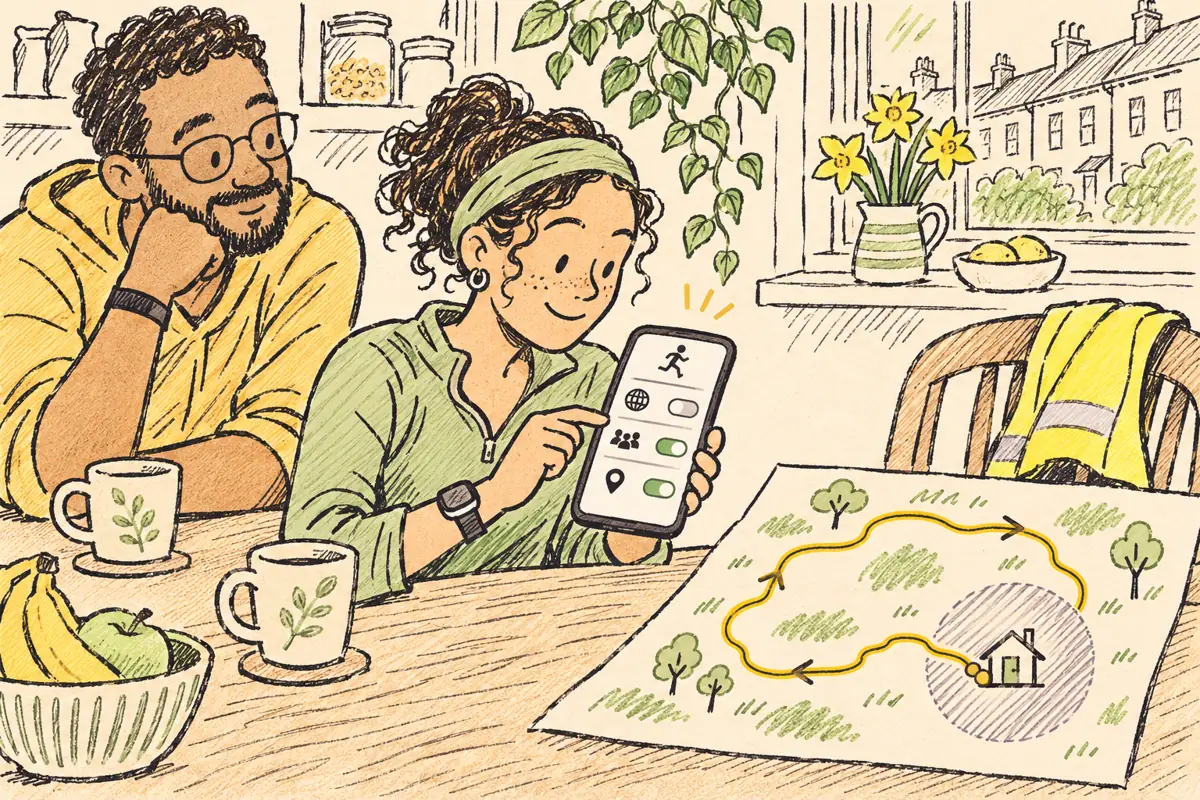
You post a run and notice its map starts near your home. A public fitness route can reveal places you visit or a repeated routine, even if you never type your address. That does not mean anyone is watching you, but it is worth checking what the app actually shares. On Strava, hiding a start or end point and limiting who can see the whole activity are separate controls. If someone has used route details to contact or follow you, focus on your safety and tell police what has happened; you do not need to prove stalking before asking for help.
ishowcrime desk
Sources checked 11 November 2026
Here’s what you can do.
Check what other people can see
Open a recent activity and review both its audience and its map. Strava's activity control can be set to Everyone, Followers or Only You; its Map Visibility control can hide the start, end or whole map. Hiding only the start and end does not make an Everyone activity private. Look at older activities too, because changing a default for future uploads does not necessarily change each past route.
Choose the privacy settings that fit your concern
In Strava, go to Settings, Privacy Controls, then Map Visibility to set a default for new activities. You can hide the area around an address or the start and end of future routes; to hide a whole route from others, use Hide your activity maps from others completely. Review an individual activity through its Edit Map Visibility option, and consider Followers or Only You for its audience. Strava warns that map hiding cannot guarantee nobody could infer a location from other information, and its controls do not carry over to other services where you shared the activity.
Get help if a person is using the routes against you
If someone repeatedly turns up near your routes, contacts you with details from them or threatens you, move somewhere safe and report the behaviour. Do not go looking for or challenge the person. In England and Wales, Police.uk says you do not need to gather evidence before reporting stalking or harassment; describe what happened and mention any messages or posts you already have. Call 999 if someone is in immediate danger, or use the police's online route or 101 for a non-emergency. A trusted person can help you make a plan.
Your quick checklist.
Tick what you’ve done. This stays on this page.
0 of 3 markedDownload a short text copy to read without internet. It cannot call or alert anyone.
A few things explained.
If I hide the start and end of a Strava route, is the whole run private?
No. Strava says the activity audience and map visibility are separate. An activity set to Everyone remains visible to all Strava athletes even when its start and end are hidden. Choose a narrower activity audience or hide the entire map if that better fits your concern.
Will changing Strava's default hide my old routes and copies on other apps?
Not always. Strava says some default map options apply only to future activities, and individual map edits override defaults. Its map controls are not passed to other services with shared activities. Check older posts and each other service separately; settings cannot guarantee that an earlier copy disappears.
Should I gather screenshots before telling police someone follows my routes?
No. Police.uk says you do not need to collect evidence before reporting stalking or harassment. Existing messages or posts may help, but do not delay a report to obtain them. Call 999 if there is immediate danger; for a non-emergency in England and Wales, use the police's online reporting route or 101.