My pet’s microchip details changed without my permission. What now?
A message says your dog’s or cat’s microchip record has been changed, or the details shown in your account no longer match. That matters because the database helps a found pet get back to its keeper. A wrong entry may be an error, a legitimate transfer still being checked or an unauthorised request; it does not by itself prove theft. Find the database named on your paperwork or through GOV.UK’s microchip lookup, then contact it directly. If your pet is missing, say so straight away and make a separate police report if you suspect theft.
ishowcrime desk
Sources checked 25 November 2026
Here’s what you can do.
Check the record with the real database
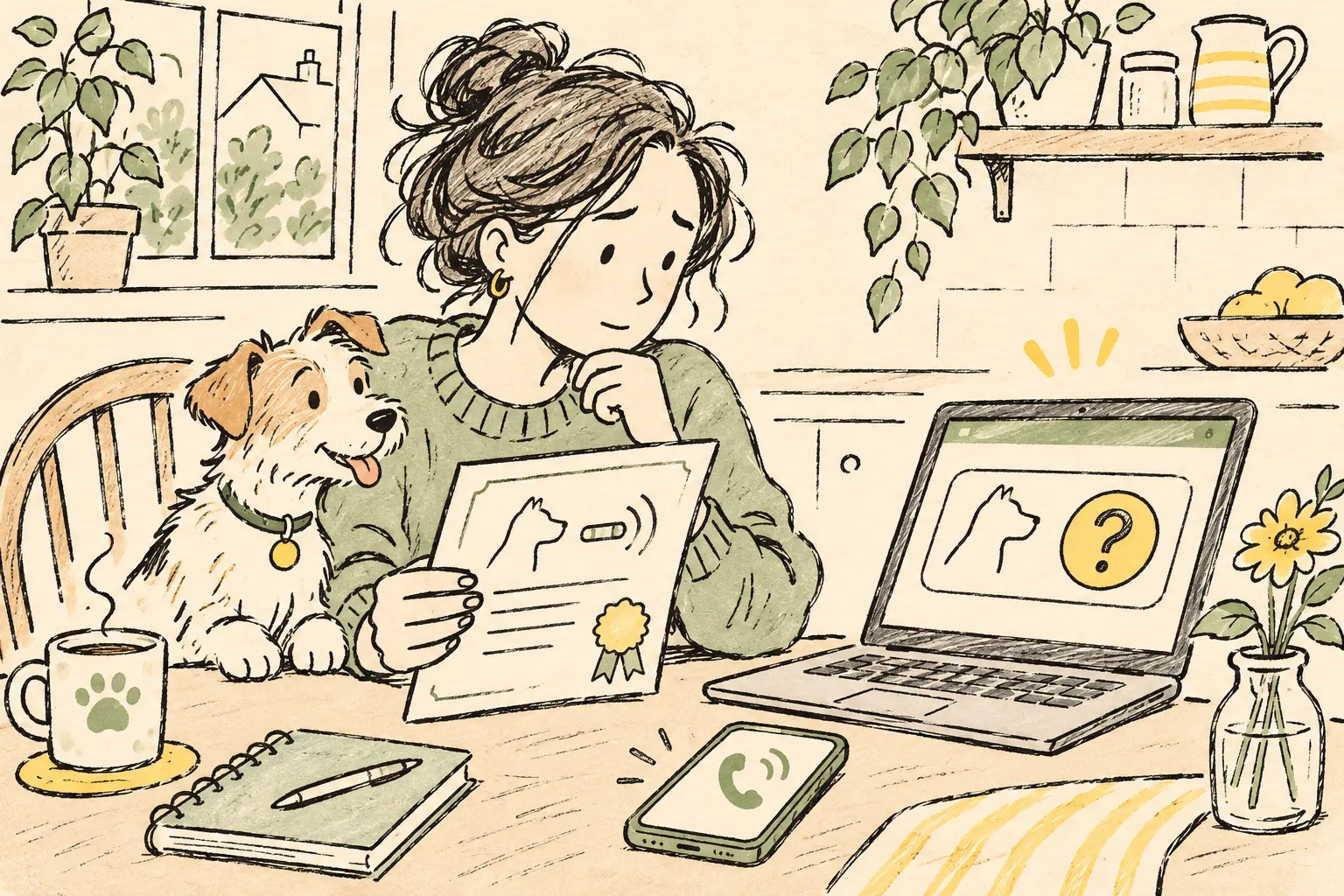
Find the microchip number on the certificate, veterinary records or pet insurance papers. GOV.UK explains how to identify the database if you have the number; a vet, dog warden or rescue centre can scan a pet if you do not. Use the database’s own website or a trusted contact detail from your original paperwork, not a link in an unexpected message. Ask what information changed, when it changed and whether a transfer of keepership is pending or completed. Explain that you did not authorise it and ask what evidence the database needs to review the record. Keep the message and a note of the conversation. Do not post the chip number or your address publicly.
Flag a missing pet or disputed transfer
If your pet is missing or may have been taken, tell the database promptly and ask it to mark the record missing or stolen under its procedure. Petlog says this marker prompts a check with the registered keeper if someone seeks a transfer. Other databases may use different processes, so ask yours what it can do now. If this is a disagreement about who keeps the animal, explain the facts and ask how the database handles a dispute. Petlog says its record identifies a keeper for reunification; it does not settle legal ownership. Do not assume a name on a chip proves that someone stole, sold or owns the pet.
Report suspected theft and keep a safe record
If you believe the pet was stolen, report what you know to police and give the crime reference to the database. Use 999 for a crime happening now or immediate danger; otherwise use 101 or your local force’s online route. Keep photos, vet records, messages and dates. Explain what you saw separately from what you suspect. If the animal is safe with you but the database record is wrong, work with that database to correct it. If it cannot resolve a contested transfer, ask what evidence or independent advice it needs. Do not arrange a confrontation or hand over a pet because someone claims the chip record proves ownership.
Your quick checklist.
Tick what you’ve done. This stays on this page.
0 of 3 markedDownload a short text copy to read without internet. It cannot call or alert anyone.
A few things explained.
How do I find which database holds my pet’s chip?
Use GOV.UK’s microchip guidance and lookup route with the chip number. The number may be on a certificate, veterinary record or insurance paper. If you do not have it, GOV.UK says a vet, dog warden or rescue centre can scan your dog or cat. Contact the database shown by the lookup rather than assuming every pet is on Petlog.
Does a different keeper name prove someone else owns my pet?
No. Petlog says microchip registration records where a pet lives and who keeps it for reunification. It does not decide legal ownership or resolve every dispute. Tell your database why you believe the entry is wrong, ask what evidence it accepts and consider independent legal advice if a dispute remains. A changed entry alone is not proof of a crime.
What if my pet is missing and a transfer request appears?
Tell the database immediately that the pet is missing and ask about its missing or stolen marker. Petlog says such a marker can trigger contact with the registered keeper before a transfer is processed. If you suspect theft, report it to police too and pass the crime reference to the database. Procedures vary by database; do not wait for an online account to update before making contact.