I left my account signed in on a shared computer. What should I do?
You finish using a library computer, then wonder whether your email is still open. A remembered sign-in can let the next person reach an account without typing its password again. Forgetting to sign out does not prove anyone used it, but it is worth ending that access promptly. If you have already left, use the account's official security controls from a device you trust. A personal Chrome profile can also leave browsing information on the computer; it is not a locked space that keeps other users out.
ishowcrime desk
Sources checked 29 October 2026
Here’s what you can do.
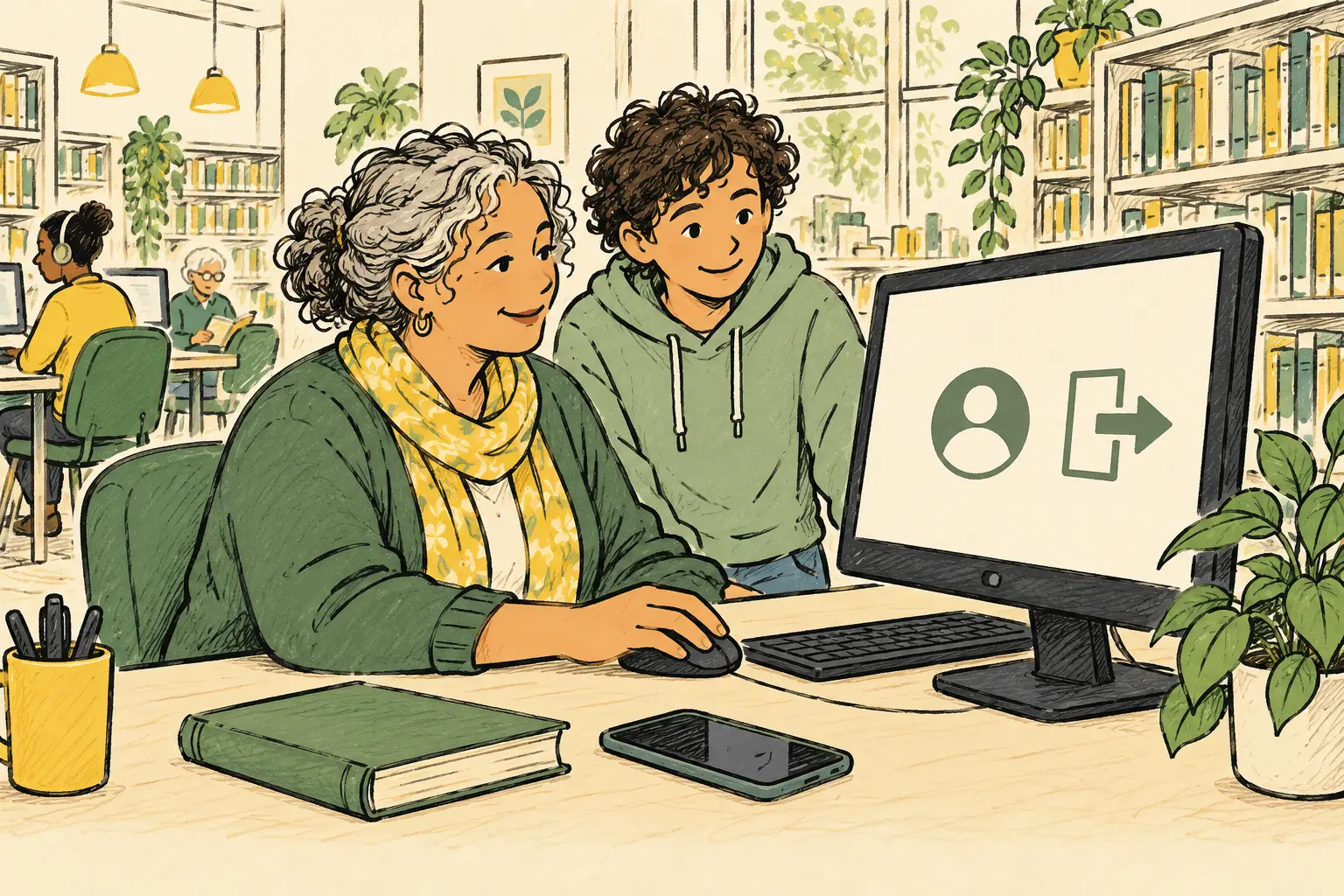
Sign out if you are still at the computer
Use the account's Sign out control before leaving, then close the browser windows. For a Microsoft account, select your profile picture and Sign out. Next time, use a private window for temporary access and close every private window when finished. In desktop Chrome, Guest mode is another option: it removes browsing history, cookies and site data when you exit. A personal Chrome profile is different: someone using that computer can switch to it and see information such as visited websites. See the profile-removal advice below if you created one. Closing a single tab is not the same as signing out.
End the old sign-in from a trusted device
For Google, open your Google Account, then Security & sign-in, Your devices and Manage all devices. Select the shared device and Sign out. Google says to sign out all sessions with that device name if several appear. For a personal Microsoft account, open Advanced security options and choose Sign out everywhere. Microsoft says this can take up to 24 hours and excludes Xbox consoles. Check each provider separately.
Check for changes you did not make
Review account security events and recovery details. In Google, mark unfamiliar activity as not yours and follow the security prompts. If you think someone else accessed it, change the Google password and exposed passwords on linked services, including reused passwords. Check Gmail forwarding rules too. If locked out, use the official Google recovery page or Microsoft's sign-in helper through the sources below. Ending a session does not tell you what someone may already have seen.
Your quick checklist.
Tick what you’ve done. This stays on this page.
0 of 3 markedDownload a short text copy to read without internet. It cannot call or alert anyone.
A few things explained.
I created a personal Chrome profile on the shared computer. How do I remove it?
On that computer, open Chrome's Profile menu, then Manage Chrome profiles under Other Chrome profiles. Find your own profile, choose More, then Delete and confirm. This erases that profile's bookmarks, history, passwords and settings from the computer, so check you have any information you still need elsewhere first. Remove only your own profile; ask the owner or library staff for help if unsure. If you cannot return, use remote sign-out now and contact staff about local clean-up. Remote sign-out and removing a browser profile are separate tasks.
Will clearing browsing data remove everything I left behind?
No. Deleting Chrome's download history removes the list, not the downloaded files. Incognito also leaves downloads on the device until they are deleted. If you left sensitive files, ask the owner or staff to help remove your copies. Be careful with broader deletion: when history or autofill information is saved to your Google Account, deleting it while signed in to Chrome removes it from the account and your other devices too. Do not clear everything just to sign out. Use the account's sign-out control and deal separately with your own profile and files.
I accidentally created a Google passkey on that computer. Is signing out enough?
No. Google warns that someone who can unlock a device holding your passkey may be able to sign in again. Use your Google Account's Passkeys and security keys settings to remove the passkey you created on the shared computer. The linked passkey guide explains the different removal routes. Create personal passkeys only on devices you own and use.