I think a shared phone has stalkerware. What should I do?
If someone seems to know what you do on a shared phone, stalkerware is one possible explanation, but account access can also expose information. Stalkerware is software designed to monitor a device secretly. A person signed in to your cloud account may see information without installing it. A clean app scan cannot settle both questions. Use a safer device to seek help before investigating: changing access or deleting an app may alert an abuser or remove evidence.
ishowcrime desk
Sources checked 29 October 2026
Here’s what you can do.
Move to a safer device before you investigate
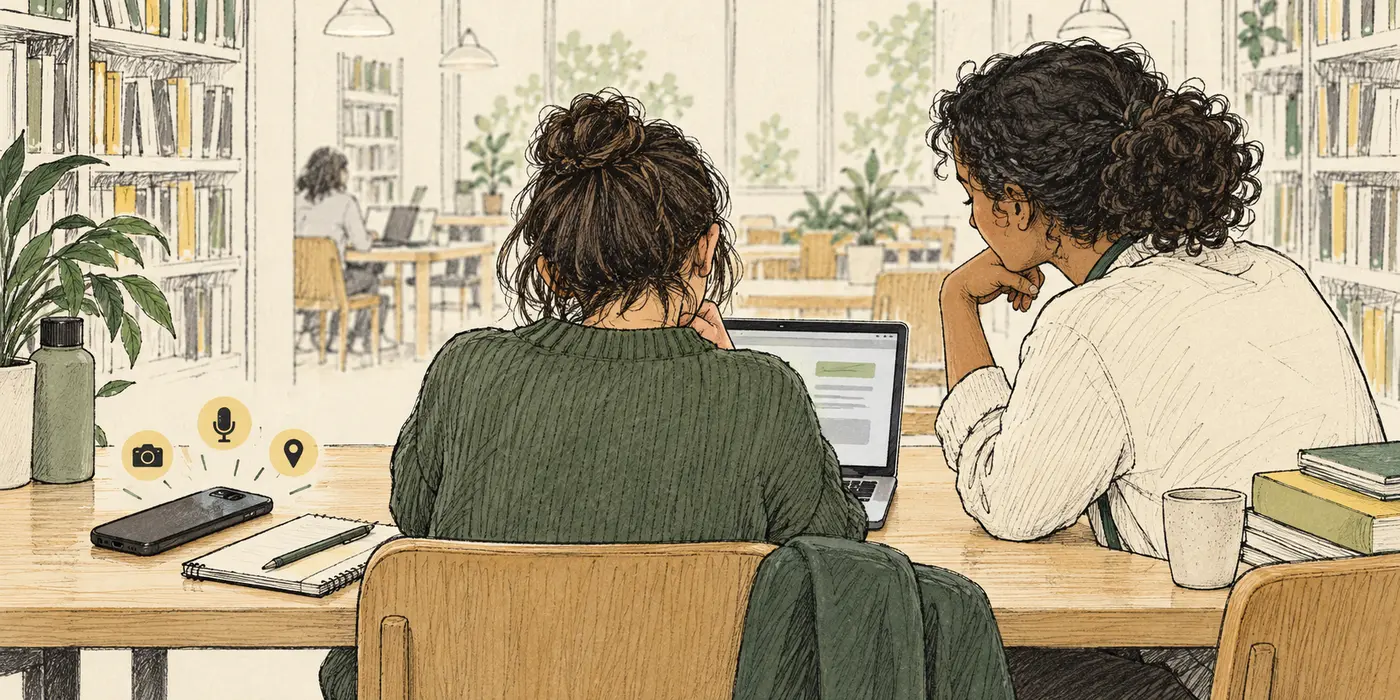
If another person may be monitoring the shared phone, use a trusted friend’s phone or a computer at a library, school or workplace to seek help. Refuge warns that privacy changes can alert an abuser and increase risk. The National Domestic Abuse Helpline is available on 0808 2000 247. If anyone is in immediate danger, call 999. A safety plan can help you decide what to check, when to act and whether evidence should be saved.
Review apps and permissions without treating a clue as proof
On Android, check that Google Play Protect is on and run its scan, then use the Privacy dashboard to review access to location, camera or microphone. On iPhone, open Settings, then Privacy & Security, and review app access; App Privacy Report shows permission use and network activity after you turn it on. Menu names and available history vary by system version. Compare access with what the phone’s users expect. An unfamiliar app, battery drain or unusual heat does not prove spying: ordinary use and legitimate family, accessibility, school or work apps can explain some findings. These checks cannot prove who installed an app or rule out every kind of monitoring.
Save what you safely can, then act with support
If it is safe, record the app name, permissions, dates and any official warning before changing anything. Refuge advises saving evidence before removing access or deleting content. If Google Play Protect flags an app, follow the official on-screen advice; otherwise get help from the device maker, Refuge or the police before removing software you do not understand. Also review shared cloud accounts and location sharing, because monitoring may come from a linked account rather than stalkerware. Do not pay an unknown caller for remote access or install an unverified ‘clean-up’ app.
Your quick checklist.
Tick what you’ve done. This stays on this page.
0 of 3 markedDownload a short text copy to read without internet. It cannot call or alert anyone.
A few things explained.
Could someone see my information without installing stalkerware?
Yes. Refuge explains that several devices can use one cloud account. Someone who knows its password or still has a linked device may be able to see information such as photos, messages or location, depending on the account and settings. This is a separate route from a hidden app, so checking apps alone is not enough. After making a safety plan, review the account’s linked devices and connected services through its official settings. Refuge’s Apple account guide also covers trusted phone numbers and contact email addresses: trusted numbers can receive verification codes. An unfamiliar entry is something to investigate, not proof of who added it. When safe, use official guidance to remove unwanted access and change the password. Get specialist help before making changes that might alert someone; use our linked location guide for sharing controls.
Should I delete a suspicious app straight away?
Not if doing so could put someone at risk. Refuge says security changes can alert an abuser, and deleting content or access can remove evidence. Use a safer device, make a safety plan and save details first if it is safe. Follow an official device warning or seek specialist support before removal.
What can the built-in phone tools actually show?
Google Play Protect scans installed apps and may warn, disable or remove a harmful one, including software installed outside Google Play. Android’s Privacy dashboard shows permission access. On iPhone, App Privacy Report records permission use and network activity only after you switch it on. An empty report just after enabling it is not an all-clear. Apple says turning it off clears its report data, so consider evidence and safety before doing that. It shows recent activity, not a complete history of everything someone might have seen through your accounts.