I downloaded a game mod and worry it contains malware. What should I do?
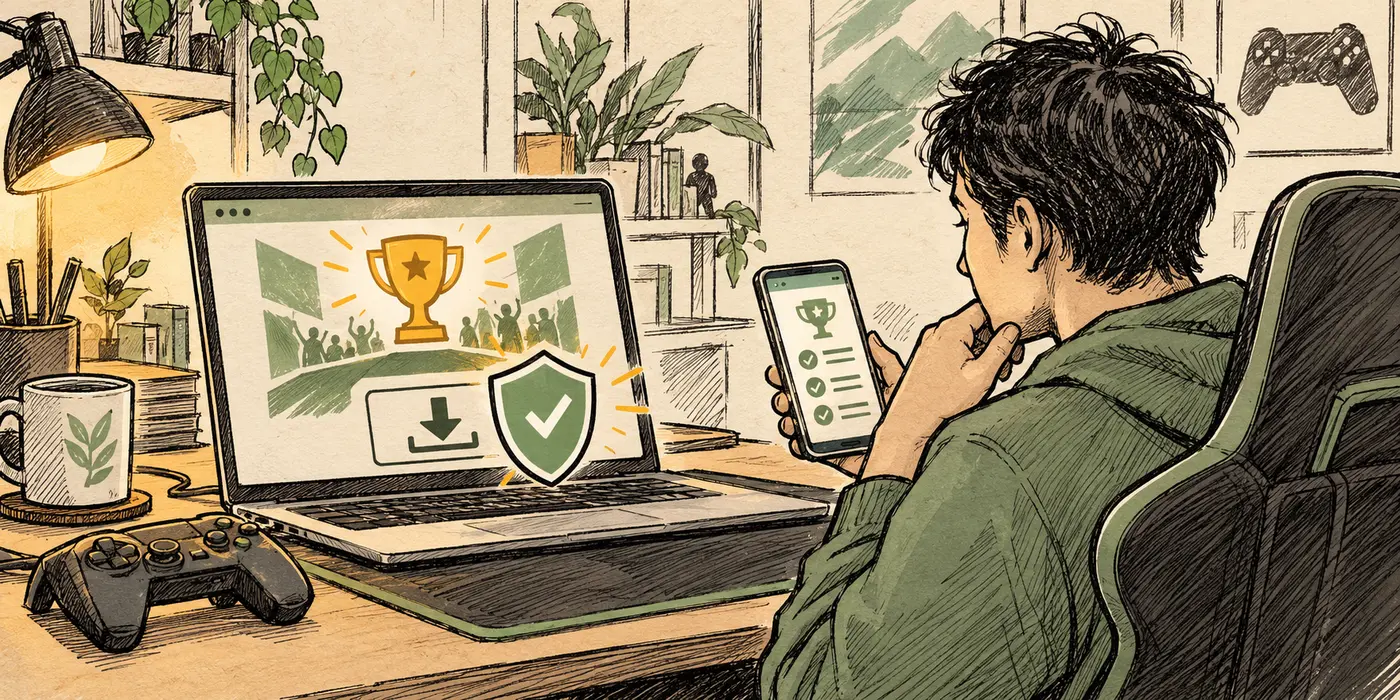
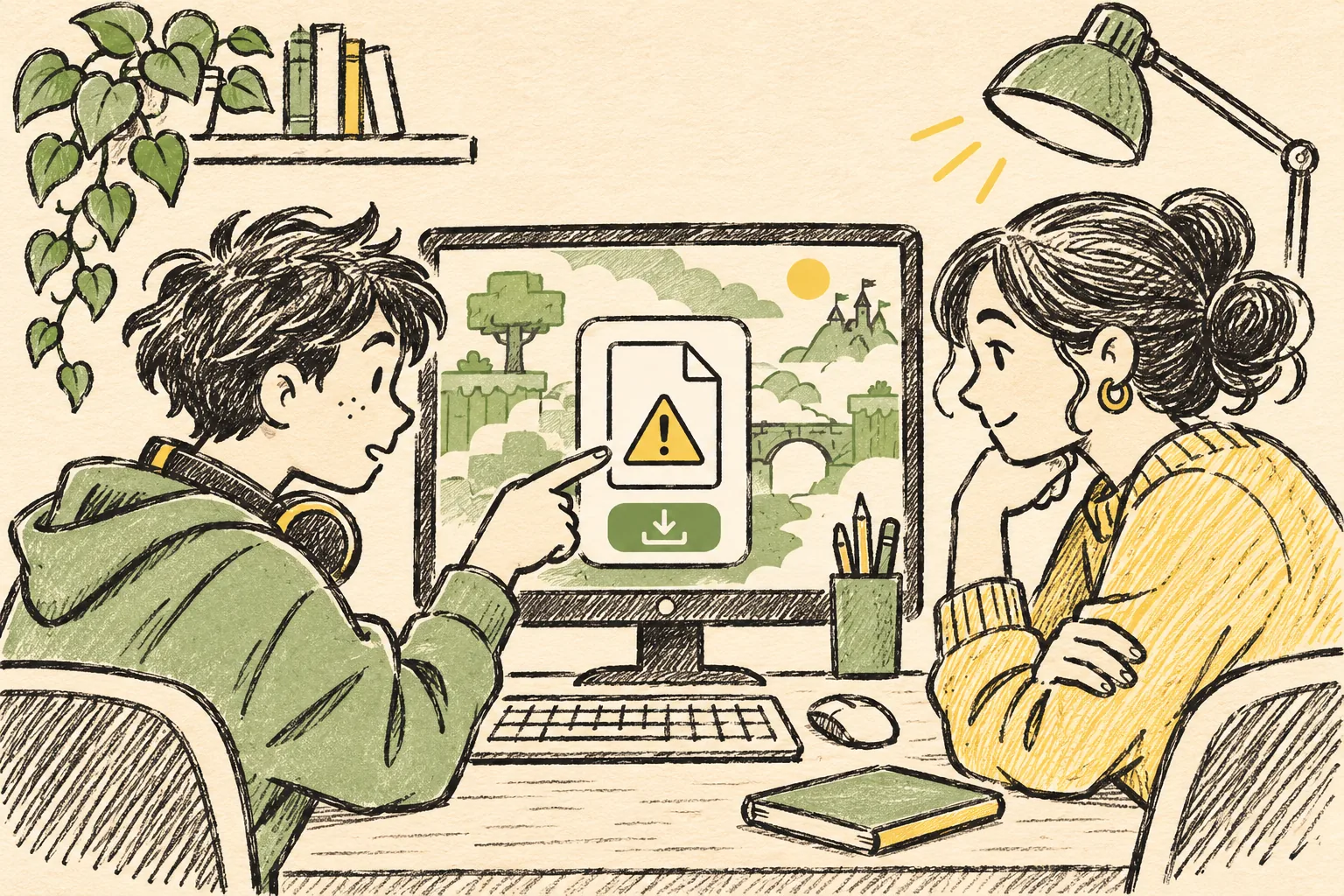
A game mod may add a new map, character or tool, but a download offered through a message or unfamiliar site can also carry unwanted software. A warning or a slow computer is a reason to check, not proof that this mod infected your device. Do not open the file again or follow instructions to switch off security protection. For example, a player may send a “better version” of a mod as a separate download. Check the game's official source or trusted store before installing anything. If you already ran the file, use your device's own security tools to scan it and follow their results. Check your gaming account for changes you did not make.
ishowcrime desk
Sources checked 11 November 2026
Here’s what you can do.
Pause the download and check its source
Do not run the mod, installer or any linked “fix” again while you are unsure. Check whether the mod is offered through the game's official source or a store you reached yourself; do not trust a link sent by another player just because it looks familiar. NCSC gaming guidance advises verifying the source of anything you install and using official stores where possible. If a file asks you to disable antivirus or open a separate sign-in page, leave it and ask for help instead.
Use your device's security tools
If you downloaded but did not run the file, use your installed antivirus to scan it before deciding what to do. On Windows, Microsoft explains how to scan a particular file with Windows Security. If you ran the mod or your device behaves oddly, update your security software and run a device scan, then follow its advice. NCSC says slowness and pop-ups can be warning signs, but a scan helps check whether there is an infection. Do not run unknown commands from a forum or reset the device on a stranger's instruction.
Protect accounts if something changed
If the scan finds malware, follow the security product's removal guidance. If it cannot clean the device, NCSC says expert help or a full reinstall may be needed; that can erase files, so check your backup before taking that step. If your gaming or email account shows logins, messages or purchases you do not recognise, use the provider's official recovery pages, change affected passwords and turn on two-step verification.
Your quick checklist.
Tick what you’ve done. This stays on this page.
0 of 3 markedDownload a short text copy to read without internet. It cannot call or alert anyone.
A few things explained.
Does a virus warning prove the mod is malicious?
No. A warning should be taken seriously, but it does not by itself establish what the file is or whether it ran. Check the source and use your security product's scan and protection history. NCSC says an antivirus detection is stronger evidence than general signs such as a slow device.
Should I turn off antivirus to make the mod work?
No. NCSC recommends keeping antivirus and software up to date. Disabling protection to install an unverified file removes a safeguard at the moment you most need it. Look for the mod through an official source or ask the game platform for guidance instead.
What if I already ran it?
Run an up-to-date antivirus scan and follow its results. NCSC says to seek expert help if the product cannot clean a PC; a wipe and reinstall can lose data, so consider backups first. If your gaming or email account shows unauthorised activity, use the provider's official recovery route, change affected passwords and enable two-step verification.