Our WhatsApp group admin posted a suspicious link. What should we do?
A familiar group administrator suddenly posts a link asking members to pay or sign in. It could be a mistake, a genuine message, or someone using the admin’s account; the post alone does not prove a takeover. The admin label is not a safety check for the link. Pause, ask the person through a separate trusted route and warn the group without forwarding the link. If the admin confirms they have lost access, WhatsApp has a specific recovery process. Group members can report the suspicious message while the account owner works to regain control.
ishowcrime desk
Sources checked 14 November 2026
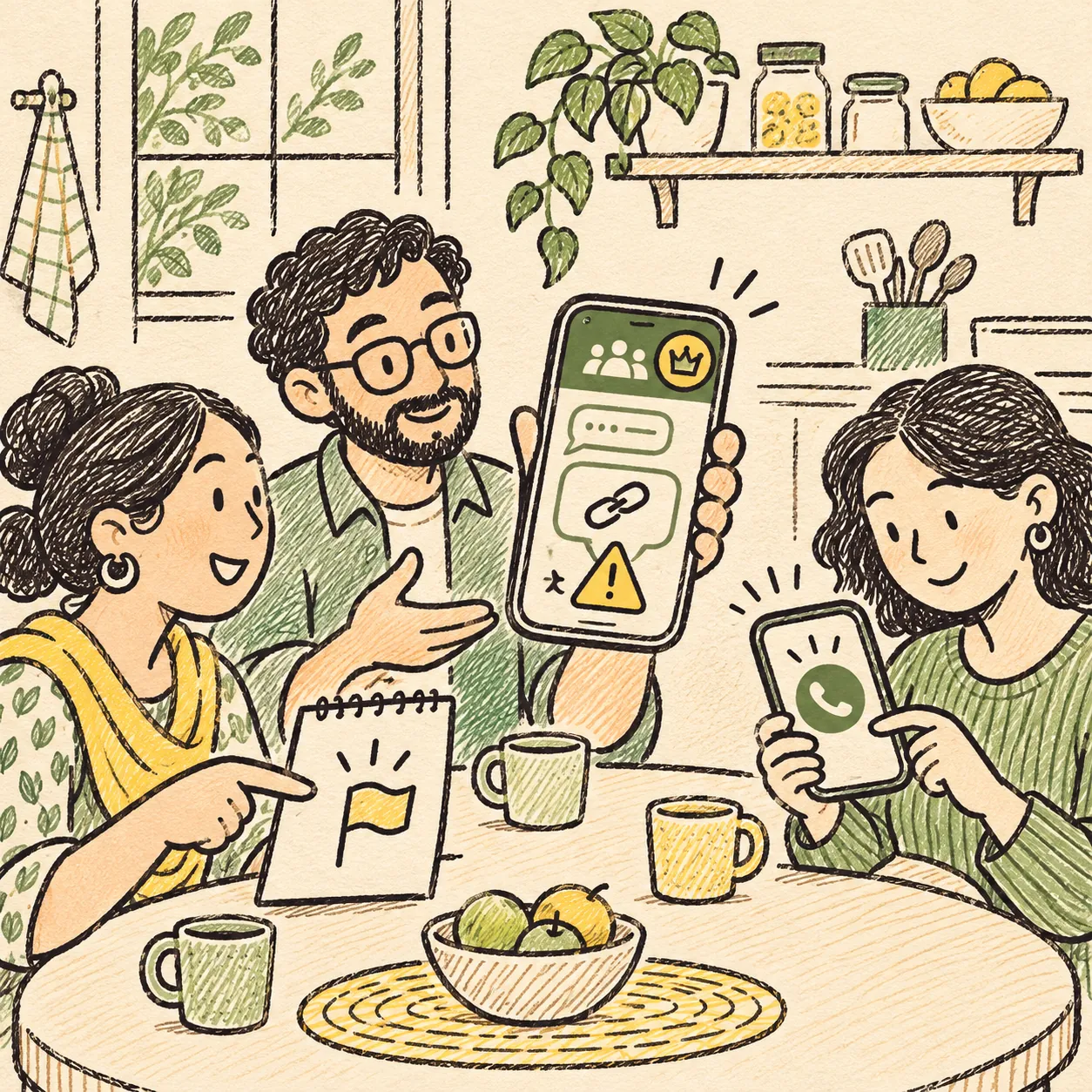
Here’s what you can do.
Pause and verify away from the link
Do not open the link, enter a code or send money because the message came from an admin. Check the request with the person using a call or contact route you already trust, rather than replying only in the same group chat. If the admin cannot be reached, treat the request as unverified. Tell other members not to use the link; describe the concern without forwarding the suspicious message or repeating its address. WhatsApp says a compromised account can impersonate someone in chats and groups.
Report the message and limit the spread
If the message appears to be a scam, use WhatsApp’s report-message option. Its group guidance distinguishes reporting one problematic message from reporting a member or a whole group. Another admin can help manage the group; WhatsApp says only other admins can remove an admin. Avoid declaring that a person was hacked until you have checked with them. If anyone paid or gave bank details, they should contact their bank through a trusted route promptly.
If you are the admin, recover your account
If you have lost control of your WhatsApp account, follow WhatsApp’s official compromised-account instructions and re-register with the six-digit code sent to your number. Never share that code, even with someone claiming to help. WhatsApp says re-registration logs out other devices using the account; changing a password alone does not remove someone who has taken it over. Once you are back in, review linked devices, turn on security features and warn family, friends and group members about recent messages. WhatsApp advises trying recovery before reporting your own compromised account, as reporting may lead to a ban.
Your quick checklist.
Tick what you’ve done. This stays on this page.
0 of 3 markedDownload a short text copy to read without internet. It cannot call or alert anyone.
A few things explained.
Does an admin badge make a payment or sign-in link safe?
No. WhatsApp says someone using a compromised account can impersonate the owner in chats and groups. Verify an unusual request independently before opening a link or paying. A badge shows a group role, not who currently controls the account.
Should I report the whole WhatsApp group?
For a single scam link, WhatsApp recommends reporting the message. Report a member for repeated problematic behaviour, or a group when the whole group is being used for harmful activity. If your own account has been compromised, WhatsApp advises trying to recover it before reporting that account, because a report could lead to a ban.
What if the admin has already lost access?
The account owner should use WhatsApp’s official re-registration steps with the code sent to their number and never share it. WhatsApp says this logs out other devices. After recovery, they should review linked devices and security settings and warn contacts about messages sent while access was uncertain. Group members should treat recent payment links with caution.