A fake account appeal asks for a recovery code. What should I do?
A message says your account will be closed unless you appeal at once. The page it links to looks like a familiar service and asks for a recovery code. That pressure is a reason to stop, not proof that your account is actually suspended. A copied appeal page can take a password or code and give someone else a way into your account. Check the status by opening the service yourself. If an appeal is real, use the steps shown in the genuine account or its official help pages. If you already entered a code, secure the account promptly.
ishowcrime desk
Sources checked 7 November 2026

Here’s what you can do.
Stop at the code request
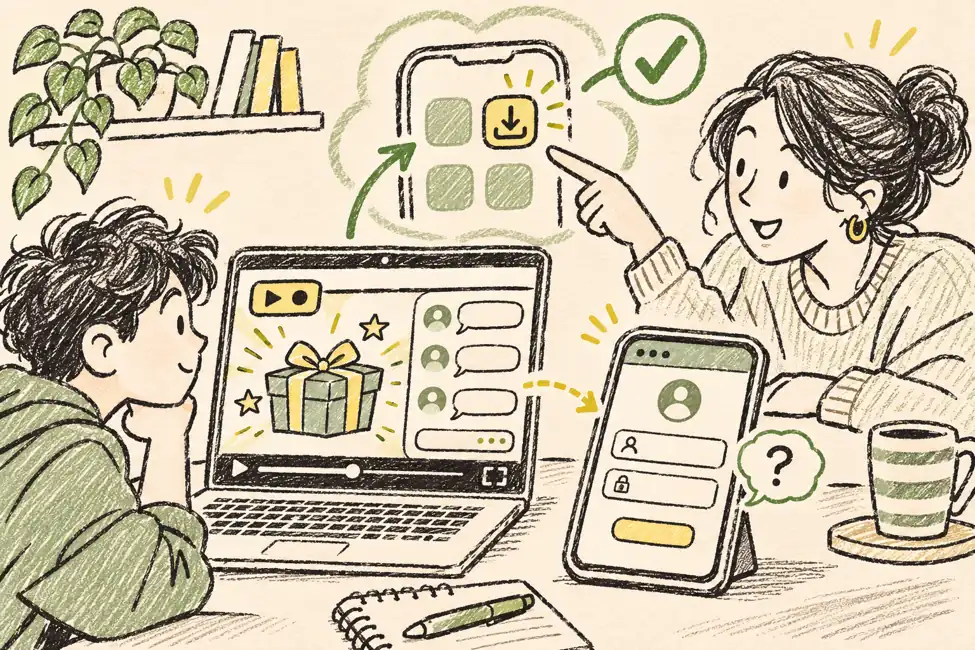
Do not type a password, recovery code or one-time sign-in code into a page opened from an unexpected appeal message. A copied page can look convincing, and a deadline such as 'appeal today' can push you to act before checking. Imagine a notice claiming your account will close tonight unless you enter a code: that is a hypothetical example, not evidence about any particular platform. Google says it never asks for passwords or verification codes over email, phone or message. Keep the code for the genuine sign-in or recovery flow you started yourself.
Check the account through the real service
Close the message and open the app or type the service's known address yourself. Look for a notice in your account or use its official help pages. An appeal may be real, so do not assume every warning is false; the question is whether the request appears in the genuine service. For example, Google says a disabled-account explanation appears when you sign in, and its Start Appeal route begins there. Other platforms have different procedures. Do not rely on a reply address or link supplied by the alarming message to verify it.
Secure and report if you entered details
If you entered a code or password on the suspect page, go straight to the real service's security or recovery route. Change the affected password and any other account using it, check for unfamiliar activity or changed recovery details, and sign out other devices where the provider allows it. If you cannot get in, follow that provider's official account-recovery guidance. Report the suspect website to the NCSC; forward a suspicious email to report@phishing.gov.uk or a text to 7726. If you lost money, contact your bank and report fraud through Report Fraud in England, Wales or Northern Ireland, or Police Scotland in Scotland.
Your quick checklist.
Tick what you’ve done. This stays on this page.
0 of 3 markedDownload a short text copy to read without internet. It cannot call or alert anyone.
A few things explained.
Does an urgent suspension message prove my account is disabled?
No. A message can imitate a service, and genuine services may also send notices. Check by opening the app or known website yourself. Google says a disabled-account explanation appears when you sign in, with its appeal route there. Follow the official instructions for your own provider; the exact process differs.
What if an official appeal really needs a code?
Use only the genuine sign-in or recovery flow that you opened independently. Google says it does not ask for passwords or verification codes over email, phone or message, and says to enter them only at accounts.google.com. Do not send a code to a person or type it into a page reached from an unexpected appeal link.
What if I already entered a recovery code on the page?
Treat the account as at risk and use the real provider's security or recovery pages now. Change affected and reused passwords, check recent activity and recovery settings, and sign out other sessions where possible. NCSC also advises checking email forwarding rules if the email account may be compromised. Report the suspect website to the NCSC. If money was lost, tell your bank and use the appropriate UK fraud-reporting route.