How can I avoid fake event tickets?
A sold-out event is approaching and a stranger sends a convincing booking screenshot. Ticket scams use that urgency to sell something fake, duplicated or nonexistent. A picture is not proof that you hold a usable ticket. Some festivals also tie admission to a named person, so even a genuine ticket or wristband may be unusable by someone else. Check the organiser's rules before paying.
ishowcrime desk
Sources checked 30 October 2026
Here’s what you can do.
Find the authorised buying route
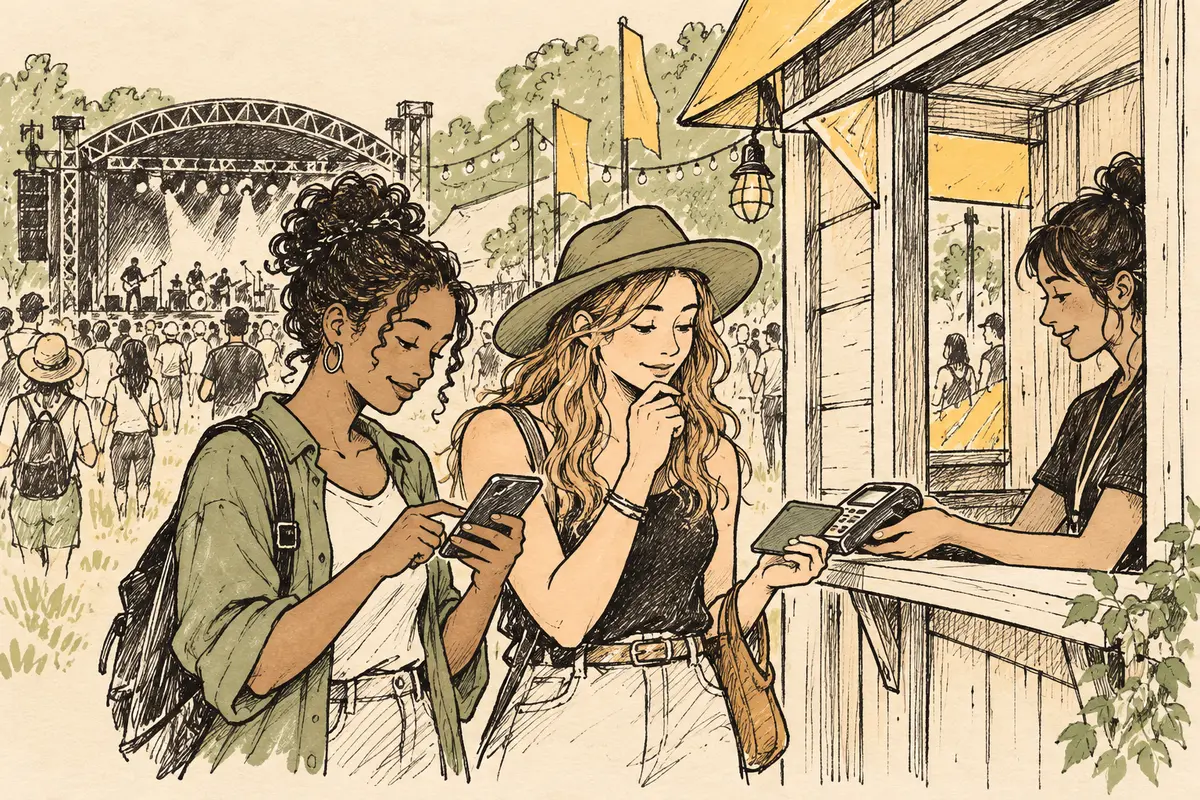
Start with the organiser's or venue's own website and follow its official ticket or resale information. Copied branding and positive reviews can be misleading. Cheap sold-out tickets, rushed bank-transfer demands and promises to meet outside the venue are warning signs. Use a secure payment method through a verified seller, not an unexpected message link. Check whether tickets can change hands. For Glastonbury 2027, tickets carry the registered holder's photo and cannot be transferred; staff check that the person matches. Its wristbands cannot be transferred either, and removing or tampering with one makes it invalid. A stranger's wristband is therefore no shortcut to entry. Use the festival's own ticket information for official resale details; do not assume another event follows Ticketmaster's transfer process.
Check the transfer in your own account
For Ticketmaster, open its official app or website yourself and follow its transfer instructions. After you accept a transfer, Ticketmaster issues you a new barcode and invalidates the sender's ticket. A seller's screenshot showing that something was sent does not confirm you accepted it. If accepted tickets are missing, check the account linked to the recipient email or phone number and contact official Fan Support if unresolved. A missing Transfer button does not prove fraud: organisers can restrict transfers or enable them later. Check official event information or support. Ticketmaster's transfer feature is free; do not treat a stranger's request for money to unlock it as an official charge.
Get help if payment or details are at risk
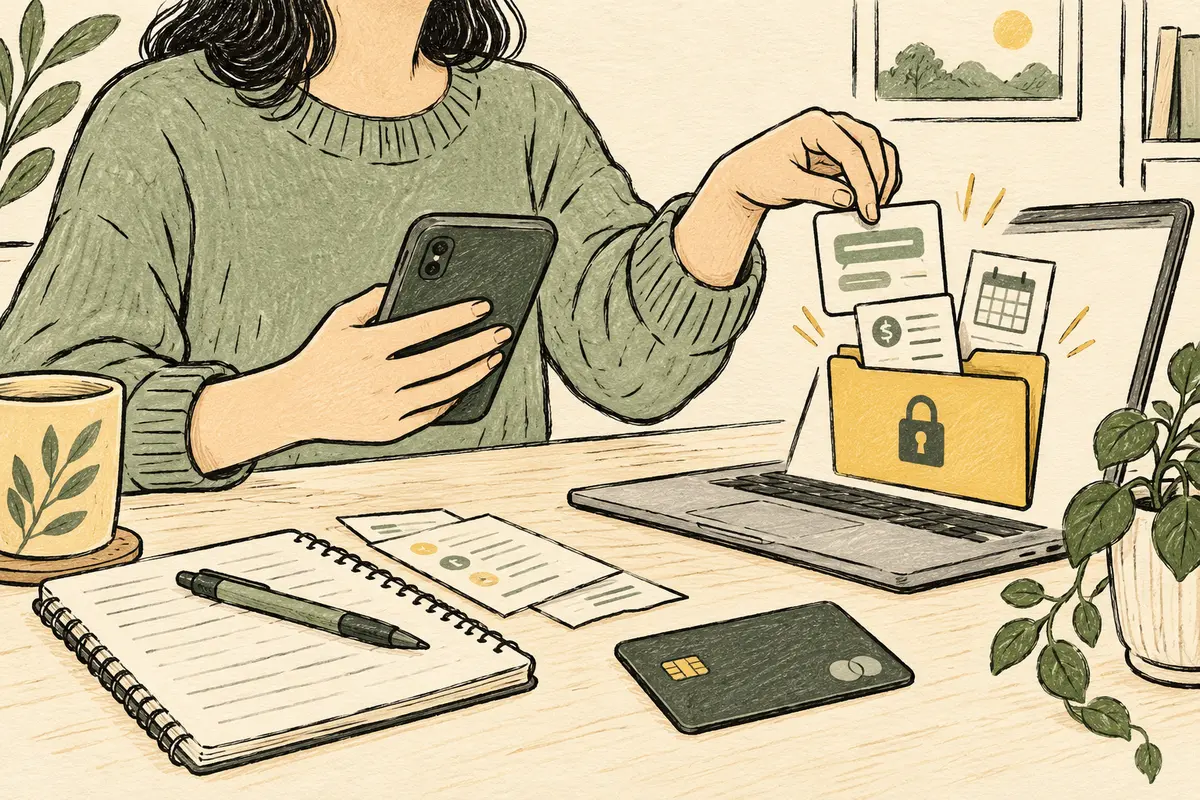
Contact your bank immediately if you suspect you paid for fake tickets or gave away financial details. Report fraud through Report Fraud in England, Wales or Northern Ireland; if you live in Scotland or the crime happened there, contact Police Scotland on 101. Do not wait for the event to raise a suspected scam. Keep the booking, payment record and messages so you can explain what was promised and what happened. Ask your card provider which claim route applies; the FAQ below explains two options. Do not pay an unexpected caller who promises to recover the money: Report Fraud warns that ticket-scam victims can be targeted again.
Your quick checklist.
Tick what you’ve done. This stays on this page.
0 of 3 markedDownload a short text copy to read without internet. It cannot call or alert anyone.
A few things explained.
Can I use a screenshot of a mobile ticket?
For Ticketmaster tickets with a moving barcode, no: the barcode refreshes and its guidance says screenshots will not admit you. View the ticket in the official app before travelling and follow its mobile-wallet instructions where available. This advice concerns that mobile-ticket format; use the issuer's instructions for other ticket types rather than assuming every PDF or printed ticket is fake.
Can my card provider help recover money paid for fake tickets?
Ask promptly about chargeback or, for a qualifying credit-card purchase, Section 75. Chargeback is a card-scheme process, not the same legal protection as Section 75, and can apply to debit, credit or prepaid cards. MoneyHelper explains a 120-day claim limit, starting from the planned event date for future-event tickets. Keep any refund request and the seller's response. Ask your provider to confirm the deadline; do not wait to report suspected fraud. Section 75 generally covers an item costing more than £100 and up to £30,000, even if only part was paid by credit card. Separate tickets are assessed individually, not simply added together; a family ticket counts as one item. How you paid through an intermediary can affect protection. Explain the payment route and ask which protection applies. A claim does not guarantee a refund.
What if I signed in through a suspicious transfer link?
Stop entering information. Open the real service separately and change the password you disclosed, including on other accounts where you reused it. If you are locked out or see unfamiliar activity, use official account recovery. NCSC advises a full antivirus scan after opening a suspicious link on a computer; tell workplace IT if it was a work device. Contact your bank if payment details were exposed.