Our business social account posted an offer we did not approve. What now?
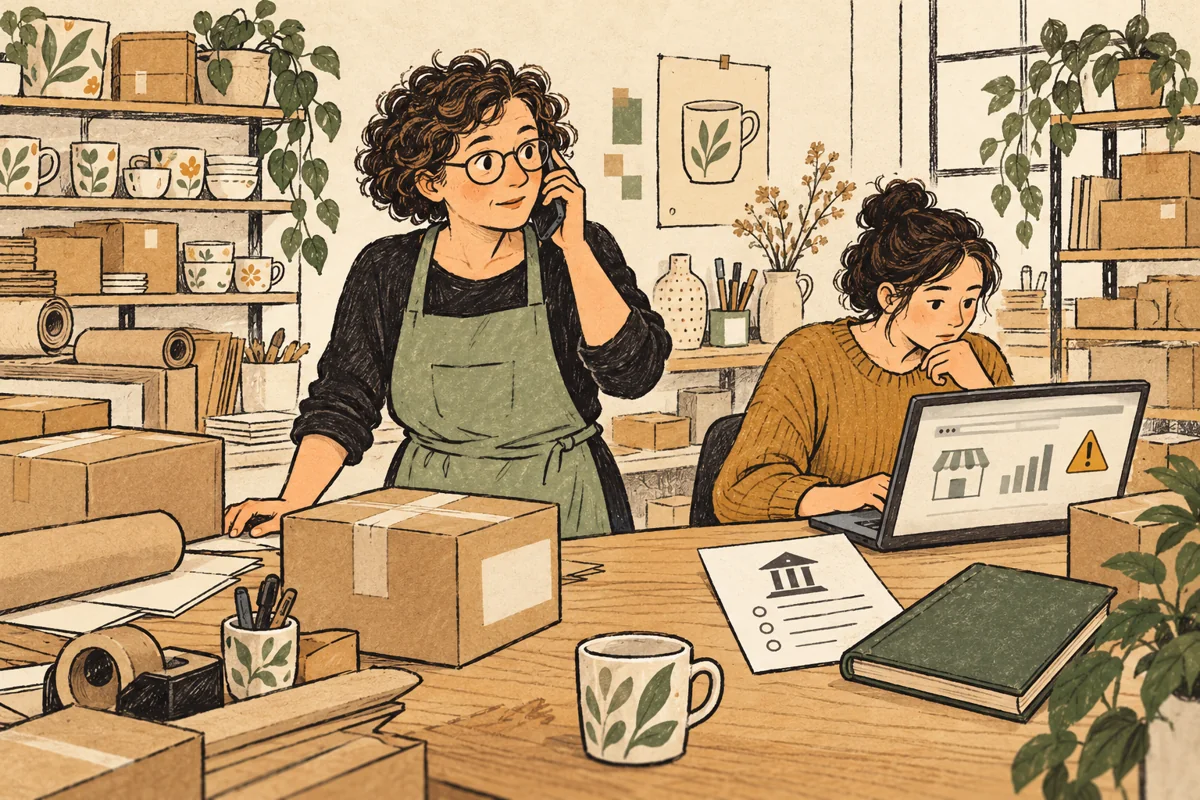
A customer asks about a discount your business never announced. The post may be a scheduling mistake, unauthorised staff activity or a sign that someone else controls the account. If it sends customers to a payment link, they could lose money or share details. Check the post against your own records, prioritise control of the account, and tell customers how to verify genuine offers. Do not accuse a staff member or claim a hack before the facts are clear.
ishowcrime desk
Sources checked 6 November 2026

Here’s what you can do.
Check the post and regain control
Compare the offer with approved posts, scheduled drafts and the people or tools allowed to publish. Keep a record of the post, time and any linked address. An unfamiliar post is a warning sign, not proof of how it appeared. If compromise is suspected, go directly to the platform's official help pages and start its recovery process. NCSC says regaining control comes before trying to correct every malicious post. Check the connected email account too, including forwarding rules, because it may be used to reset access.
Secure access and warn customers
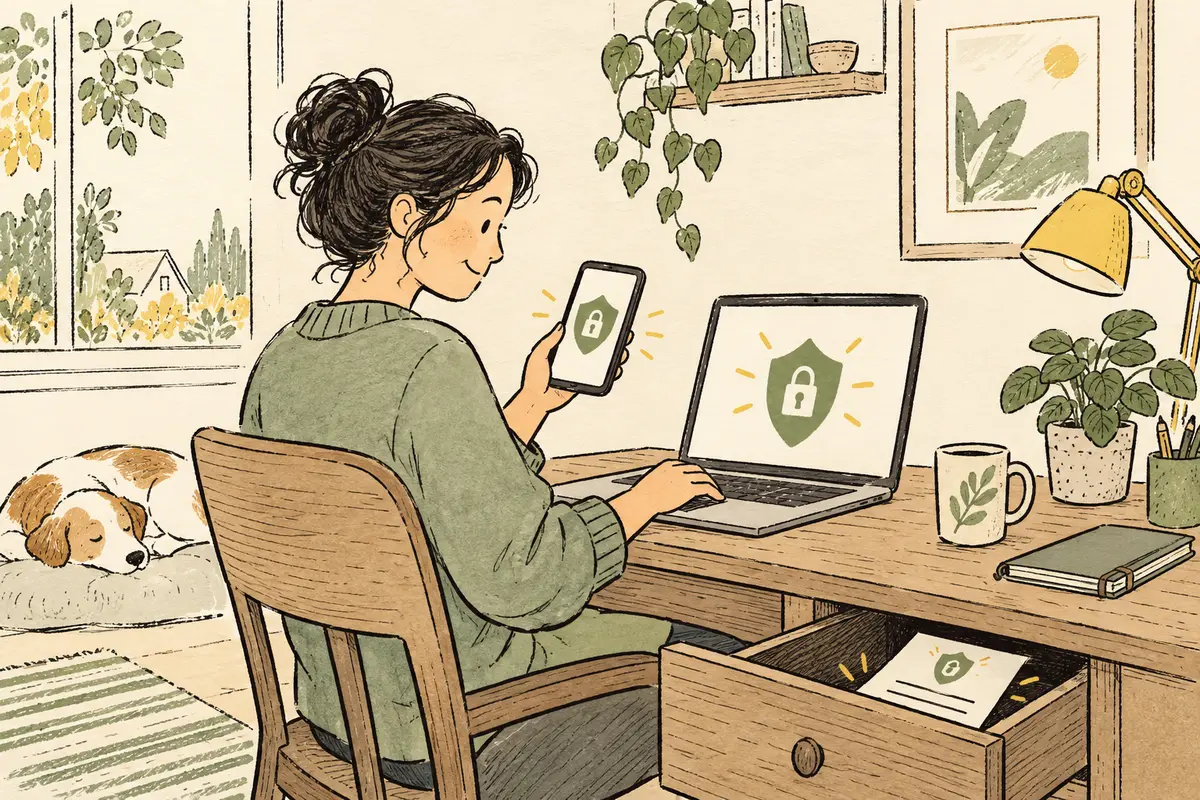
Once you can manage the account safely, change the compromised password, sign out other sessions where the service allows it, review who can publish and turn on two-step verification. Check connected social-media management tools as well as the platform itself. Warn customers through a trusted channel they already know, such as your website or in-store notice, that the specific offer or link is not authorised. If the page is still out of your control, use another controlled channel rather than relying on a warning posted to the compromised account. Invite anyone who paid or shared details to contact their bank or the relevant service promptly.
Review harm and report the incident
Check recent posts, direct messages, access logs if available and any linked advertising or payment accounts for changes you did not approve. A working login does not prove the wider incident is finished. Ask anyone who manages customer information to assess whether private data was affected. For cyber crime or fraud in England, Wales or Northern Ireland, use Report Fraud; it says a business under a live cyber attack should call 0300 123 2040 immediately. In Scotland, contact Police Scotland on 101. If money has been lost, contact the bank straight away as a separate step.
Your quick checklist.
Tick what you’ve done. This stays on this page.
0 of 3 markedDownload a short text copy to read without internet. It cannot call or alert anyone.
A few things explained.
Should we delete the offer first or secure the account first?
If you still control the page, remove or correct the false offer as part of containment. But NCSC says that when a channel is hijacked, regaining control is the priority over trying to correct every malicious post. Otherwise new posts could appear while you are responding. Warn customers through another channel you control if needed.
What if we cannot log in?
Use the platform's official support and account-recovery pages. NCSC says providers' recovery processes differ and that the platform owner may have to help if recovery information was changed. Use a trusted business website or other controlled contact route to warn customers while access is unresolved. Do not pay a stranger who claims they can restore the page.
Where does a UK business report this?
Report Fraud accepts cyber-crime and fraud reports for England, Wales and Northern Ireland, and asks a business under an active cyber attack to call 0300 123 2040 immediately. If you live in Scotland or the crime happened there, contact Police Scotland on 101. Contact your bank promptly about any financial loss; the platform recovery and police report are separate.