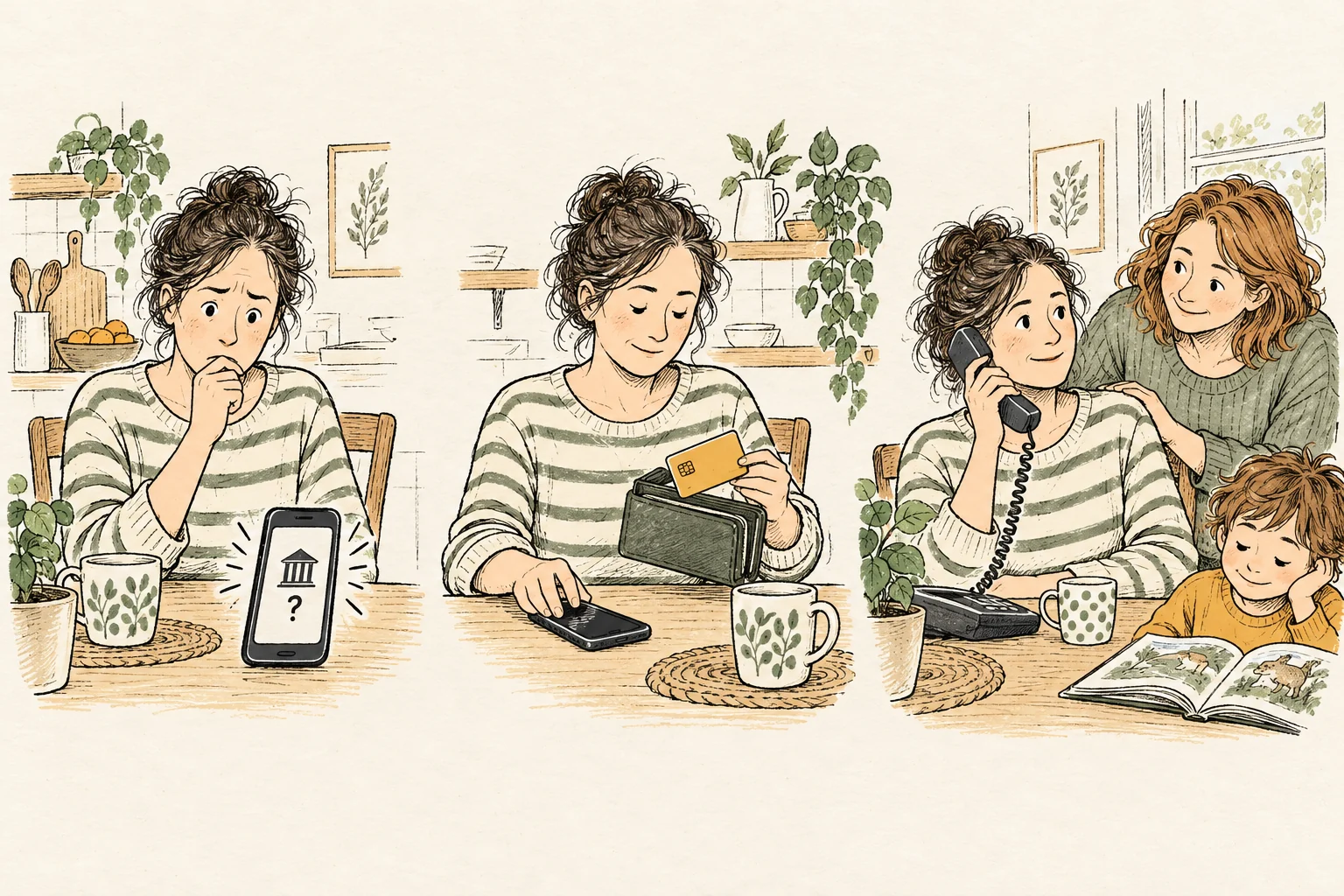
A caller offers a Council Tax refund. How do I check it?
A caller says you have overpaid Council Tax and must supply banking details to get the money back. Council Tax refund scams use the promise of money to make an unexpected request seem helpful. Some impersonate the council or Valuation Office Agency; others demand an upfront fee. A real overpayment is possible, but check it through your council before sharing anything.
ishowcrime desk
Sources checked 31 October 2026
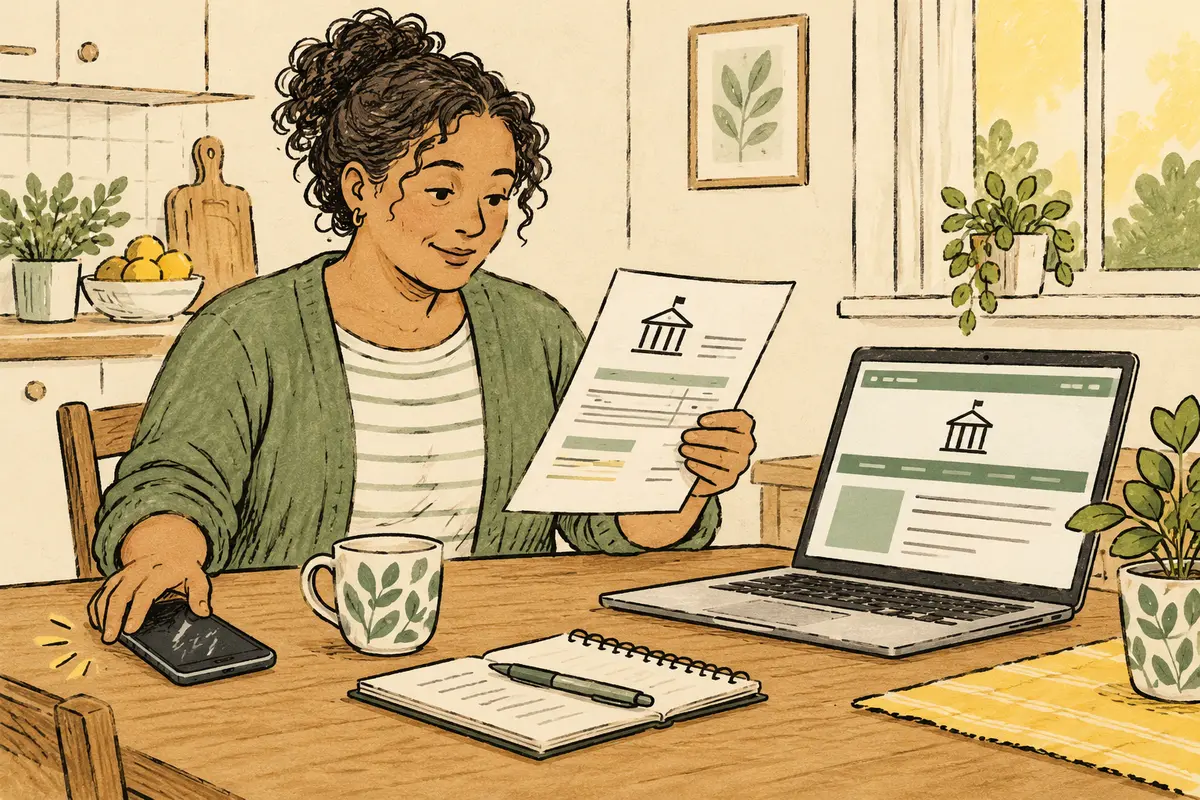
Here’s what you can do.
End the call before sharing details
Do not give an unexpected caller your bank login, PIN or card details, or let them control your device. A deadline or fee to release a refund is a reason to pause. Caller numbers can be disguised. Hang up and use contact details you find independently, not a number the caller supplies.
Check the council's own refund route
Open your council's website yourself to check the balance and refund process. In Hounslow, use the sign-in button on 'View your Council Tax account', linked below. The general account login is for other council services. Registration needs the account number from your Council Tax bill. This separate account lets you check bills, payments and the balance without following the caller's instructions. For a Hounslow account in joint names paid by Direct Debit, complete the official refund form; the credit goes back to the bank account that paid. A different payment method or destination account needs written permission from the other people liable on the bill. Hounslow says refunds can take up to 10 working days after it receives all required permissions. Use the council's own route for any follow-up. Other councils' procedures may differ.
Protect exposed accounts and report it
If you paid or disclosed bank or card details, contact your bank immediately using the number on your card or statement, even if no loss is visible. Keep the messages and transaction records. Report suspected fraud through Report Fraud in England, Wales or Northern Ireland; if you live in Scotland or the crime happened there, contact Police Scotland on 101.
Your quick checklist.
Tick what you’ve done. This stays on this page.
0 of 3 markedDownload a short text copy to read without internet. It cannot call or alert anyone.
A few things explained.
Does every Council Tax text or voicemail mean a scam?
No. Hounslow uses texts, emails and voicemail for genuine Council Tax reminders. Its website also describes emailed bills and digital payment reminders. These are separate from a caller's claim that a refund is due. Open the council website yourself to check your account and its current messaging guidance. A logo, familiar number or link does not prove who sent the message. Hounslow says not to rely on receiving a reminder: keep paying the instalments on your bill, or contact the council if there is a problem. A promised refund does not cancel a genuine payment deadline.
What if the caller claims to be from the Valuation Office Agency?
The VOA handles Council Tax band enquiries in England and Wales; your council works out the bill. The VOA says it will not call for immediate payment of bills or penalties, or request financial information by text. Contact it through GOV.UK if unsure. Nottingham City Council also warns about claims that you must use an agent: checking your Council Tax band can be done free.
What if I followed a refund link and entered a password?
Stop entering information and change the exposed password through the real service, including other accounts where it was reused. Tell your bank about exposed banking details. If you opened a suspicious link on a computer or installed software, NCSC advises running a full scan with your antivirus if you have it. Tell IT if it was a work device. A fraud report alone does not secure an account.