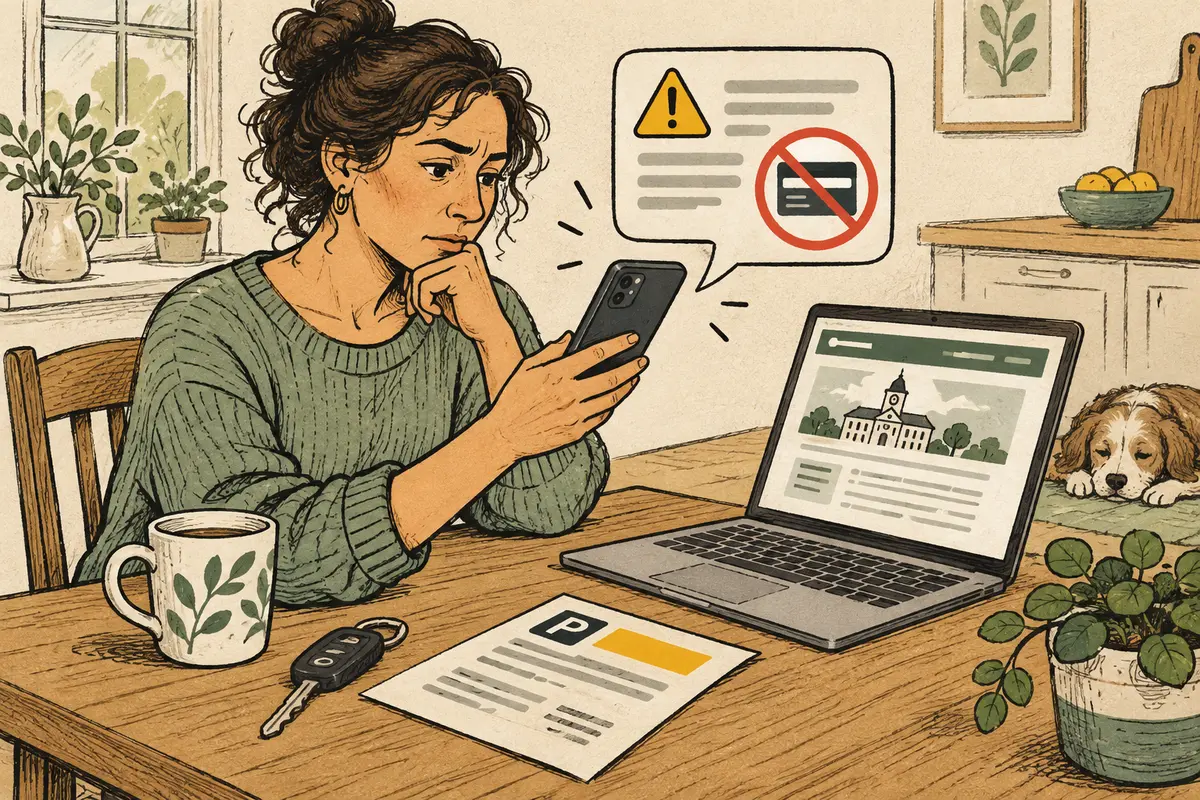
A Dart Charge message asks me to pay. How can I check it?
A message says you owe money for the Dartford Crossing, perhaps just after a real journey. That timing does not prove the sender is genuine. Dart Charge does send account-activity texts, but a false demand can lead to a page that collects payment or account details. Separately, National Trading Standards warns that copycat toll websites can charge extra or leave the real crossing unpaid. Check the journey and payment through the official service before acting on the message.
ishowcrime desk
Sources checked 1 November 2026
Here’s what you can do.
Leave the message link alone
Do not reply, follow its link or provide card details or a password. Pressure to pay quickly is a reason to pause and check independently. A page that looks official, a familiar name in its address or a prominent search advert is not proof that it is the official payment service. National Trading Standards has documented misleading toll-payment sites using these features. Avoid treating every payment problem as fraud: a real crossing charge can still be outstanding. The next step checks that separately.
Check the crossing through GOV.UK
Open GOV.UK's 'Pay the Dartford Crossing charge' page yourself using the source below. Use Start now or sign in to check paid crossings, pay or challenge a penalty. Have your vehicle registration and, for a penalty, its PCN reference ready. Check the record rather than trusting a message or an unofficial receipt. You can pay for recent or future crossings without an account; select that option after Start now. Dart Charge is normally due by midnight the day after crossing. If a text says your account has a problem, check its status and payment details after signing in independently. For help, use National Highways' page or call Dart Charge on 0300 300 0120, not a number supplied by the message. Other crossings have their own rules; this deadline is for Dartford.
Protect accounts and report the concern
If you paid a suspected fraudulent site or shared bank details, contact your bank or card provider immediately. Keep the message, payment confirmation and transaction details for your report. Change a disclosed password on every account where you used it. Forward suspicious SMS to 7726 free, or use the phone's reporting controls. For messages in apps such as WhatsApp, use that app's report and block features. Report financial loss to Report Fraud in England, Wales or Northern Ireland; contact Police Scotland on 101 if you live in Scotland or the crime happened there. Separately check whether the genuine crossing was paid: reporting fraud does not settle a charge.
Your quick checklist.
Tick what you’ve done. This stays on this page.
0 of 3 markedDownload a short text copy to read without internet. It cannot call or alert anyone.
A few things explained.
The crossing is not showing online. Does that mean I owe nothing?
No. National Highways says account crossings appear after midnight on the travel day; manual image checks can also delay non-account records. You can still pay a chargeable crossing by midnight the next day even if it is missing online. Check through the official service or contact Dart Charge rather than relying on an empty list.
Can a Dart Charge account-status text be genuine?
Yes. National Highways sends texts about account activity. That does not prove a particular message is genuine. Open the GOV.UK service separately and sign in: the account should show 'Open'. If it is suspended, dormant or closed, resolve the issue inside the account or call the official helpline. A failed payment can be a real account problem. National Highways says a card is removed after a failed payment, so you must add the payment method again. If card revalidation is needed, a prompt appears after login. Make these changes only in the account you opened independently, not through the text.
What if I already opened the link?
Stop entering information. Contact the bank immediately if you shared payment details or paid, and change any exposed passwords. NCSC advises a full antivirus scan if you opened a suspicious link on a computer or followed instructions to install software; tell work IT about a work device. Ofcom advises contacting your mobile provider after clicking a suspicious link or installing something on a phone, and avoiding banking apps on it until you are sure it is safe. Ask for help rather than following further instructions from the sender.