Someone claiming to be our IT contractor wants admin access. What should we check?
A caller or visitor says they are the IT contractor and need an administrator login to fix a problem. The request may be genuine, but a familiar name, badge or urgent story does not establish who should have powerful access to your business systems. An admin account can change settings and reach sensitive information. Pause the request, confirm the person and the work through a contact your business already trusts, then let an authorised administrator decide what access is actually needed.
ishowcrime desk
Sources checked 19 November 2026
Here’s what you can do.
Pause and verify through your own contact
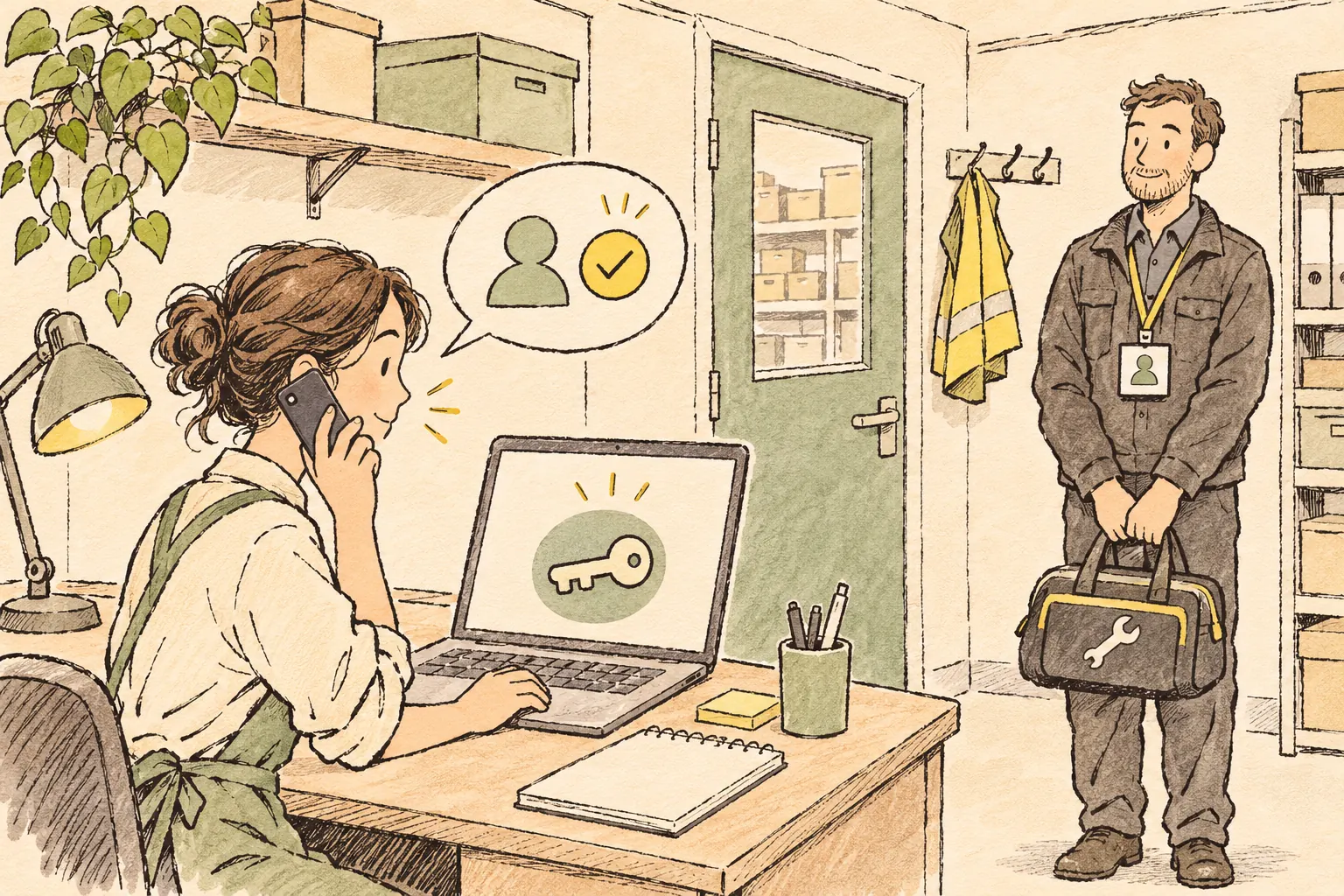
If someone calls or arrives asking for admin access, ask for their name, organisation, job reference and the system they need to work on. A badge, caller ID or knowledge of a supplier's name is not enough on its own. Contact your IT provider or internal lead using a number or channel already held in your records, and confirm the person and the planned job there. Do not use a callback number supplied only in the unexpected request. For example, if a visitor says the booking system needs an urgent fix, a staff member can pause access while the manager checks the existing support agreement. A real contractor can wait for that check. NCSC says stronger identity checks are needed for more privileged access, including when external contractors may reach systems.
Give only approved, necessary access
Once the request is confirmed, have the authorised administrator decide which system and permissions the contractor needs, for what task and for how long. Use the organisation's normal access process, record the approval and review when the job ends. NCSC advises including contractors in access policies, limiting privileges and removing temporary access when it is no longer needed. Protect administrative accounts with appropriate multi-factor authentication and avoid handing over a shared master password. If the contractor asks for broader access than the agreed work requires, check again with the responsible manager or IT lead. A mismatch needs clarification; it is not proof of wrongdoing.
Act promptly if access was already given
Tell the real IT lead and manager at once if you supplied a password, approved an admin login or allowed remote access before checking. Give them the time, account and any messages or job details you have; avoid deleting evidence. They can use the affected service's official recovery process to secure the account, inspect unfamiliar activity and revoke access that was not authorised. Each online service has its own recovery steps. If the organisation is suffering a live cyber attack, NCSC directs businesses and charities to call 0300 123 2040. For a significant cyber attack, follow its incident-reporting route. If customer or staff data may have been exposed, involve the person responsible for data protection as part of the incident response.
Your quick checklist.
Tick what you’ve done. This stays on this page.
0 of 3 markedDownload a short text copy to read without internet. It cannot call or alert anyone.
A few things explained.
What if the caller knows our IT provider's name?
That detail alone cannot prove their identity or authorisation. Check with the provider or internal IT lead through contact details already in your business records, and confirm the specific job and person. NCSC advises identity checks that reflect how privileged the requested access is.
Can a genuine contractor use an administrator account?
Yes, when the organisation has approved a task that needs those permissions. The authorised administrator should limit the account to what is needed, apply suitable authentication, record the access and remove it when the work ends. A request for unrestricted access should be checked against the actual task.
We already shared a password or approved remote access. What now?
Tell the real IT lead and manager promptly. They can use the affected provider's official account-recovery instructions to secure the service and check for unfamiliar changes. NCSC describes unauthorised access as a cyber incident; if an attack is happening now, its small-business guidance gives the 24-hour reporting number 0300 123 2040. Preserve the details of the request for the response team.