Alexa shows an order I did not expect. What should I check?
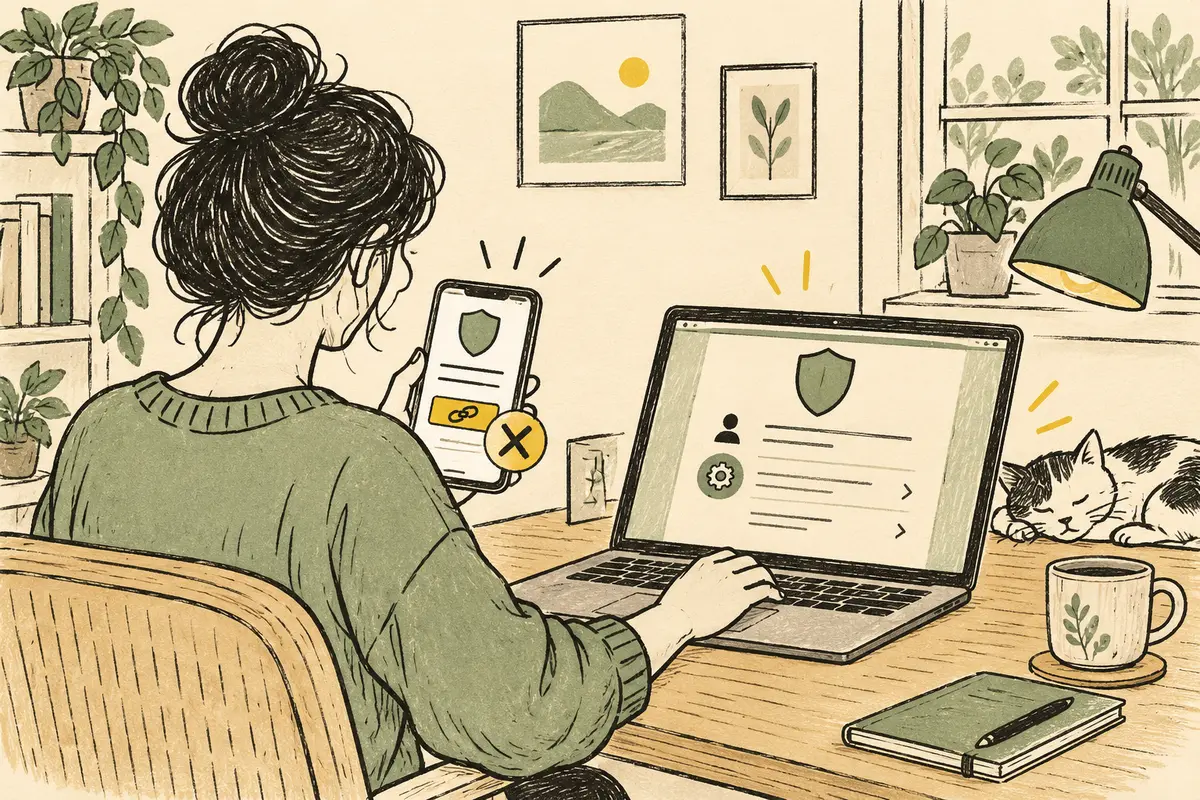
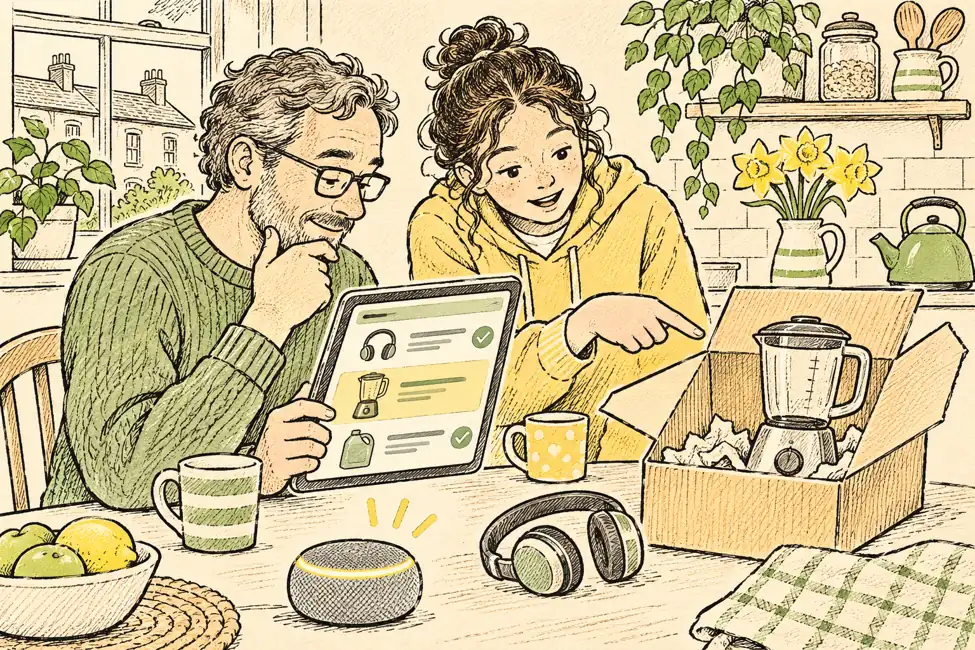
An email says Alexa bought something, or a parcel arrives that nobody in your household remembers ordering. The message could be a fake order alert, an accidental household purchase or an unauthorised transaction. Do not use a link or number in the alert. Check Amazon's own order history first, then compare the details with Alexa activity and your payment record. If the order is real, use Amazon's order support and review who can make voice purchases.
ishowcrime desk
Sources checked 7 November 2026
Here’s what you can do.
Check whether the order is real
Open the Amazon app or type Amazon.co.uk yourself. Look in Your Orders for the item, date and payment method; Amazon says fake order messages may ask you to act urgently, while genuine purchases appear in your order history. A charge can also be a subscription, a digital order, an Amazon Pay transaction or a pending authorisation, so compare the actual transaction before deciding what happened. Do not call a number or open a link from an unexpected order message.
Review Alexa activity and purchasing controls
In the Alexa app, open More > Alexa Privacy > Review Alexa History and check the relevant date, device or profile. Compare it with the order details; voice history may help explain a request but is not, by itself, proof of who made a purchase. If you do not want voice orders, Amazon's current path is More > Settings > Account Management > Voice Purchasing > Purchase Controls > No one. A recognised-voice option is also available. Amazon warns that voice-purchasing settings may not cover purchases made through some third-party skills using a separate payment method.
Get help with a real order or charge
If the order is in your account, use Your Orders or Amazon Customer Service to ask about cancellation, return or an order you did not authorise. Check payment activity as well. Contact your bank promptly if money has gone that you cannot explain, using a trusted bank route. If you suspect account access by someone else, change the Amazon password and follow official account-recovery advice. Report suspected fraud through Report Fraud in England, Wales or Northern Ireland, or Police Scotland on 101 in Scotland. Keep the order and support details while the issue is assessed; a surprising order does not by itself prove a crime.
Your quick checklist.
Tick what you’ve done. This stays on this page.
0 of 3 markedDownload a short text copy to read without internet. It cannot call or alert anyone.
A few things explained.
Does an order email prove Alexa placed a purchase?
No. Amazon warns that scam order messages can imitate an unauthorised-purchase alert. Check Your Orders in the real Amazon app or website. If there is no matching order, do not call the message's number or enter details through its link. If there is an order, compare Alexa activity and ask Amazon Customer Service about its origin.
Will turning off voice purchasing stop every purchase through Alexa?
Amazon says its Voice Purchasing controls can disable Amazon voice purchasing, but its FAQs warn that those settings may not apply to purchases through some third-party skills where payment details were given directly to the developer. Review any linked service separately if that applies.
What if the charge is visible at my bank but not in Amazon orders?
Amazon lists other possible explanations, including subscriptions, digital orders, pending authorisations and Amazon Pay purchases. Check those categories and ask Amazon through its official Customer Service route. Contact your bank promptly if you cannot explain the charge. Do not assume the Alexa device caused it.