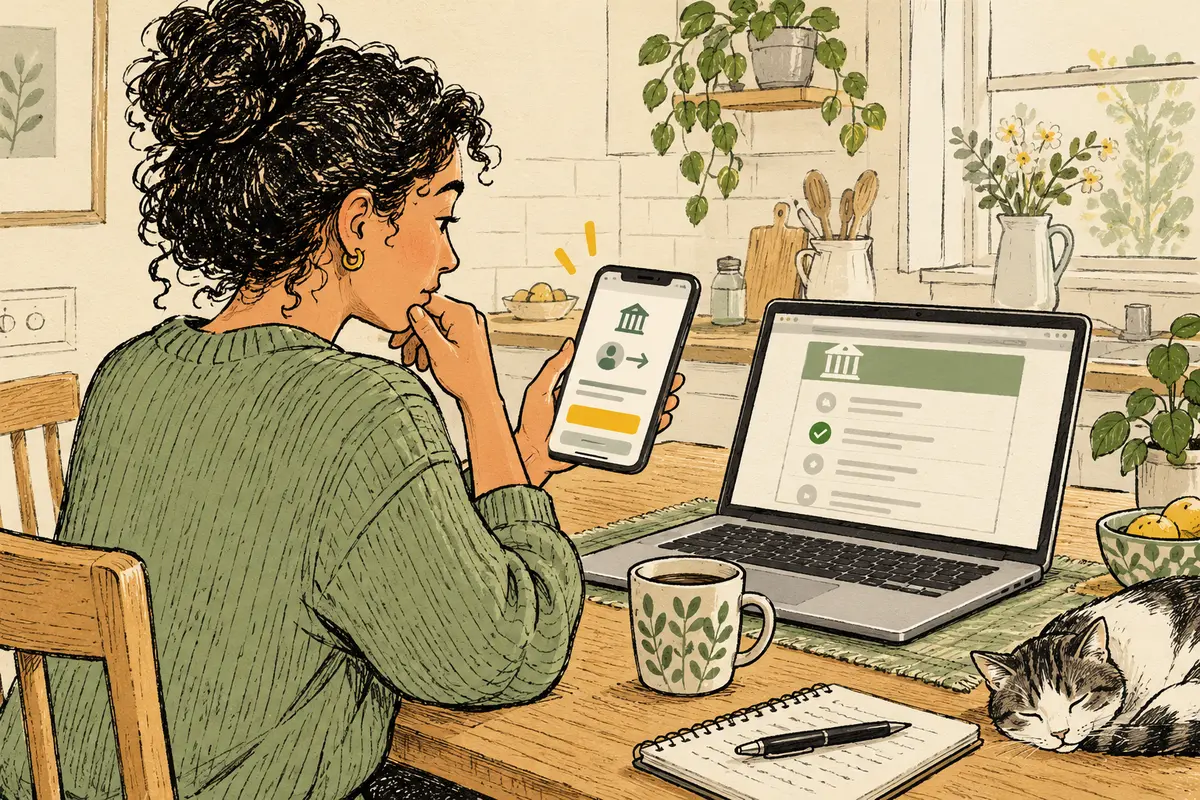
Someone requested money in my banking app. Should I pay?
A payment request appears inside your real banking app. It might be a bill split you forgot about, a mistake or an attempt to get money from you. Monzo, for example, lets people request money from friends through its app; that notification shows where the request arrived, but does not establish that you owe the sender. Check the amount and reason with the person through a contact route you already trust. Do not approve a request just because it is inside the app or someone says it is urgent. If you paid and now suspect fraud, contact your bank promptly.
ishowcrime desk
Sources checked 14 November 2026
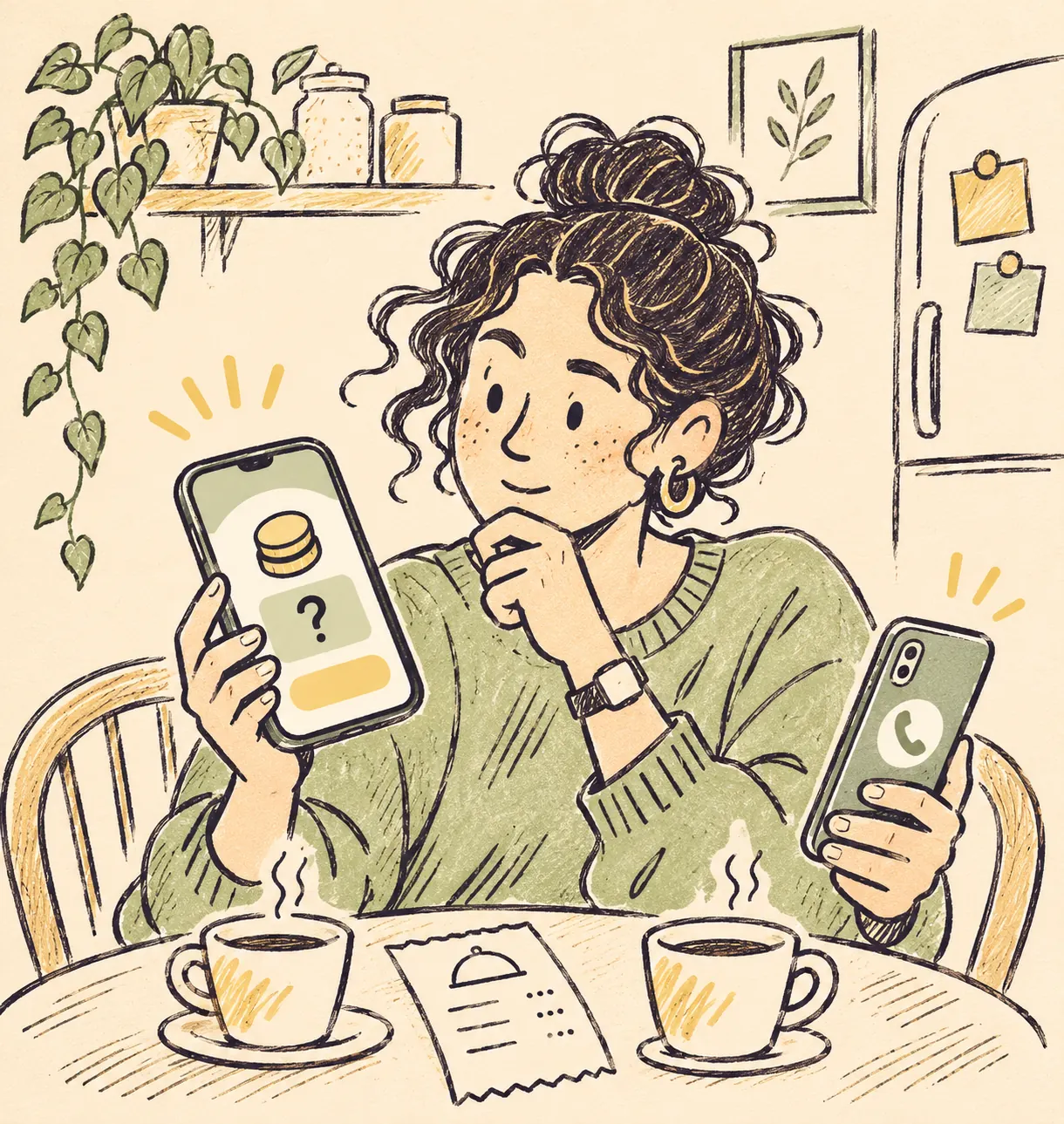
Here’s what you can do.
Pause and check what the request is for
Open your banking app yourself and read the request there. Check the amount, sender and any description against something you actually agreed to, such as a shared meal. A real app can carry a genuine request, but its presence does not prove that the reason or amount is right. Do not accept while someone is pressing you to hurry. In Monzo, a friend can send a bill-split request that appears as a notification for you to accept; the notification itself is not a bill you must pay.
Ask the person separately before paying
If you recognise the name but did not expect the request, contact the person using a number or conversation you already trust, rather than details supplied with the request or a follow-up message. Ask what the payment covers and compare it with your own receipt or arrangement. A familiar name can be used in an impersonation scam, and an urgent story is a reason to slow down. If the explanation does not add up, decline the request. You can also ask your bank through its official app or contact route for advice before moving money.
Decline, report or seek help if needed
If a request is unwanted or suspicious, decline it and report the attempted scam to your bank through its genuine app. Monzo customers can block someone from making further Monzo-to-Monzo payment requests; existing requests may still appear but can be declined. Blocking is a service-specific option, so check your own bank's help if you use another app. If you already paid and suspect fraud, contact the bank or payment provider immediately using trusted details. You can then report fraud to Report Fraud, or to Police Scotland on 101 if you are in Scotland. Keep the request and payment details you can safely access.
Your quick checklist.
Tick what you’ve done. This stays on this page.
0 of 3 markedDownload a short text copy to read without internet. It cannot call or alert anyone.
A few things explained.
Does a request inside a real bank app mean the person is genuine?
No. Monzo's own help shows that people can send bill-split requests through the app. The app can show a request without establishing that you agreed to the charge or that a follow-up story is true. Check the reason and amount independently before deciding.
Can I block someone who keeps requesting money?
Monzo says you can block a person from further Monzo-to-Monzo payments and requests through the transaction or Payments tab. Existing requests remain visible but can be declined. Another bank may offer different controls, so use its own help or support. If the requests are part of harassment or financial abuse, tell the bank; Monzo describes specialist support for this.
What if I accepted the request and now think it was a scam?
Contact your bank or payment provider as soon as possible through its official app or a trusted number. Tell it what you approved and keep the request and transaction details. Report Fraud takes fraud reports in England, Wales and Northern Ireland; in Scotland, report to Police Scotland on 101. Recovery is not guaranteed, so do not wait for a full explanation before contacting the bank.