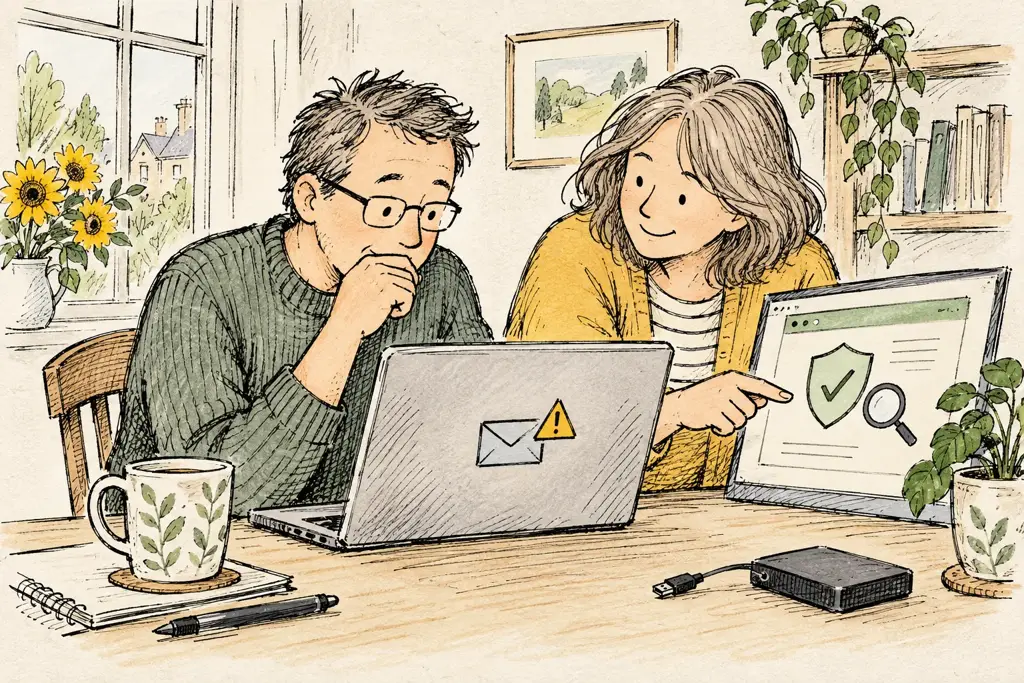
An unexpected Docusign request asks me to sign. How do I check it?
An email asks you to sign a contract you were not expecting. A fake electronic-signature request may copy Docusign's branding, but fraud can also involve misuse of a real customer account. Reaching the genuine service does not establish that the sender or agreement is trustworthy. This guide uses Docusign's own safety advice for UK recipients. Other signing services have different checking and reporting controls. Pause before signing, paying or following instructions inside the document, including a QR code that takes you to another login page.
ishowcrime desk
Sources checked 4 November 2026

Here’s what you can do.
Check who wants the signature
Contact the supposed sender through a number or contact you already trust, before opening an unexpected request. Ask whether they sent this particular document and why. Do not use a new number supplied in the suspicious email. Docusign says it does not send signature requests as attached files. Its fraud guidance also describes fake invoice emails that claim you have already signed, then urge you to call a number. These are reasons to stop and check, not to rush into a payment or download.
Use the official document-access route
For a Docusign request you need to check, type docusign.com into your browser yourself and choose Access Documents. Use the unique security code under Alternate Signing Method near the bottom of the notification email. This avoids using its sign-in link. Docusign says most envelope notifications contain this code. If it is missing or the route does not work, ask the verified sender or official support for help; do not treat an unfamiliar link as the fallback. Even a document reached this way can contain a harmful request. Keep checking the sender and contents before acting. Treat a QR code or link inside the document as a separate request. It can lead away from Docusign to a fake login page. Do not scan or follow it just because the document opened on the real service. Check any payroll or HR request with your employer through a known contact before giving information.
Report the request and protect exposed accounts
If you suspect impersonation or are unsure where the email came from, forward the whole email as an attachment to verify@docusign.com. This means attaching the email itself, not opening a file sent inside it. Docusign's Safety Center also links its Report Abuse form for suspected misuse of customer accounts. Within a genuine signing session, use Report Abuse. Forward suspicious emails to report@phishing.gov.uk too. Tell work IT about a work-device message. If you disclosed a password, change it wherever reused; contact your bank about exposed banking details or money sent. Reporting the message does not complete those protective steps.
Your quick checklist.
Tick what you’ve done. This stays on this page.
0 of 3 markedDownload a short text copy to read without internet. It cannot call or alert anyone.
A few things explained.
Can a real Docusign document contain a scam?
Yes. In an alert dated 20 August 2026, Docusign described abuse of registered accounts to send documents with blurred images. A button led to a harmful download presented as a way to reveal the content. Stop if asked to install an unblurring tool. The provider's warning shows why checking the platform address alone is not enough; it does not mean Docusign itself is making the fraudulent request. Docusign also warns about emails and documents with QR codes or links leading to fake login pages. These may pose as HR or payroll requests and try to capture usernames and passwords. Typing your password into the false page can give it to the scammer, even if you download nothing. Check with the real organisation before acting on that second request.
What if I already clicked or installed something?
Stop entering information. NCSC advises running a full antivirus scan, if you have antivirus, after opening a suspicious link on a computer or following installation instructions, and letting it handle problems found. Tell work IT if the device belongs to work. Follow official account-recovery guidance if you see unfamiliar activity or cannot sign in. Our linked virus-warning guide explains further computer checks; a scan does not undo a disclosed password or payment.
Does reporting to Docusign also report a crime in the UK?
No. Docusign says it does not contact law enforcement on a potential victim's behalf. For fraud or cyber crime in England, Wales or Northern Ireland, use Report Fraud. If you live in Scotland or the crime happened there, contact Police Scotland on 101. Report Fraud has a separate suspicious-contact route if you have not responded or lost money. Contact your bank promptly about a payment rather than waiting for either reporting service.