I found a USB drive. Should I plug it in to find the owner?
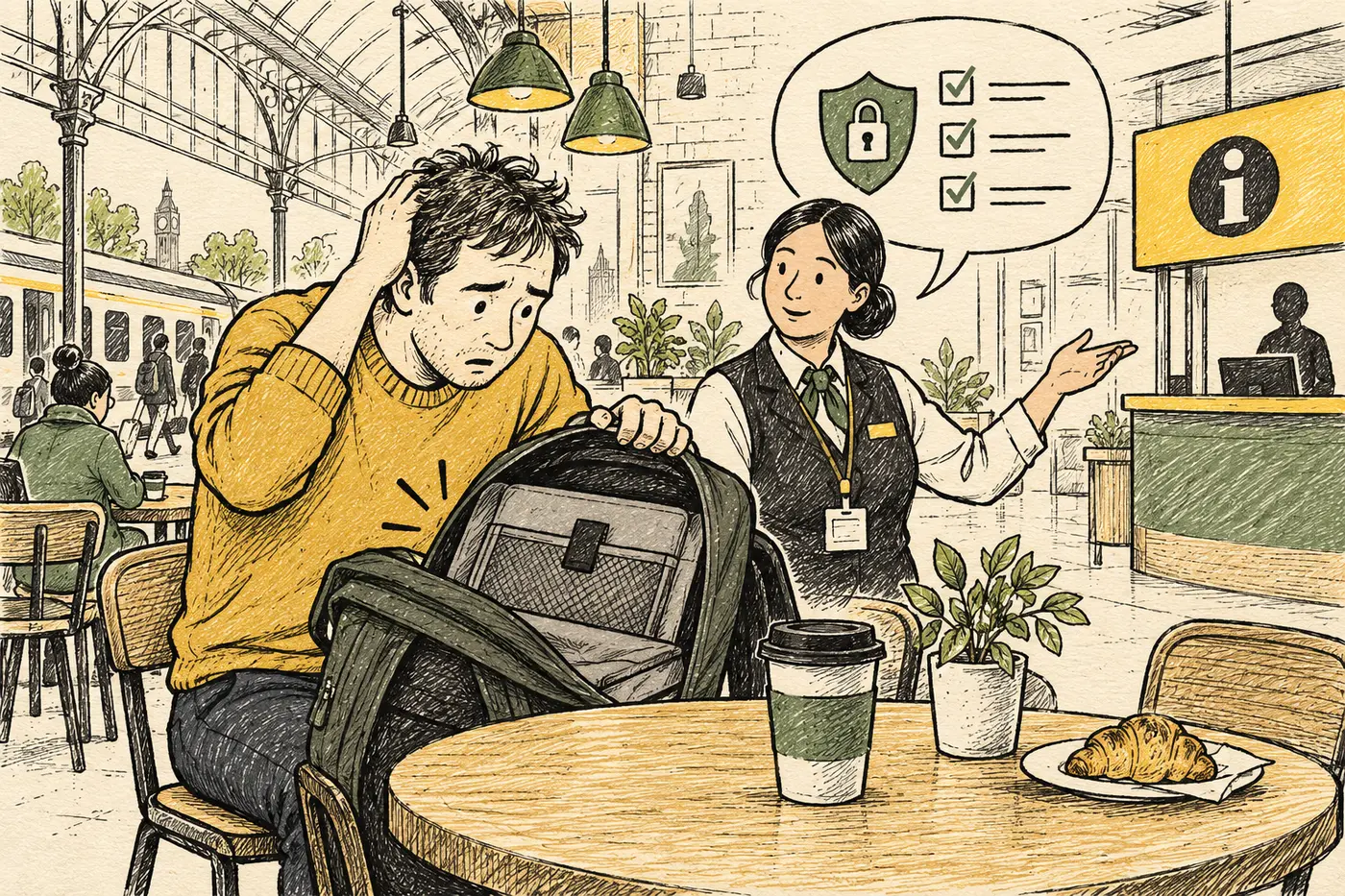
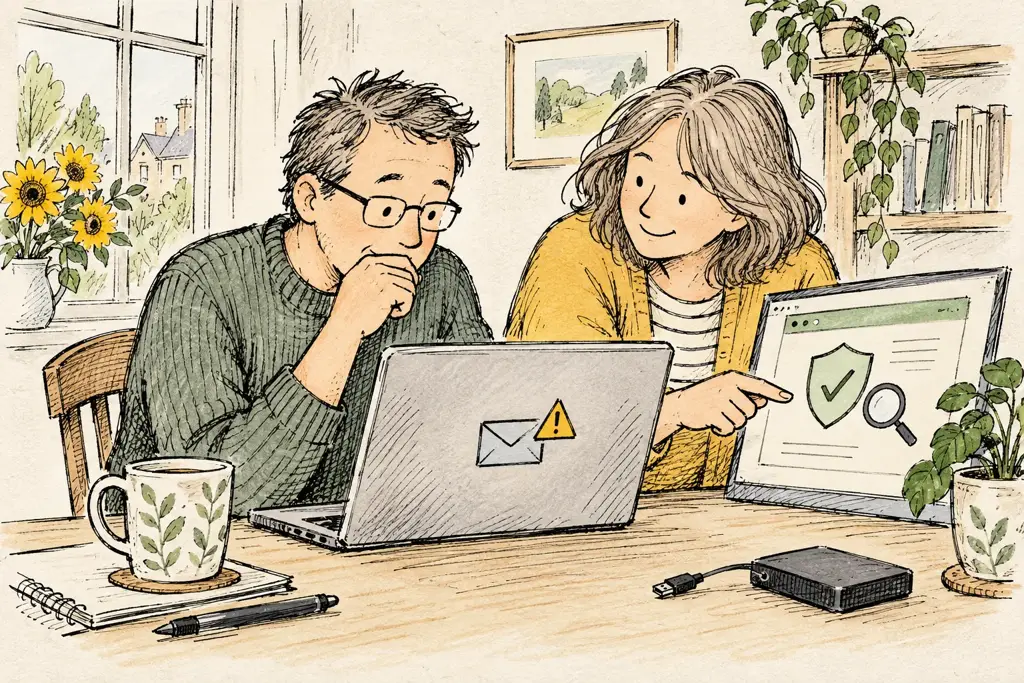
You find a USB stick beside a desk or on a café floor and want to return it. Opening its files might seem helpful, but connecting an unknown device can expose your computer to malicious software. Its appearance does not tell you whether it is safe. A found drive may simply be lost; finding it is not proof of a deliberate attack. You can help without examining its contents. Keep it disconnected and ask reception or lost property to handle it.
ishowcrime desk
Sources checked 22 October 2026
Here’s what you can do.
Keep the unknown device disconnected
Do not plug it in to look for a name, open a document or test whether it works. NCSC guidance explains that USB devices can introduce malicious software and other unwanted actions. The risk is not limited to opening an obviously suspicious file. At work or school, use only peripherals approved by the organisation.
Arrange a handover without browsing
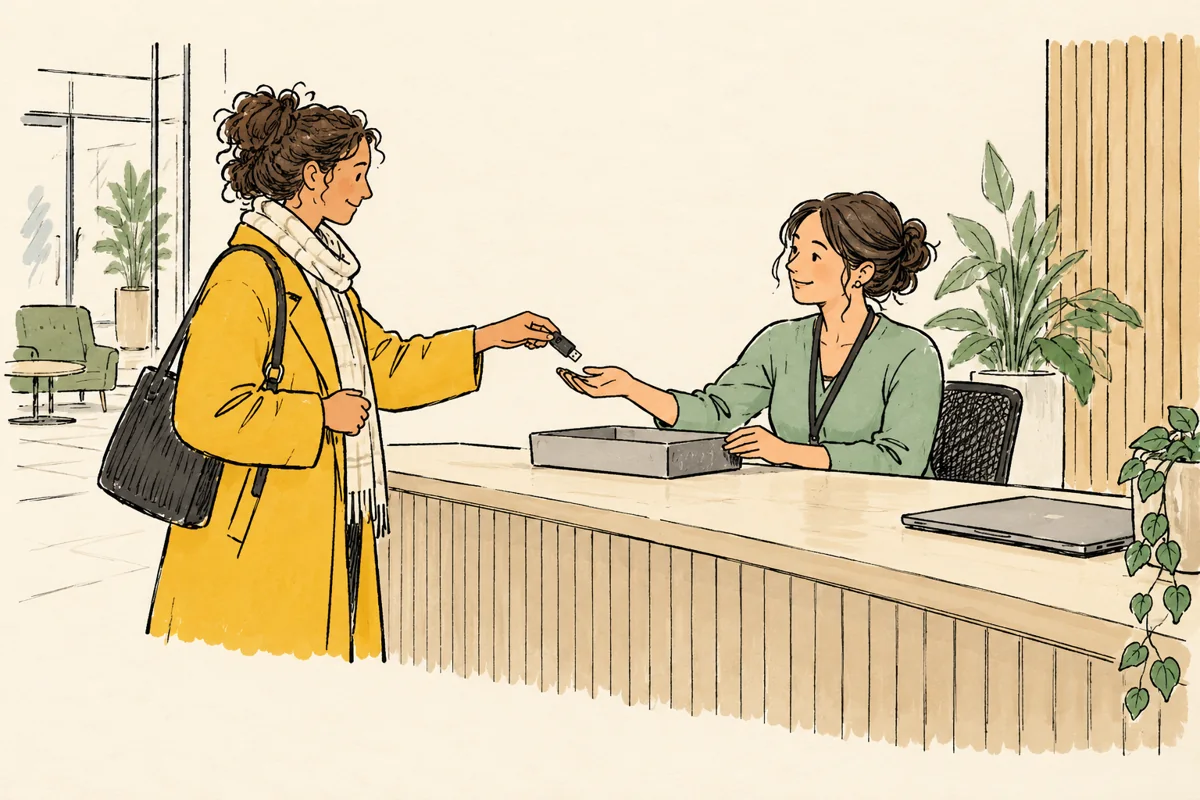
Ask a nearby receptionist or lost-property desk to take the drive, as Microsoft recommends. Explain where you found it and that its contents have not been checked. Do not ask another person to test it on their computer. At work, contact the IT helpdesk about the organisation's procedure.
Get help if it has already been connected
Do not continue opening files or move the drive to another computer. Tell work or school IT promptly if you used their device, and follow their instructions. Explain what you connected and whether you opened anything. On a personal Windows PC, Microsoft advises an immediate security scan after connecting an unknown removable device. Open Windows Security yourself, choose Virus & threat protection, then Scan options and Full scan. Follow the security app's advice about detected threats. If you use another antivirus product, follow its official scanning instructions.
Your quick checklist.
Tick what you’ve done. This stays on this page.
0 of 3 markedDownload a short text copy to read without internet. It cannot call or alert anyone.
A few things explained.
Is it safe if I promise not to open any files?
Do not rely on that. NCSC describes risks from the USB interface itself as well as files stored on removable media. Leave assessment to the organisation's IT staff rather than experimenting on a personal or shared computer.
What if Windows Security recommends an offline scan?
Microsoft Defender Offline restarts the PC and scans in the Windows Recovery Environment. Save your open work first. After the PC restarts again, check Protection history for the result. On a managed computer, follow IT's instructions rather than choosing recovery actions yourself.
What if I entered a password or bank details after opening a file?
If you entered them on a page you believe was fake, change the exposed password and any account using the same password through a trusted device. Tell your bank promptly if you supplied banking details. For unfamiliar account activity, use the provider's official recovery help; do not follow further instructions from the file.