How can I keep my laptop safe in a café or library?
You are working in a café and need to step away for a drink or the toilet. A laptop left on the table can be taken during that short gap; it may also hold work or personal information. Police advice for cafés, libraries and other public spaces is to keep devices and bags with you rather than leave them unattended. If it goes missing, first check with staff without assuming it was stolen, then report suspected theft and protect any accounts or work data at risk.
ishowcrime desk
Sources checked 7 November 2026
Here’s what you can do.
Take the laptop when you leave your seat
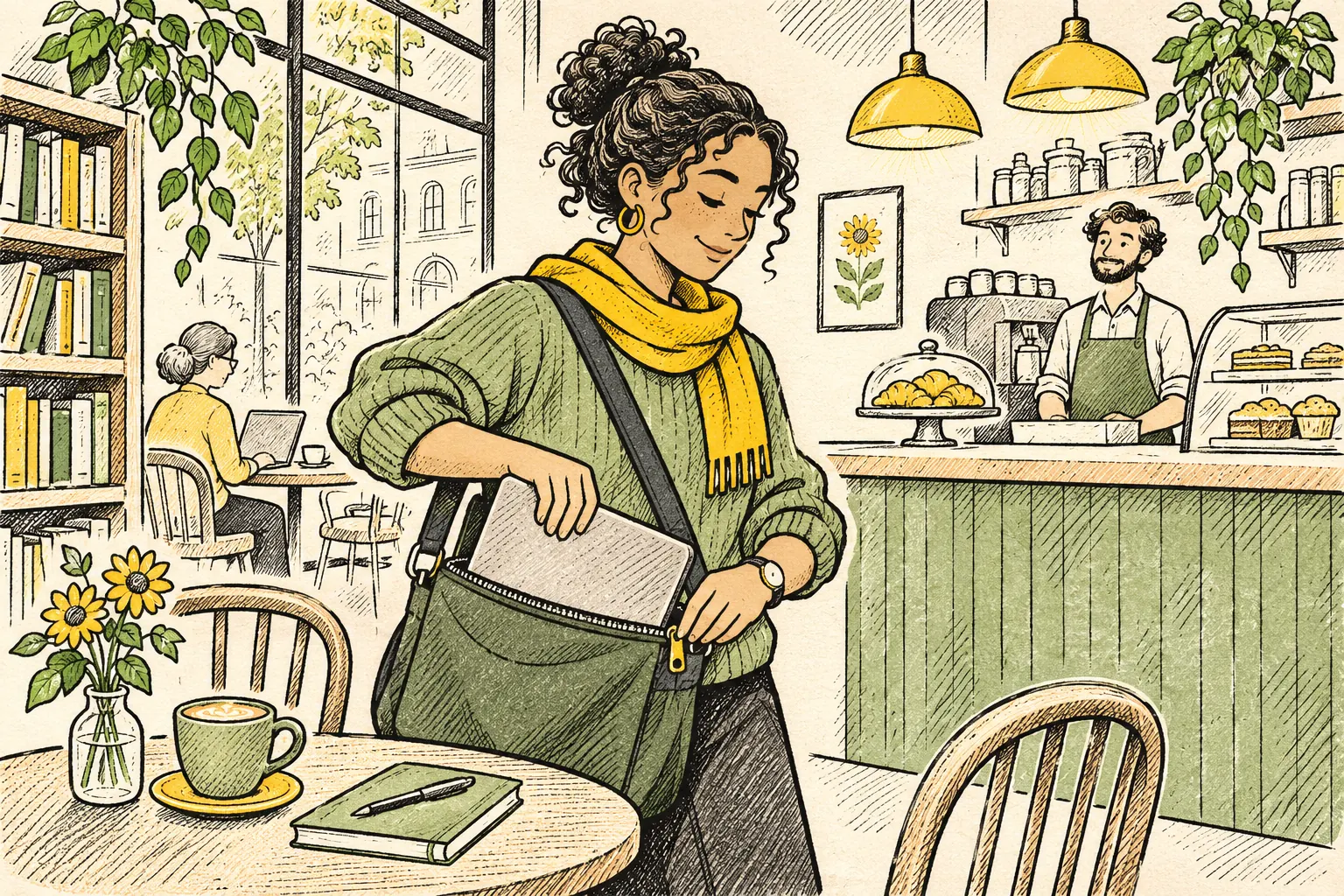
Pack the laptop into a bag you can keep with you, even when you are only going to the counter or toilet. West Yorkshire Police specifically warns against leaving laptops alone in libraries and cafés, and Avon and Somerset Police advises against leaving valuables unattended even briefly. Keep the bag where you can see and control it, not hanging behind a chair. A person asking a question near your table may have an ordinary reason; simply pause and keep hold of your things.
Protect the information on it
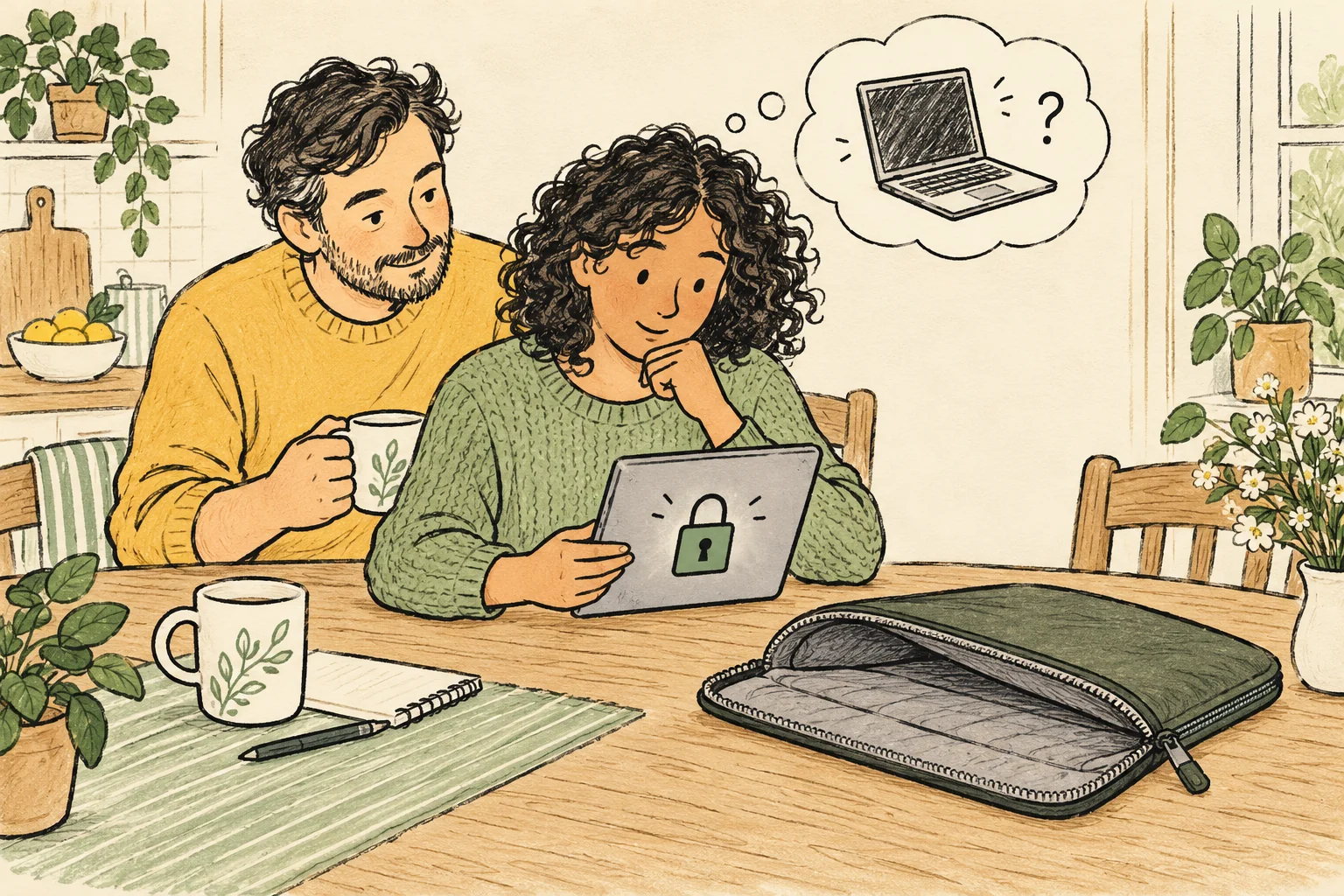
Lock the screen when you are not using the laptop, and keep any work-device settings required by your employer. If a screen contains private information, think about who can see it from nearby seats. NCSC guidance says remote workers should protect devices from theft and be aware of people overlooking a screen. Keep a separate backup of important files so the only copy is not on the laptop. For an employer-owned device, follow its rules rather than changing security settings yourself.
If it disappears, get help safely
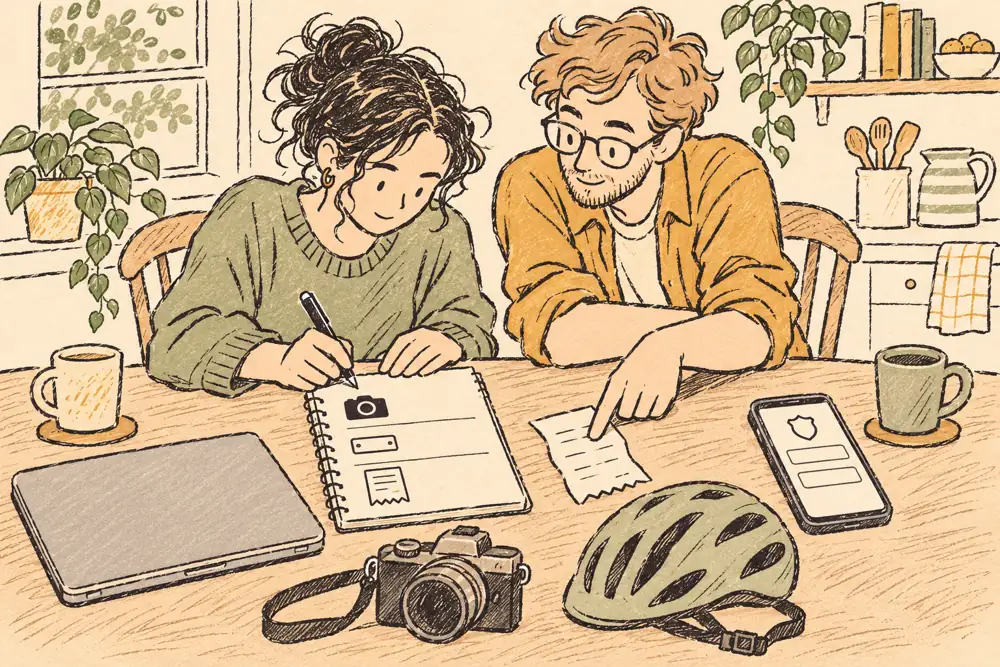
Ask venue staff whether the laptop has been handed in and note when and where you last saw it. If you believe it was stolen, report it to the local police online where available or call 101; call 999 if a theft is happening now or someone is in immediate danger. Give the make, model and serial number if you have them. Do not confront or pursue anyone. If the device belongs to work or holds work information, tell your IT helpdesk promptly from another device; NCSC says quick reporting gives the organisation more scope to protect its data. Follow the official account and device-recovery instructions that apply to your laptop.
Your quick checklist.
Tick what you’ve done. This stays on this page.
0 of 3 markedDownload a short text copy to read without internet. It cannot call or alert anyone.
A few things explained.
Can I leave my laptop on the table while I order a drink?
Police advice says not to leave a laptop or other valuable unattended even briefly in a café or library. Take it with you, or stay at the table until someone you know and trust can look after it. A chair or table does not secure it.
What if the laptop belongs to my employer?
Tell your organisation's IT helpdesk promptly if it is lost or stolen, as the NCSC advises. Follow your employer's reporting and device-security process. Do not change managed settings or try a wipe without understanding its instructions and the possible loss of local files.
What if I cannot tell whether it was lost or stolen?
Ask venue staff if it has been handed in and explain the last place you saw it. Report what you know and what you are unsure about. Police.uk says stolen property can be reported to the local force online where offered or by calling 101; use 999 for a serious offence in progress or immediate danger. Do not pursue anyone on a guess.