Phone theft in London: how to reduce the risk
Outside a busy London station, a quick look at a map can draw your attention away from the street. Phone theft in London can involve a snatch from a moving bike or a device lifted from a café table. Protecting the handset also helps protect the email, banking and personal information inside it. Being targeted is never your fault.
ishowcrime desk
Sources checked 30 October 2026
Here’s what you can do.
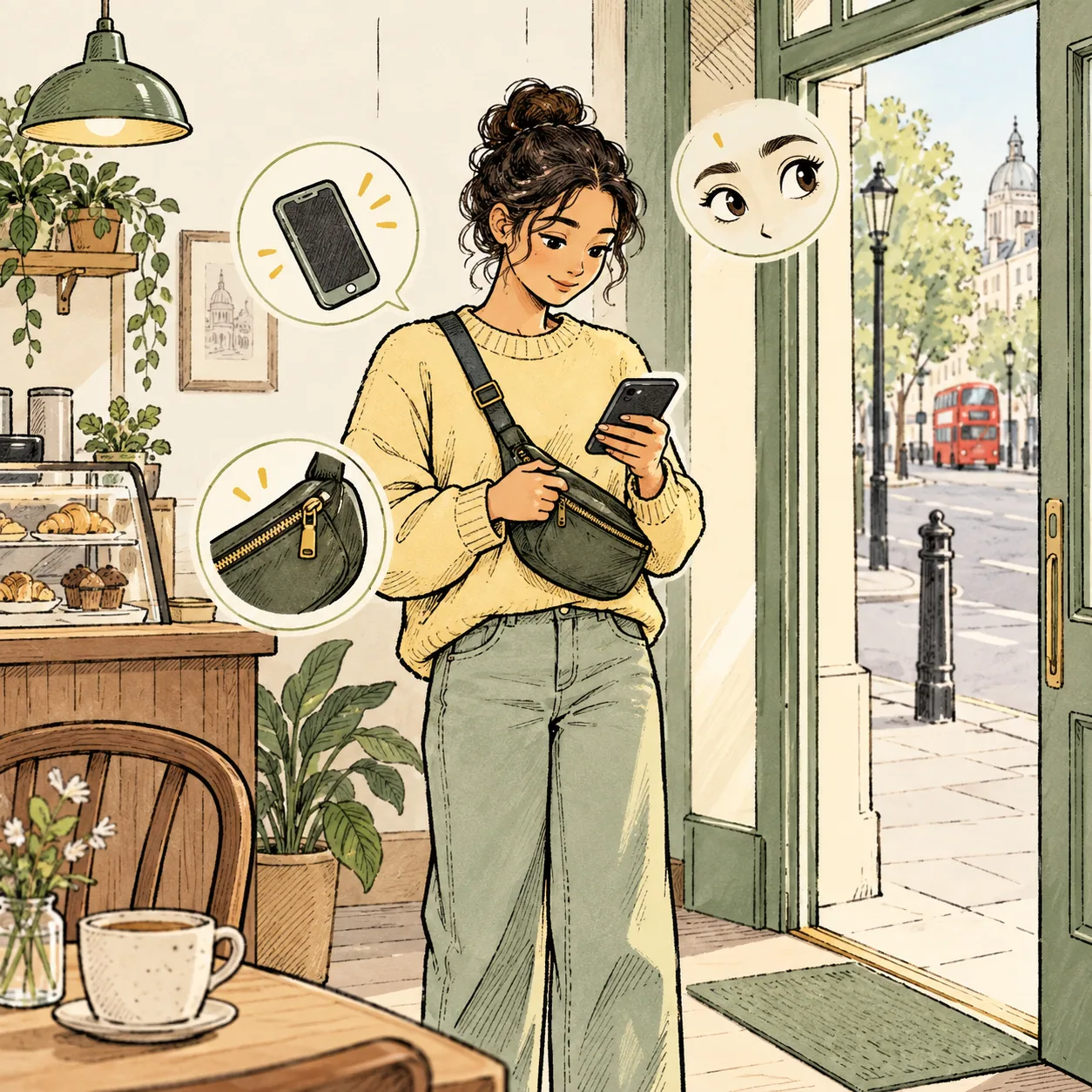
Pause before checking directions
Stop away from the roadside and look around before opening a map or message. Keep the check brief and put the phone away before walking again. The Met warns that snatches can happen around stations, shopping areas and venues, including during the day. Before a concert or festival, agree a meeting point with your friends in case a phone is lost or its battery dies. Keep key contact numbers somewhere separate from the handset. A group chat alone will not help if you can no longer open it; a plan agreed beforehand gives you another way to find each other.
Keep it close and protect the screen
Do not leave it on a café table or hand it to someone you have just met. Shield passcode entry, or use supported biometric login, so someone nearby cannot easily watch you unlock it. On a train, keep the phone with you and put it away in a closed pocket or bag after use. BTP warns about snatches near train doors and theft from distracted or sleeping passengers. If you may fall asleep or leave your seat, keep valuables with you and out of sight rather than on a seat or table. These habits reduce opportunities to take the handset; a screen lock protects data but cannot prevent the phone being taken.
Prepare for losing access
Set a strong screen lock and short auto-lock, hide sensitive message previews and keep the IMEI and important contacts somewhere separate. On iPhone, check Stolen Device Protection before a theft. On supported Android phones, open Settings → Google → All services → Theft protection. Enable Theft Detection Lock and Offline Device Lock where available, and check Failed authentication lock. These respond to different risks: a detected snatch, use after losing internet access, or repeated failed authentication. Review Identity Check too: outside trusted places it requires biometrics for sensitive changes, helping when someone knows your PIN. Set these protections up before you need them.
Your quick checklist.
Tick what you’ve done. This stays on this page.
0 of 3 markedDownload a short text copy to read without internet. It cannot call or alert anyone.
A few things explained.
Will Android theft protection work after every snatch or loss of signal?
No. Support varies; greyed-out Theft Detection Lock is unsupported, and an absent Identity Check option means it is unavailable. Theft detection can miss a snatch. Offline Device Lock needs the phone to be unlocked when internet access is lost; it locks after a short period of offline use, at most twice in 24 hours. It is different from Remote Lock, which needs the phone online to receive a request. None guarantees recovery.
How do I check iPhone Stolen Device Protection?
On iOS 17.3 or later, open Settings → Face ID (or Touch ID) & Passcode → Stolen Device Protection. Follow Apple's setup requirements, including Find My and account two-factor authentication. Extra checks normally apply away from familiar locations; choose Always under Require Security Delay to apply them everywhere. When those checks apply, viewing saved passwords requires Face ID or Touch ID with no passcode fallback. Changing the Apple Account password requires biometric authentication, an hour's wait, then another biometric check. That delay is intended to give you time to mark a stolen phone as lost; it is not a reason to wait before acting. Apple says purchases with Apple Pay can still use the iPhone passcode. Keep that code private and contact your bank promptly after theft. Stolen Device Protection does not secure every payment or guarantee recovery.
What if my phone is already stolen?
Get safe, report it promptly and use the linked stolen-phone guide to lock it and contact your network and bank. Prevention settings cannot be assumed to work if they were not set up beforehand. At a concert, tell a steward or the venue's customer-service team. A missing phone may have been lost rather than stolen, so explain what you know. At London's O2 arena, stewards and customer-service desks can help during the event. For a possible loss there, use the form on The O2's official Lost Property page; it says items are kept for seven days. Losses at indigo at The O2 go to its separate lost-property team, while shops, bars and restaurants handle their own enquiries. Use the route for the place you visited. A venue enquiry does not report a theft to police, block your SIM or protect your accounts; do those separately without waiting for a lost-property reply.