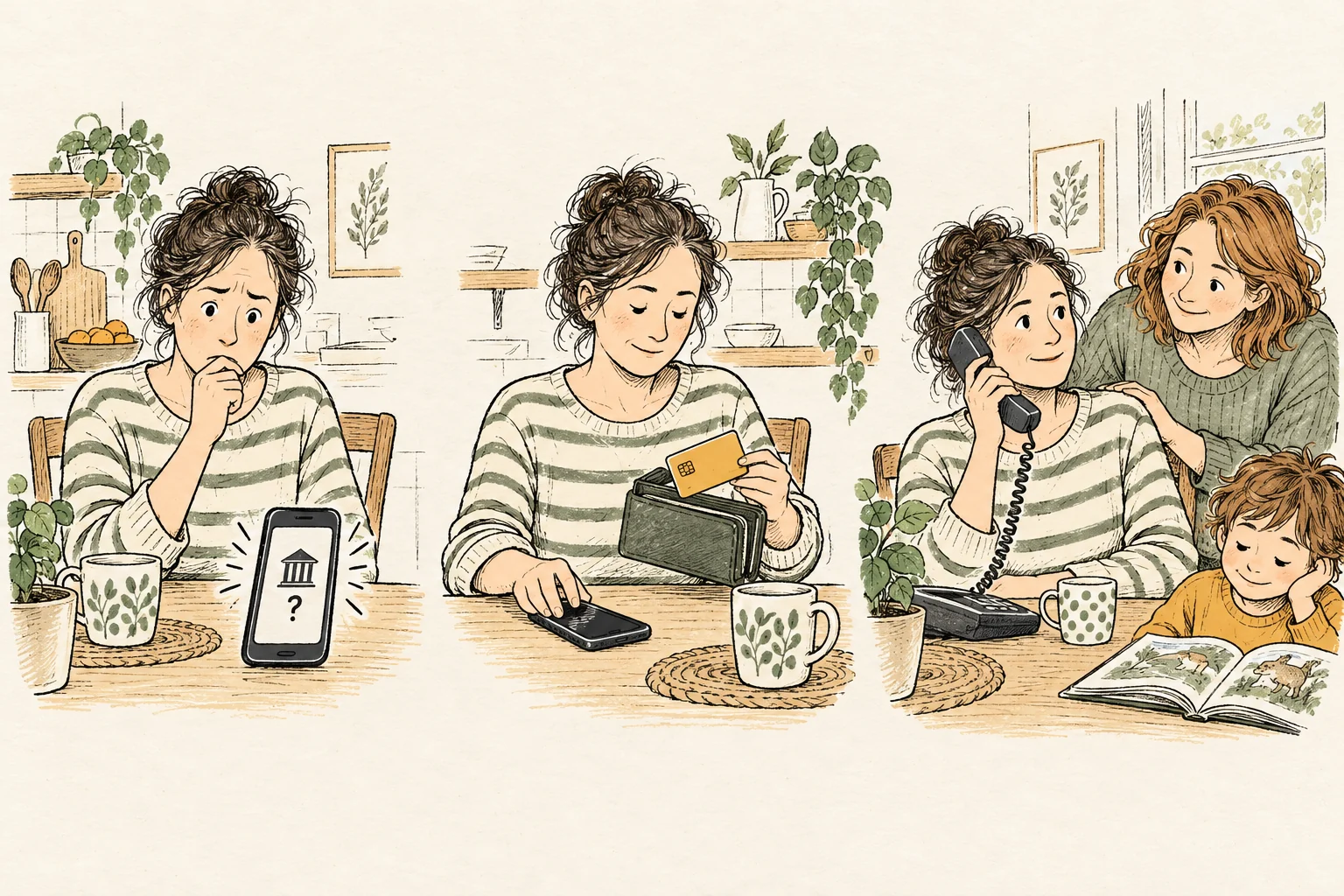
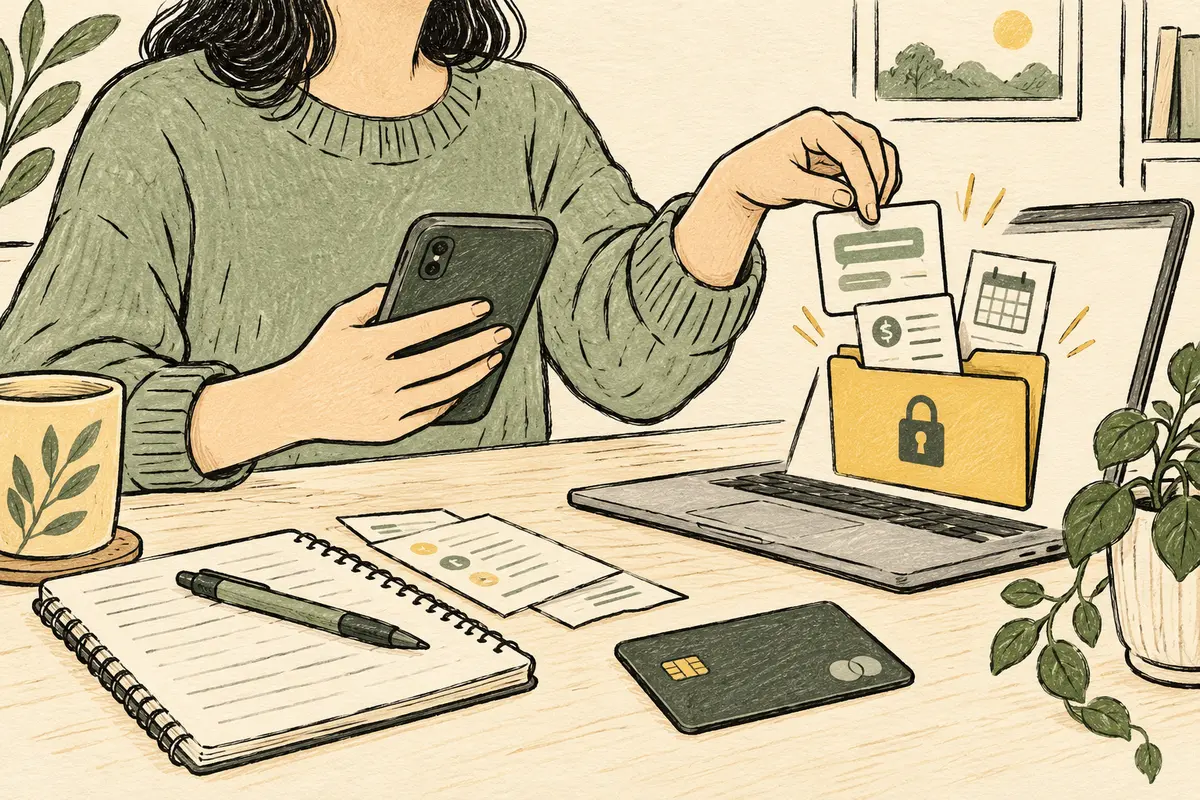
A suspicious text appeared in a real message thread. Can I trust it?
A new text appears beneath genuine messages from your bank or delivery service and asks you to follow a link. The conversation history makes it look familiar, but it does not authenticate this new request. Report Fraud says criminals can spoof a mobile sender so a fake text appears in the same thread as a real contact. A message about an urgent payment, account problem or missing parcel may still need attention; check it through the organisation's own app or website, opened independently. Do not use the link or number in the doubtful text.
ishowcrime desk
Sources checked 18 November 2026
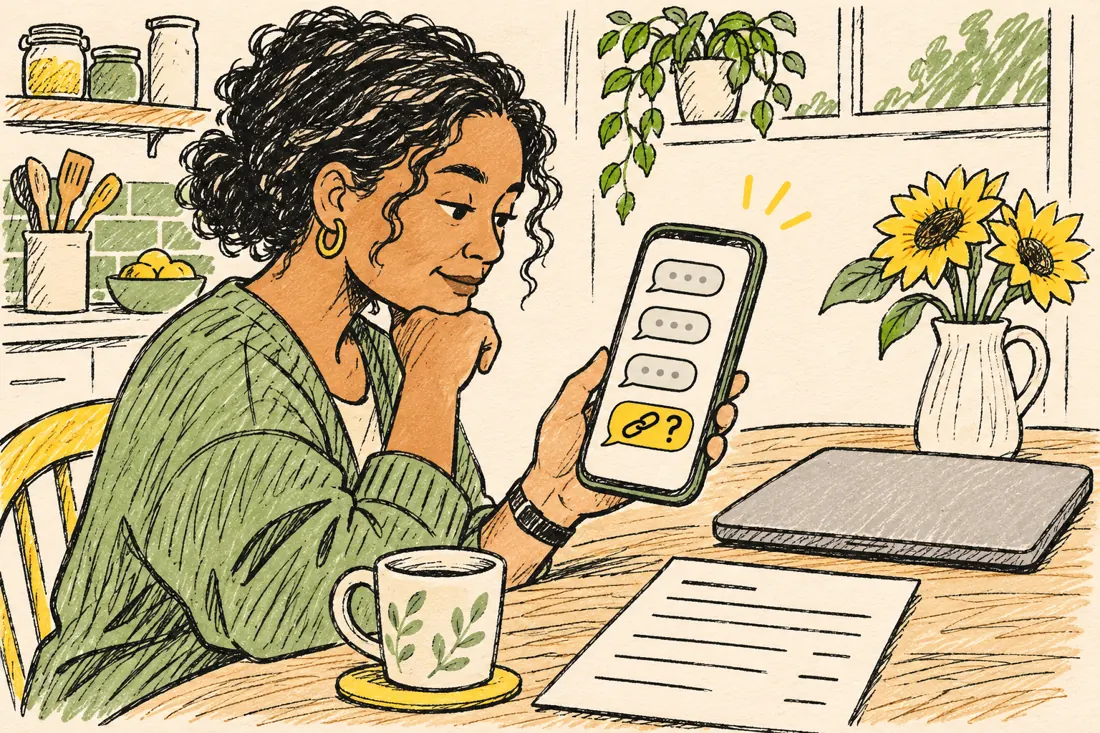
Here’s what you can do.
Judge the new request on its own
Pause at the unexpected request, even if earlier messages in the thread were genuine. A sender name or matching conversation is not proof: spoofing can place a fraudulent SMS beside legitimate texts. Warning signs include pressure to act immediately, an unfamiliar link, a request for personal details or a payment you did not expect. Do not reply, tap the link or use a number in that message while checking.
Check through a separate trusted route
Open the organisation's app yourself, type its known website address or use a number from a statement or card. Check whether the payment, delivery or security issue exists there. If the message claims to be from a person you know, contact them another way you already trust. This independent check matters because asking the suspicious sender to confirm its own identity tells you little. A real issue can still be dealt with through the genuine provider.
Report it and act on any exposure
For a suspicious SMS, forward that message to 7726 free of charge, or use your phone's built-in reporting tools. If the message arrived through WhatsApp or another app, use that app's own report feature; 7726 is generally for SMS, not app messages. If you entered bank or card details or sent money, contact your bank promptly through a trusted route. If you shared a password, change it wherever it was reused; if you opened a suspicious link on a computer, run a full scan with your existing antivirus. Report a financial loss or hacked account to Report Fraud, or to Police Scotland on 101 in Scotland.
Your quick checklist.
Tick what you’ve done. This stays on this page.
0 of 3 markedDownload a short text copy to read without internet. It cannot call or alert anyone.
A few things explained.
How can a fake text sit among genuine messages?
Report Fraud says criminals can spoof the mobile number or sender shown to a phone, causing a fake SMS to appear in the same thread as a genuine contact. This is a display and routing problem, not proof that the organisation sent the new text or that its systems were breached. Check the content and request separately.
Can I forward a WhatsApp message to 7726?
Ofcom says suspicious SMS texts can be forwarded to 7726. For WhatsApp, Telegram, Signal and similar apps, use the app's built-in report and block controls; those messages cannot usually be forwarded to 7726 as SMS. Some phones also have built-in reporting for other message types. Keep any details you need for a fraud report before deleting the message.
What if I clicked the link, paid or entered details?
Stop using the page. Contact your bank or card provider immediately if you shared payment details or sent money; use the bank's own app, website or number on your card. Change any password you entered, including on other accounts where you reused it. NCSC advises a full scan with existing antivirus if you opened a suspicious link on a computer. Report fraud or a hacked account to Report Fraud, or to Police Scotland on 101 in Scotland. Acting promptly may limit harm, but no step can guarantee recovery.